


Integration App MCP Server
The Integration App MCP Server provides AI assistants with secure, token-based access to a unified ecosystem of APIs, tools, and data sources, enabling powerful...
4 min read
Integration
AI
+5
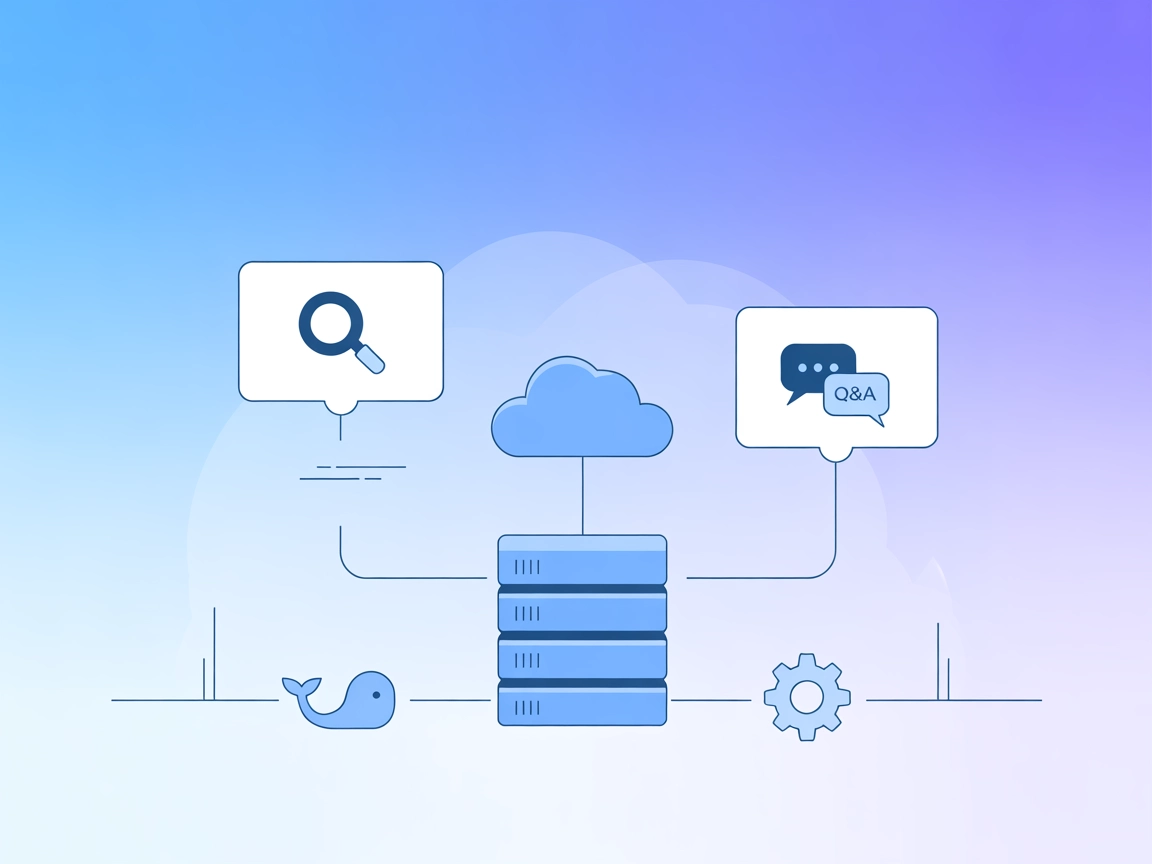
The Glean MCP Server brings enterprise-grade search and conversational Q&A to your FlowHunt AI agents via seamless integration with the Glean API.
The Glean MCP Server is an implementation of the Model Context Protocol (MCP) that integrates with the Glean API, enabling AI assistants to access advanced search and chat functionalities. By connecting to external data sources through the Glean platform, this server allows AI agents to retrieve search results or engage in Q&A conversations, thereby enhancing the capabilities of development workflows. With Glean MCP Server, users can streamline the process of querying enterprise knowledge bases or conversational chatbots, making it easier to surface relevant information and interact with data. This integration is especially beneficial for teams and organizations that rely on the Glean platform for internal knowledge management and wish to extend those capabilities to AI-powered applications.
No prompt templates are mentioned in the repository.

Start your free trial today and see results within days.
No resources are explicitly documented in the repository.
Get latest tips, trends, and deals for free.
No setup instructions for Windsurf are provided in the repository.
docker build -t glean-server:latest -f src/glean/Dockerfile .
claude_desktop_config.json file.{
"mcpServers": {
"glean-server": {
"command": "docker",
"args": [
"run",
"-i",
"--rm",
"-e",
"GLEAN_API_KEY",
"-e",
"GLEAN_DOMAIN",
"glean-server"
],
"env": {
  "GLEAN_API_KEY": "YOUR_API_KEY_HERE",
  "GLEAN_DOMAIN": "YOUR_DOMAIN_HERE"
}
}
}
}
Securing API Keys:
Environment variables are used to securely pass your API credentials:
"env": {
"GLEAN_API_KEY": "YOUR_API_KEY_HERE",
"GLEAN_DOMAIN": "YOUR_DOMAIN_HERE"
}
No setup instructions for Cursor are provided in the repository.
No setup instructions for Cline are provided in the repository.
Using MCP in FlowHunt
To integrate MCP servers into your FlowHunt workflow, start by adding the MCP component to your flow and connecting it to your AI agent:

Click on the MCP component to open the configuration panel. In the system MCP configuration section, insert your MCP server details using this JSON format:
{
  "glean": {
    "transport": "streamable_http",
    "url": "https://yourmcpserver.example/pathtothemcp/url"
  }
}
Once configured, the AI agent is now able to use this MCP as a tool with access to all its functions and capabilities. Remember to change “glean” to whatever the actual name of your MCP server is and replace the URL with your own MCP server URL.
| Section | Availability | Details/Notes |
|---|---|---|
| Overview | ✅ | |
| List of Prompts | ⛔ | No prompt templates documented |
| List of Resources | ⛔ | No explicit resources found |
| List of Tools | ✅ | Search, Chat |
| Securing API Keys | ✅ | Docker/JSON env example provided |
| Sampling Support (less important in evaluation) | ⛔ | Not mentioned |
Roots support is not mentioned anywhere in the repository.
Based on the above, the Glean MCP Server provides a minimal, functional MCP integration for the Glean API, offering clear tool interfaces but lacking detailed documentation for prompts, resources, and some platform setups. Its setup for Claude is straightforward, but support for other platforms and advanced features (roots, sampling) is missing.
The Glean MCP Server is a simple and focused MCP server implementation providing two essential tools—search and chat—integrated with the Glean API. While it is well-licensed and easy to set up for Claude, the lack of documentation for resources, prompts, and broader platform support limits its overall utility. Its straightforward Docker-based deployment and secure API key management are strong points. Overall, the repository’s completeness and usefulness rate a 5 out of 10.
| Has a LICENSE | ✅ (MIT) |
|---|---|
| Has at least one tool | ✅ |
| Number of Forks | 5 |
| Number of Stars | 6 |
Unlock advanced enterprise search and automated Q&A for your AI agents by connecting FlowHunt with the Glean MCP Server.
The Integration App MCP Server provides AI assistants with secure, token-based access to a unified ecosystem of APIs, tools, and data sources, enabling powerful...
Integrate FlowHunt with Glean’s local MCP server for seamless automation, easy configuration, and streamlined management. Effortlessly connect MCP clients, depl...
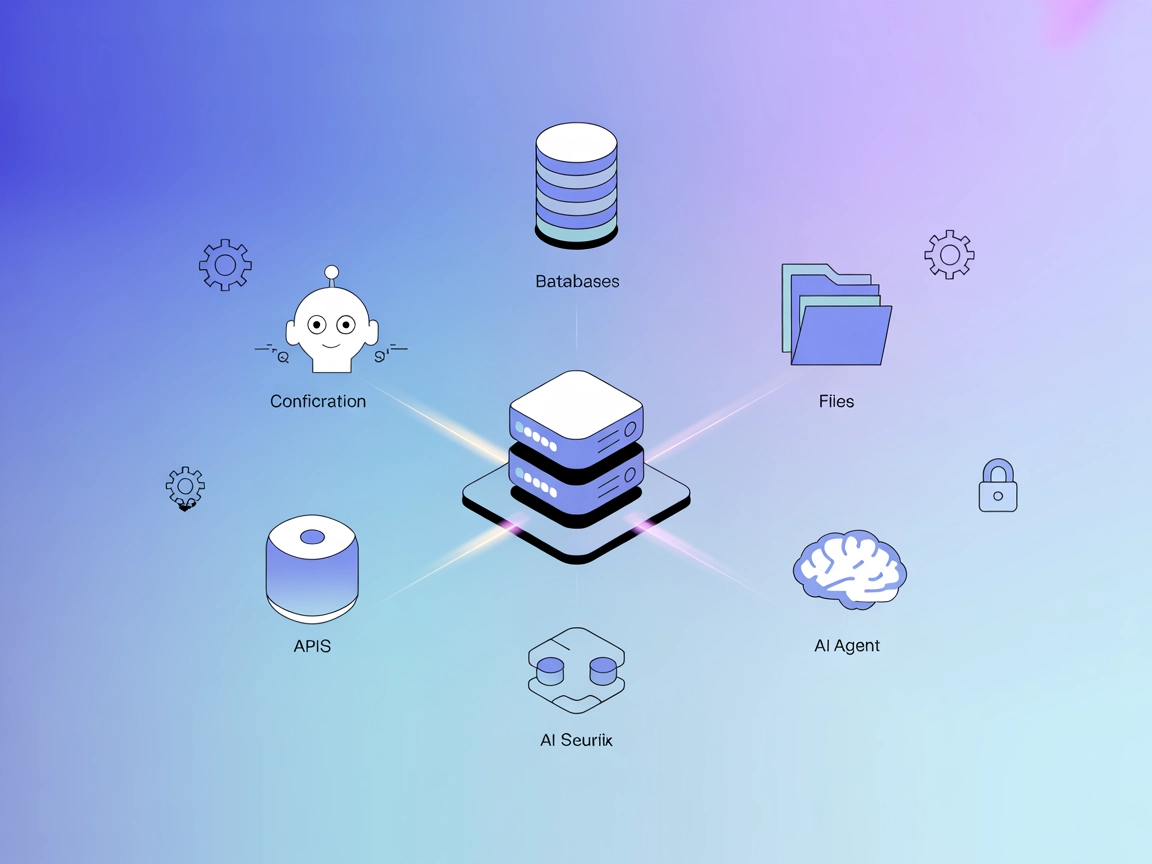
The ModelContextProtocol (MCP) Server acts as a bridge between AI agents and external data sources, APIs, and services, enabling FlowHunt users to build context...
Cookie Consent
We use cookies to enhance your browsing experience and analyze our traffic. See our privacy policy.