


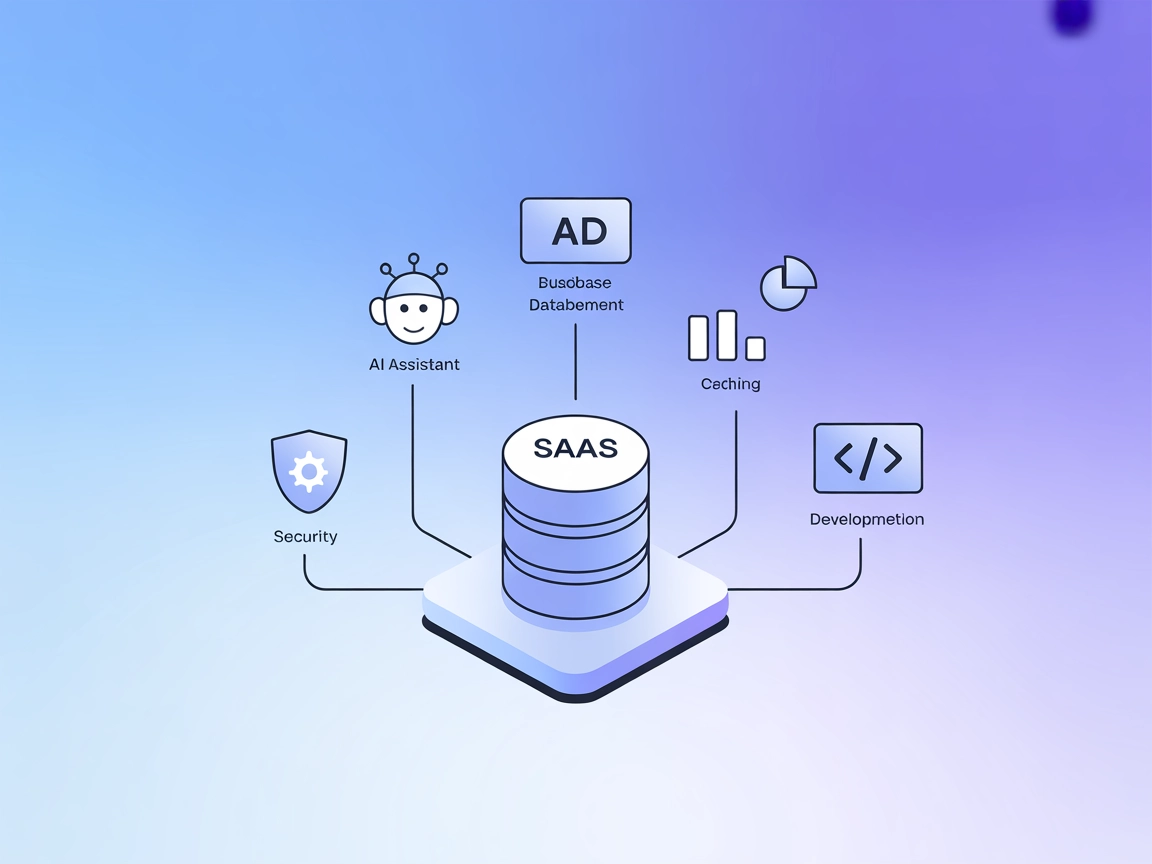
KWDB MCP Server Integration
The KWDB MCP Server connects AI assistants with the KWDB database, enabling business intelligence, data manipulation, and seamless integration with FlowHunt wor...
5 min read
MCP
Database
+5
Empower your AI workflows with direct access to event streams and projections in KurrentDB, enhancing rapid development, debugging, and analytics in FlowHunt.
The KurrentDB MCP Server is a tool designed to empower AI assistants and developers to interact seamlessly with KurrentDB, a stream-based database. By exposing a set of tools and standardized operations, the server enables clients to query, read, and write stream data, as well as build and manage projections directly from AI development environments. This integration enhances workflows by allowing tasks such as retrieving event streams, recording new events, and creating data projections to be executed programmatically or through natural language. The KurrentDB MCP Server streamlines prototyping, debugging, and exploration of event-driven data, making it particularly valuable for rapid development and analysis in applications leveraging KurrentDB.

Start your free trial today and see results within days.
Get latest tips, trends, and deals for free.
--run-projections=all --start-standard-projections)..codeium/windsurf/mcp_config.json.{
"mcpServers": {
"kurrentdb": {
"command": "python",
"args": ["path to mcp-server folder\\server.py"],
"env": {
"KURRENTDB_CONNECTION_STRING": "insert kurrentdb connection here"
}
}
}
}
{
  "servers": {
    "KurrentDB": {
      "type": "stdio",
      "command": "uv",
      "args": [
        "--directory",
        "path to mcp-server folder",
        "run",
        "server.py"
      ],
      "env": {
        "KURRENTDB_CONNECTION_STRING": "insert kurrentdb connection here"
      }
    }
  }
}
.cursor/mcp.json.{
"mcpServers": {
"kurrentdb": {
"command": "python",
"args": ["path to mcp-server folder\\server.py"],
"env": {
  "KURRENTDB_CONNECTION_STRING": "insert kurrentdb connection here"
}
}
}
}
No explicit instructions provided in the repository for Cline setup.
Use environment variables in your configuration:
"env": {
"KURRENTDB_CONNECTION_STRING": "insert kurrentdb connection here"
}
This keeps credentials secure and out of version control.
Using MCP in FlowHunt
To integrate MCP servers into your FlowHunt workflow, start by adding the MCP component to your flow and connecting it to your AI agent:

Click on the MCP component to open the configuration panel. In the system MCP configuration section, insert your MCP server details using this JSON format:
{
  "kurrentdb": {
    "transport": "streamable_http",
    "url": "https://yourmcpserver.example/pathtothemcp/url"
  }
}
Once configured, the AI agent is now able to use this MCP as a tool with access to all its functions and capabilities. Remember to change “kurrentdb” to whatever the actual name of your MCP server is and replace the URL with your own MCP server URL.
| Section | Availability | Details/Notes |
|---|---|---|
| Overview | ✅ | Clear overview of server purpose and capabilities |
| List of Prompts | ✅ | Prompt templates for all tools and workflows are provided |
| List of Resources | ✅ | Streams, projections, and their statuses are exposed |
| List of Tools | ✅ | Eight tools for stream and projection operations |
| Securing API Keys | ✅ | Uses environment variables in config for secure credential handling |
| Sampling Support (less important in evaluation) | ⛔ | Not mentioned in repo |
The KurrentDB MCP Server is well-documented and provides a comprehensive set of tools and resources for interacting with streams and projections in KurrentDB. Its configuration instructions are clear for the major platforms, but some advanced MCP features like Roots and Sampling are not mentioned. Overall, this MCP is robust for its intended database use case.
Rating: 8/10
| Has a LICENSE | ✅ (MIT) |
|---|---|
| Has at least one tool | ✅ |
| Number of Forks | 1 |
| Number of Stars | 9 |
Supercharge your AI and data projects by connecting KurrentDB to FlowHunt. Gain instant access to event stream data, projections, and advanced tooling for analytics and rapid development.
The KWDB MCP Server connects AI assistants with the KWDB database, enabling business intelligence, data manipulation, and seamless integration with FlowHunt wor...
The Keboola MCP Server bridges your Keboola project with modern AI tools, allowing AI assistants and clients to access storage, run SQL transformations, manage ...
The Apache IoTDB MCP Server enables seamless integration of the IoTDB time-series database into AI workflows, allowing AI assistants and developer tools to exec...
Cookie Consent
We use cookies to enhance your browsing experience and analyze our traffic. See our privacy policy.