


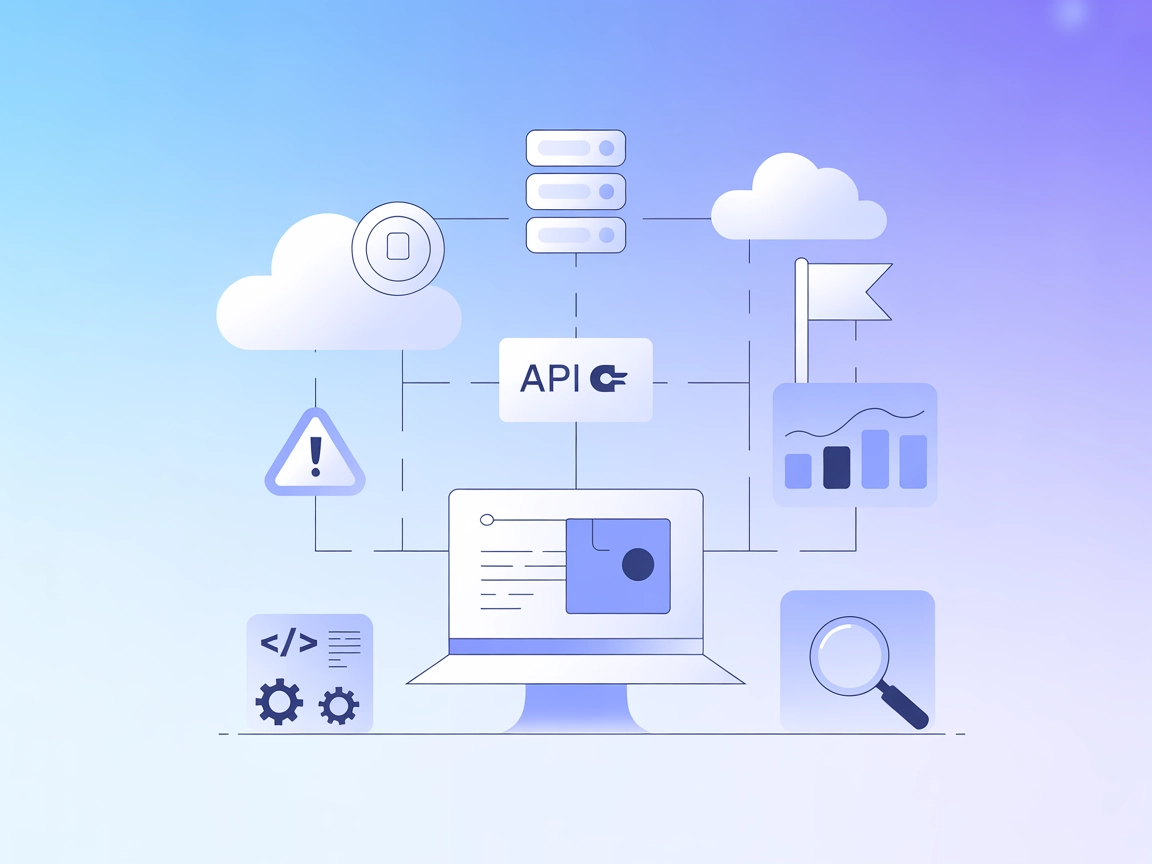
PostHog MCP Integration
Integrate FlowHunt with the PostHog MCP (Model Context Protocol) server to automate analytics workflows, manage feature flags, monitor errors, and securely conn...
3 min read
AI
PostHog
+5

Seamlessly integrate PostHog analytics, feature flag management, and error tracking into your FlowHunt AI workflows with the PostHog MCP Server.
The PostHog MCP (Model Context Protocol) Server is designed to connect AI assistants with the PostHog analytics platform, enabling enhanced development and operational workflows. By acting as a bridge between AI clients and PostHog’s feature flag management, analytics, and error tracking capabilities, the server allows AI models to perform tasks such as querying active feature flags, managing feature toggles, and retrieving error data. This integration empowers developers and teams to interact with their analytics data, control feature rollouts, and troubleshoot issues programmatically via LLMs, streamlining product management and observability processes.

Start your free trial today and see results within days.
Get latest tips, trends, and deals for free.
{
  "mcpServers": {
    "posthog": {
      "command": "npx",
      "args": [
        "-y",
        "mcp-remote@latest",
        "https://mcp.posthog.com/sse",
        "--header",
        "Authorization:${POSTHOG_AUTH_HEADER}"
      ],
      "env": {
        "POSTHOG_AUTH_HEADER": "Bearer {INSERT_YOUR_PERSONAL_API_KEY_HERE}"
      }
    }
  }
}
{
  "mcpServers": {
    "posthog": {
      "command": "npx",
      "args": [
        "-y",
        "mcp-remote@latest",
        "https://mcp.posthog.com/sse",
        "--header",
        "Authorization:${POSTHOG_AUTH_HEADER}"
      ],
      "env": {
        "POSTHOG_AUTH_HEADER": "Bearer {INSERT_YOUR_PERSONAL_API_KEY_HERE}"
      }
    }
  }
}
{
  "mcpServers": {
    "posthog": {
      "command": "npx",
      "args": [
        "-y",
        "mcp-remote@latest",
        "https://mcp.posthog.com/sse",
        "--header",
        "Authorization:${POSTHOG_AUTH_HEADER}"
      ],
      "env": {
        "POSTHOG_AUTH_HEADER": "Bearer {INSERT_YOUR_PERSONAL_API_KEY_HERE}"
      }
    }
  }
}
{
  "mcpServers": {
    "posthog": {
      "command": "npx",
      "args": [
        "-y",
        "mcp-remote@latest",
        "https://mcp.posthog.com/sse",
        "--header",
        "Authorization:${POSTHOG_AUTH_HEADER}"
      ],
      "env": {
        "POSTHOG_AUTH_HEADER": "Bearer {INSERT_YOUR_PERSONAL_API_KEY_HERE}"
      }
    }
  }
}
Securing API Keys
Always store API keys as environment variables, not in plain text. Example:
"env": {
  "POSTHOG_AUTH_HEADER": "Bearer {INSERT_YOUR_PERSONAL_API_KEY_HERE}"
}
Using MCP in FlowHunt
To integrate MCP servers into your FlowHunt workflow, start by adding the MCP component to your flow and connecting it to your AI agent:

Click on the MCP component to open the configuration panel. In the system MCP configuration section, insert your MCP server details using this JSON format:
{
  "MCP-name": {
    "transport": "streamable_http",
    "url": "https://yourmcpserver.example/pathtothemcp/url"
  }
}
Once configured, the AI agent is able to use this MCP as a tool with access to all its functions and capabilities. Remember to change “MCP-name” to “posthog” and replace the URL with your own MCP server URL.
| Section | Availability | Details/Notes |
|---|---|---|
| Overview | ✅ | |
| List of Prompts | ✅ | Details from README.md |
| List of Resources | ⛔ | Not documented |
| List of Tools | ✅ | docs-search (available if Inkeep API key is set) |
| Securing API Keys | ✅ | Documented in setup instructions |
| Sampling Support (less important in evaluation) | ⛔ | Not documented |
Based on the available information, the PostHog MCP Server is easy to set up and well-documented for prompts and tools, but is limited in explicit resource and advanced MCP feature documentation. It scores well for basic integration and developer utility.
| Has a LICENSE | ✅ (MIT) |
|---|---|
| Has at least one tool | ✅ |
| Number of Forks | 3 |
| Number of Stars | 35 |
Empower your FlowHunt AI agents with direct access to analytics, feature flag control, and error insights via PostHog MCP Server.
Integrate FlowHunt with the PostHog MCP (Model Context Protocol) server to automate analytics workflows, manage feature flags, monitor errors, and securely conn...
The OpenSearch MCP Server enables seamless integration of OpenSearch with FlowHunt and other AI agents, allowing programmatic access to search, analytics, and c...
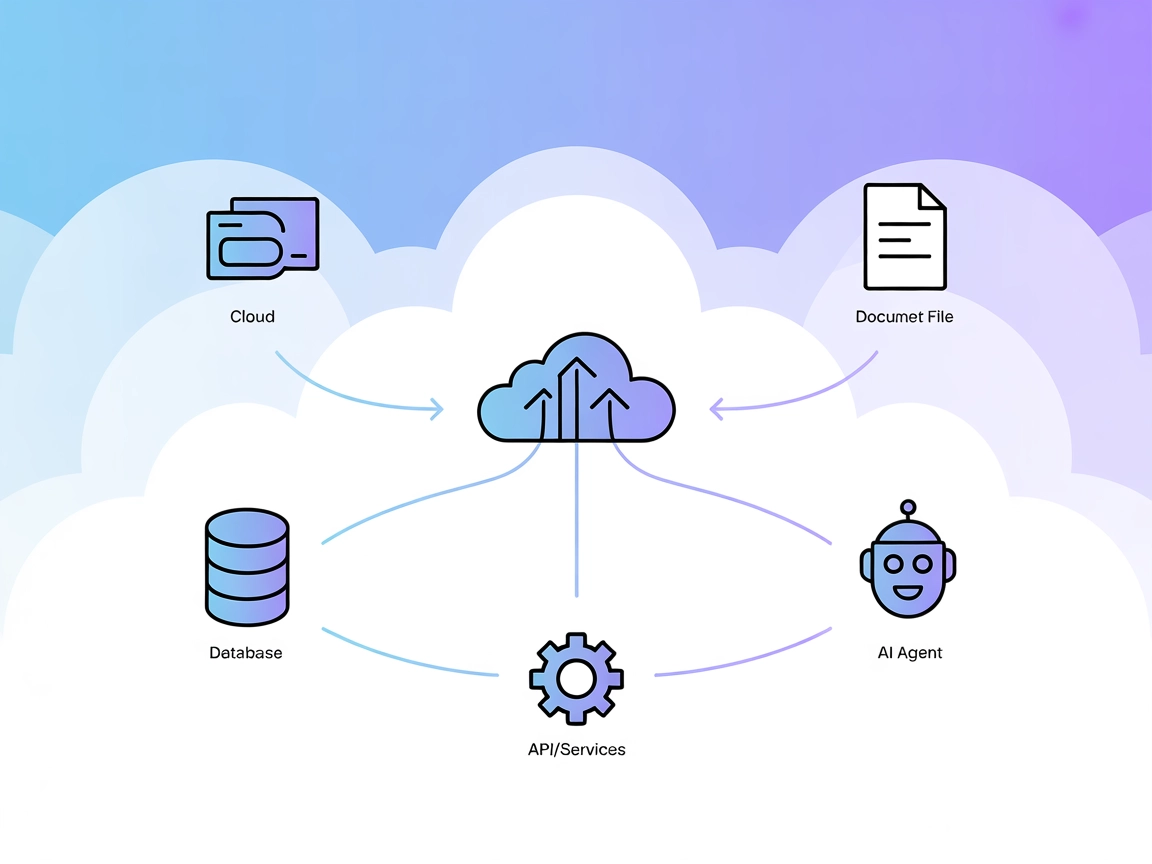
The Model Context Protocol (MCP) Server bridges AI assistants with external data sources, APIs, and services, enabling streamlined integration of complex workfl...
Cookie Consent
We use cookies to enhance your browsing experience and analyze our traffic. See our privacy policy.