


Pushover
Integrate FlowHunt with Pushover MCP to enable instant, AI-powered push notifications for real-time alerts, task updates, and workflow events across your organi...
4 min read
AI
Pushover
+3
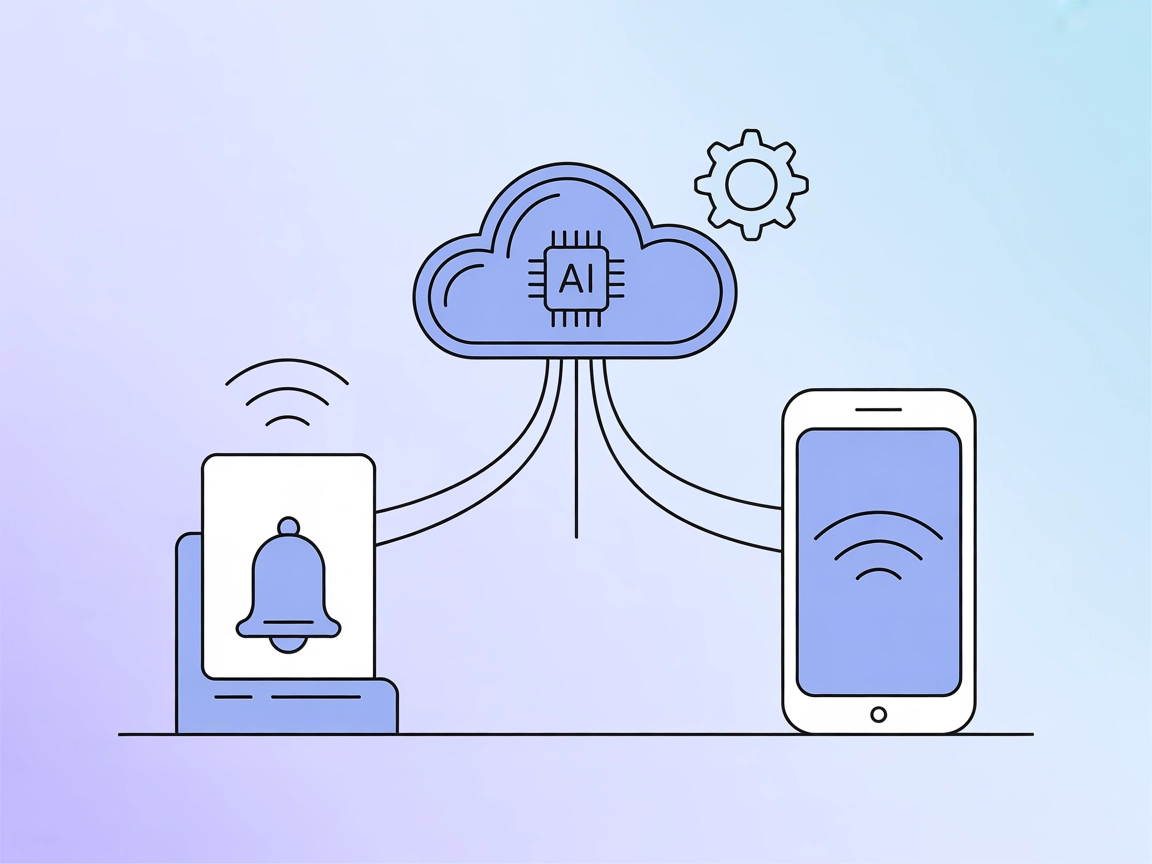
Integrate AI-driven, real-time push notifications into your automation flows using the Pushover MCP Server for streamlined alerts, reminders, and workflow updates.
Pushover MCP is a Model Context Protocol (MCP) server that enables AI agents to send notifications via Pushover.net . By implementing the MCP specification, the Pushover MCP server acts as a bridge between AI assistants and the Pushover notification platform. This integration allows developers and AI-driven workflows to trigger real-time notifications to users or devices through simple, standardized MCP tool calls. Typical use cases include alerting users to important events, sending reminders, and integrating notification flows into automated development or monitoring systems. With Pushover MCP, AI clients gain programmatic access to push notifications, enhancing the ability to keep users informed and responsive within broader AI-driven automation or assistance workflows.
No prompt templates are mentioned in the repository or documentation.

Start your free trial today and see results within days.
No specific MCP resources are documented in the repository.
send
Sends a notification via Pushover with customizable options such as message body, title, priority, sound, URL, URL title, and target device.
{
  "name": "send",
  "params": {
    "message": "Hello from AI",
    "title": "AI Notification",
    "priority": 1
  }
}
Get latest tips, trends, and deals for free.
No specific Windsurf setup instructions are provided in the documentation.
No specific Claude setup instructions are provided in the documentation.
Ensure you have Node.js installed.
Obtain your application token and user key from your Pushover.net dashboard .
Run the MCP server using npx:
npx -y pushover-mcp@latest start --token YOUR_TOKEN --user YOUR_USER
In Cursor IDE, go to Cursor Settings > MCP.
Click + Add New MCP Server and fill in:
Pushover Notificationcommandnpx -y pushover-mcp@latest start --token YOUR_TOKEN --user YOUR_USERCreate a .cursor/mcp.json file in your project.
Add the following JSON:
{
  "mcpServers": {
    "pushover": {
      "command": "npx",
      "args": [
        "-y",
        "pushover-mcp@latest",
        "start",
        "--token",
        "YOUR_TOKEN",
        "--user",
        "YOUR_USER"
      ]
    }
  }
}
Save the file and restart Cursor if necessary.
The tool will then appear under Available Tools in MCP settings.
No specific Cline setup instructions are provided in the documentation.
No explicit environment variable usage is documented, but you may structure your configuration as follows for security:
{
  "mcpServers": {
    "pushover": {
      "command": "npx",
      "args": [
        "-y",
        "pushover-mcp@latest",
        "start"
      ],
      "env": {
        "PUSHOVER_TOKEN": "YOUR_TOKEN",
        "PUSHOVER_USER": "YOUR_USER"
      },
      "inputs": {
        "token": "${env:PUSHOVER_TOKEN}",
        "user": "${env:PUSHOVER_USER}"
      }
    }
  }
}
Replace "YOUR_TOKEN" and "YOUR_USER" with your actual environment variables.
Using MCP in FlowHunt
To integrate MCP servers into your FlowHunt workflow, start by adding the MCP component to your flow and connecting it to your AI agent:

Click on the MCP component to open the configuration panel. In the system MCP configuration section, insert your MCP server details using this JSON format:
{
  "pushover-mcp": {
    "transport": "streamable_http",
    "url": "https://yourmcpserver.example/pathtothemcp/url"
  }
}
Once configured, the AI agent is now able to use this MCP as a tool with access to all its functions and capabilities. Remember to change "pushover-mcp" to whatever the actual name of your MCP server is (e.g., "pushover-mcp") and replace the URL with your own MCP server URL.
| Section | Availability | Details/Notes |
|---|---|---|
| Overview | ✅ | |
| List of Prompts | ⛔ | No prompts documented |
| List of Resources | ⛔ | No resources documented |
| List of Tools | ✅ | “send” tool only |
| Securing API Keys | ⛔ | Example structure provided, not in docs |
| Sampling Support (less important in evaluation) | ⛔ | Not mentioned |
| Roots Support | ⛔ | Not mentioned |
Pushover MCP is a focused, simple MCP implementation for notification delivery. While it offers a clear tool and easy integration, it lacks advanced MCP features like resources, prompts, roots, and sampling. It is best suited for straightforward notification workflows.
| Has a LICENSE | ✅ (MIT) |
|---|---|
| Has at least one tool | ✅ |
| Number of Forks | 5 |
| Number of Stars | 20 |
Enhance your AI workflows with instant push notifications using the Pushover MCP Server. Keep users informed, responsive, and connected—automatically.
Integrate FlowHunt with Pushover MCP to enable instant, AI-powered push notifications for real-time alerts, task updates, and workflow events across your organi...

The ntfy-me-mcp MCP Server bridges AI assistants and ntfy notification servers, enabling programmatic sending and receiving of notifications via the Model Conte...

ntfy-mcp is an MCP server that acts as a notification bridge between AI assistants and the ntfy notification service, enabling real-time task completion alerts ...
Cookie Consent
We use cookies to enhance your browsing experience and analyze our traffic. See our privacy policy.