


StarRocks
Integrate FlowHunt with StarRocks MCP Server to enable direct SQL execution, data exploration, visualization, and seamless analytics workflows powered by AI ass...
4 min read
AI
StarRocks
+4

Seamlessly empower your AI agents to manage and analyze StarRocks databases with the StarRocks MCP Server—offering query, management, and visualization tools within FlowHunt.
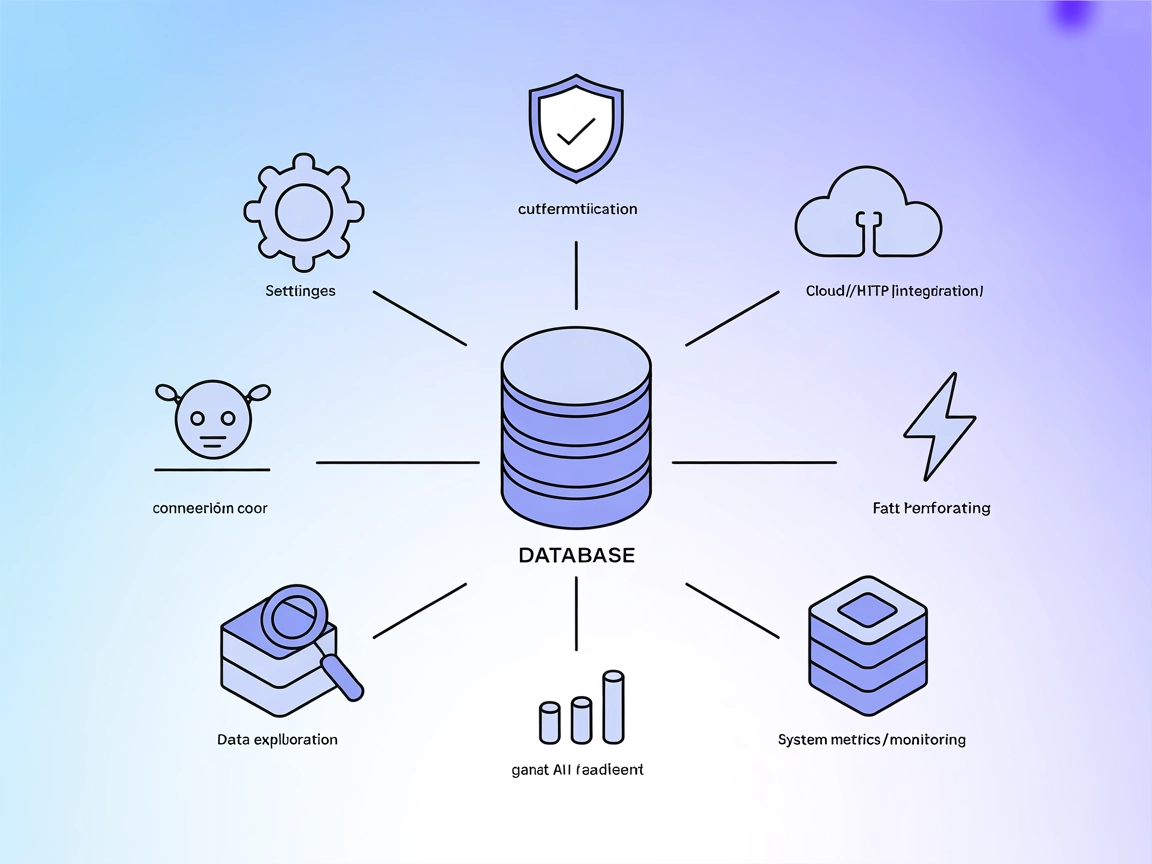
The StarRocks MCP (Model Context Protocol) Server acts as an intelligent bridge between AI assistants and StarRocks databases. It provides seamless access for AI agents to execute SQL queries, explore databases, retrieve schema and data overviews, and visualize data using charts—all without requiring complex client-side setup. By exposing StarRocks database resources and actions as MCP primitives, the server enables tasks such as listing tables, running SELECT or DDL/DML commands, and generating comprehensive summaries at both the table and database level. Additionally, intelligent in-memory caching speeds up repeated requests, and flexible environment configuration makes integration into developer workflows straightforward. This enhances developer productivity when building AI-powered data tools, analytics agents, or database management solutions.
No prompt templates are explicitly mentioned in the repository.

Start your free trial today and see results within days.
SELECT SQL queries against the StarRocks database and returns results.INSERT, UPDATE, DELETE, CREATE, etc.) for database modification.Get latest tips, trends, and deals for free.
uv is installed and StarRocks MCP server package is available.mcpServers object:{
"mcpServers": {
"mcp-server-starrocks": {
"command": "uv",
"args": ["run", "--with", "mcp-server-starrocks", "mcp-server-starrocks"],
"env": {
"STARROCKS_HOST": "localhost",
"STARROCKS_PORT": "9030",
"STARROCKS_USER": "root",
"STARROCKS_PASSWORD": "",
"STARROCKS_DB": "",
"STARROCKS_OVERVIEW_LIMIT": "20000",
"STARROCKS_MYSQL_AUTH_PLUGIN":"mysql_clear_password"
}
}
}
}
uv are installed.mcpServers object:{
"mcpServers": {
"mcp-server-starrocks": {
"url": "http://localhost:8000/mcp"
}
}
}
export MCP_TRANSPORT_MODE=streamable-http
uv run mcp-server-starrocks
uv and StarRocks MCP server locally or as a package.{
"mcpServers": {
"mcp-server-starrocks": {
"command": "uv",
"args": [
"--directory",
"path/to/mcp-server-starrocks",
"run",
"mcp-server-starrocks"
],
"env": {
"STARROCKS_HOST": "localhost",
"STARROCKS_PORT": "9030",
"STARROCKS_USER": "root",
"STARROCKS_PASSWORD": "",
"STARROCKS_DB": "",
"STARROCKS_OVERVIEW_LIMIT": "20000",
"STARROCKS_MYSQL_AUTH_PLUGIN":"mysql_clear_password"
}
}
}
}
uv, StarRocks MCP server).{
"mcpServers": {
"mcp-server-starrocks": {
"url": "http://localhost:8000/mcp"
}
}
}
export MCP_TRANSPORT_MODE=streamable-http
uv run mcp-server-starrocks
Store sensitive data such as database credentials using environment variables in your MCP server configuration. Here’s an example:
{
  "mcpServers": {
    "mcp-server-starrocks": {
      "command": "uv",
      "args": ["run", "--with", "mcp-server-starrocks", "mcp-server-starrocks"],
      "env": {
        "STARROCKS_HOST": "${STARROCKS_HOST}",
        "STARROCKS_USER": "${STARROCKS_USER}",
        "STARROCKS_PASSWORD": "${STARROCKS_PASSWORD}"
      },
      "inputs": {
        "STARROCKS_DB": "analytics"
      }
    }
  }
}
Using MCP in FlowHunt
To integrate MCP servers into your FlowHunt workflow, start by adding the MCP component to your flow and connecting it to your AI agent:

Click on the MCP component to open the configuration panel. In the system MCP configuration section, insert your MCP server details using this JSON format:
{
  "starrocks": {
    "transport": "streamable_http",
    "url": "https://yourmcpserver.example/pathtothemcp/url"
  }
}
Once configured, the AI agent is now able to use this MCP as a tool with access to all its functions and capabilities. Remember to change “starrocks” to whatever the actual name of your MCP server is (e.g., “github-mcp”, “weather-api”, etc.) and replace the URL with your own MCP server URL.
| Section | Availability | Details/Notes |
|---|---|---|
| Overview | ✅ | |
| List of Prompts | ⛔ | No explicit prompt templates mentioned. |
| List of Resources | ✅ | starrocks://, proc://, table/database overview resources |
| List of Tools | ✅ | read_query, write_query, table_overview, db_overview, query_and_plotly_chart |
| Securing API Keys | ✅ | Via env vars in config |
| Sampling Support (less important in evaluation) | ⛔ | Not mentioned |
StarRocks MCP Server is a well-scoped, production-grade MCP implementation for StarRocks database integration. It provides strong resource and tool coverage for data-driven workflows, though lacks prompt templates and sampling/roots features. Its documentation is solid, setup is well-explained, and it supports secure configuration.
| Has a LICENSE | ✅ (Apache-2.0) |
|---|---|
| Has at least one tool | ✅ |
| Number of Forks | 27 |
| Number of Stars | 82 |
Unlock advanced SQL querying, schema exploration, and instant data visualization for your AI agents by integrating the StarRocks MCP Server with FlowHunt.
Integrate FlowHunt with StarRocks MCP Server to enable direct SQL execution, data exploration, visualization, and seamless analytics workflows powered by AI ass...

The JDBC MCP Server bridges AI assistants and SQL databases using the JDBC protocol, enabling real-time queries, analytics automation, and streamlined database ...
The Apache IoTDB MCP Server enables seamless integration of the IoTDB time-series database into AI workflows, allowing AI assistants and developer tools to exec...
Cookie Consent
We use cookies to enhance your browsing experience and analyze our traffic. See our privacy policy.