


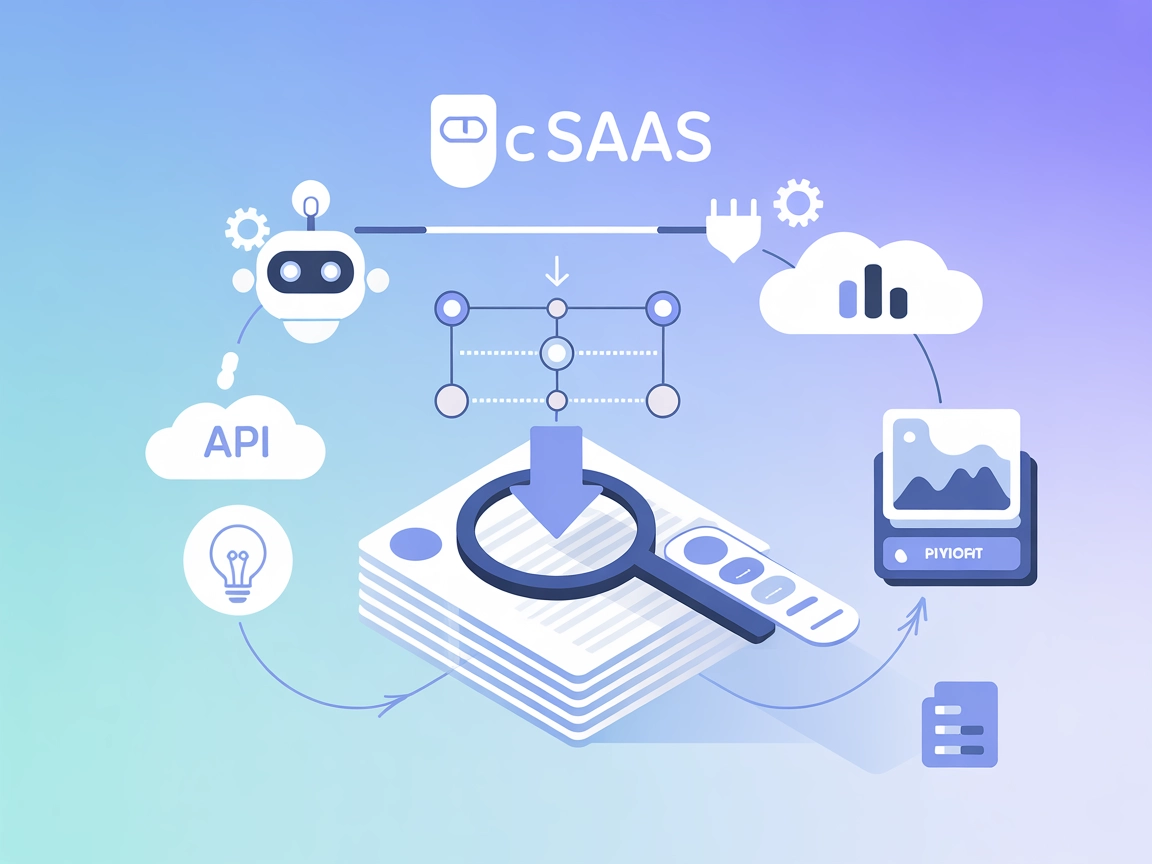
Vectorize MCP
Integrate FlowHunt with the Vectorize MCP Server to enable advanced vector search, document retrieval, and intelligent text extraction. Supercharge your knowled...
4 min read
AI
Vectorize
+4

Connect FlowHunt with the Vectorize MCP Server for seamless vector-based search, enhanced text extraction, and efficient data management in your AI applications.
The Vectorize MCP Server is an implementation of the Model Context Protocol (MCP) designed to integrate with Vectorize for advanced vector retrieval and text extraction. By connecting AI assistants to the Vectorize platform, the server enables enhanced development workflows, such as retrieving vector representations of data and extracting meaningful text information. This allows AI clients and developers to leverage external data sources efficiently, perform sophisticated vector-based queries, and manage content for downstream LLM interactions. The server is particularly useful for tasks requiring semantic search, intelligent context retrieval, and large-scale data management, thus streamlining and augmenting AI-powered applications and workflows.
No prompt templates are mentioned in the repository.

Start your free trial today and see results within days.
No explicit resources are listed or described in the repository files.
No specific tool definitions are listed in the available repository files, including server.py (the repo uses a src directory, but contents are not shown).
Get latest tips, trends, and deals for free.
VECTORIZE_ORG_IDVECTORIZE_TOKENVECTORIZE_PIPELINE_ID{
"mcpServers": {
"vectorize": {
"command": "npx",
"args": ["-y", "@vectorize-io/vectorize-mcp-server@latest"],
"env": {
"VECTORIZE_ORG_ID": "${input:org_id}",
"VECTORIZE_TOKEN": "${input:token}",
"VECTORIZE_PIPELINE_ID": "${input:pipeline_id}"
},
"inputs": [
{ "type": "promptString", "id": "org_id", "description": "Vectorize Organization ID" },
{ "type": "promptString", "id": "token", "description": "Vectorize Token", "password": true },
{ "type": "promptString", "id": "pipeline_id", "description": "Vectorize Pipeline ID" }
]
}
}
}
{
  "mcpServers": {
    "vectorize": {
      "command": "npx",
      "args": ["-y", "@vectorize-io/vectorize-mcp-server@latest"],
      "env": {
        "VECTORIZE_ORG_ID": "${input:org_id}",
        "VECTORIZE_TOKEN": "${input:token}",
        "VECTORIZE_PIPELINE_ID": "${input:pipeline_id}"
      },
      "inputs": [
        { "type": "promptString", "id": "org_id", "description": "Vectorize Organization ID" },
        { "type": "promptString", "id": "token", "description": "Vectorize Token", "password": true },
        { "type": "promptString", "id": "pipeline_id", "description": "Vectorize Pipeline ID" }
      ]
    }
  }
}
{
  "mcpServers": {
    "vectorize": {
      "command": "npx",
      "args": ["-y", "@vectorize-io/vectorize-mcp-server@latest"],
      "env": {
        "VECTORIZE_ORG_ID": "${input:org_id}",
        "VECTORIZE_TOKEN": "${input:token}",
        "VECTORIZE_PIPELINE_ID": "${input:pipeline_id}"
      },
      "inputs": [
        { "type": "promptString", "id": "org_id", "description": "Vectorize Organization ID" },
        { "type": "promptString", "id": "token", "description": "Vectorize Token", "password": true },
        { "type": "promptString", "id": "pipeline_id", "description": "Vectorize Pipeline ID" }
      ]
    }
  }
}
{
  "mcpServers": {
    "vectorize": {
      "command": "npx",
      "args": ["-y", "@vectorize-io/vectorize-mcp-server@latest"],
      "env": {
        "VECTORIZE_ORG_ID": "${input:org_id}",
        "VECTORIZE_TOKEN": "${input:token}",
        "VECTORIZE_PIPELINE_ID": "${input:pipeline_id}"
      },
      "inputs": [
        { "type": "promptString", "id": "org_id", "description": "Vectorize Organization ID" },
        { "type": "promptString", "id": "token", "description": "Vectorize Token", "password": true },
        { "type": "promptString", "id": "pipeline_id", "description": "Vectorize Pipeline ID" }
      ]
    }
  }
}
Securing API Keys:
API keys and sensitive credentials should be provided through environment variables in your configuration.
Example:
"env": {
  "VECTORIZE_ORG_ID": "${input:org_id}",
  "VECTORIZE_TOKEN": "${input:token}",
  "VECTORIZE_PIPELINE_ID": "${input:pipeline_id}"
}
Inputs can be set to prompt for user entry, with password: true for sensitive fields.
Using MCP in FlowHunt
To integrate MCP servers into your FlowHunt workflow, start by adding the MCP component to your flow and connecting it to your AI agent:

Click on the MCP component to open the configuration panel. In the system MCP configuration section, insert your MCP server details using this JSON format:
{
  "vectorize": {
    "transport": "streamable_http",
    "url": "https://yourmcpserver.example/pathtothemcp/url"
  }
}
Once configured, the AI agent is now able to use this MCP as a tool with access to all its functions and capabilities. Remember to change "vectorize" to whatever the actual name of your MCP server is and replace the URL with your own MCP server URL.
| Section | Availability | Details/Notes |
|---|---|---|
| Overview | ✅ | Overview available |
| List of Prompts | ⛔ | No prompt templates found |
| List of Resources | ⛔ | No explicit resources listed |
| List of Tools | ⛔ | No tool definitions in available files |
| Securing API Keys | ✅ | Instructions provided for env variables/input prompts |
| Sampling Support (less important in evaluation) | ⛔ | Not mentioned |
The Vectorize MCP Server project is well-documented in terms of setup and integration, but lacks clear documentation or code on prompts, resources, or explicit tool definitions in the public repository. The setup for multiple platforms is strong, but developer-facing features and code-level primitives (like tools and resources) are either not present or not documented. Overall, this MCP is practical for those using Vectorize but is missing details for broader MCP feature adoption.
| Has a LICENSE | ✅ MIT |
|---|---|
| Has at least one tool | ⛔ |
| Number of Forks | 13 |
| Number of Stars | 67 |
Unlock advanced vector search and data extraction by integrating the Vectorize MCP Server with FlowHunt. Boost your AI agent’s capabilities with real-time, context-aware access to external data sources.
Integrate FlowHunt with the Vectorize MCP Server to enable advanced vector search, document retrieval, and intelligent text extraction. Supercharge your knowled...
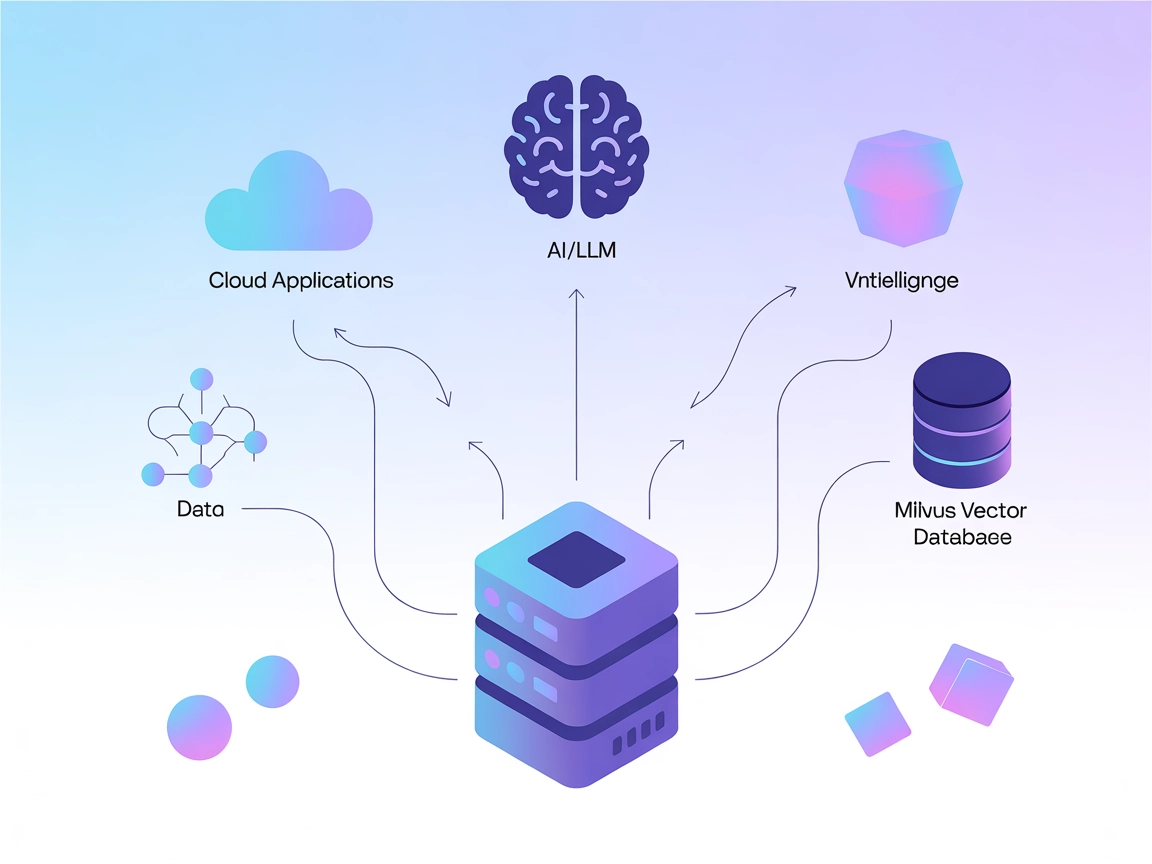
The Milvus MCP Server connects AI assistants and LLM-powered applications with the Milvus vector database, enabling advanced vector search, embedding management...

Integrate FlowHunt with Pinecone vector databases using the Pinecone MCP Server. Enable semantic search, Retrieval-Augmented Generation (RAG), and efficient doc...
Cookie Consent
We use cookies to enhance your browsing experience and analyze our traffic. See our privacy policy.