



Yunxin MCP
Integrate FlowHunt with Netease Yunxin MCP Server to automate IM/RTC messaging, monitor real-time communication, and optimize chat and call analytics using AI-d...
4 min read
AI
Yunxin
+5

Connect FlowHunt with NetEase Yunxin for advanced messaging, chat analytics, and RTC quality monitoring using the Yunxin MCP Server.
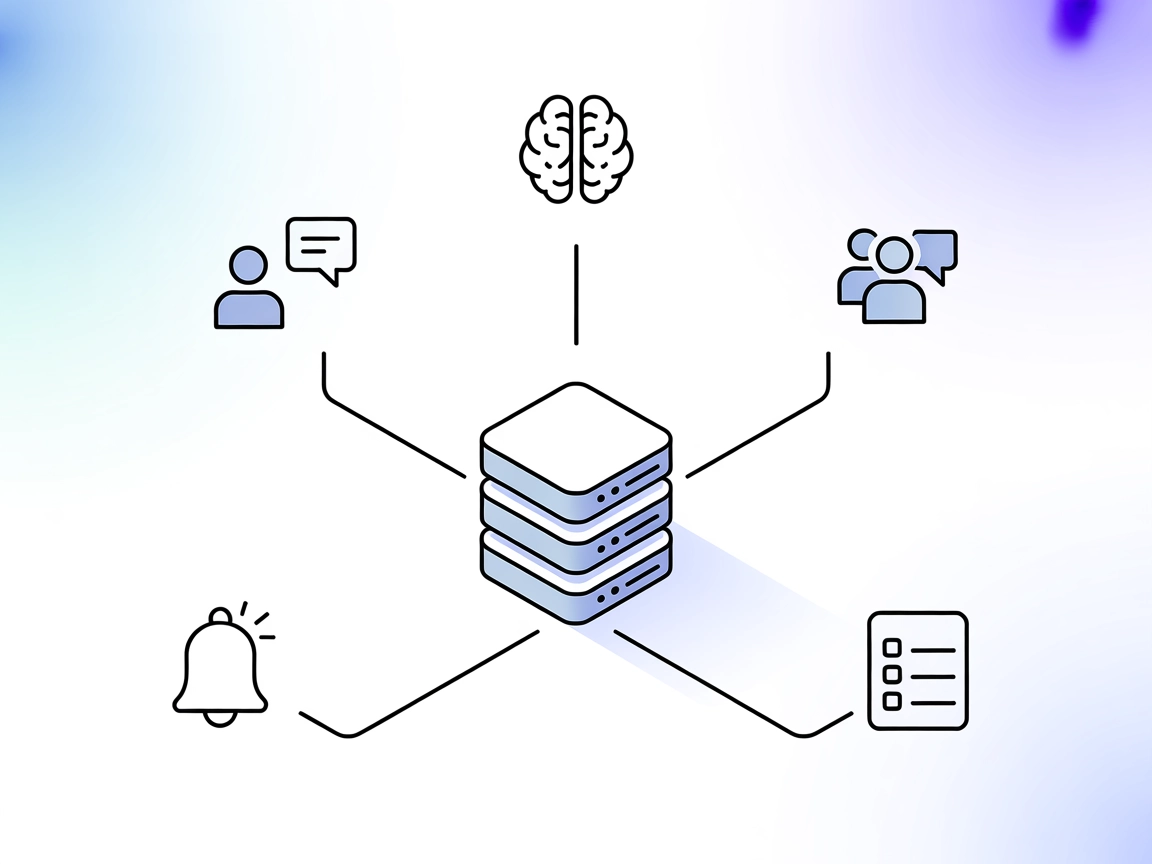
The yunxin MCP (Model Context Protocol) Server is designed to bridge AI assistants with NetEase Yunxin’s IM (Instant Messaging) and RTC (Real-Time Communication) services. By exposing a set of tools that facilitate access to messaging and real-time communication data, yunxin-mcp-server enables AI-powered workflows for tasks such as querying chat histories, managing group communications, monitoring RTC quality metrics, and aggregating application statistics. This integration empowers developers and operators to automate operations, analyze messaging trends, monitor RTC health, and improve user experiences by making relevant data and actions accessible to LLM-based agents and external systems.
No prompt templates are mentioned in the repository.

Start your free trial today and see results within days.
No explicit resources are listed in the repository or documentation.
Get latest tips, trends, and deals for free.
.windsurf/config.json).mcpServers section with the appropriate command and arguments.{
"mcpServers": {
"yunxin-mcp": {
"command": "yunxin-mcp-server",
"args": []
}
}
}
{
  "mcpServers": {
    "yunxin-mcp": {
      "command": "yunxin-mcp-server",
      "args": []
    }
  }
}
mcpServers section.{
"mcpServers": {
"yunxin-mcp": {
"command": "yunxin-mcp-server",
"args": []
}
}
}
{
  "mcpServers": {
    "yunxin-mcp": {
      "command": "yunxin-mcp-server",
      "args": []
    }
  }
}
Securing API Keys:
Use environment variables to protect sensitive credentials. Example with env and inputs:
{
  "mcpServers": {
    "yunxin-mcp": {
      "command": "yunxin-mcp-server",
      "args": [],
      "env": {
        "YUNXIN_API_KEY": "${YUNXIN_API_KEY}"
      },
      "inputs": {
        "api_key": "${YUNXIN_API_KEY}"
      }
    }
  }
}
Using MCP in FlowHunt
To integrate MCP servers into your FlowHunt workflow, start by adding the MCP component to your flow and connecting it to your AI agent:

Click on the MCP component to open the configuration panel. In the system MCP configuration section, insert your MCP server details using this JSON format:
{
  "yunxin-mcp": {
    "transport": "streamable_http",
    "url": "https://yourmcpserver.example/pathtothemcp/url"
  }
}
Once configured, the AI agent is now able to use this MCP as a tool with access to all its functions and capabilities. Remember to change “yunxin-mcp” to whatever the actual name of your MCP server is and replace the URL with your own MCP server URL.
| Section | Availability | Details/Notes |
|---|---|---|
| Overview | ✅ | Overview and main purpose available in README |
| List of Prompts | ⛔ | No prompt templates found |
| List of Resources | ⛔ | No explicit resources listed |
| List of Tools | ✅ | Detailed tool descriptions present |
| Securing API Keys | ✅ | Example given for environment variable usage |
| Sampling Support (less important in evaluation) | ⛔ | No mention of sampling support |
I would rate this MCP server a 6/10. It provides clear tool APIs and setup instructions, but lacks prompt templates, resource definitions, and explicit support for advanced MCP features (roots, sampling).
| Has a LICENSE | ✅ (MIT) |
|---|---|
| Has at least one tool | ✅ |
| Number of Forks | 1 |
| Number of Stars | 6 |
Unlock automated messaging, chat history analysis, and RTC quality monitoring in FlowHunt with seamless Yunxin MCP Server integration.
Integrate FlowHunt with Netease Yunxin MCP Server to automate IM/RTC messaging, monitor real-time communication, and optimize chat and call analytics using AI-d...
The mcp-teams-server brings Microsoft Teams functionality to FlowHunt via the Model Context Protocol (MCP), enabling AI assistants to read, create, and reply to...

The Mac Messages MCP Server securely bridges AI assistants and LLMs with your iMessage database on macOS, enabling querying, automation, and enhanced productivi...
Cookie Consent
We use cookies to enhance your browsing experience and analyze our traffic. See our privacy policy.