Najlepsze alternatywy dla Browse AI w 2026 roku: 8 porównanych narzędzi do web scrapingu
Szukasz alternatyw dla Browse AI? Porównaliśmy 8 narzędzi do web scrapingu i ekstrakcji danych — od zasilanego sztuczną inteligencją scrapera do pełnych platform automatyzacji — aby znaleźć najlepsze rozwiązanie.
Web Scraping
Browse AI
Alternatives
Data Extraction
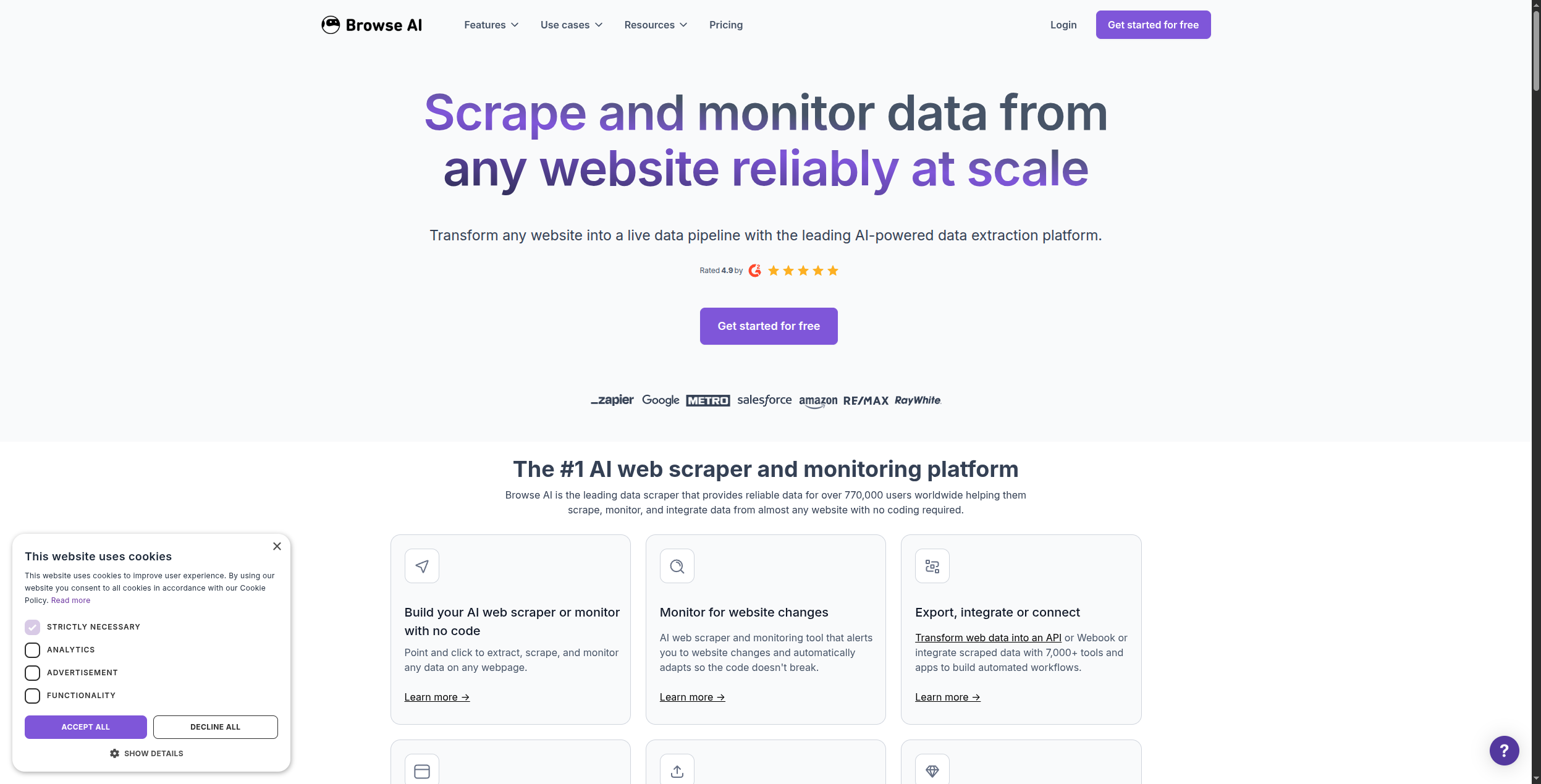
Browse AI to jedno z najpopularniejszych narzędzi do web scrapingu no-code na rynku — wskaż stronę internetową, kliknij dane, które chcesz, a ono ekstrahuje i monitoruje je automatycznie. Jednak ma znaczące luki: ograniczona automatyzacja niższego poziomu, oparte na kredytach ceny, które są drogie na dużą skalę, oraz historię integracji, która zatrzymuje się na eksportach CSV i podstawowych webhook’ach.
Jeśli szukasz alternatyw dla Browse AI — niezależnie od tego, czy dlatego, że go przerosłeś, uderzyłeś w ścianę ceny, czy potrzebujesz, aby zeskrapowane dane faktycznie coś robiły — ten przewodnik obejmuje osiem narzędzi wartych oceny.
Szybka odpowiedź:FlowHunt
to najlepsza alternatywa, jeśli chcesz scraping plus zautomatyzowaną akcję niższego poziomu. Apify wygrywa dla crawlingu na poziomie enterprise’u. Octoparse jest najłatwiejszą alternatywą no-code dla użytkowników nietechnicznych.
Szybkie porównanie: Alternatywy Browse AI
Narzędzie
Najlepsze dla
No-Code
Zasilane AI
Bezpłatny plan
FlowHunt
Scraping + automatyzacja w jednym przepływie
Tak
Tak
Tak
Apify
Crawling na poziomie enterprise’u
Częściowo
Tak
Tak
Firecrawl
Dane sieciowe gotowe dla LLM
Nie (API)
Tak
Tak
Octoparse
Użytkownicy nietechniczni
Tak
Nie
Tak
Clay
Wzbogacanie potencjalnych klientów
Tak
Tak
Tak
PhantomBuster
Ekstrakcja LinkedIn/mediów społecznych
Tak
Ograniczone
Tak
Bardeen
Scraping oparte na przeglądarce
Tak
Tak
Tak
ScraperAPI
Niezawodny HTML na dużą skalę
Nie (API)
Nie
Tak
Browse AI
No-code monitoring i ekstrakcja
Tak
Ograniczone
Tak
Co to jest Browse AI?
Browse AI to platforma ekstrakcji danych sieciowych no-code, która została uruchomiona w 2021 roku i szybko stała się popularna dzięki dostępnemu podejściu point-and-click do web scrapingu. Zamiast pisać kod lub selektory XPath, instalujesz rozszerzenie Chrome, przechodzisz do strony internetowej, klikasz na punkty danych, które chcesz ekstrahować, a Browse AI zajmuje się resztą — w tym planowaniem powtarzających się ekstrakcji i monitorowaniem stron pod kątem zmian.
Typowe przypadki użycia Browse AI to monitorowanie cen konkurencji, ekstrakcja katalogów produktów, agregacja ofert pracy, zbieranie ofert nieruchomości i generowanie potencjalnych klientów z katalogów biznesowych.
Gdzie Browse AI zawodzi:
Płytka automatyzacja. Browse AI ekstrahuje dane do tabeli lub CSV, ale robienie czegoś z tymi danymi — wzbogacanie ich, kierowanie nimi, wyzwalanie następujących przepływów pracy — wymaga oddzielnych narzędzi.
Oparte na kredytach ceny skalują się źle. Złożone strony z wieloma wierszami zużywają wiele kredytów, szybko podnoszą koszty dla przypadków użycia o dużej objętości.
Ograniczone rozumowanie AI. Browse AI używa AI do identyfikacji pól danych, ale nie może inteligentnie interpretować ani działać na zeskrapowanych danych.
Głębia integracji. Połączenia z narzędziami niższego poziomu (CRM, bazy danych, platformy automatyzacji) są ograniczone w porównaniu z dedykowanymi narzędziami automatyzacji przepływów pracy.
Gotowy na rozwój swojej firmy?
Rozpocznij bezpłatny okres próbny już dziś i zobacz rezultaty w ciągu kilku dni.
1. FlowHunt — Najlepsze dla Scrapingu + Kompleksowej Automatyzacji
FlowHunt
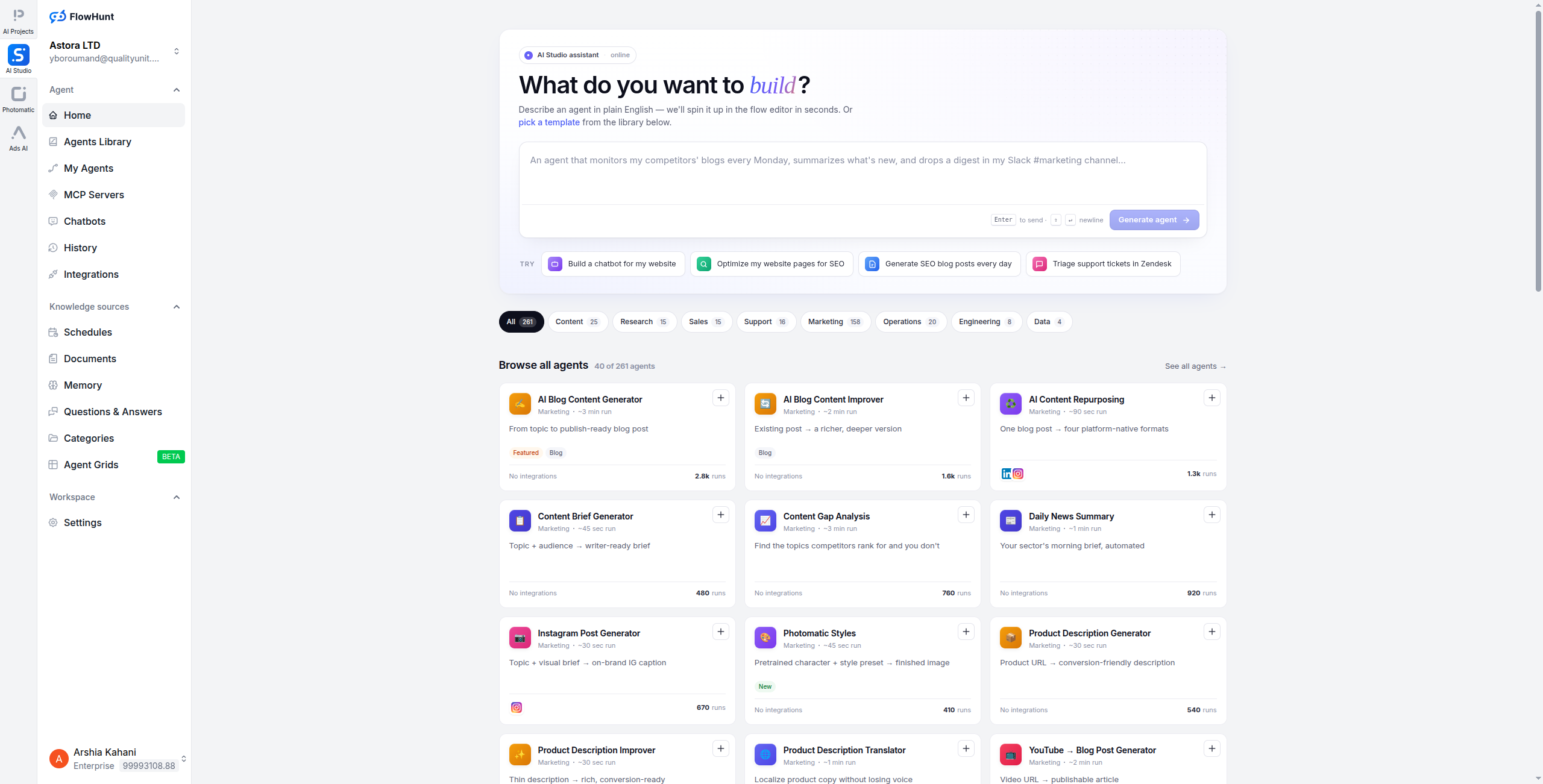
przyjmuje inne podejście do problemu web scrapingu: zamiast traktowania ekstrakcji jako oddzielnego kroku, osadza web scraping bezpośrednio w przepływach pracy automatyzacji zasilanej AI. Możesz scrapować stronę, mieć agenta AI interpretującego dane, wzbogacać je dodatkowymi źródłami i wysyłać do swojego CRM — wszystko w jednym wizualnym przepływie.
Gdzie Browse AI kończy się na ekstrakcji danych, FlowHunt kontynuuje: agenci AI mogą czytać zeskrapowaną treść, podejmować decyzje na jej temat i wyzwalać działania w 1400+ połączonych narzędziach. To sprawia, że FlowHunt jest wyjątkowo odpowiedni dla przypadków użycia, w których zeskrapowane dane zasilają proces biznesowy, a nie tylko lądują w arkuszu kalkulacyjnym.
Przykładowy przepływ pracy: Scrapuj witrynę z ofertami pracy w poszukiwaniu nowych postów → agent AI ekstrahuje nazwę firmy, rolę i wymagania → wzbogacaj danymi firmy z LinkedIn → kieruj kwalifikowanych potencjalnych klientów do HubSpot → powiadom zespół poprzez Slack.
Ceny: Dostępna bezpłatna wersja. Ceny oparte na użytkowaniu skalują się wraz z rzeczywistymi przebiegami przepływu pracy — płacisz za AI i automatyzację, której używasz, nie za stanowiska lub stałe limity stron.
Kluczowe funkcje:
Konstruktor wizualnych przepływów pracy łączący web scraping, przetwarzanie AI i działania niższego poziomu
Agenci AI interpretujący i działający na zeskrapowanej treści poprzez język naturalny
1400+ natywnych integracji, w tym CRM, arkusze kalkulacyjne i narzędzia do przesyłania wiadomości
Wieloetapowe pipeline’y agentów do złożonych przepływów pracy wzbogacania danych
Brak infrastruktury do zarządzania — w pełni hostowana i automatycznie skalowana
Obsługuje wykonywanie przepływów pracy zaplanowane, wyzwalane i na żądanie
Plusy: Łączy web scraping z pełną automatyzacją niższego poziomu w jednym wizualnym płótnie; agenci AI mogą interpretować, wzbogacać i działać na zeskrapowanych danych; 1400+ integracji — żadne dane nie utknęły w CSV; konstruktor wizualnych przepływów pracy — nie jest wymagany kod; obsługa wielu agentów do złożonych, wieloetapowych pipeline’ów danych
Minusy: Nie jest specjalnie zbudowany jako narzędzie do scrapingu — wymaga konfiguracji przepływu pracy; selekcja elementów point-and-click jest mniej rozwinięta niż rozszerzenie Chrome Browse AI
Najlepsze dla: Zespołów, które muszą ekstrahować dane sieciowe i natychmiast działać na nich — wzbogacać potencjalnych klientów, wyzwalać przepływy pracy lub zasilać agentów AI — zamiast po prostu przechowywania ich w arkuszu kalkulacyjnym.
2. Apify — Najlepsze dla Crawlingu na Poziomie Enterprise’u
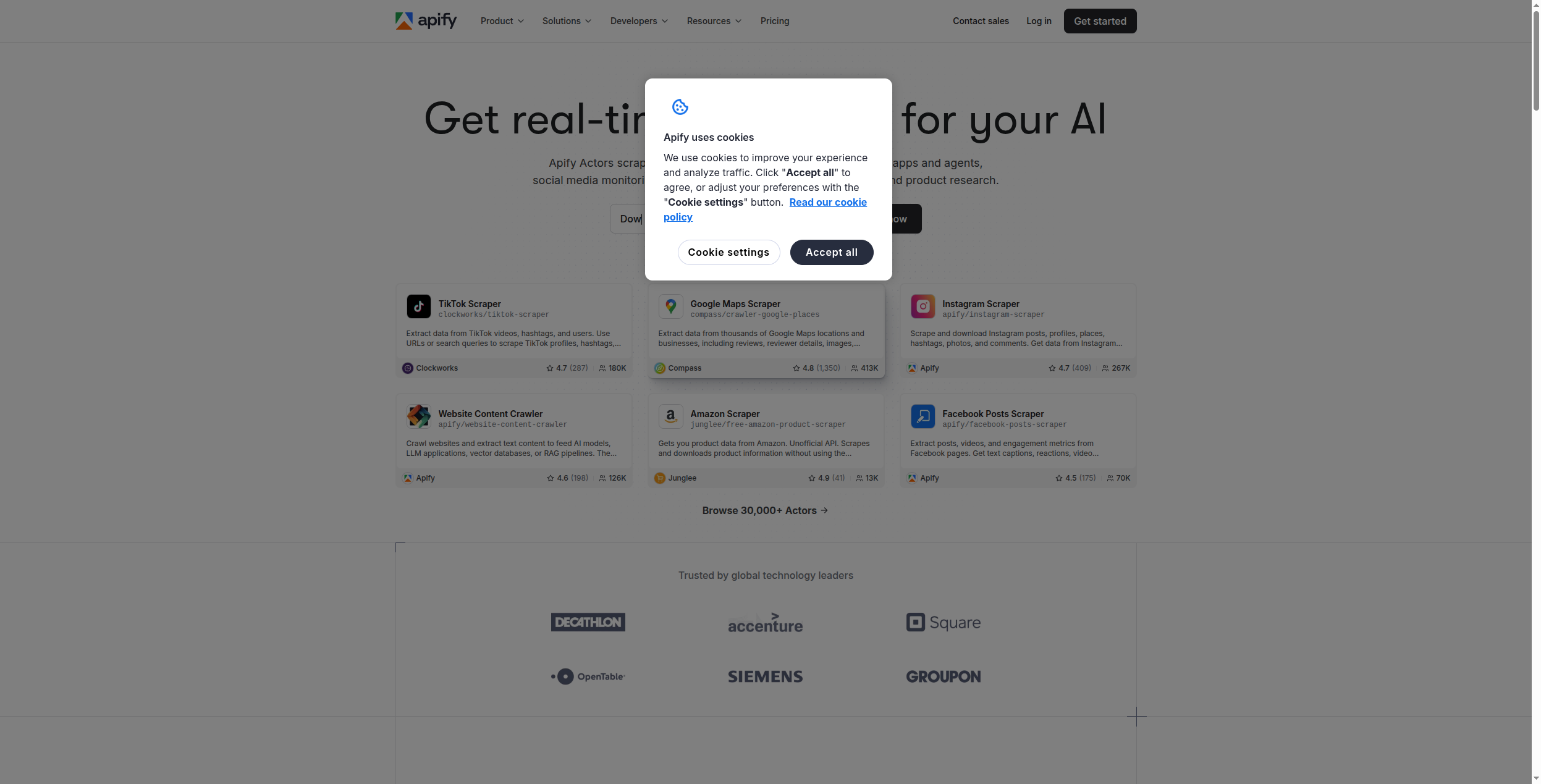
Apify to najpotężniejsza dostępna platforma web scrapingu, zbudowana dla zespołów, które muszą crawlować miliony stron, obsługiwać środki anti-bot i utrzymywać złożone operacje scrapingu na dużą skalę. Jego marketplace 1500+ gotowych do użytku “Actors” (wstępnie zbudowanych scraperów) oznacza, że często możesz znaleźć działający scraper dla swojej docelowej witryny bez pisania jakiegokolwiek kodu.
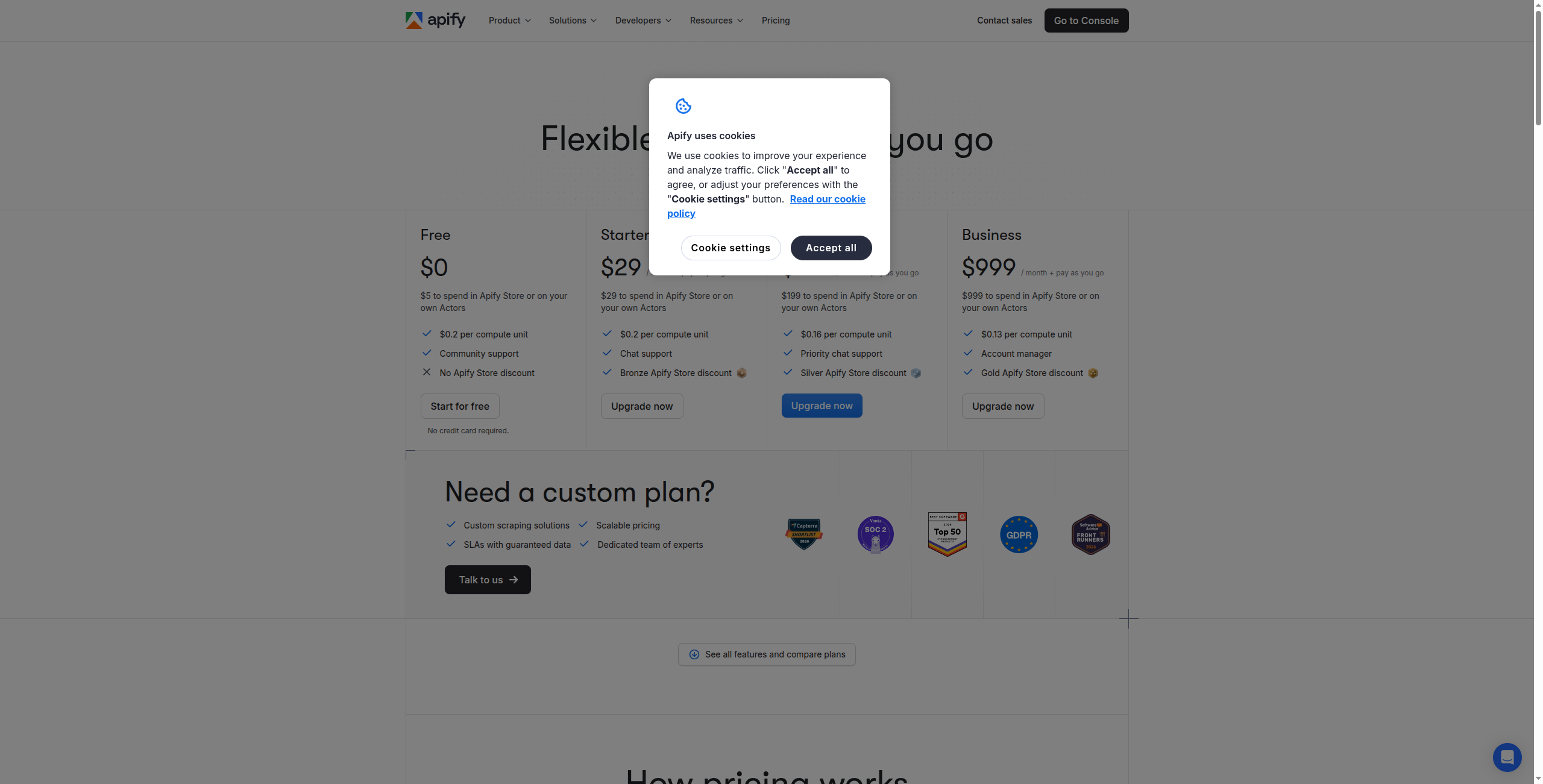
Ceny:
Bezpłatna — 5 USD kredytów platformy/miesiąc, dostęp do wszystkich Actors, wsparcie społeczności
Enterprise — Skontaktuj się z działem sprzedaży, aby uzyskać niestandardową alokację kredytów, prywatne Actors i dedykowaną infrastrukturę
Kluczowe funkcje:
1500+ marketplace Actors obejmujące Amazon, LinkedIn, Google Maps, media społeczne i więcej
Apify SDK (JavaScript/Python) do budowania w pełni niestandardowych scraperów
Obsługa bezheadless przeglądarki (Playwright, Puppeteer) dla witryn intensywnie korzystających z JavaScript
Wbudowane zarządzanie proxy z rotacją IP rezydencjalnych i datacenter
Przebiegi Actor zaplanowane, wyzwalane zdarzeniami i wyzwalane webhook’ami
Dataset i key-value store do strukturalnego przechowywania wyników i pobierania
Plusy: 1500+ marketplace Actors do natychmiastowego wdrożenia na popularne witryny; obsługuje renderowanie JavaScript, rozwiązywanie CAPTCHA i rotację proxy; skaluje się od indywidualnego użytku do infrastruktury crawlingu na poziomie enterprise’u; JavaScript SDK do niestandardowego rozwoju scrapera; hojny bezpłatny poziom (5 USD kredytów platformy miesięcznie)
Minusy: Bardziej techniczny niż Browse AI dla niestandardowych przypadków użycia; jakość Actor się różni — wpisy na marketplace’u nie są wszystkie równomiernie utrzymywane; koszty skalują się wraz z czasem obliczeniowym, a nie tylko liczbą wierszy
Najlepsze dla: Zespołów programistycznych i przedsiębiorstw, które potrzebują operacji crawlingu na dużą skalę, niestandardowego rozwoju scrapera lub bogatego marketplace’u wstępnie zbudowanych scraperów dla popularnych witryn.
Dołącz do naszego newslettera
Otrzymuj najnowsze wskazówki, trendy i oferty za darmo.
3. Firecrawl — Najlepsze dla Pipeline’ów AI i LLM
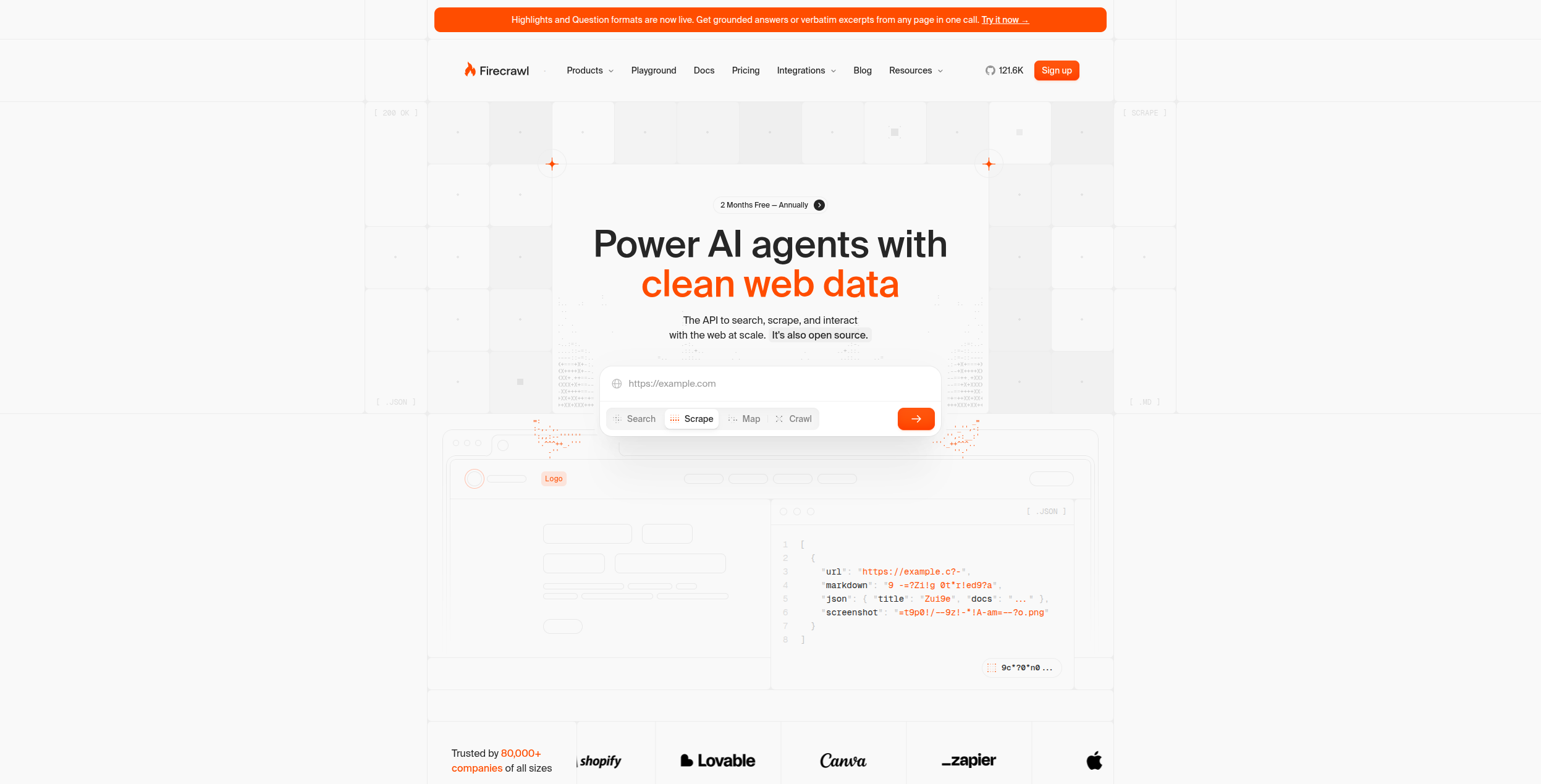
Firecrawl to developer-focused API do web crawlingu specjalnie zbudowany dla aplikacji AI. Konwertuje witryny — w tym strony renderowane za pomocą JavaScript — do czystego, ustrukturyzowanego markdown, który LLM mogą bezpośrednio konsumować. Jeśli budujesz agenta AI, pipeline RAG lub aplikację LLM, która potrzebuje świeżych danych sieciowych, Firecrawl to najlepiej dostosowana opcja.
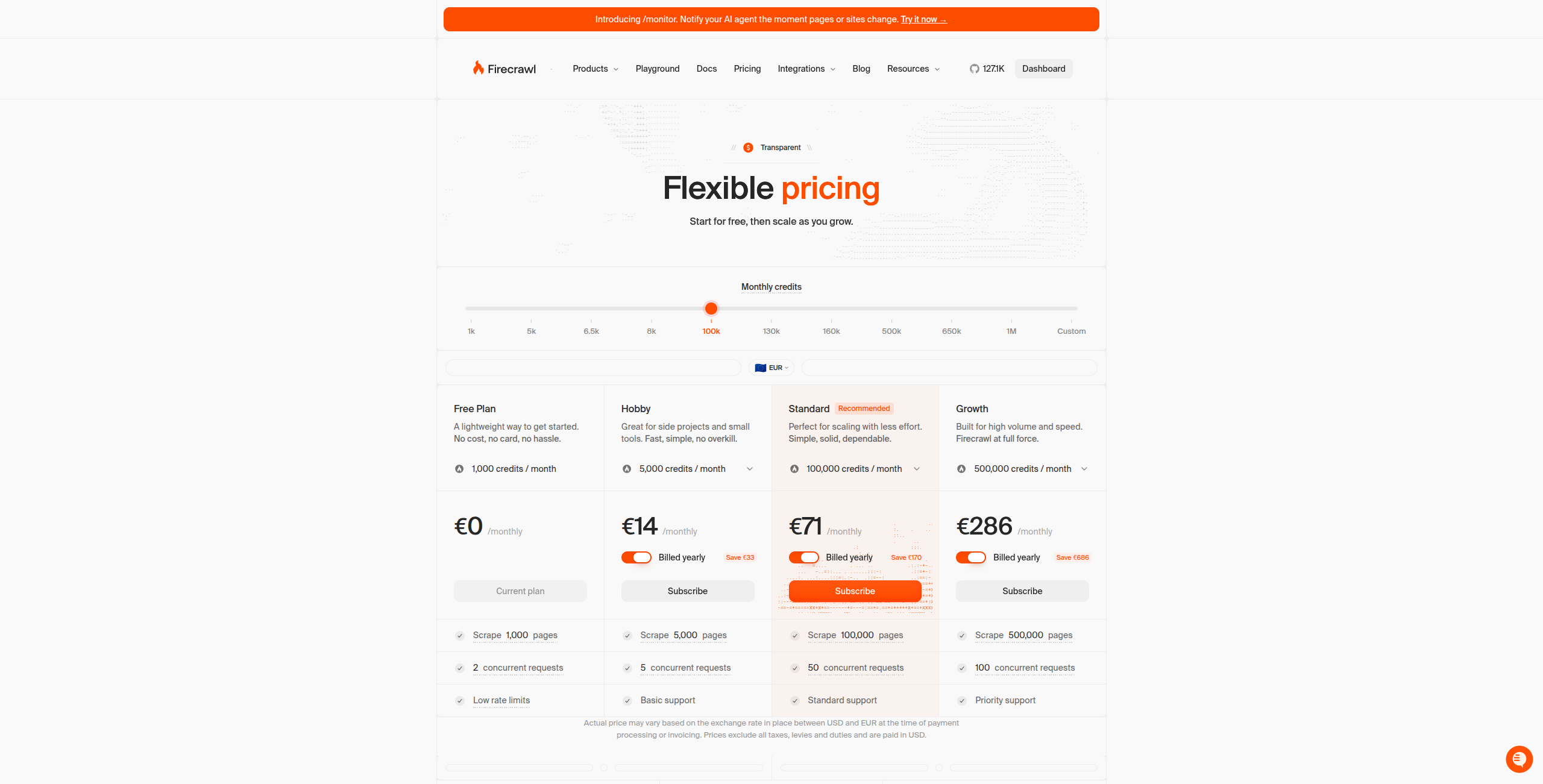
Ceny:
Bezpłatna — 500 kredytów/miesiąc, do 500 zeskrapanych stron, pełny dostęp do API
Wzrost — 333 USD/miesiąc. 500000 kredytów/miesiąc, dedykowane wsparcie, zaawansowane funkcje
Enterprise — Skontaktuj się z działem sprzedaży, aby uzyskać niestandardową objętość, wdrożenie on-premise i SLA
Kluczowe funkcje:
Endpoint Scrape: konwertuje dowolny URL na czysty markdown gotowy dla LLM w jednym wywołaniu API
Endpoint Crawl: rekurencyjnie crawluje całe witryny z odkrywaniem mapy witryny
Endpoint Extract: pobiera ustrukturyzowane dane pasujące do zdefiniowanego schematu JSON
Endpoint Search: wyszukiwanie sieciowe zasilane AI zwracające czysty wynik markdown
Renderowanie JavaScript dla SPA i treści dynamicznej
SDK dla Python, Node.js, Go i Rust z prostą integracją
Plusy: Wypisuje czysty markdown zoptymalizowany dla spożycia LLM; obsługuje renderowanie JS, uwierzytelnianie i treść dynamiczną; prosty REST API — łatwo integruje się z dowolnym stosem; dostępna bezpłatna wersja do rozwoju i testowania
Minusy: Tylko API dla programistów — brak interfejsu no-code; nie jest przeznaczony do samoobsługi użytkownika biznesowego; brak wbudowanego planowania lub monitorowania (przynieś własną aranżację)
Najlepsze dla: Programistów budujących agentów AI, bazy wiedzy RAG lub aplikacje LLM, które potrzebują dokładnej, czystej treści sieciowej jako wejściowych danych.
4. Octoparse — Najlepsza alternatywa No-Code dla użytkowników nietechnicznych
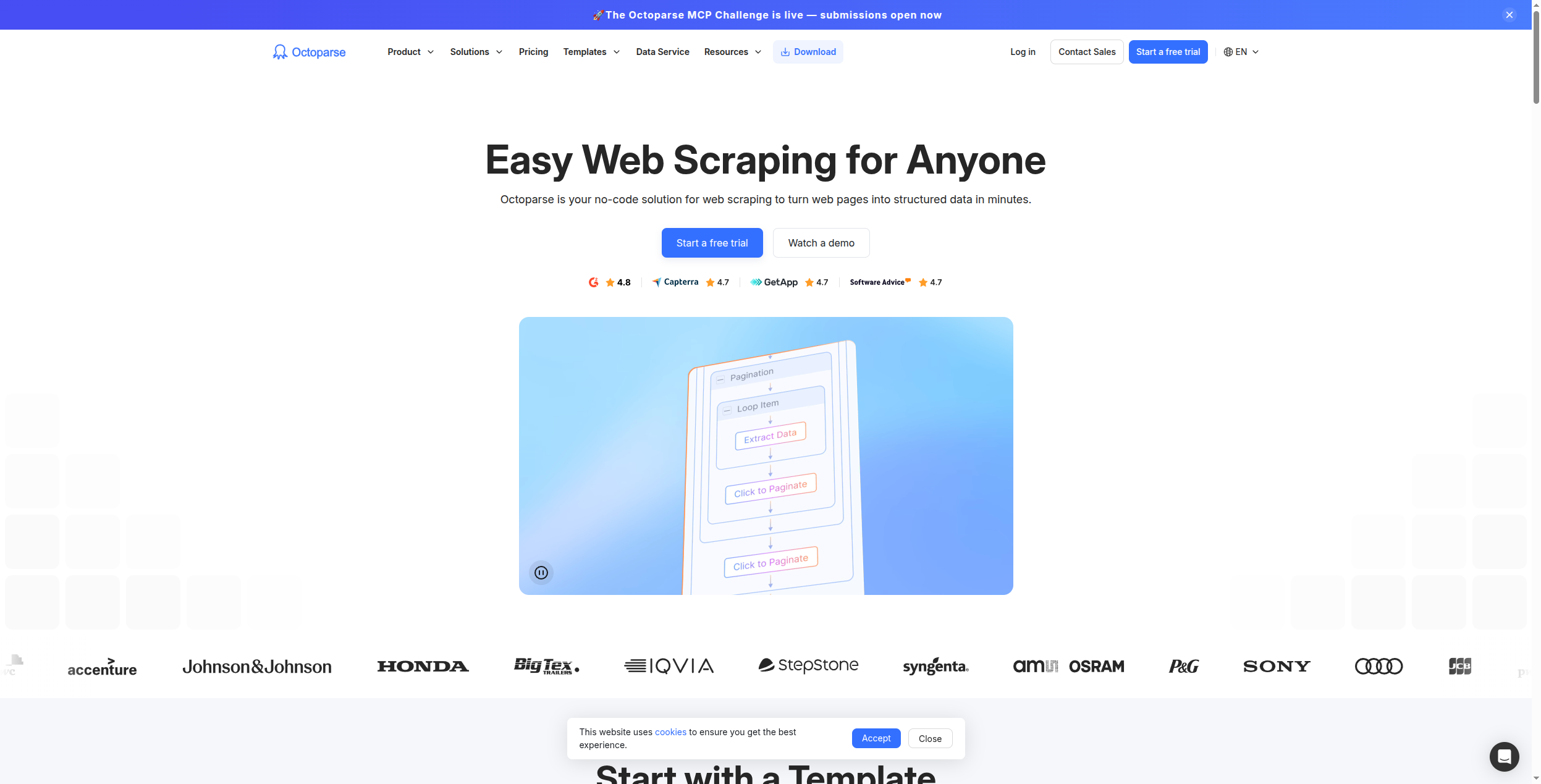
Octoparse to najbardziej ugruntowane narzędzie do web scrapingu no-code na rynku, poprzedzające Browse AI o kilka lat. Jego wizualny interfejs point-and-click pozwala użytkownikom nietechnicznym budować scrapery dla złożonych, podzielonych na strony i intensywnie korzystających z JavaScript witryn. Ekstrakcja oparta na chmurze uruchamia scrapery zgodnie z harmonogramem bez konieczności pozostawiania komputera włączonego.
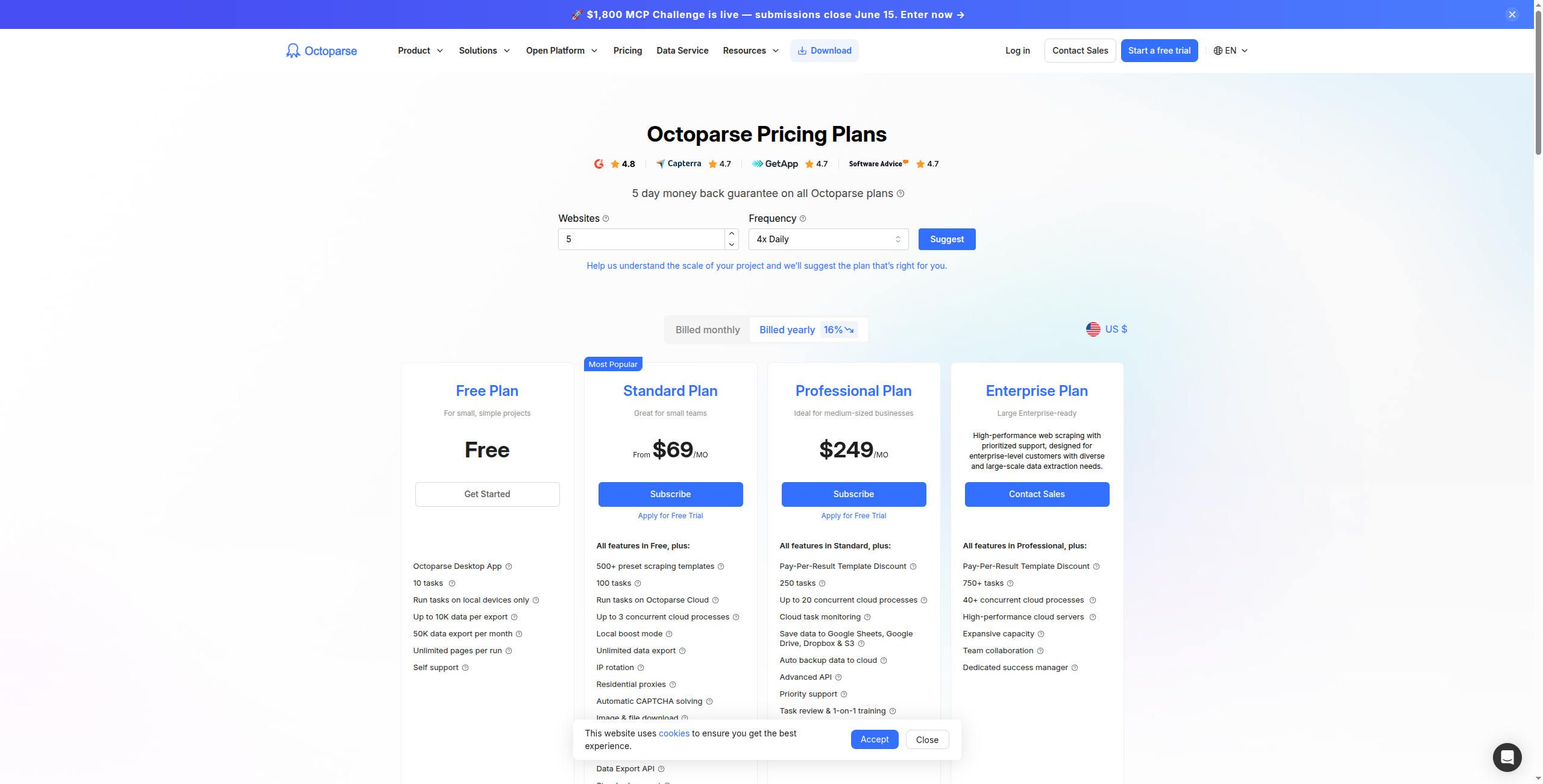
Ceny:
Bezpłatna — Tylko scraping lokalny, ograniczony do 10000 rekordów na eksport, brak przebiegów w chmurze
Standard — 75 USD/miesiąc. Scraping w chmurze, 10 jednoczesnych zadań w chmurze, planowanie, dostęp do API
Profesjonalny — 149 USD/miesiąc. 30 jednoczesnych zadań w chmurze, rotacja IP, szybsza wykonanie w chmurze, priorytetowe wsparcie
Enterprise — Skontaktuj się z działem sprzedaży. Nieograniczone zadania, dedykowany serwer, niestandardowe integracje i SLA
Kluczowe funkcje:
Konstruktor wizualnych przepływów pracy point-and-click — nie jest wymagany kod ani selektory CSS
Obsługuje paginację, nieskończony scroll, strony chronione logowaniem i nawigację rozwijanych list
Scraping w chmurze z planowaniem i automatycznym ponownym uruchomieniem w przypadku awarii
Funkcja auto-detect do szybkiego generowania szablonu z popularnych układów stron
1000+ wstępnie zbudowanych szablonów dla e-commerce, nieruchomości, pracy i więcej
Eksport do Excel, CSV, Google Sheets, MySQL, SQL Server i poprzez API
Plusy: Dojrzały no-code wizualny scraper z rozbudowanymi szablonami; obsługuje paginację, strony wymagające logowania i nieskończony scroll; ekstrakcja w chmurze i planowanie dołączone; eksportuje do Excel, CSV, baz danych i API
Minusy: Interfejs wydaje się przestarzały w porównaniu z Browse AI; ceny są wyższe niż Browse AI przy równoważnych objętościach ekstrakcji; brak interpretacji AI ekstrahowanych danych
Najlepsze dla: Użytkowników biznesowych nietechnicznych i analityków, którzy potrzebują niezawodnego, samoobsługowego narzędzia do scrapingu dla regularnie aktualizowanych danych z złożonych witryn.
5. Clay — Najlepsze dla wzbogacania potencjalnych klientów i prospektingu
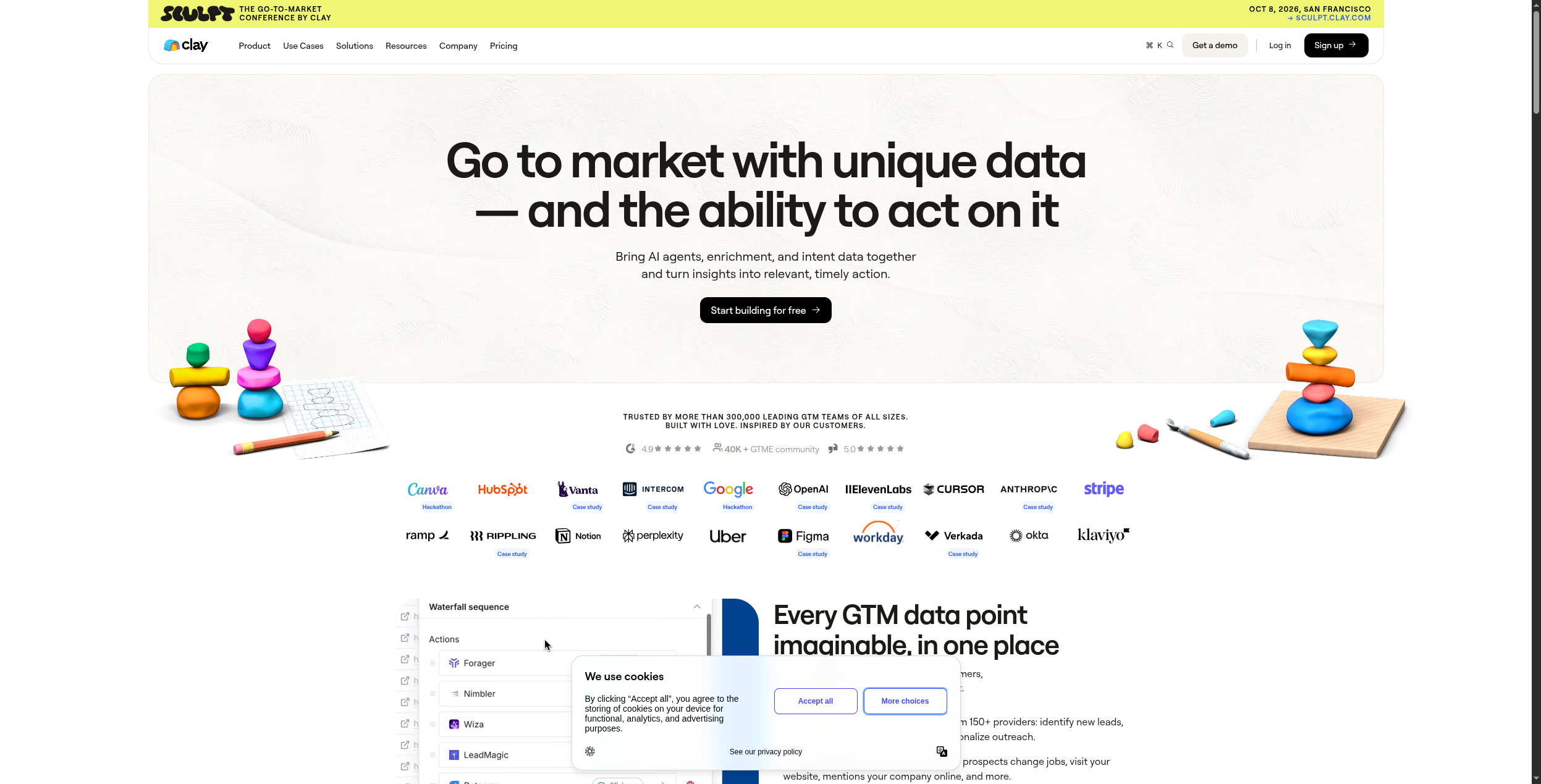
Clay przyjmuje web scraping w określonym kierunku: budowanie i wzbogacanie list perspektyw. Pobiera z 50+ źródeł danych (LinkedIn, Apollo, Clearbit i więcej) obok web scrapingu, aby umożliwić zespołom sprzedaży i wzrostu budowanie hipercelem skierowanych list potencjalnych klientów z wzbogaconymi danymi kontaktowymi. Jeśli Browse AI było Twoim źródłem potencjalnych klientów B2B, Clay to specjalnie zbudowana aktualizacja.
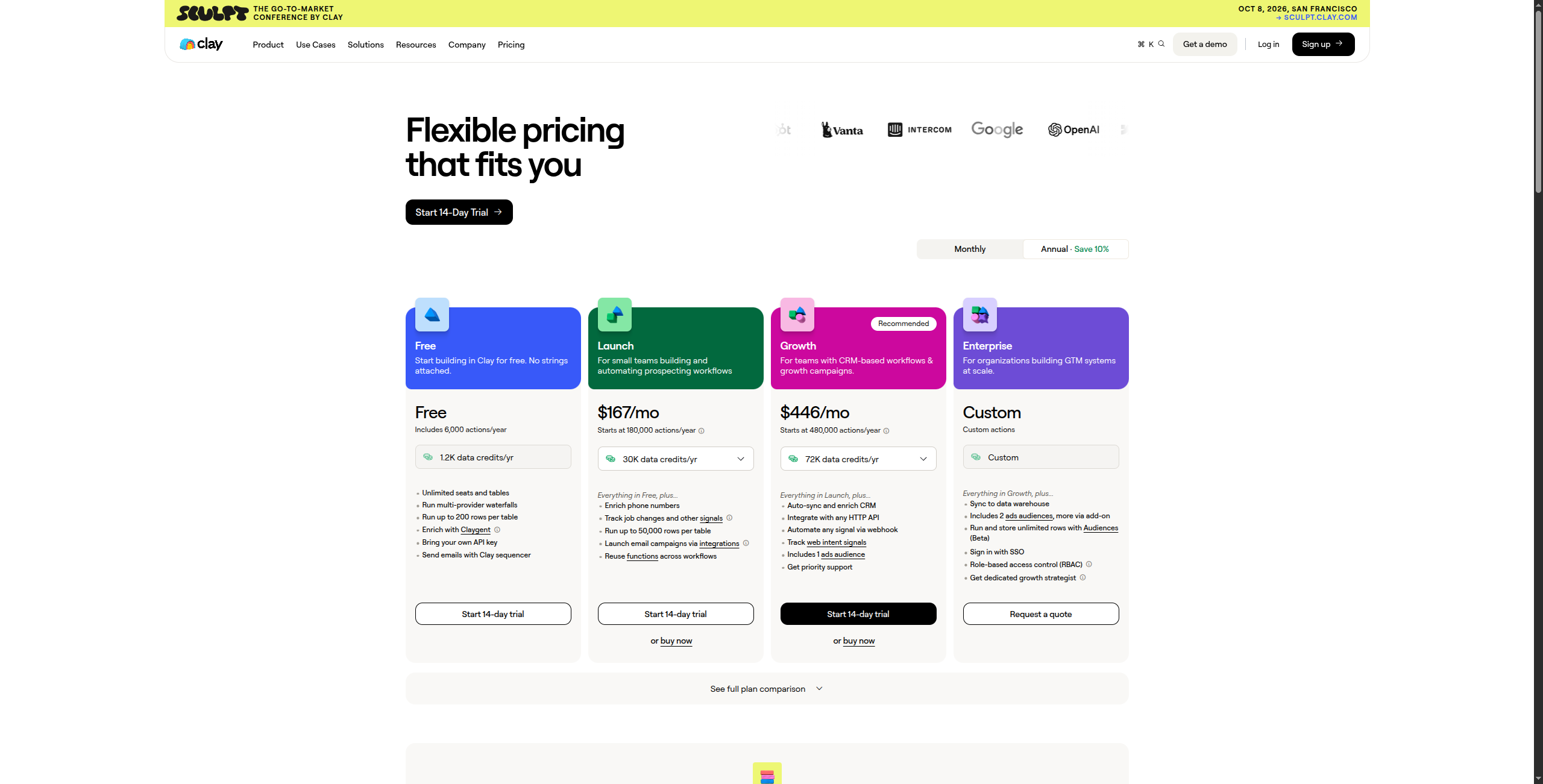
Ceny:
Bezpłatna — 100 kredytów/miesiąc, dostęp do podstawowych źródeł danych, ręczne wzbogacanie
Starter — 149 USD/miesiąc. 2000 kredytów/miesiąc, dostęp do wszystkich 50+ dostawców danych, podstawowy push CRM
Explorer — 349 USD/miesiąc. 10000 kredytów/miesiąc, agenci badań AI, zaawansowane wzbogacanie
Pro — 800 USD/miesiąc. 50000 kredytów/miesiąc, pełne możliwości agenta AI, priorytetowe wsparcie
Enterprise — Skontaktuj się z działem sprzedaży, aby uzyskać niestandardową objętość kredytów, SSO, dedykowane wdrożenie i SLA
Kluczowe funkcje:
50+ zintegrowanych źródeł danych dla wzbogacania kontaktów i firm (LinkedIn, Apollo, Clearbit, Hunter.io i więcej)
Agent badań AI, który przegląda sieć i pisze spersonalizowaną outreach na podstawie badań
Wzbogacanie kaskadowe — próbuje wielu dostawców w sekwencji, aby zmaksymalizować pokrycie danych
Interfejs podobny do arkusza kalkulacyjnego znany użytkownikom biznesowym i marketingowym
Natywny push CRM do HubSpot, Salesforce i innych narzędzi sprzedaży
Zautomatyzowane budowanie list z tablic ofert pracy, wyszukiwań LinkedIn i katalogów firm
Plusy: 50+ źródeł danych dla wzbogacania kontaktów i firm; badania zasilane AI, które personalizują każdy wiersz; natywne integracje CRM (HubSpot, Salesforce); zaprojektowane dla zespołów sprzedaży — intuicyjny interfejs podobny do arkusza kalkulacyjnego
Minusy: Nie jest ogólnym scraperem — ściśle skupiony na generowaniu potencjalnych klientów; oparte na kredytach ceny mogą być drogie dla dużych list; mniej efektywne dla przypadków użycia nie dotyczących generowania potencjalnych klientów
Najlepsze dla: Zespołów sprzedaży i wzrostu budujących skierowane listy outreach i wzbogacających rekordy CRM zweryfikowanymi danymi kontaktowymi i firmowymi.
6. PhantomBuster — Najlepsze dla ekstrakcji LinkedIn i mediów społecznych
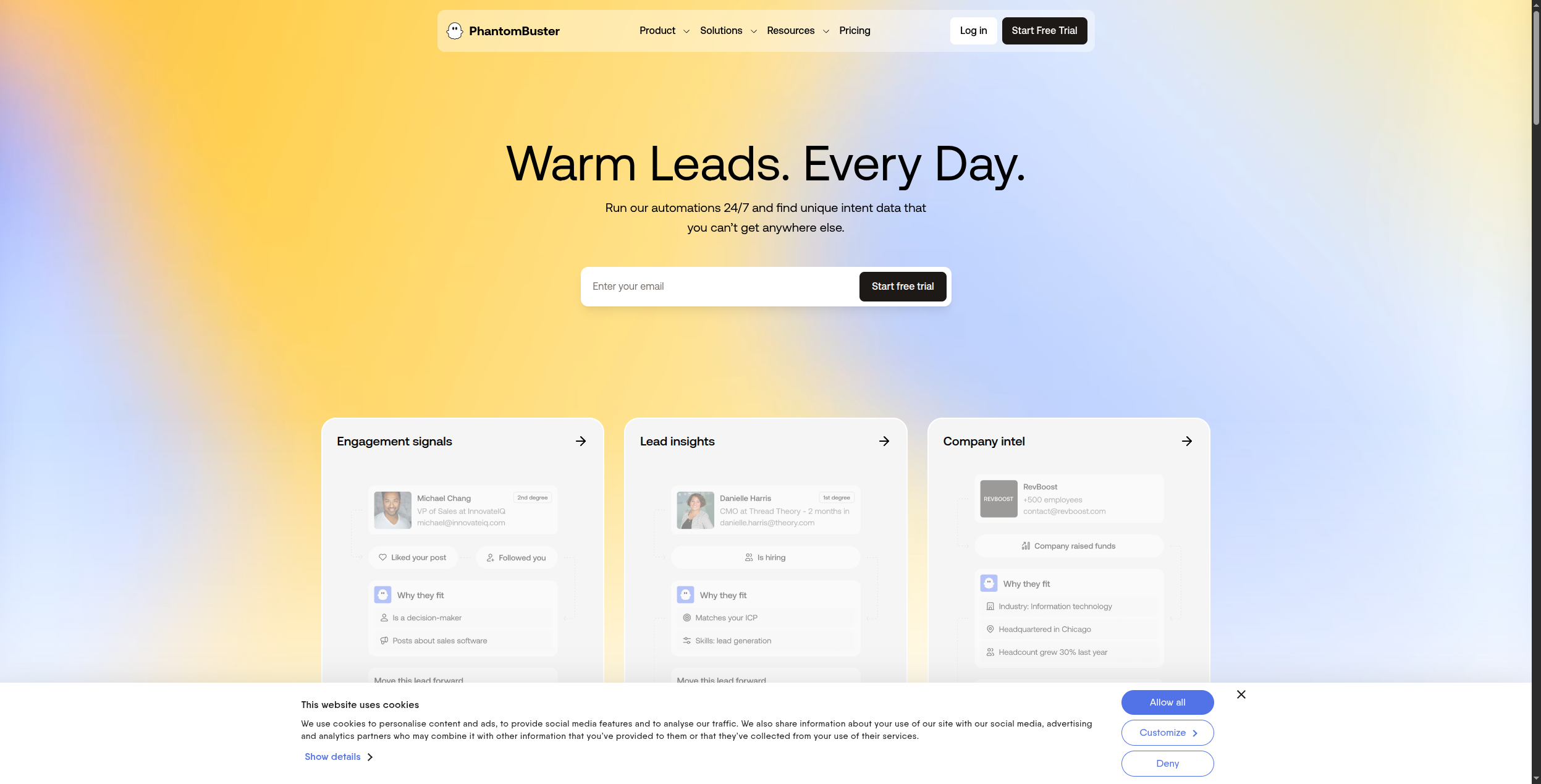
PhantomBuster to narzędzie do ekstrakcji danych LinkedIn: scrapowanie profili, stron firm, zaangażowania postów, wyników Sales Navigator i więcej. Obejmuje również Twitter/X, Instagram i inne platformy społeczne. Jeśli Twoje przypadki użycia Browse AI są skoncentrowane na mediach społecznych, PhantomBuster obsługuje je lepiej.
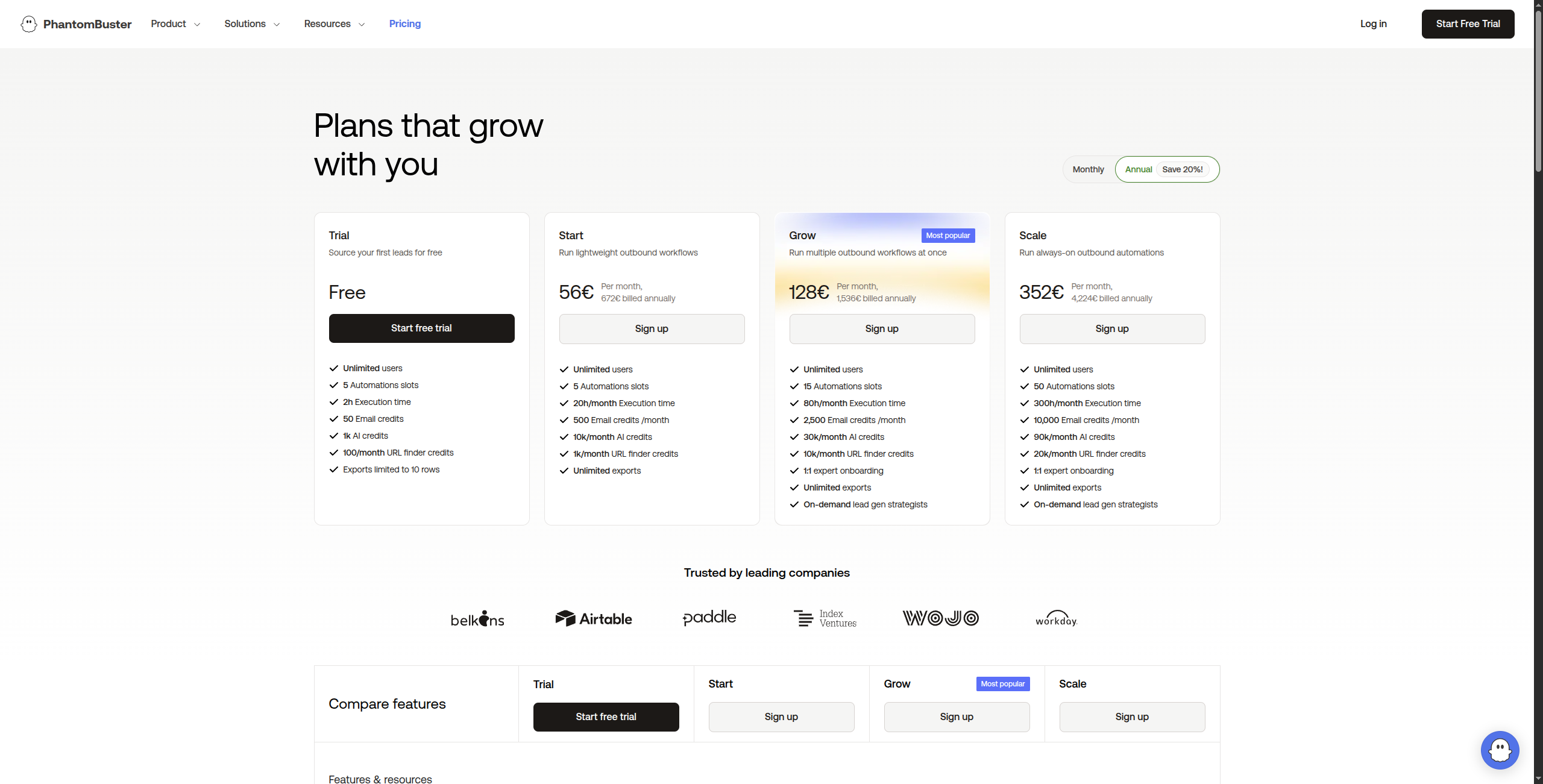
Ceny:
Bezpłatny okres próbny — 14 dni pełnego dostępu
Starter — 56 USD/miesiąc. 20 godzin czasu wykonania/miesiąc, 5 jednoczesnych Phantoms, wsparcie e-mail
Pro — 128 USD/miesiąc. 80 godzin czasu wykonania/miesiąc, 15 jednoczesnych Phantoms, priorytetowe wsparcie
Zespół — 352 USD/miesiąc. 300 godzin czasu wykonania/miesiąc, nieograniczone jednoczesne Phantoms, dedykowane wsparcie
Enterprise — Skontaktuj się z działem sprzedaży, aby uzyskać niestandardowy czas wykonania, zarządzanie wieloma stanowiskami i dedykowaną infrastrukturę
Kluczowe funkcje:
100+ wstępnie zbudowanych Phantoms dla LinkedIn, Twitter/X, Instagram, Facebook, Google Maps i więcej
Scraping LinkedIn: profile, strony firm, wyniki Sales Navigator, uczestnicy wydarzeń, polubienia postów
Automatyzacja żądań połączenia i wiadomości z konfigurowalnymi limitami dziennymi
Zaplanowane przebiegi z ustawieniami ograniczania, aby zmniejszyć ryzyko wykrycia platformy
Eksport do CSV, Google Sheets i bezpośredni push CRM poprzez webhook’i
Obsługa wielu kont do zarządzania wieloma profilami społecznościowymi
Plusy: Najlepsze narzędzie automatyzacji i ekstrakcji LinkedIn dostępne; szeroki zakres wstępnie zbudowanych Phantoms dla platform społecznych; dobra integracja CRM dla bezpośredniego push potencjalnych klientów; rozsądne ceny za możliwości
Minusy: Ryzyko zgodności z ToS platformy społecznej — LinkedIn aktywnie ogranicza scraping; nie nadaje się do ogólnego web scrapingu; możliwości AI są ograniczone
Najlepsze dla: Zespołów sprzedaży i rekruterów, którzy muszą ekstrahować i automatyzować działania na LinkedIn i platformach społecznych do generowania potencjalnych klientów i kampanii outreach.
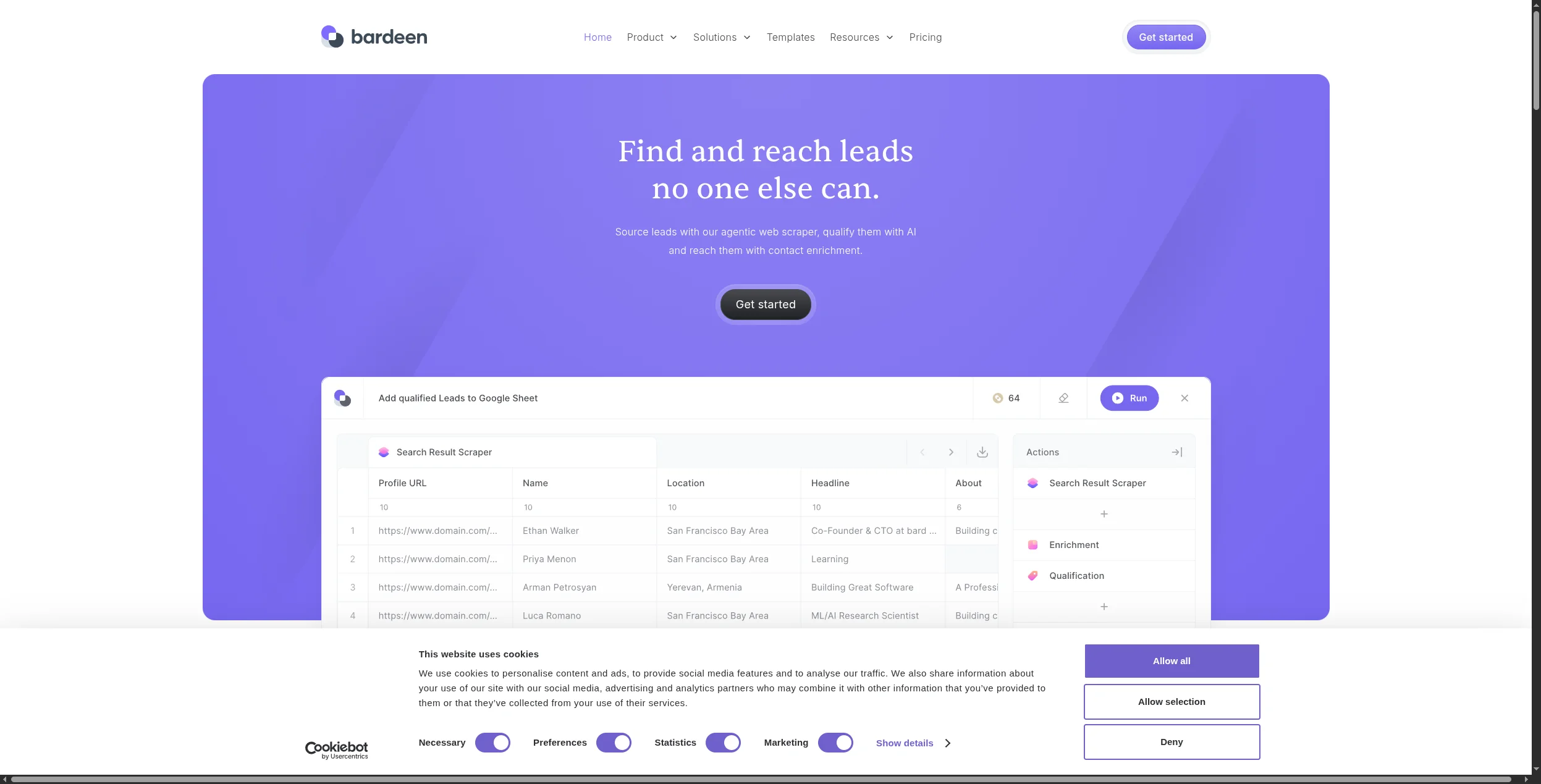
7. Bardeen — Najlepsze dla scrapingu natywnego dla przeglądarki z AI
Bardeen działa jako rozszerzenie Chrome łączące scraping, przetwarzanie AI i integracje aplikacji w interfejsie natywnym dla przeglądarki. Jego AI może interpretować treść strony i ekstrahować ustrukturyzowane dane nawet wtedy, gdy struktura strony nie jest doskonale spójna — co czyni go bardziej odpornym niż scrapery oparte na regułach dla witryn, które się zmieniają.
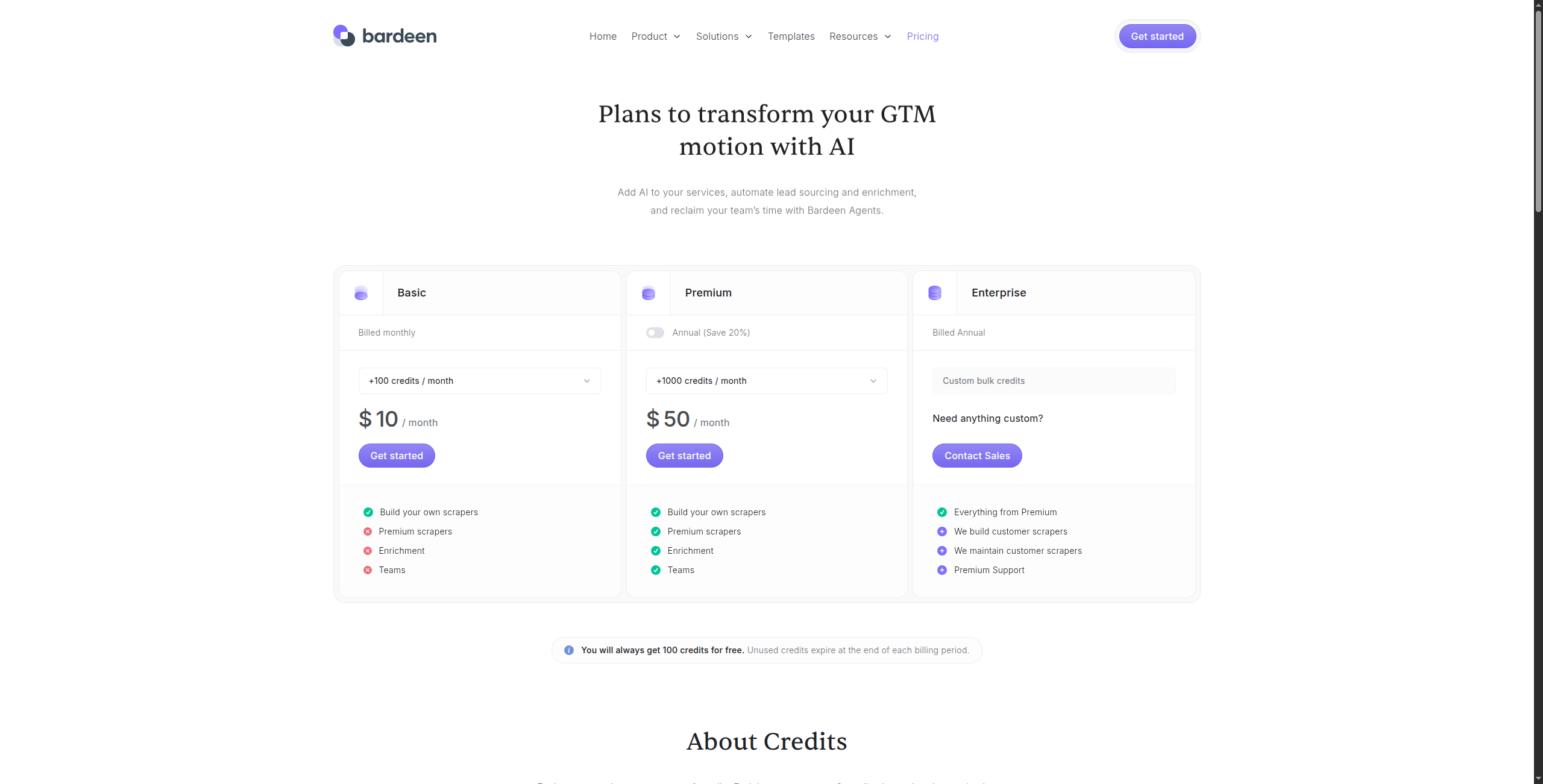
Ceny:
Bezpłatna — Nieograniczone ręczne przebiegi, podstawowe integracje, wsparcie społeczności
Profesjonalny — 10 USD/miesiąc. Nieograniczone zautomatyzowane przebiegi, premium integracje, magazyn w chmurze dla zeskrapanych danych
Biznes — 15 USD/użytkownik/miesiąc. Udostępnianie zespołu, biblioteka automatyzacji udostępniona, kontrola administracyjna
Enterprise — Skontaktuj się z działem sprzedaży, aby uzyskać SSO, zaawansowane bezpieczeństwo i niestandardowe integracje
Kluczowe funkcje:
AI Magic Actions — opisz, co ekstrahować w zwykłym angielskim, bez selektorów
Rejestruje i odtwarza przepływy pracy przeglądarki dla powtarzalnej automatyzacji
Adaptacja AI w czasie rzeczywistym, gdy struktura strony się zmienia
Integruje się z 100+ aplikacjami: Notion, Airtable, HubSpot, Salesforce, Google Sheets, Slack
Automatyzacja oparta na wyzwalaczach (oparta na czasie, zmiana adresu URL, webhook lub ręczna)
Scrapuje tabele, listy i elementy ustrukturyzowane z dowolnej strony, do której użytkownik ma dostęp
Plusy: Ekstrakcja zasilana AI, która dostosowuje się do zmian struktury strony; natywne dla przeglądarki — działa na dowolnej witrynie, którą możesz ręcznie przeglądać; łączy scraping z automatyzacją przepływu pracy w jednym narzędziu; dobra integracja z CRM i narzędziami produktywnościowymi
Minusy: Tylko Chrome — brak wykonywania po stronie serwera lub bezheadless; nie nadaje się do scrapingu na dużą skalę lub zaplanowanego w tle; bezpłatny poziom ogranicza liczbę działań na miesiąc
Najlepsze dla: Indywidualnych badaczy, przedstawicieli sprzedaży i małych zespołów, które muszą zautomatyzować powtarzające się zadania badań oparte na przeglądarce i zbieranie danych z pomocą AI.
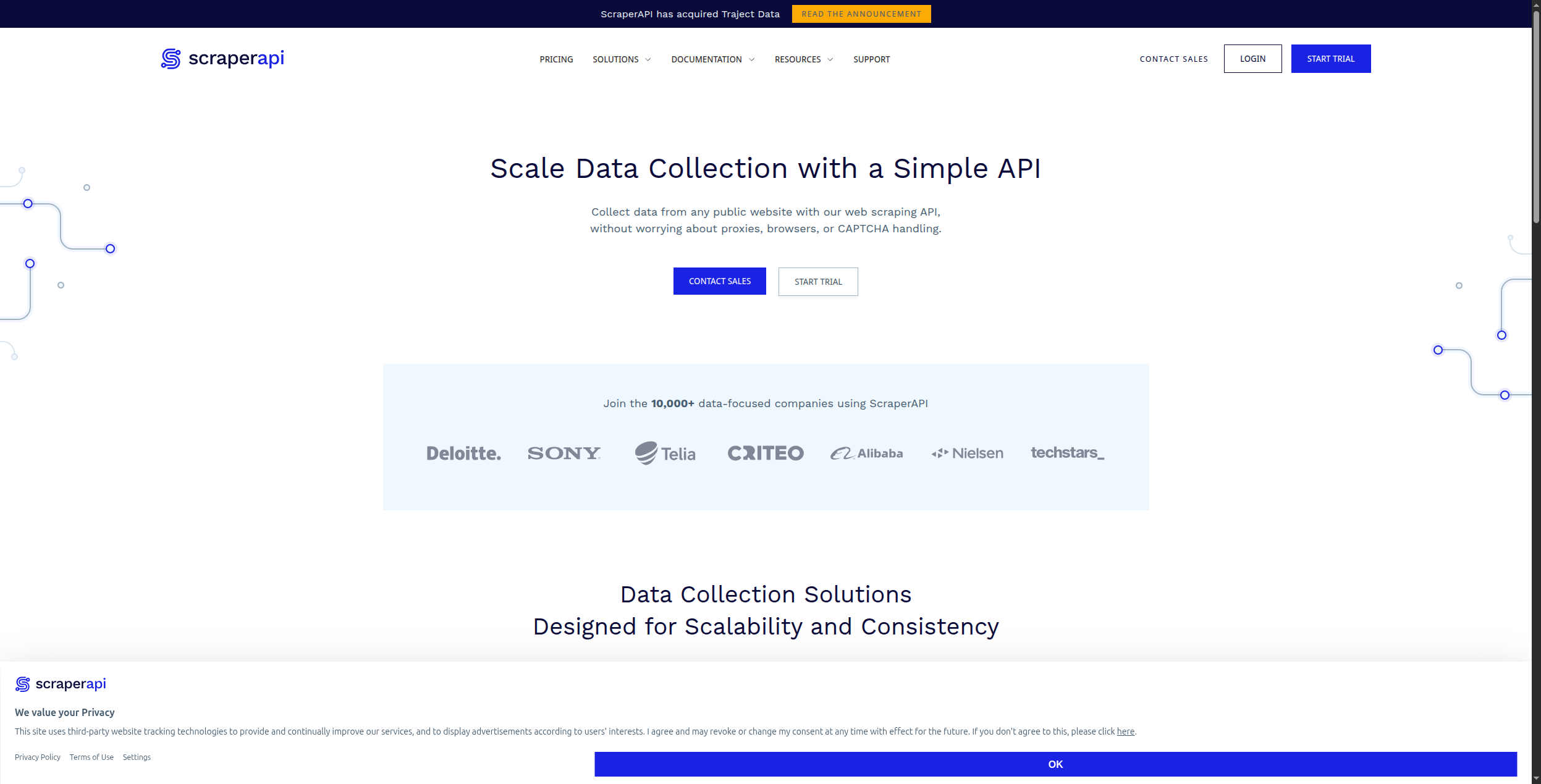
8. ScraperAPI — Najlepsze dla programistów potrzebujących niezawodnego HTML na dużą skalę
ScraperAPI to usługa proxy i renderowania, która daje programistom niezawodny surowy HTML z dowolnej witryny na dużą skalę. Obsługuje rotację proxy, rozwiązywanie CAPTCHA, renderowanie przeglądarki i ukierunkowanie geograficzne poprzez jedno wywołanie API. Jeśli jesteś programistą, który pisze własną logikę parsowania, ale potrzebujesz niezawodnej infrastruktury, ScraperAPI eliminuje najtrudniejsze problemy infrastrukturalne.
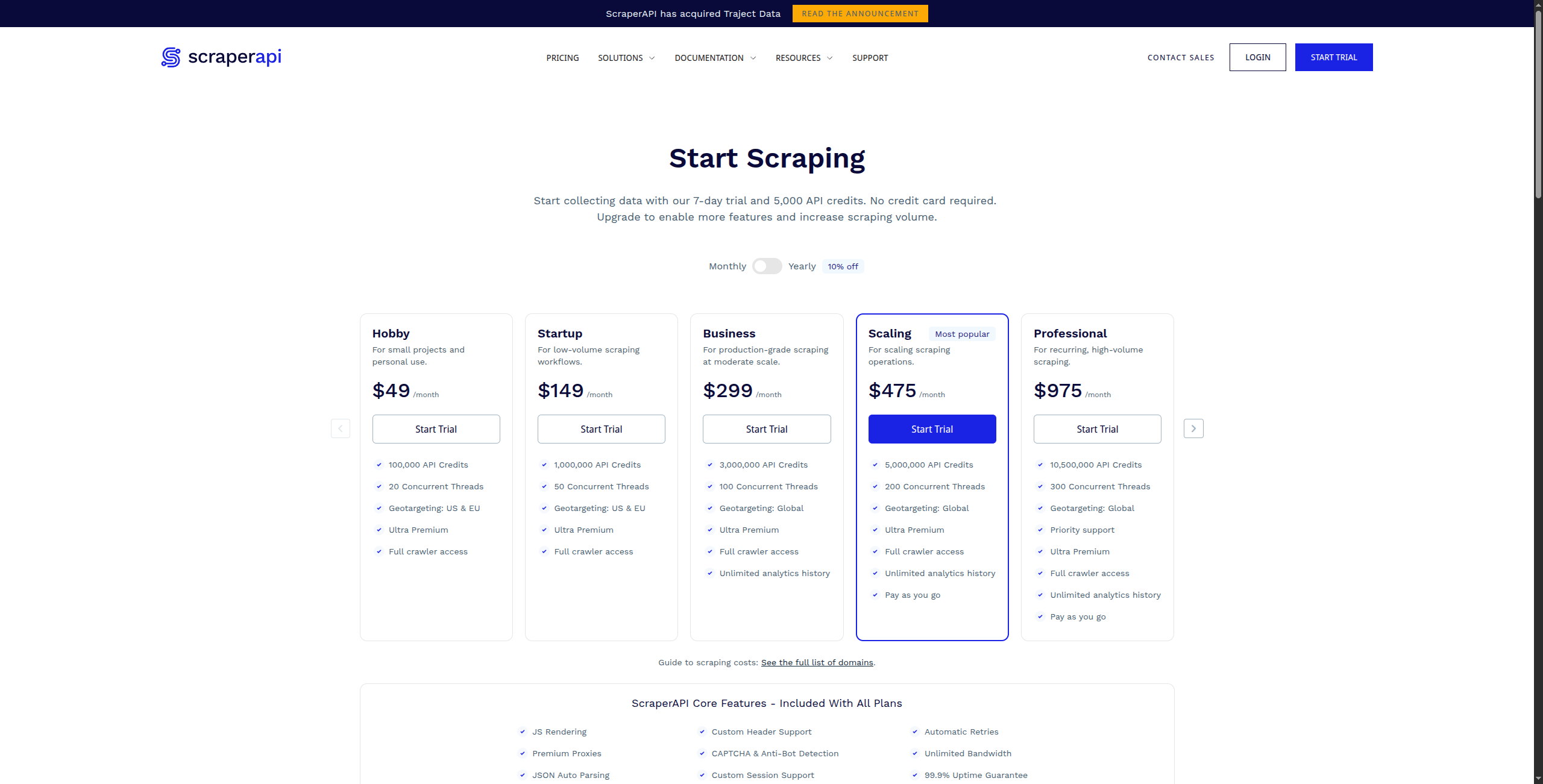
Ceny:
Bezpłatna — 1000 wywołań API/miesiąc, do 5 jednoczesnych żądań
Enterprise — Skontaktuj się z działem sprzedaży, aby uzyskać niestandardową objętość, dedykowane proxy i SLA
Kluczowe funkcje:
Jedno wywołanie API zwraca w pełni renderowany HTML z dowolnego adresu URL
Automatyczna rotacja proxy z 40 milionami+ rezydencjalnymi i datacenter IP
Renderowanie JavaScript poprzez bezheadless Chrome dla SPA i dynamicznych witryn
Rozwiązywanie CAPTCHA i obejście fingerprinting’u anti-bot
Geo-targeting z wyborami proxy na poziomie kraju i miasta
Strukturalne endpointy API danych dla Amazon, Google SERP, Walmart i więcej
Plusy: Proste API — jedna linia kodu, aby uzyskać renderowany HTML z dowolnej witryny; automatycznie zarządza proxy, CAPTCHA i fingerprinting’iem przeglądarki; konkurencyjna cena na dużą skalę (na wywołanie API); hojny bezpłatny poziom (1000 wywołań/miesiąc)
Minusy: Tylko API — brak interfejsu no-code; ty przynosisz własną logikę parsowania (brak wbudowanej ekstrakcji ustrukturyzowanych danych); nie jest przeznaczony dla użytkowników nietechnicznych
Najlepsze dla: Programistów budujących niestandardowe scrapery lub pipeline’y danych, którzy potrzebują niezawodnej, skalowanej warstwy renderowania i proxy bez zarządzania własną infrastrukturą.
Jak wybrać właściwą alternatywę dla Browse AI
Potrzebujesz scrapingu + automatyzacji niższego poziomu → FlowHunt. Jeśli Twoje dane muszą faktycznie coś robić po ekstrakcji — wyzwalać przepływ pracy, aktualizować CRM, zasilać agenta AI — FlowHunt obsługuje całą pipeline w jednym wizualnym płótnie.
Potrzebujesz crawlingu na poziomie enterprise’u → Apify. Nic nie dorównuje Apify dla operacji crawlingu na dużą skalę i złożoną z bogatym marketplace’em wstępnie zbudowanych scraperów.
Budujesz aplikację AI/LLM → Firecrawl. Najczystszy API do zasilania modeli językowych danymi sieciowymi.
Jesteś użytkownikiem nietechnicznym, który chce prostoty Browse AI → Octoparse. Najbardziej dojrzały scraper no-code z długą historią.
Twój przypadek użycia to generowanie potencjalnych klientów B2B → Clay. Specjalnie zaprojektowany do wzbogacania i budowania list perspektyw z wielu źródeł danych.
Twój przypadek użycia to LinkedIn/media społeczne → PhantomBuster. Najmocniejsze narzędzie w tej konkretnej niszy.
Podsumowanie
Browse AI wypełnia wyraźną lukę na rynku — web scraping no-code z czystym interfejsem — ale zatrzymuje się na ekstrakcji. Powyższe narzędzia idą dalej, niezależnie od tego, czy to oznacza lepszą skalę (Apify), lepszą integrację AI (FlowHunt, Firecrawl), czy lepsze generowanie potencjalnych klientów (Clay, PhantomBuster).
Dla zespołów, których rzeczywistym celem jest nie tylko ekstrahowanie danych, ale działanie na nich, FlowHunt
jest najbardziej kompletną alternatywą — zamieniając to, co Browse AI robi w izolacji, w pierwszy krok w pełni zautomatyzowanego przepływu pracy.
Najlepsza alternatywa dla Browse AI zależy od Twojego przypadku użycia. FlowHunt jest najlepszym wyborem, jeśli potrzebujesz scrapingu plus automatyzacji niższego poziomu w jednym przepływie pracy. Apify jest lepszy dla scrapingu na poziomie enterprise'u ze złożoną logiką crawlingu. Octoparse to najlepsza opcja no-code dla użytkowników nietechnicznych. Dla wzbogacania potencjalnych klientów Clay jest specjalnie zaprojektowany.
Browse AI oferuje bezpłatny plan z 50 kredytami miesięcznie — wystarczającymi do lekkiego testowania, ale nie do produkcji. Płatne plany zaczynają się od 49 USD/miesiąc za 2000 kredytów. Zarówno Apify, jak i Firecrawl oferują bezpłatne poziomy z wyższymi limitami do początkowego użytku.
Browse AI jest używany głównie do no-code'owego web scrapingu: monitorowania cen konkurencji, ekstrakcji danych produktów z witryn e-commerce, śledzenia ofert pracy i zbierania danych potencjalnych klientów z katalogów. Pozwala użytkownikom nietechnicznym wskazać i kliknąć, aby określić, jakie dane ekstrahować bez pisania kodu.
Tak, Browse AI może obsługiwać strony renderowane za pomocą JavaScript, ponieważ używa prawdziwej przeglądarki do ekstrakcji. Jednak może być wolniejszy i droższy dla scrapingu na dużą skalę intensywnie korzystającego z JS w porównaniu z narzędziami dla programistów, takimi jak Apify lub ScraperAPI, które są zoptymalizowane do renderowania przeglądarki na dużą skalę.
Browse AI to narzędzie no-code zaprojektowane dla użytkowników biznesowych, którzy chcą ekstrahować dane, klikając na stronę internetową. Apify to platforma zorientowana na programistów z własnym JavaScript SDK, marketplace'em 1500+ wstępnie zbudowanych scraperów (zwanych Actors) i infrastrukturą na poziomie enterprise'u dla operacji scrapingu na dużą skalę. Browse AI jest prostszy w konfiguracji; Apify jest bardziej potężny i rozszerzalny.
Arshia jest Inżynierką Przepływów Pracy AI w FlowHunt. Z wykształceniem informatycznym i pasją do sztucznej inteligencji, specjalizuje się w tworzeniu wydajnych przepływów pracy, które integrują narzędzia AI z codziennymi zadaniami, zwiększając produktywność i kreatywność.
Arshia Kahani
Inżynierka Przepływów Pracy AI
Scrapuj dowolną stronę internetową za pomocą AI — Spróbuj FlowHunt za darmo
Agenci AI FlowHunt mogą scrapować, ekstrahować i działać na danych sieciowych w jednym przepływie pracy — bez oddzielnego narzędzia do scrapingu. Połącz się z 1400+ aplikacjami i zautomatyzuj całą pipeline.
10 Najlepszych Web Scraperów AI w 2026: Ranking i Recenzje
10 najlepszych web scraperów AI w 2026, ocenionych pod kątem dokładności ekstrakcji, łatwości użycia, obsługi anty-botów i cen. Znajdź idealne narzędzie scrapin...
8 najlepszych alternatyw Apify w 2026 roku (Web Scraping i ekstrakcja danych)
Apify to potężna, ale skomplikowana i droga platforma dla większości przypadków użycia. Porównaliśmy 8 alternatyw Apify do web scrapingu i ekstrakcji danych — o...
Zintegruj FlowHunt ze Scrapi MCP, aby zautomatyzować wielokanałowe scrapowanie stron internetowych, usprawnić zbieranie danych oraz zarządzać przepływami ekstra...
3 min czytania
AI
Scrapi MCP
+4
Zgoda na Pliki Cookie Używamy plików cookie, aby poprawić jakość przeglądania i analizować nasz ruch. See our privacy policy.