Best Browse AI Alternatives in 2026: 8 Web Scraping Tools Compared
Looking for Browse AI alternatives? We compared 8 web scraping and data extraction tools — from AI-powered scrapers to full automation platforms — to find the best fit.
Web ScrapingBrowse AI
Alternatives
Data Extraction
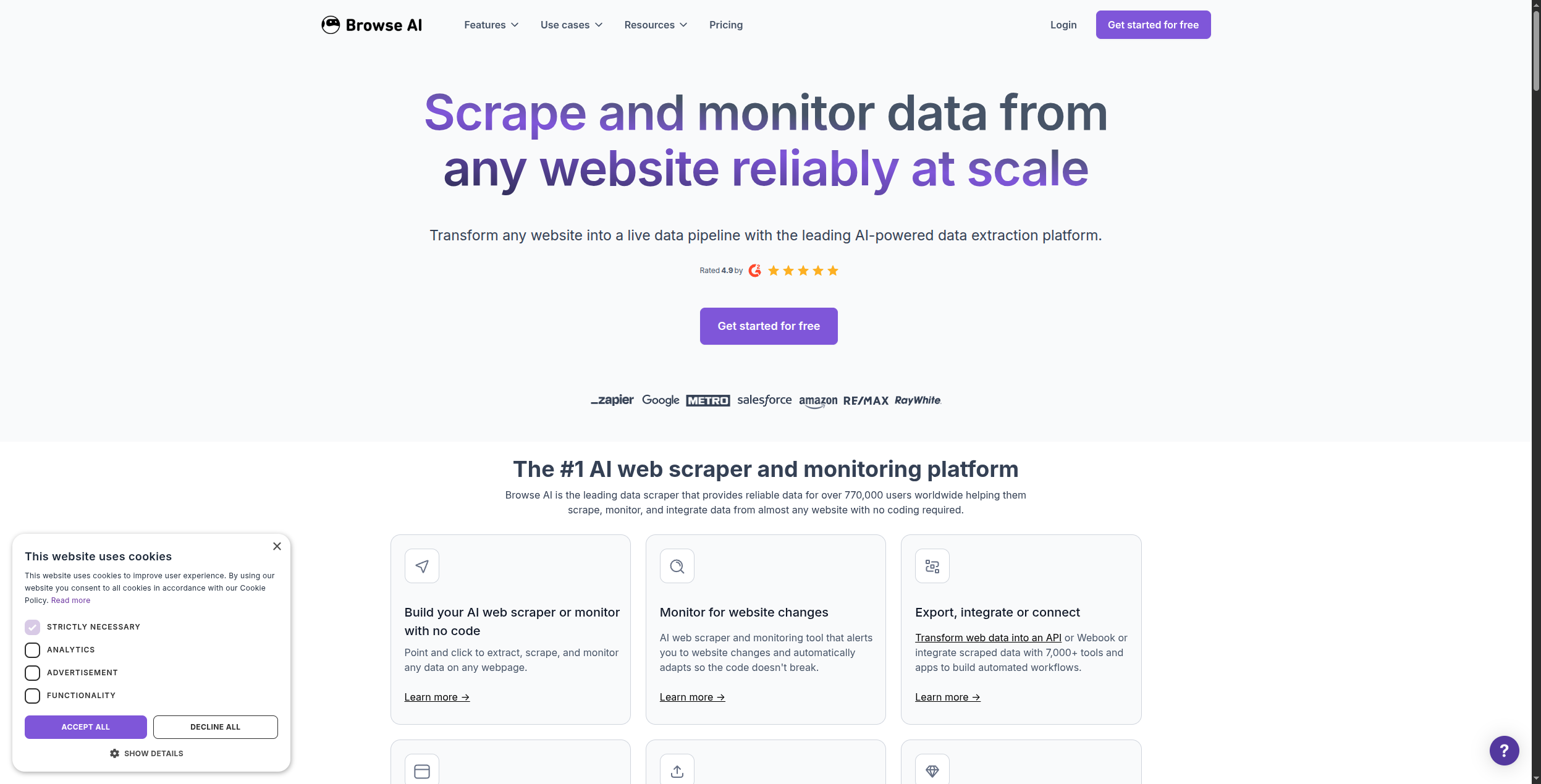
Browse AI is one of the most popular no-code web scraping tools on the market — point at a website, click the data you want, and it extracts and monitors it automatically. But it has meaningful gaps: limited downstream automation, credit-based pricing that gets expensive at scale, and an integration story that stops at CSV exports and basic webhooks.
If you’re looking for Browse AI alternatives — whether because you’ve outgrown it, hit the pricing wall, or need the scraped data to actually do something — this guide covers eight tools worth evaluating.
Quick answer:FlowHunt
is the best alternative if you want scraping plus automated downstream action. Apify wins for enterprise-scale crawling. Octoparse is the easiest no-code alternative for non-technical users.
Quick Comparison: Browse AI Alternatives
Tool
Best For
No-Code
AI-Powered
Free Plan
FlowHunt
Scrape + automate in one flow
Yes
Yes
Yes
Apify
Enterprise-scale crawling
Partial
Yes
Yes
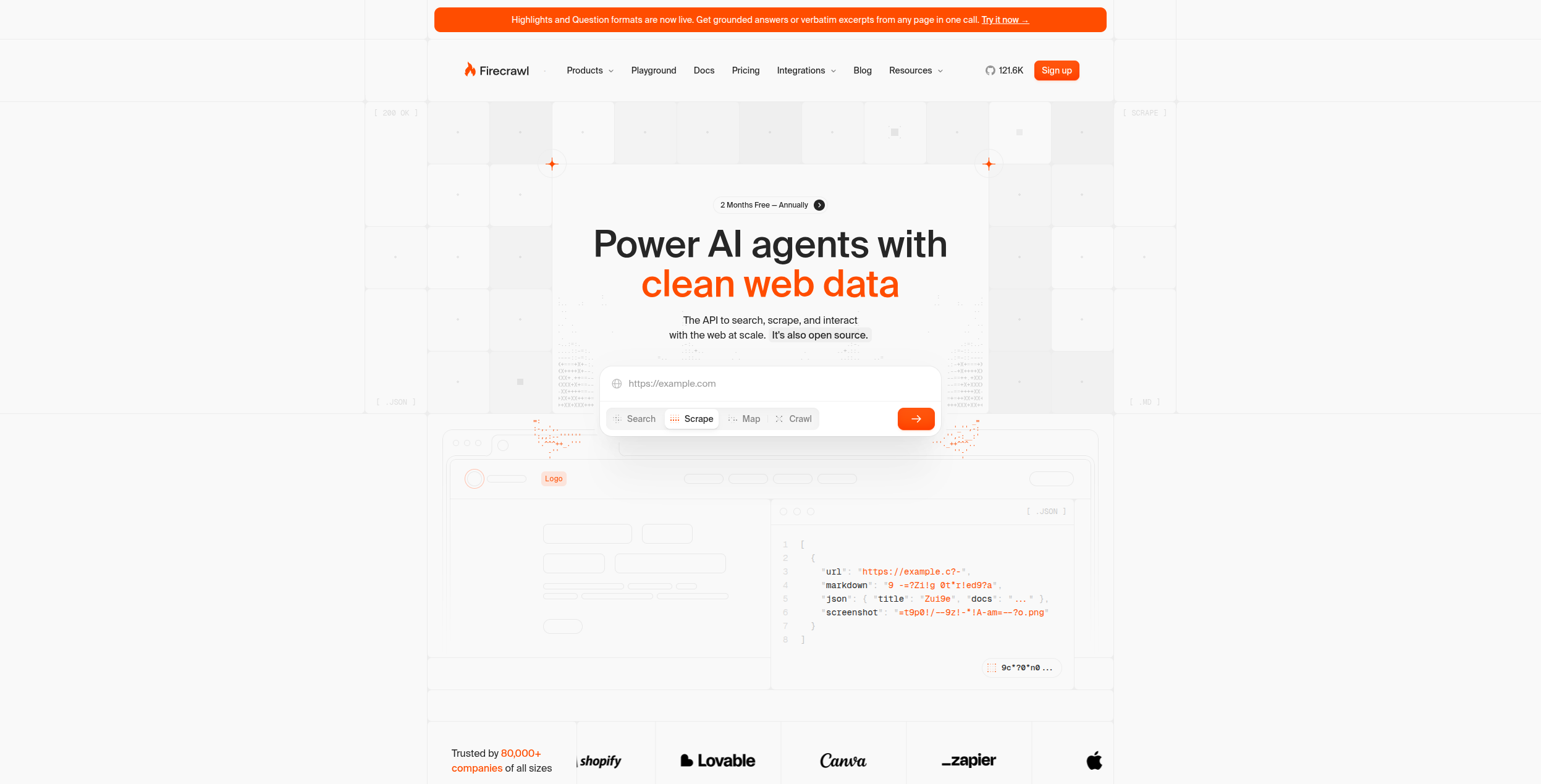
Firecrawl
LLM-ready web data
No (API)
Yes
Yes
Octoparse
Non-technical users
Yes
No
Yes
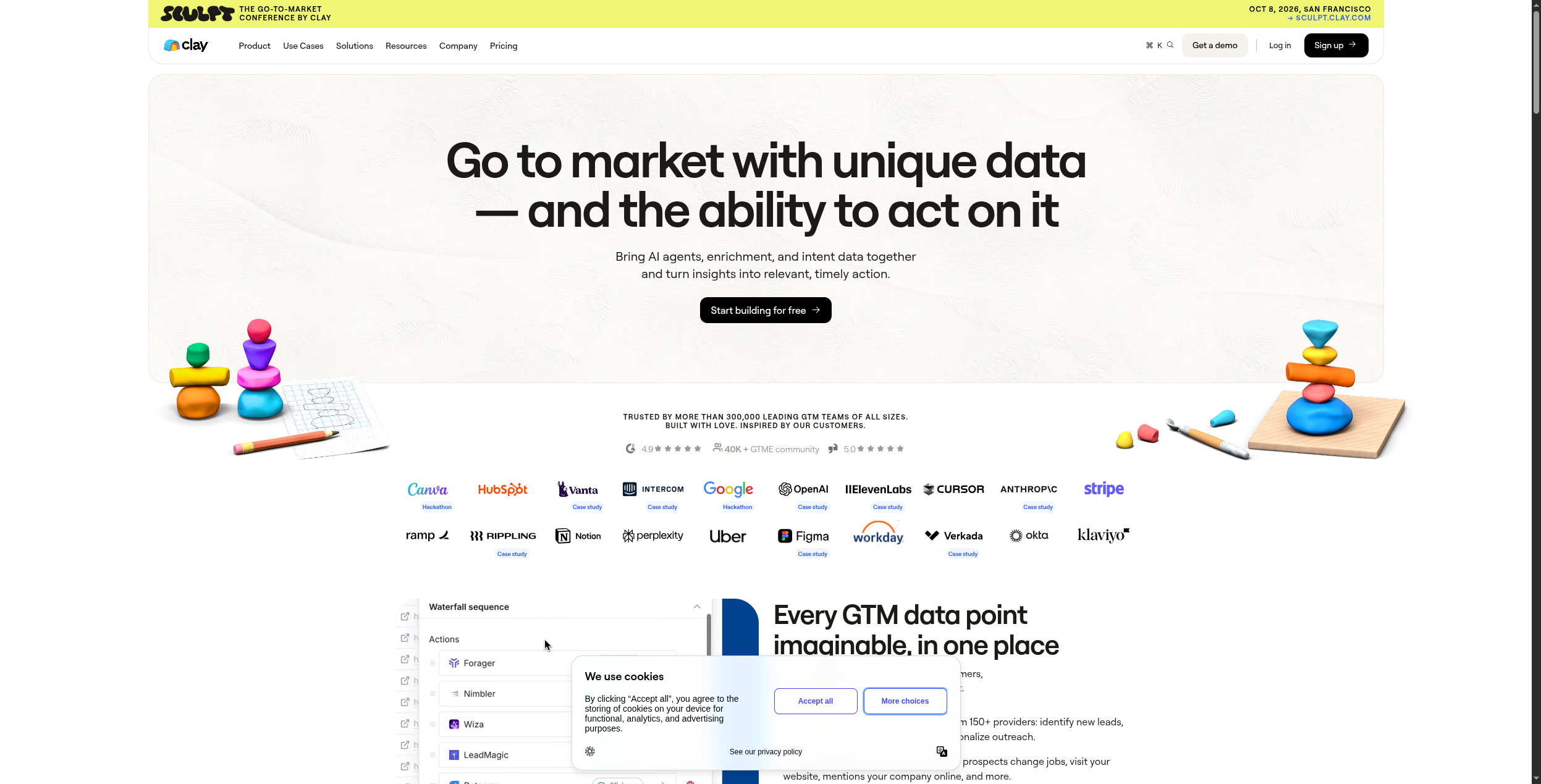
Clay
Lead enrichment
Yes
Yes
Yes
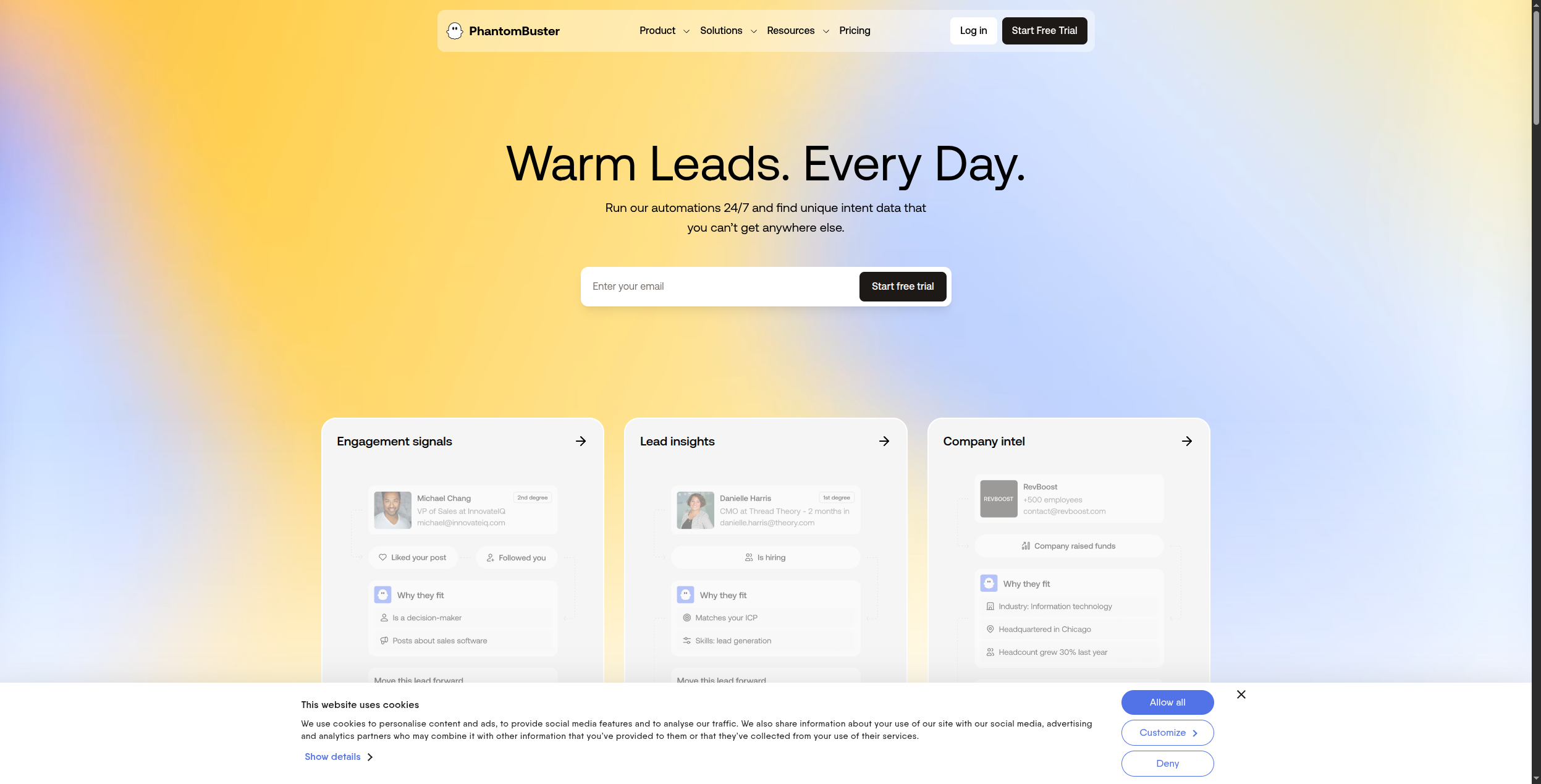
PhantomBuster
LinkedIn/social extraction
Yes
Limited
Yes
Bardeen
Browser-based scraping
Yes
Yes
Yes
ScraperAPI
Reliable HTML at scale
No (API)
No
Yes
Browse AI
No-code monitoring & extraction
Yes
Limited
Yes
What Is Browse AI?
Browse AI is a no-code web data extraction platform that launched in 2021 and quickly became popular for its accessible, point-and-click approach to web scraping. Instead of writing code or XPath selectors, you install a Chrome extension, navigate to a webpage, click on the data points you want to extract, and Browse AI handles the rest — including scheduling recurring extractions and monitoring pages for changes.
Common Browse AI use cases include competitor price monitoring, product catalogue extraction, job listing aggregation, real estate listing collection, and lead generation from business directories.
Where Browse AI falls short:
Shallow automation. Browse AI extracts data to a table or CSV, but doing something with that data — enriching it, routing it, triggering follow-up workflows — requires separate tools.
Credit-based pricing scales poorly. Complex pages with many rows consume multiple credits, pushing costs up quickly for high-volume use cases.
Limited AI reasoning. Browse AI uses AI to identify data fields, but it can’t intelligently interpret or act on the data it collects.
Integration depth. Connections to downstream tools (CRMs, databases, automation platforms) are limited compared to dedicated workflow automation tools.
Ready to grow your business?
Start your free trial today and see results within days.
1. FlowHunt — Best for Scraping + End-to-End Automation
FlowHunt
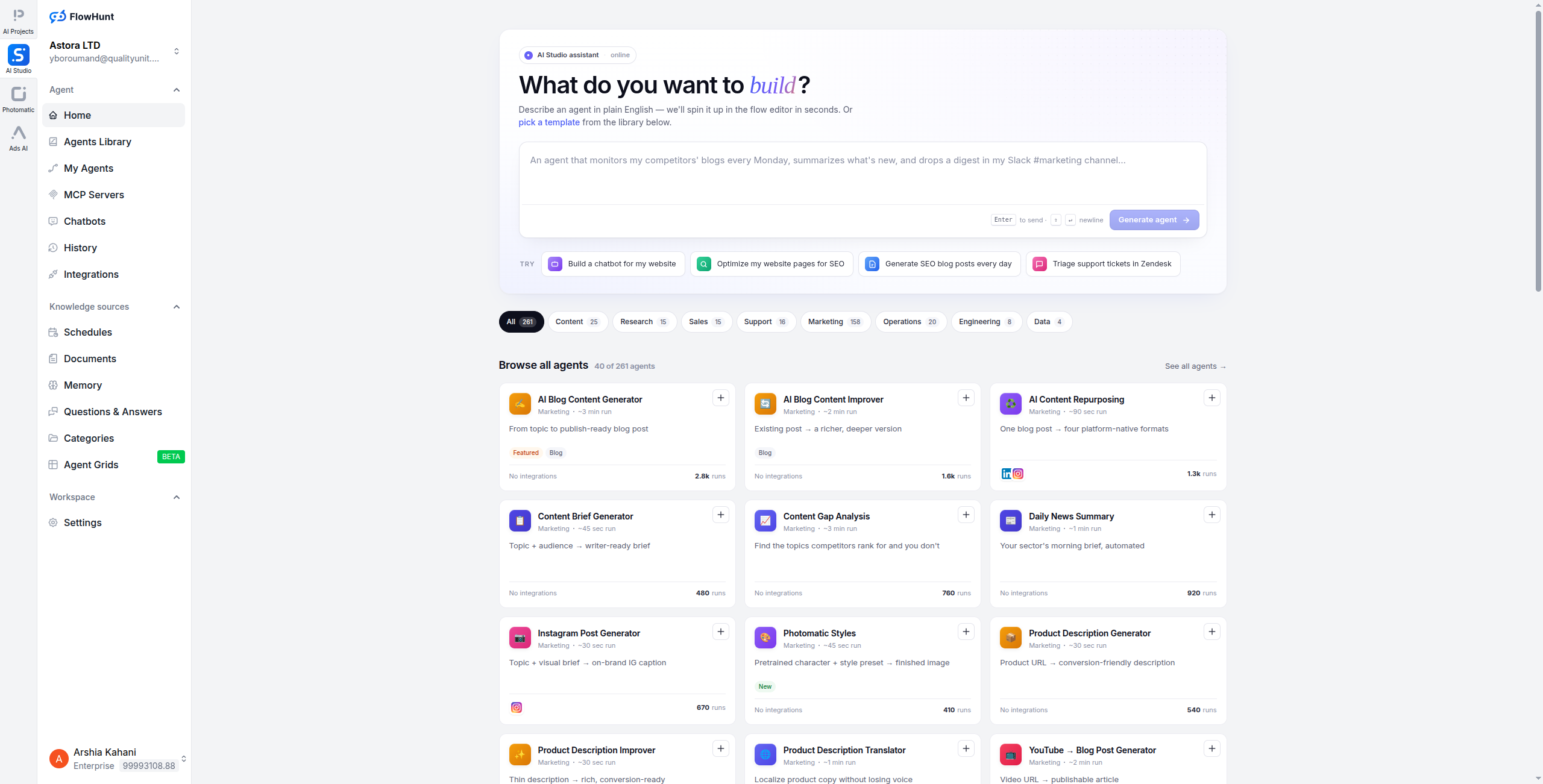
takes a different approach to the web scraping problem: instead of treating extraction as a separate step, it embeds web scraping directly into AI-powered automation workflows. You can scrape a page, have an AI agent interpret the data, enrich it with additional sources, and push it to your CRM — all in a single visual flow.
Where Browse AI ends at data extraction, FlowHunt continues: AI agents can read the scraped content, make decisions about it, and trigger actions across 1,400+ connected tools. This makes FlowHunt uniquely suited to use cases where scraped data feeds a business process rather than just landing in a spreadsheet.
Example workflow: Scrape a job listing site for new postings → AI agent extracts company name, role, and requirements → enrich with company data from LinkedIn → route qualified leads to HubSpot → notify the team via Slack.
Pricing:
Free — $0/month. Generous execution credits to build and test workflows, no credit card required
Pro — Usage-based. Scales with workflow executions and AI API calls — pay for the AI and automation you use, not seats or fixed page limits
Visual workflow builder combining web scraping, AI processing, and downstream actions in one canvas
AI agents that interpret and act on scraped content via natural language reasoning
1,400+ native integrations including CRMs, spreadsheets, messaging tools, and databases
Multi-step agent pipelines for complex data enrichment and qualification workflows
Scheduled, triggered, and on-demand workflow execution — no infrastructure to manage
Web monitoring: track changes on competitor pages or data sources and trigger actions automatically
Pros:
Combines web scraping with full downstream automation in one visual canvas — no stitching tools together
AI agents can interpret, enrich, and act on scraped data in ways rule-based tools cannot
1,400+ integrations — no data stranded in a CSV waiting for manual import into another tool
Visual workflow builder — no code required; non-technical users can build and modify flows
Multi-agent support for complex, multi-step data pipelines that chain research, enrichment, and outreach
Cons:
Not purpose-built as a scraping tool — requires workflow configuration to set up extraction jobs
Point-and-click element selection is less developed than Browse AI’s Chrome extension experience
For pure high-volume HTML scraping, pairing with a dedicated API like ScraperAPI is more efficient
Steeper setup curve than Browse AI for simple one-off extractions
Best for: Teams that need to extract web data and immediately act on it — enriching leads, triggering workflows, or feeding AI agents — rather than just storing it in a spreadsheet.
2. Apify — Best for Enterprise-Scale Scraping
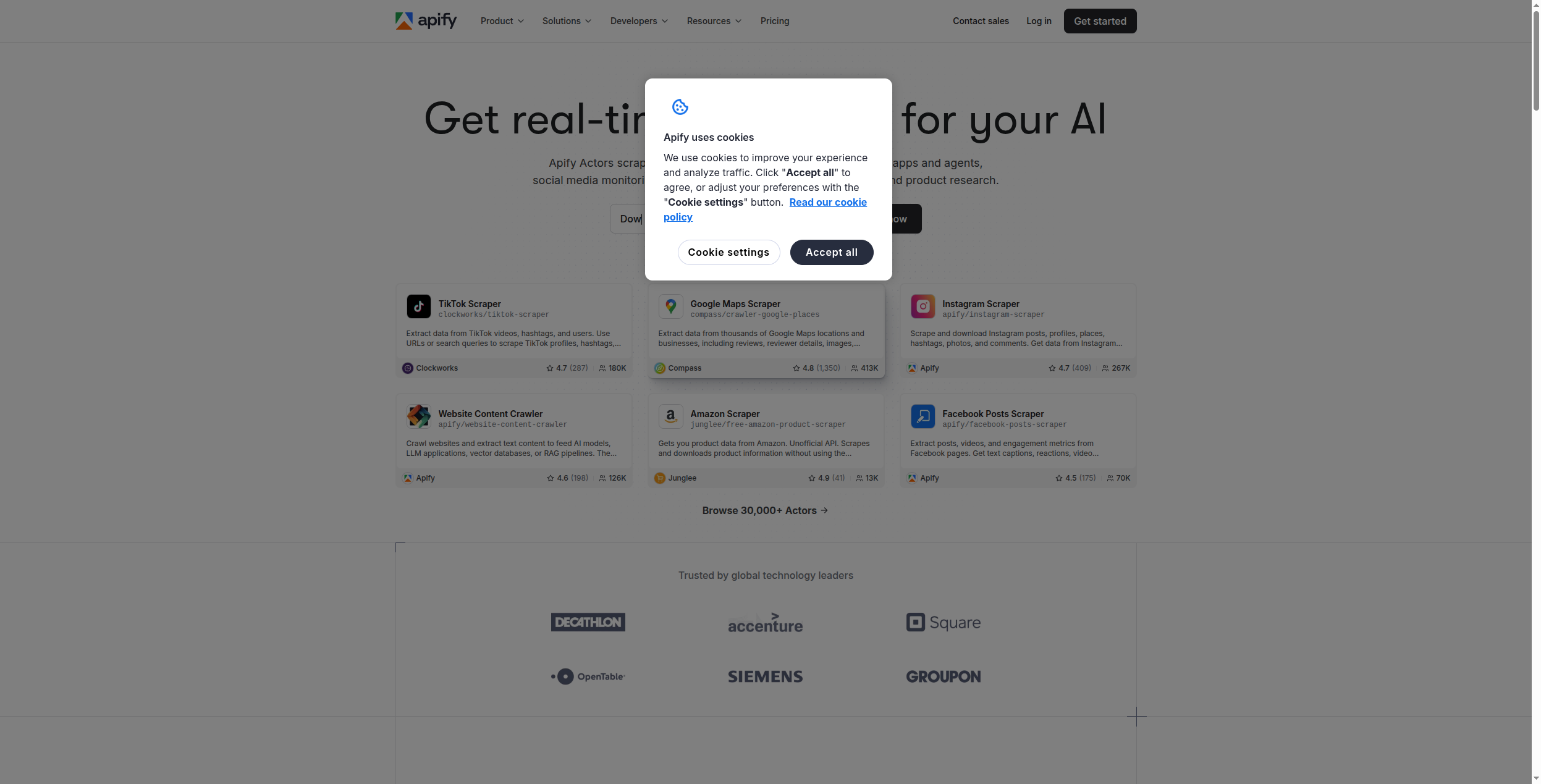
Apify is the most powerful web scraping platform available, built for teams that need to crawl millions of pages, handle anti-bot measures, and maintain complex scraping operations at scale. Its marketplace of 1,500+ ready-to-use “Actors” (pre-built scrapers) means you can often find a working scraper for your target site without writing any code.
Pricing:
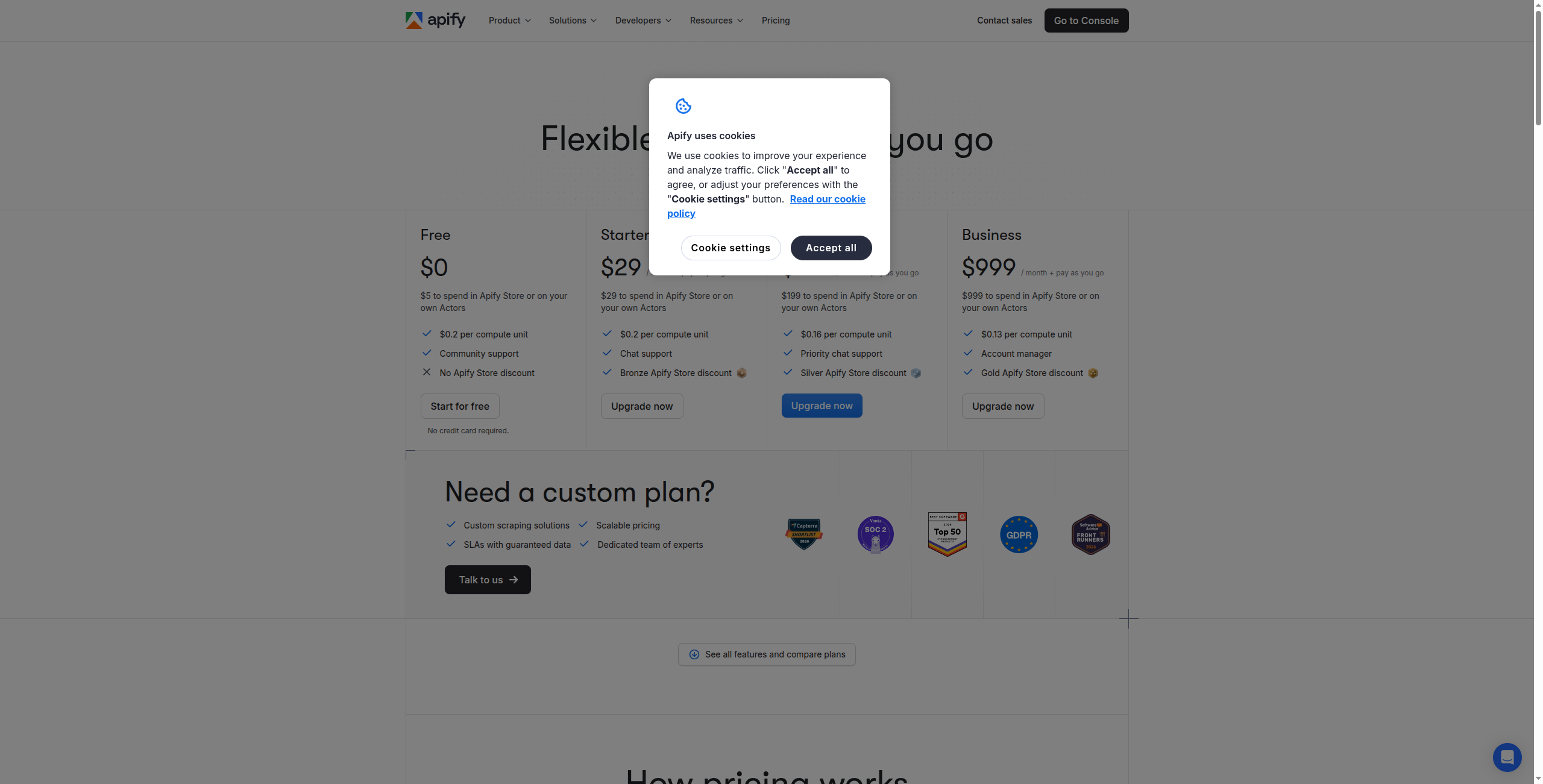
Free — $5 of platform credits/month, access to all Actors, community support
Starter — $49/month. $49 in platform credits, 1 concurrent Actor run, standard proxies
Scale — $499/month. $499 in platform credits, 10 concurrent runs, premium proxies, priority support
Business — $999/month. $999 in platform credits, 20 concurrent runs, dedicated support, SLA options
Enterprise — Contact sales for custom credit allocation, private Actors, and dedicated infrastructure
Key features:
1,500+ marketplace Actors covering Amazon, LinkedIn, Google Maps, social media, and more
Apify SDK (JavaScript/Python) for building fully custom scrapers
Headless browser support (Playwright, Puppeteer) for JavaScript-heavy sites
Built-in proxy management with residential and datacenter IP rotation
Scheduled, event-triggered, and webhook-triggered Actor runs
Dataset and key-value store for structured result storage and retrieval
Pros: 1,500+ marketplace Actors for instant deployment on popular sites; handles JavaScript rendering, CAPTCHA solving, and proxy rotation; scales from individual use to enterprise-level crawling infrastructure; JavaScript SDK for custom scraper development; generous free tier ($5 of platform credits per month) Cons: More technical than Browse AI for custom use cases; Actor quality varies — marketplace listings aren’t all maintained equally; cost scales with compute time, not just row counts Best for: Development teams and enterprises that need large-scale crawling operations, custom scraper development, or a rich marketplace of pre-built scrapers for popular websites.
Join our newsletter
Get latest tips, trends, and deals for free.
3. Firecrawl — Best for AI and LLM Pipelines
Firecrawl is a developer-focused web crawling API purpose-built for AI applications. It converts websites — including JavaScript-rendered pages — to clean, structured markdown that LLMs can directly consume. If you’re building an AI agent, RAG pipeline, or LLM application that needs fresh web data, Firecrawl is the most purpose-built option.
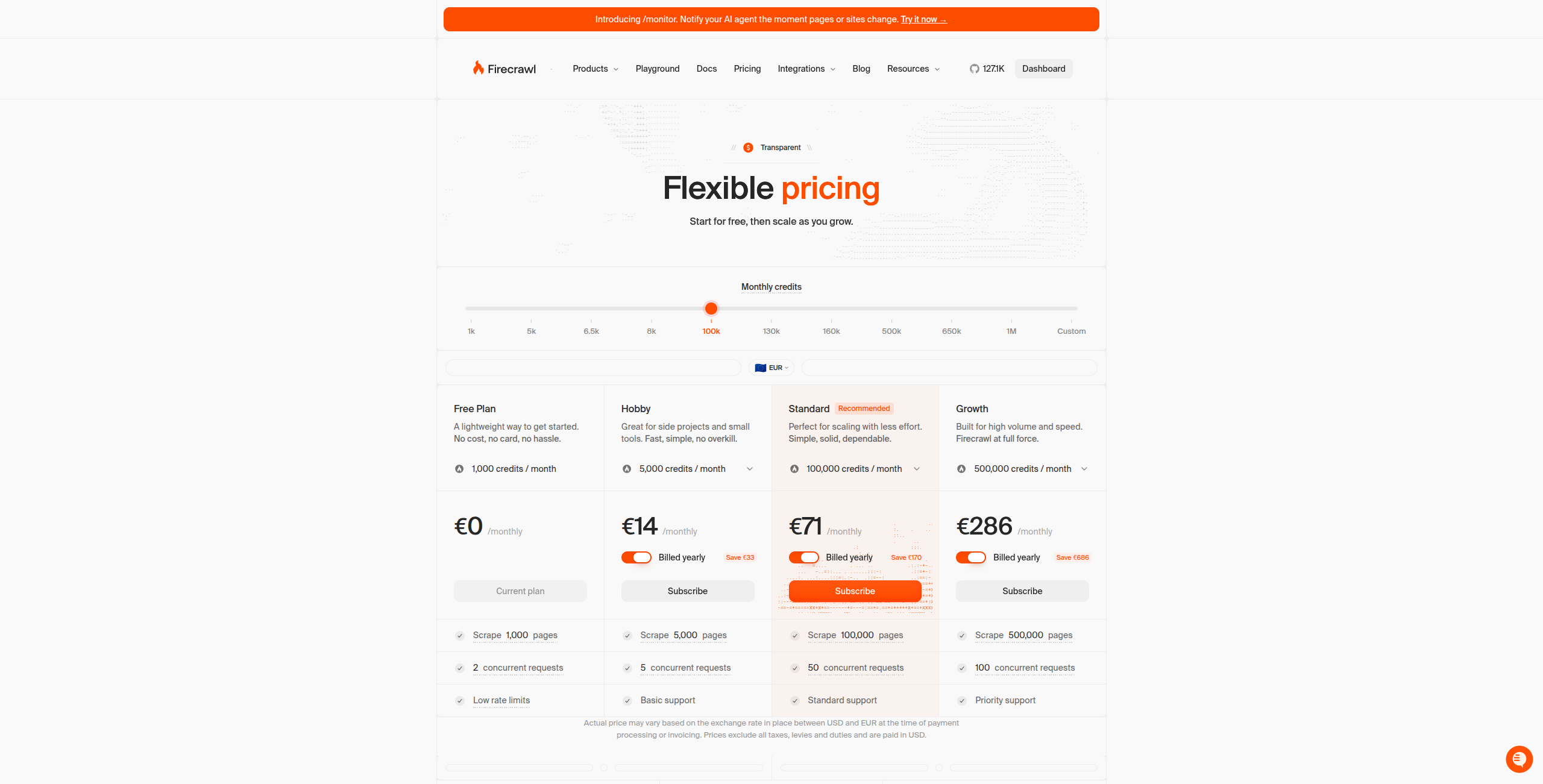
Pricing:
Free — 500 credits/month, up to 500 scraped pages, full API access
Hobby — $16/month. 3,000 credits/month, higher rate limits, basic support
Standard — $83/month. 100,000 credits/month, priority rate limits, email support
Growth — $333/month. 500,000 credits/month, dedicated support, advanced features
Enterprise — Contact sales for custom volume, on-premise deployment, and SLA
Key features:
Scrape endpoint: converts any URL to clean LLM-ready markdown in one API call
Crawl endpoint: recursively crawls entire websites with sitemap discovery
Extract endpoint: pulls structured data matching a defined JSON schema
Search endpoint: AI-powered web search returning clean markdown results
JavaScript rendering for SPAs and dynamic content
SDKs for Python, Node.js, Go, and Rust with simple integration
Pros: Outputs clean markdown optimised for LLM ingestion; handles JS rendering, authentication, and dynamic content; simple REST API — easy to integrate into any stack; free tier available for development and testing Cons: Developer API only — no no-code interface; not designed for business user self-service; no built-in scheduling or monitoring (bring your own orchestration) Best for: Developers building AI agents, RAG knowledge bases, or LLM applications that need accurate, clean web content as input data.
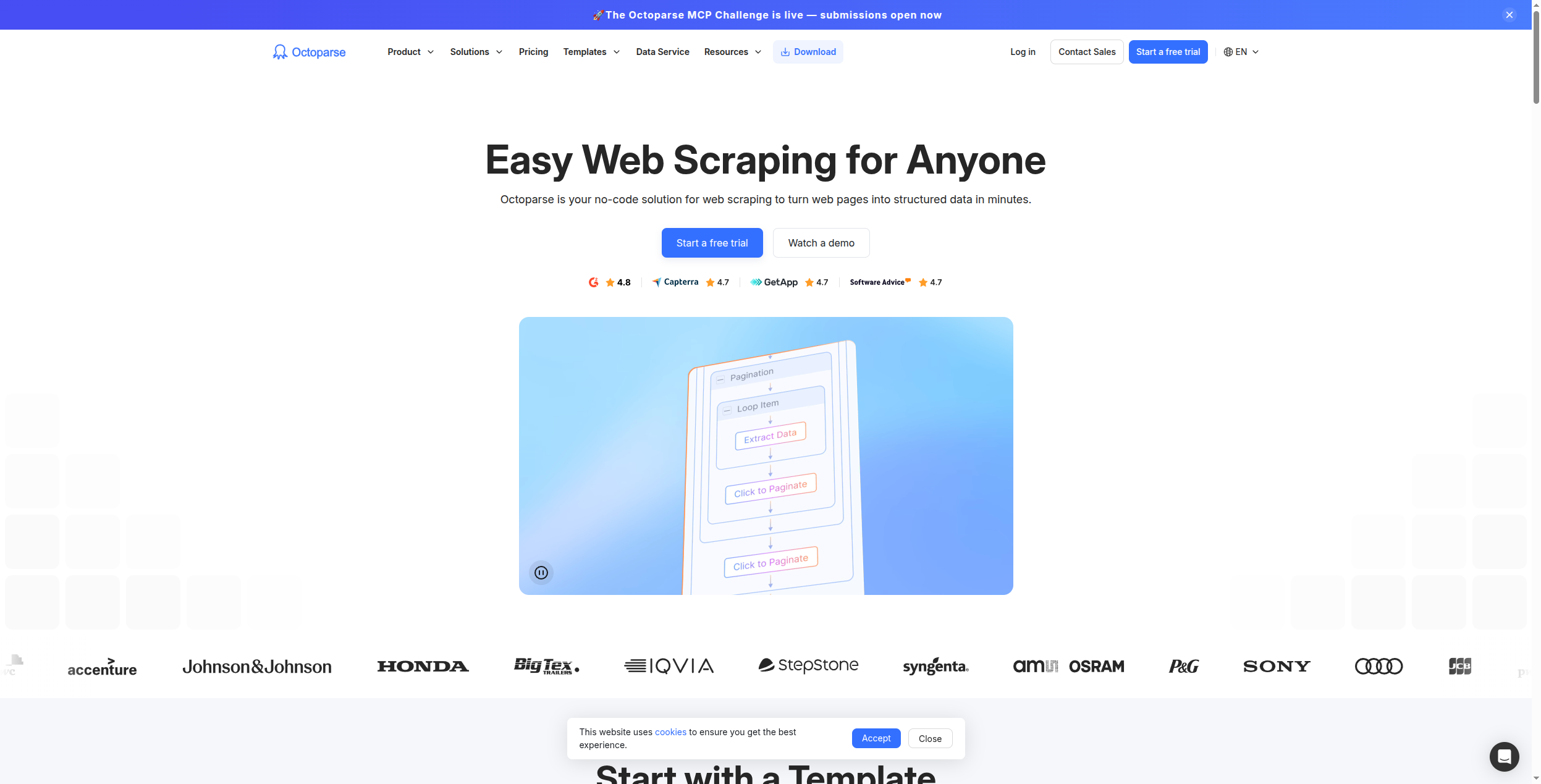
4. Octoparse — Best No-Code Alternative for Non-Technical Users
Octoparse is the most established no-code web scraping tool in the market, predating Browse AI by several years. Its visual point-and-click interface lets non-technical users build scrapers for complex, paginated, and JavaScript-heavy websites. Cloud-based extraction runs scrapers on schedule without keeping your computer on.
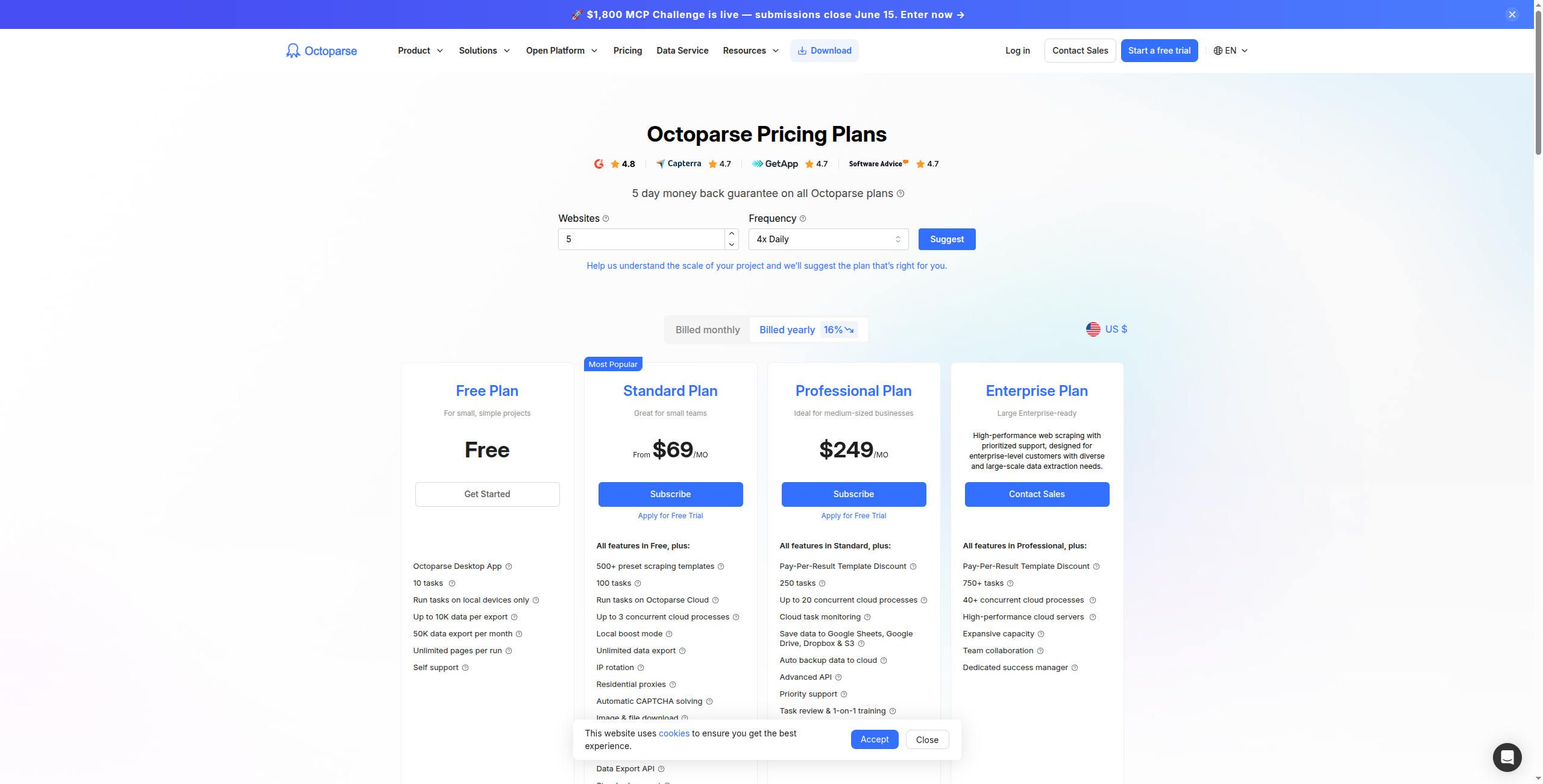
Pricing:
Free — Local scraping only, limited to 10,000 records per export, no cloud runs
Standard — $75/month. Cloud scraping, 10 simultaneous cloud tasks, scheduling, API access
Professional — $149/month. 30 simultaneous cloud tasks, IP rotation, faster cloud execution, priority support
Visual point-and-click workflow builder — no code or CSS selectors needed
Handles pagination, infinite scroll, login-protected pages, and dropdown navigation
Cloud scraping with scheduling and automatic re-runs on failure
Auto-detect feature for quick template generation from common page layouts
1,000+ pre-built templates for e-commerce, real estate, jobs, and more
Export to Excel, CSV, Google Sheets, MySQL, SQL Server, and via API
Pros: Mature no-code visual scraper with extensive templates; handles pagination, login-required pages, and infinite scroll; cloud extraction and scheduling included; exports to Excel, CSV, databases, and APIs Cons: Interface feels dated compared to Browse AI; pricing is higher than Browse AI at equivalent extraction volumes; no AI interpretation of extracted data Best for: Non-technical business users and analysts who need a reliable, self-service scraping tool for regularly updated data from complex websites.
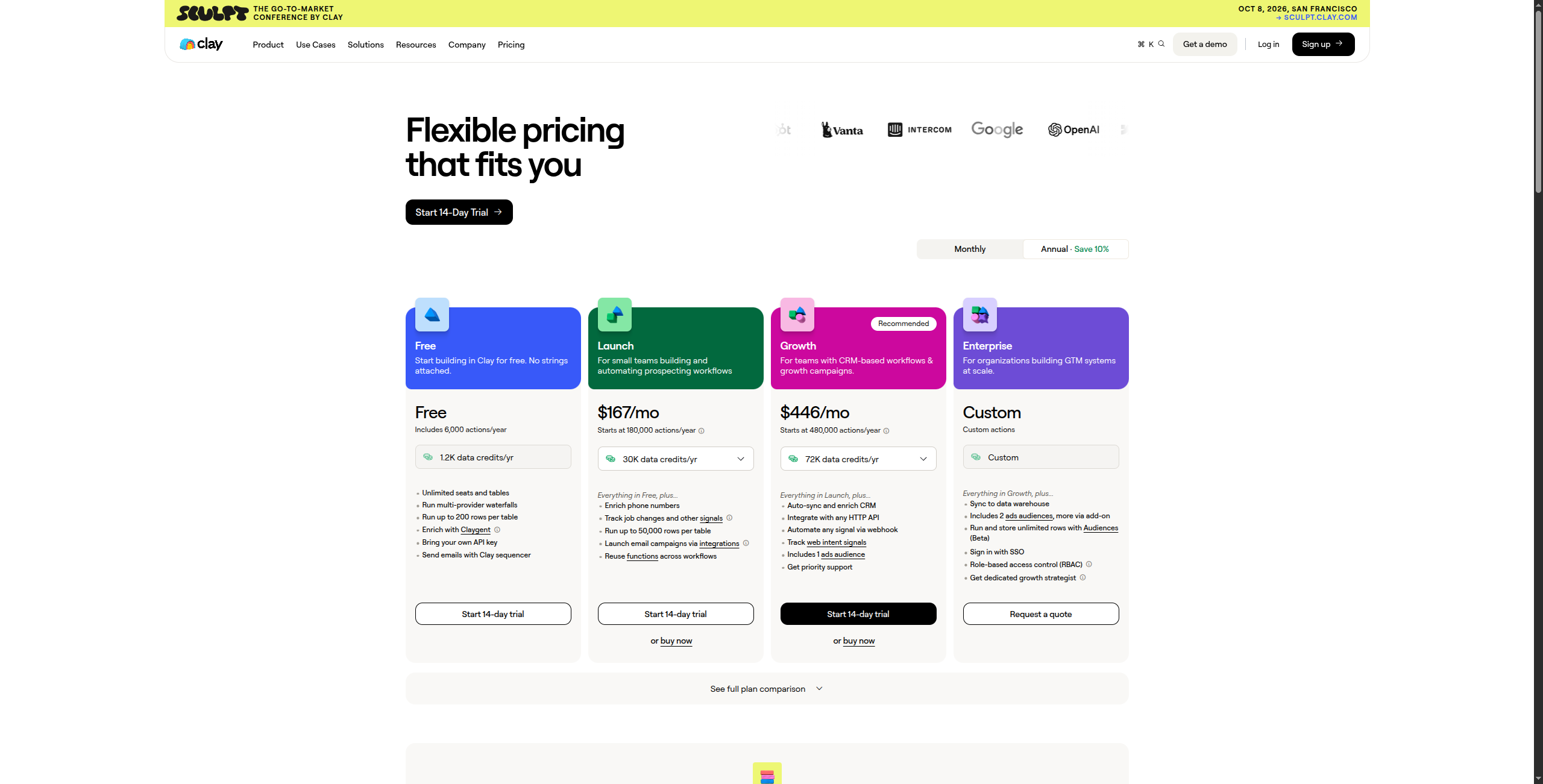
5. Clay — Best for Lead Enrichment and Prospecting
Clay takes web scraping in a specific direction: building and enriching prospect lists. It pulls from 50+ data sources (LinkedIn, Apollo, Clearbit, and more) alongside web scraping to let sales and growth teams build hyper-targeted lead lists with enriched contact data. If Browse AI was your source of B2B leads, Clay is the purpose-built upgrade.
Pricing:
Free — 100 credits/month, access to basic data sources, manual enrichment
Starter — $149/month. 2,000 credits/month, access to all 50+ data providers, basic CRM push
Explorer — $349/month. 10,000 credits/month, AI research agents, advanced enrichment
Pro — $800/month. 50,000 credits/month, full AI agent capabilities, priority support
Enterprise — Contact sales for custom credit volume, SSO, dedicated onboarding, and SLA
Key features:
50+ integrated data sources for contact and company enrichment (LinkedIn, Apollo, Clearbit, Hunter.io, and more)
AI research agent that browses the web and writes personalised outreach based on research
Waterfall enrichment — tries multiple providers in sequence to maximize data coverage
Spreadsheet-style interface familiar to non-technical sales and marketing users
Native CRM push to HubSpot, Salesforce, and other sales tools
Automated list-building from job boards, LinkedIn searches, and company directories
Pros: 50+ data sources for contact and company enrichment; AI-powered research that personalises each row; native CRM integrations (HubSpot, Salesforce); designed for sales teams — intuitive spreadsheet-like interface Cons: Not a general-purpose scraper — tightly focused on lead generation; credit-based pricing can be expensive for large lists; less effective for non-lead-generation scraping use cases Best for: Sales and growth teams building targeted outbound lists and enriching CRM records with verified contact and company data.
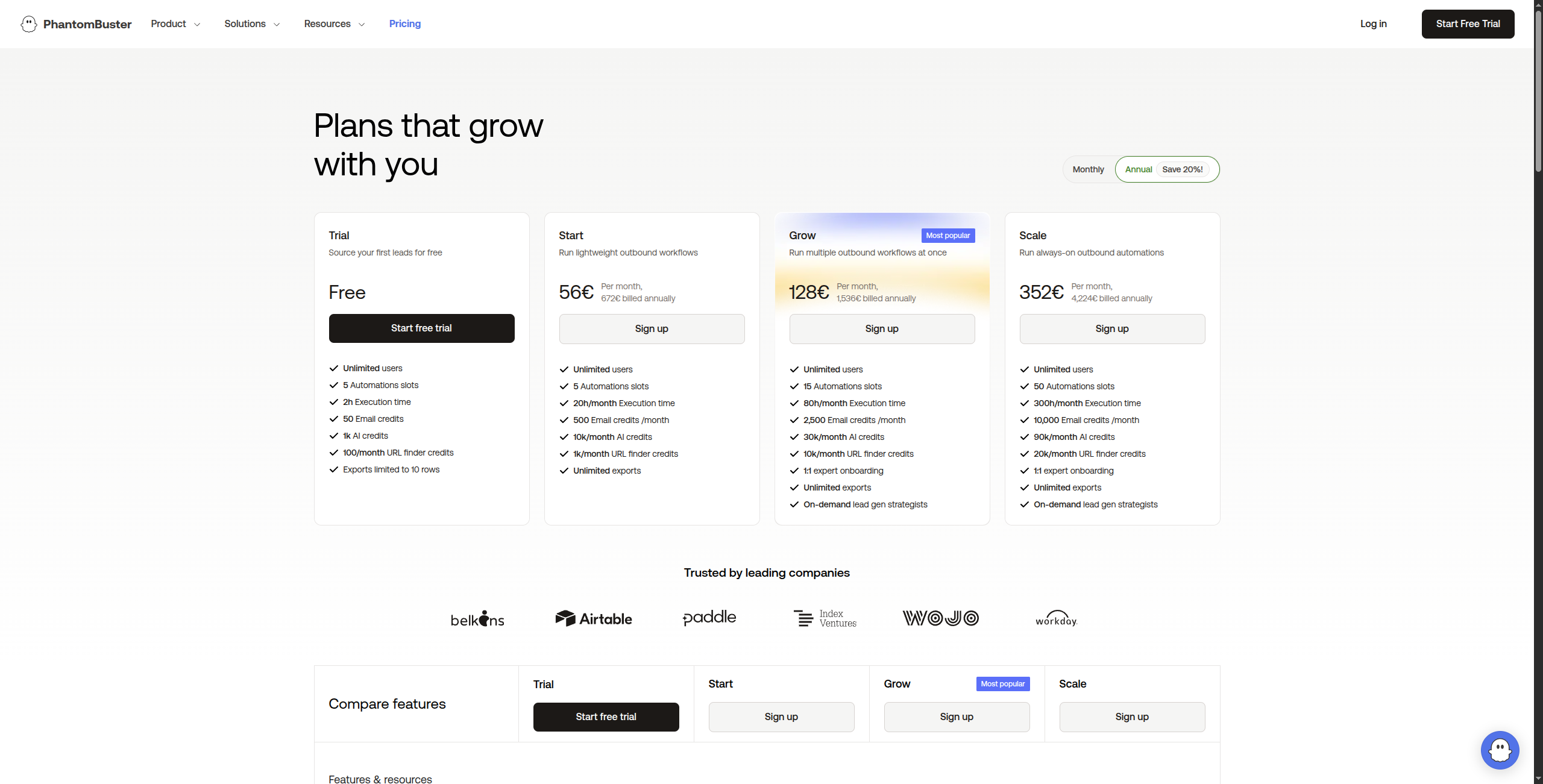
6. PhantomBuster — Best for LinkedIn and Social Media Extraction
PhantomBuster is the go-to tool for LinkedIn data extraction: scraping profiles, company pages, post engagement, Sales Navigator search results, and more. It also covers Twitter/X, Instagram, and other social platforms. If your Browse AI use cases are social-media-centric, PhantomBuster handles them better.
Pro — $128/month. 80 hours execution time/month, 15 simultaneous Phantoms, priority support
Team — $352/month. 300 hours execution time/month, unlimited simultaneous Phantoms, dedicated support
Enterprise — Contact sales for custom execution time, multi-seat management, and dedicated infrastructure
Key features:
100+ pre-built Phantoms for LinkedIn, Twitter/X, Instagram, Facebook, Google Maps, and more
LinkedIn scraping: profiles, company pages, Sales Navigator results, event attendees, post likes
Connection request and message automation with configurable daily limits
Scheduled runs with throttling settings to reduce platform detection risk
Export to CSV, Google Sheets, and direct CRM push via webhooks
Multi-account support for managing multiple social profiles
Pros: Best LinkedIn automation and extraction tool available; wide range of pre-built Phantoms for social platforms; good CRM integration for direct lead push; reasonable pricing for the capabilities Cons: Social platform ToS compliance risk — LinkedIn actively limits scraping; not suitable for general website scraping; AI capabilities are limited Best for: Sales teams and recruiters who need to extract and automate actions on LinkedIn and social platforms for lead generation and outreach campaigns.
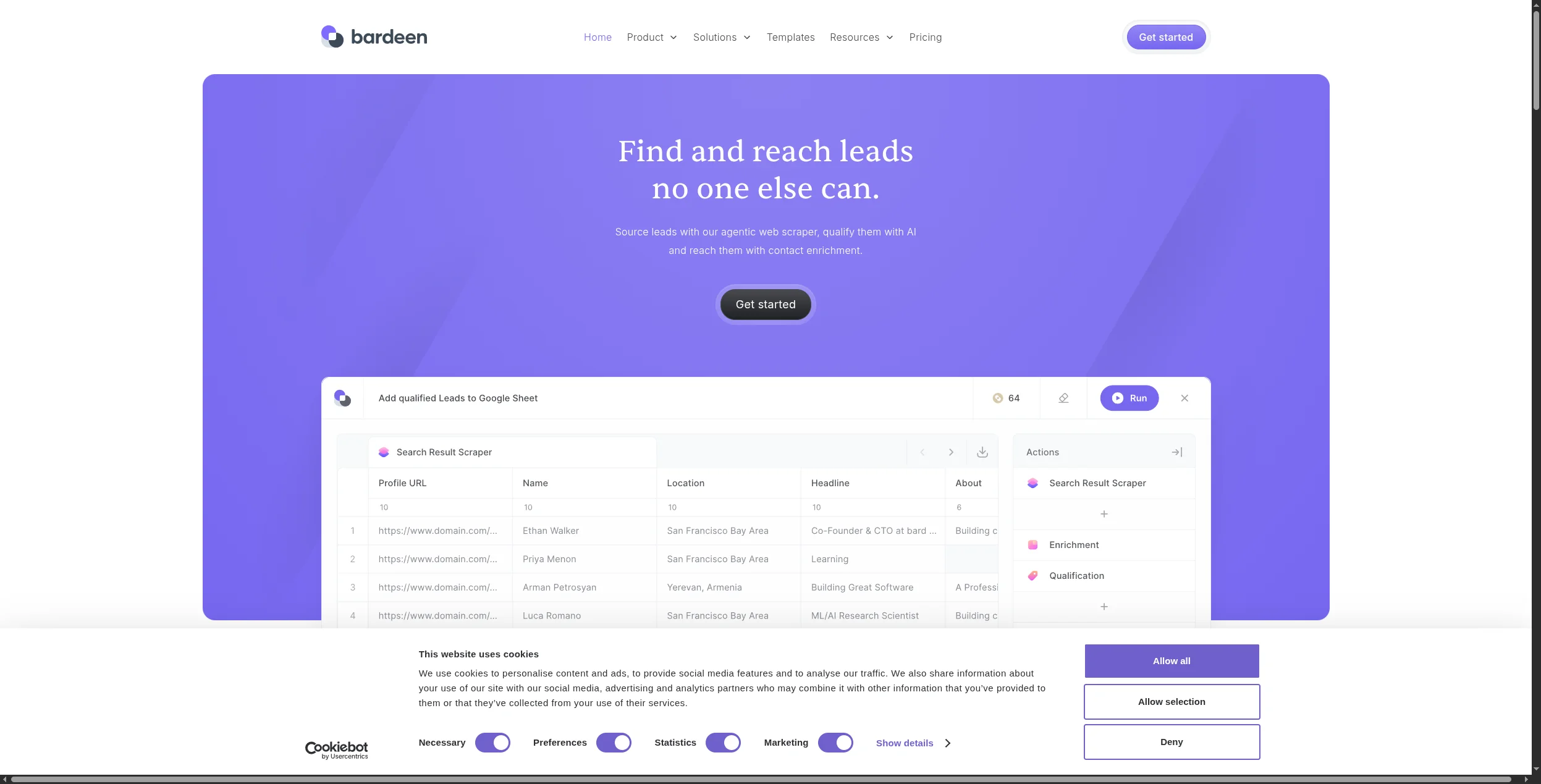
7. Bardeen — Best Browser-Native Scraping with AI
Bardeen operates as a Chrome extension combining scraping, AI processing, and app integrations in a browser-native interface. Its AI can interpret page content and extract structured data even when the page structure isn’t perfectly consistent — making it more resilient than rule-based scrapers for sites that change frequently.
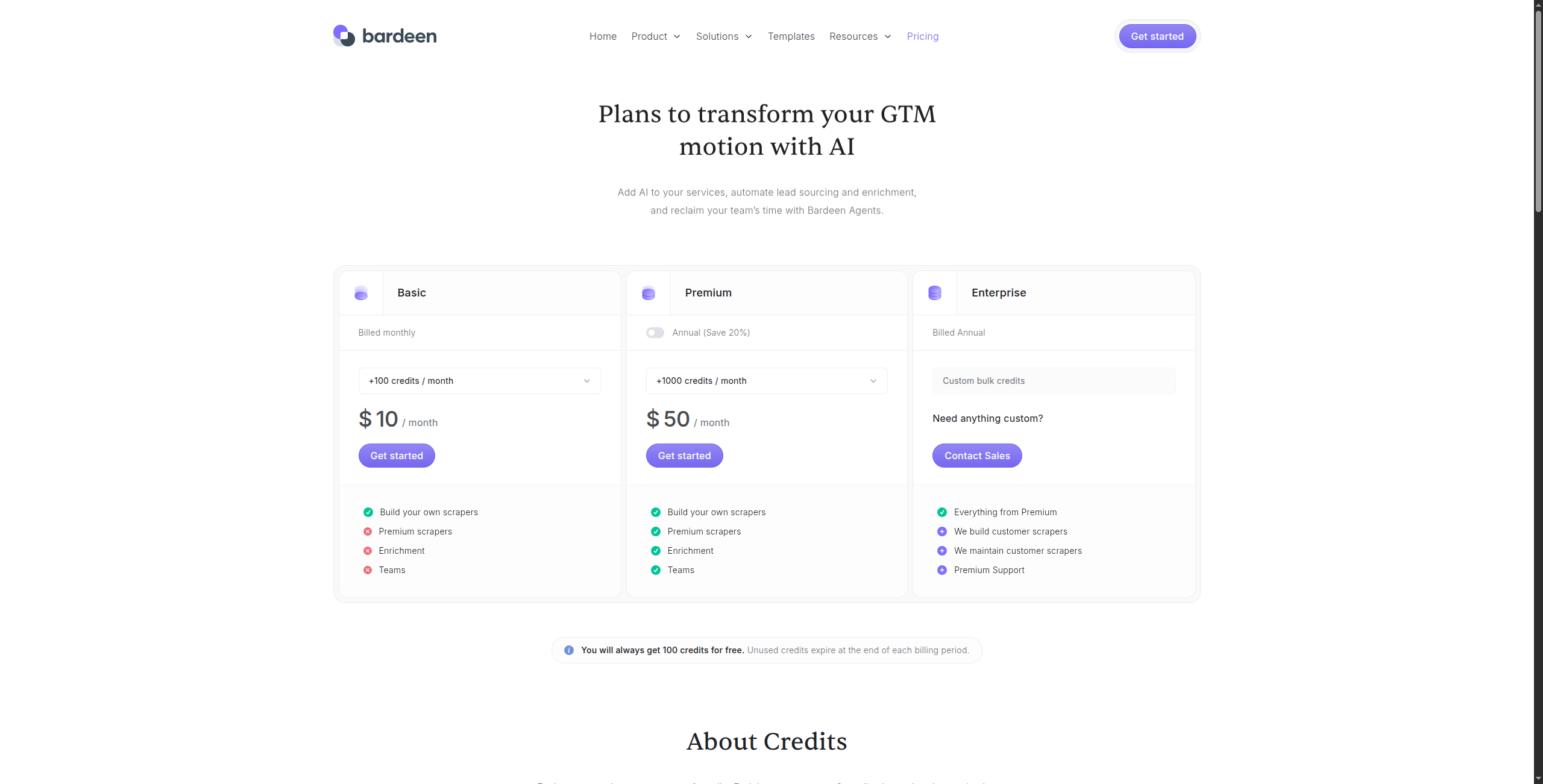
Pricing:
Free — Unlimited manual runs, basic integrations, community support
Professional — $10/month. Unlimited automated runs, premium integrations, cloud storage for scraped data
Business — $15/user/month. Team sharing, shared automation library, admin controls
Enterprise — Contact sales for SSO, advanced security, and custom integrations
Key features:
AI Magic Actions — describe what to extract in plain English, no selectors needed
Records and replays browser workflows for repeatable automation
Real-time AI adaptation when page structure changes
Integrates with 100+ apps: Notion, Airtable, HubSpot, Salesforce, Google Sheets, Slack
Trigger-based automation (time-based, URL change, webhook, or manual)
Scrapes tables, lists, and structured elements from any page the user can access
Pros: AI-powered extraction that adapts to page structure changes; browser-native — works on any site you can manually browse; combines scraping with workflow automation in one tool; good integration with CRMs and productivity tools Cons: Chrome only — no server-side or headless execution; not suitable for large-scale or scheduled background scraping; free tier limits the number of actions per month Best for: Individual researchers, sales reps, and small teams who need to automate repetitive browser-based research and data collection tasks with AI assistance.
8. ScraperAPI — Best for Developers Needing Reliable HTML at Scale
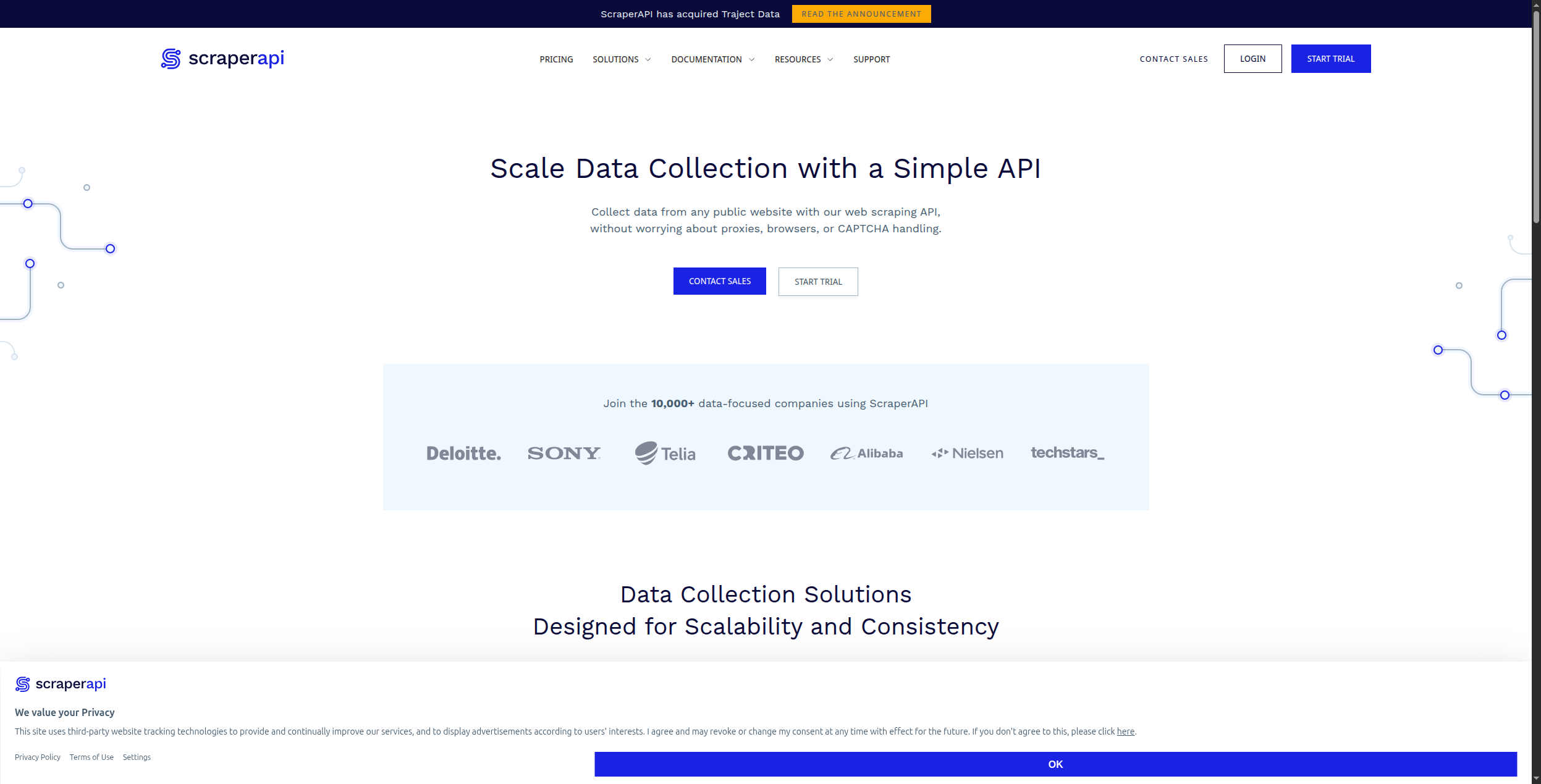
ScraperAPI is a proxy-and-rendering service that gives developers reliable raw HTML from any website at scale. It handles proxy rotation, CAPTCHA solving, browser rendering, and geographic targeting through a single API call. If you’re a developer who writes your own parsing logic but needs reliable infrastructure, ScraperAPI eliminates the hardest infrastructure problems.
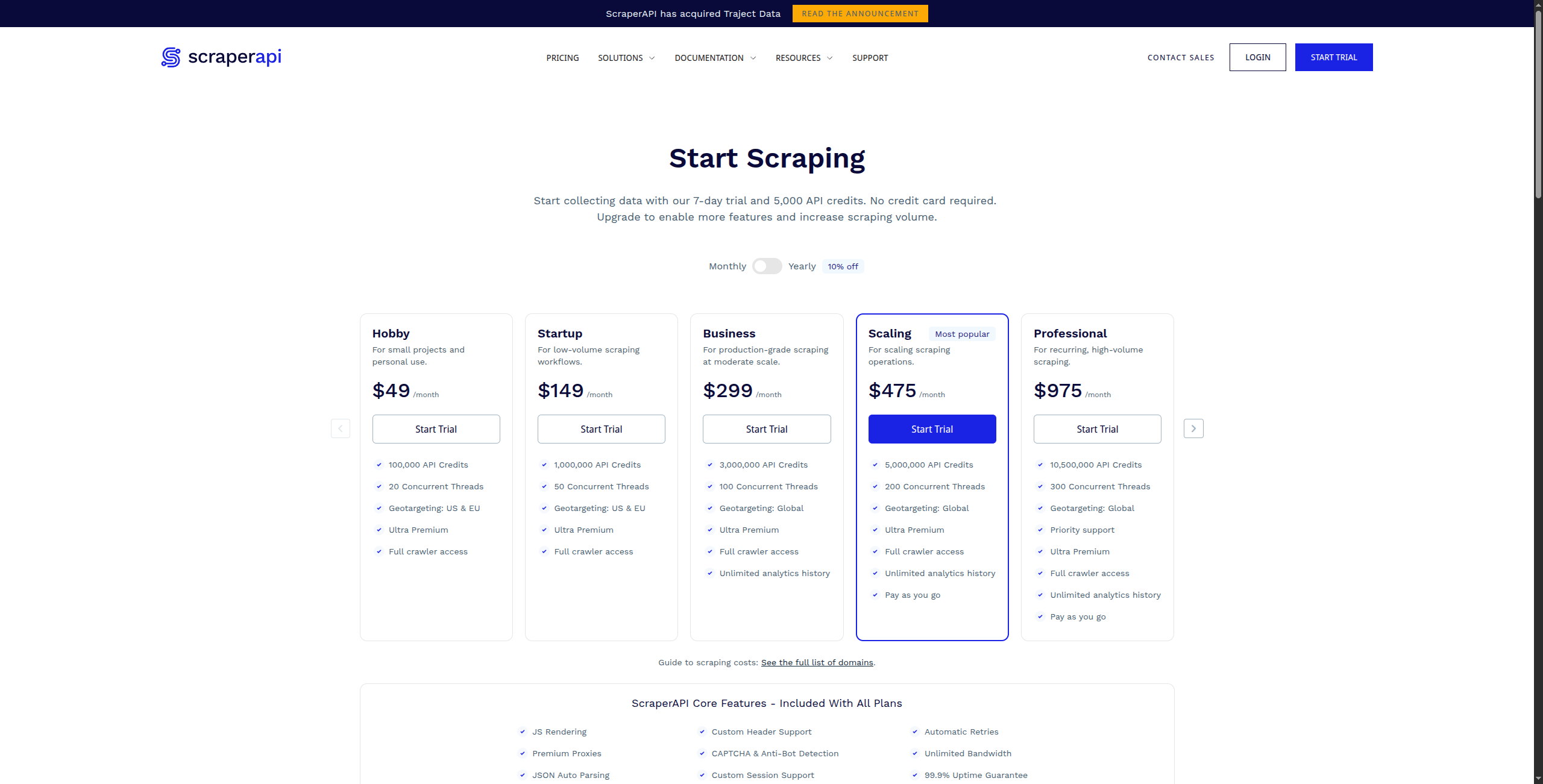
Pricing:
Free — 1,000 API calls/month, up to 5 concurrent requests
Hobby — $49/month. 100,000 API calls, 10 concurrent requests, JS rendering included
Business — $299/month. 3,000,000 API calls, 50 concurrent requests, dedicated account manager
Enterprise — Contact sales for custom volume, dedicated proxies, and SLA
Key features:
Single API call returns fully rendered HTML from any URL
Automatic proxy rotation with 40M+ residential and datacenter IPs
JavaScript rendering via headless Chrome for SPAs and dynamic sites
CAPTCHA solving and anti-bot fingerprinting bypass
Geo-targeting with country-level and city-level proxy selection
Structured data API endpoints for Amazon, Google SERP, Walmart, and more
Pros: Simple API — one line of code to get rendered HTML from any site; manages proxies, CAPTCHAs, and browser fingerprinting automatically; competitive pricing at scale (per-API-call); generous free tier (1,000 calls/month) Cons: API only — no no-code interface; you bring your own parsing logic (no structured data extraction built in); not designed for non-technical users Best for: Developers building custom scrapers or data pipelines who need a reliable, scalable rendering and proxy layer without managing their own infrastructure.
How to Choose the Right Browse AI Alternative
You need scraping + downstream automation → FlowHunt. If your data needs to actually do something after extraction — trigger a workflow, update a CRM, feed an AI agent — FlowHunt handles the entire pipeline in one visual canvas.
You need enterprise-scale crawling → Apify. Nothing matches Apify for large-scale, complex crawl operations with a rich marketplace of pre-built scrapers.
You’re building an AI/LLM application → Firecrawl. The cleanest API for feeding web data to language models.
You’re a non-technical user who wants Browse AI’s simplicity → Octoparse. The most mature no-code scraper with a long track record.
Your use case is B2B lead generation → Clay. Purpose-built for enriching and building prospect lists from multiple data sources.
Your use case is LinkedIn/social media → PhantomBuster. The strongest tool in this specific niche.
Bottom Line
Browse AI fills a clear gap in the market — no-code web scraping with a clean interface — but it stops at extraction. The tools above go further, whether that means better scale (Apify), better AI integration (FlowHunt, Firecrawl), or better lead generation (Clay, PhantomBuster).
For teams whose real goal is not just extracting data but acting on it, FlowHunt
is the most complete alternative — turning what Browse AI does in isolation into the first step of a fully automated workflow.
The best Browse AI alternative depends on your use case. FlowHunt is the best choice if you need scraping plus downstream automation in a single workflow. Apify is better for enterprise-scale scraping with complex crawl logic. Octoparse is the top no-code option for non-technical users. For lead enrichment specifically, Clay is purpose-built.
Browse AI offers a free plan with 50 credits per month — enough for light testing but not production use. Paid plans start at $49/month for 2,000 credits. Apify and Firecrawl both offer free tiers with higher limits for initial use.
Browse AI is used primarily for no-code web scraping: monitoring competitor prices, extracting product data from e-commerce sites, tracking job listings, and collecting lead data from directories. It lets non-technical users point-and-click to define what data to extract without writing code.
Yes, Browse AI can handle JavaScript-rendered pages because it uses a real browser for extraction. However, it can be slower and more expensive for large-scale JS-heavy scraping compared to developer tools like Apify or ScraperAPI, which are optimised for browser rendering at scale.
Browse AI is a no-code tool designed for business users who want to extract data by clicking on a webpage. Apify is a developer-focused platform with its own JavaScript SDK, a marketplace of 1,500+ pre-built scrapers (called Actors), and enterprise-grade infrastructure for large-scale scraping operations. Browse AI is simpler to set up; Apify is more powerful and extensible.
Arshia is an AI Workflow Engineer at FlowHunt. With a background in computer science and a passion for AI, he specializes in creating efficient workflows that integrate AI tools into everyday tasks, enhancing productivity and creativity.
Arshia Kahani
AI Workflow Engineer
Scrape Any Website with AI — Try FlowHunt Free
FlowHunt's AI agents can scrape, extract, and act on web data in a single workflow — no separate scraping tool needed. Connect to 1,400+ apps and automate the entire pipeline.
10 Best AI Web Scrapers in 2026: Ranked and Reviewed
The 10 best AI web scrapers in 2026, ranked by extraction accuracy, ease of use, anti-bot handling, and pricing. Find the right AI scraping tool for your use ca...
8 Best Apify Alternatives in 2026 (Web Scraping & Data Extraction)
Apify is powerful but complex and expensive for most use cases. We compared 8 Apify alternatives for web scraping and data extraction — from no-code tools to de...
Integrate FlowHunt with Hyperbrowser MCP Server to unlock advanced browser automation, web scraping, and structured data extraction. Automate web data collectio...
4 min read
AI
Automation
+3
Cookie Consent We use cookies to enhance your browsing experience and analyze our traffic. See our privacy policy.