10 bästa AI-webbskrapor 2026: rankade och granskade
De 10 bästa AI-webbskraporna 2026, rankade efter extraktionsnoggrannhet, användarvänlighet, anti-bot-hantering och prissättning. Hitta rätt AI-skrapningsverktyg för ditt användningsfall.
Web scraping has been transformed by AI. Where traditional scrapers broke every time a site updated its HTML structure, AI-powered tools now understand page content semantically — extracting the data you need even when layouts change. In 2026, the best AI web scrapers combine intelligent extraction with workflow automation, turning raw web data into actionable business outputs without manual intervention.
This guide ranks the 10 best AI web scrapers based on extraction accuracy, anti-bot handling, ease of use, workflow integration, and pricing.
Quick Comparison Table
Tool
Best For
Pricing
Free Tier
AI Capability
FlowHunt
Scraping inside automated workflows
Free + usage-based
✅
Full AI workflow integration
Browse AI
No-code monitoring & extraction
From $48.75/mo
✅ (trial)
Change detection AI
Apify
Scale scraping with pre-built actors
Free / $49/mo
✅
Actor marketplace, AI extraction
Firecrawl
LLM-ready web content extraction
Free / $16/mo
✅
LLM-optimised markdown output
Octoparse
Visual no-code scraping
From $75/mo
❌
Point-and-click AI setup
PhantomBuster
LinkedIn & sales data scraping
From $56/mo
✅ (trial)
Sales-focused extraction
Clay
Prospecting data enrichment
From $149/mo
✅
AI enrichment + personalisation
Bardeen
Browser-based task automation
Free / $10/mo
✅
AI playbooks for scraping
ScraperAPI
Developer proxy & scraping API
Free / $49/mo
✅
Anti-bot bypass infrastructure
Bright Data
Enterprise-scale data collection
Custom
❌
Largest proxy network, datasets
Why AI Has Changed Web Scraping
Traditional scrapers required you to specify exact CSS selectors or XPath expressions. When a website updated its HTML — which happens constantly — the scraper broke and required manual fixing. AI-powered scrapers understand the semantic meaning of page content, not just its structure. “Find the product price on this page” works even if the site redesigns its layout tomorrow.
This shift has also made web scraping accessible to non-developers for the first time. Tools like Browse AI and Octoparse let marketing analysts and sales researchers extract data without writing a single line of code. For developers, tools like Firecrawl and Apify provide clean APIs that feed directly into AI pipelines.
Redo att växa ditt företag?
Starta din kostnadsfria provperiod idag och se resultat inom några dagar.
1. FlowHunt — Best AI Scraper for Automated Workflows
FlowHunt stands apart from every other tool on this list because scraping is not a standalone feature — it’s a node in a fully automated AI workflow. Rather than extracting data and then manually deciding what to do with it, FlowHunt lets you build pipelines where the scrape triggers an AI analysis, which triggers a content generation step, which triggers a CRM update or email send — all automatically.
This is the critical difference for business users: you don’t just get the data, you get the output that data should produce. Monitor competitor pricing pages, extract price changes, and automatically draft an email to your sales team about how to respond — in a single automated flow.
What sets FlowHunt apart:
AI extraction without CSS selectors — describe what you want in natural language
Workflow integration — scraped data flows directly into AI analysis, content generation, or CRM updates
Scheduled monitoring — run scraping tasks on a schedule and trigger actions on changes
1,400+ integrations — connect scraped data to your existing tools automatically
Multi-page crawling — extract data across paginated lists, category pages, and full sites
Pricing: Free tier with execution credits. Usage-based paid plans.
Pros:
Only tool that connects scraping to a full downstream automated workflow
No CSS selector maintenance — AI understands page content semantically
Handles complex multi-step data extraction and processing in one platform
Cons:
More setup than a dedicated scraping tool for simple one-time extractions
Not designed for massive-scale scraping operations (Bright Data is better for that)
Best for: Marketing, sales, and ops teams who need to act on web data automatically — not just extract and export it. For multi-agent research pipelines, see our multi-agent AI system guide
.
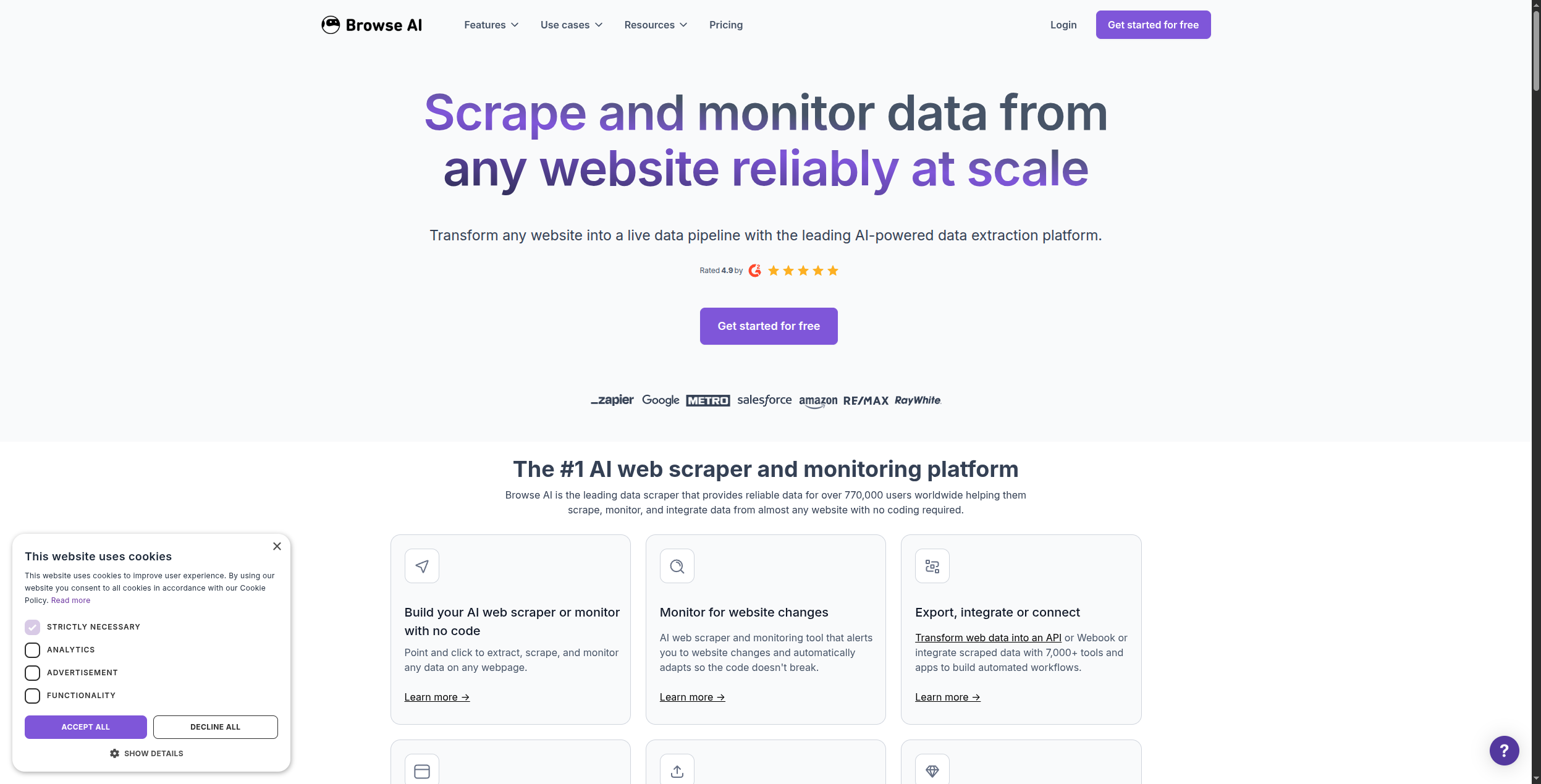
2. Browse AI — Best No-Code Web Monitoring Tool
Browse AI is the most accessible no-code scraping tool for business users. You teach it what to extract by clicking on elements on a website — no code, no CSS selectors. Then it runs on a schedule and alerts you (or triggers a Zapier action) when the data changes. It’s particularly strong for price monitoring, listing tracking, and competitor intelligence.
Pros:
Genuinely no-code — any business user can set it up in minutes
Change detection built in — alerts when data changes, not just on scheduled runs
Pre-built templates for common sites (Amazon, LinkedIn, Google Maps, etc.)
Good scheduling and Google Sheets / Zapier integration
Cons:
Breaks on highly dynamic sites with complex JavaScript
Pricing adds up for multiple robots running frequently
Less powerful than developer tools for complex extraction logic
Best for: Business users who need to monitor specific web pages for changes without involving a developer.
Gå med i vårt nyhetsbrev
Få de senaste tipsen, trenderna och erbjudandena gratis.
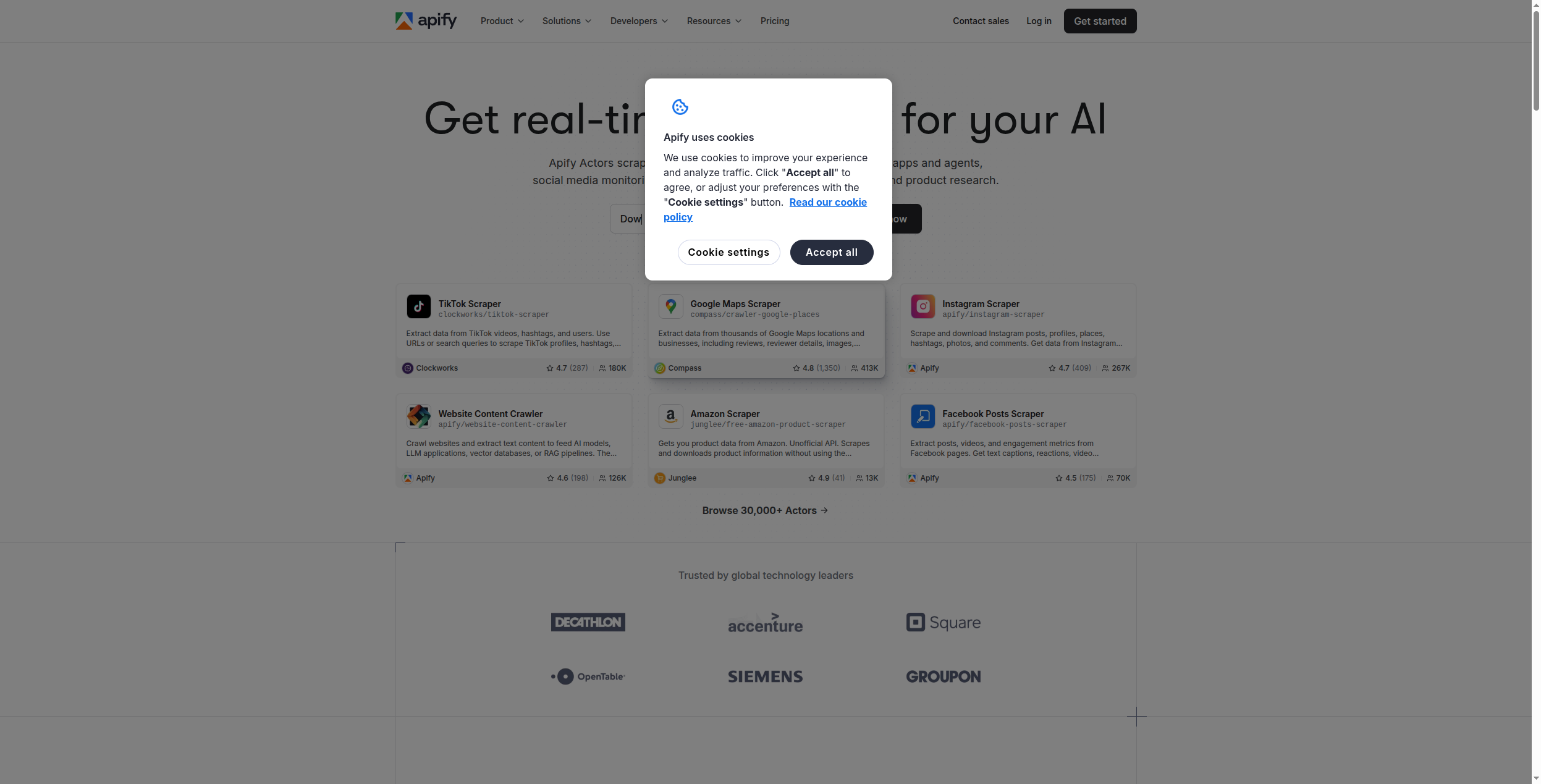
3. Apify — Best Developer-Focused Scraping Platform
Apify is the most feature-complete cloud scraping platform available. Its marketplace contains 1,500+ pre-built actors (ready-made scrapers) for major websites — Amazon, LinkedIn, Instagram, Google Search, and hundreds more. For developers, the full Playwright/Puppeteer-based SDK lets you build custom scrapers that run on Apify’s cloud infrastructure.
Pros:
1,500+ pre-built actors for major websites
Full SDK for custom actor development
Generous free tier (5 actor runs/day)
Built-in proxy rotation and anti-bot handling
Cons:
Pre-built actors can be out of date when sites change
Custom actor development requires JavaScript/TypeScript knowledge
Pricing can be unpredictable for compute-intensive scrapers
Best for: Developers who need reliable, scalable cloud infrastructure for both custom and pre-built web scraping.
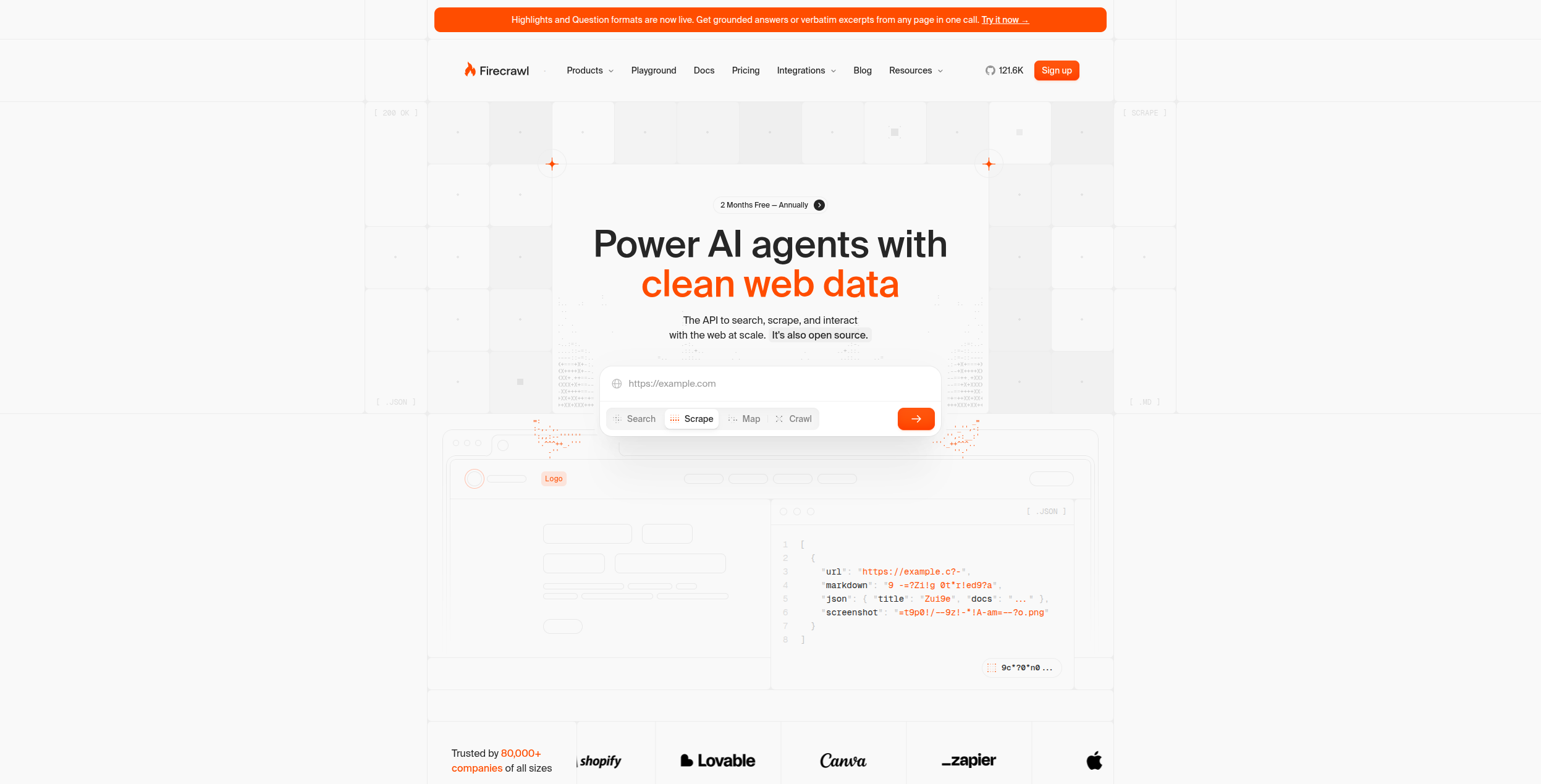
4. Firecrawl — Best for LLM-Ready Data Extraction
Firecrawl is purpose-built for AI teams that need clean, structured data to feed into LLM pipelines. Its API converts any URL (or entire domain) into clean markdown, strips navigation, ads, and boilerplate, and handles JavaScript rendering automatically. The output is optimised for passing directly to GPT-4, Claude, or Gemini — no preprocessing needed.
Pros:
Produces the cleanest LLM-ready output of any scraper tested
Full-site crawl with a single API call
Automatic JavaScript rendering without headless browser setup
Simple, well-documented API
Cons:
Developer-focused — no no-code UI
Less suitable for structured data extraction (tables, lists) vs. Apify
Pricing jumps significantly above the free tier
Best for: AI developers building RAG pipelines, research agents, or any system that needs clean web content as LLM input.
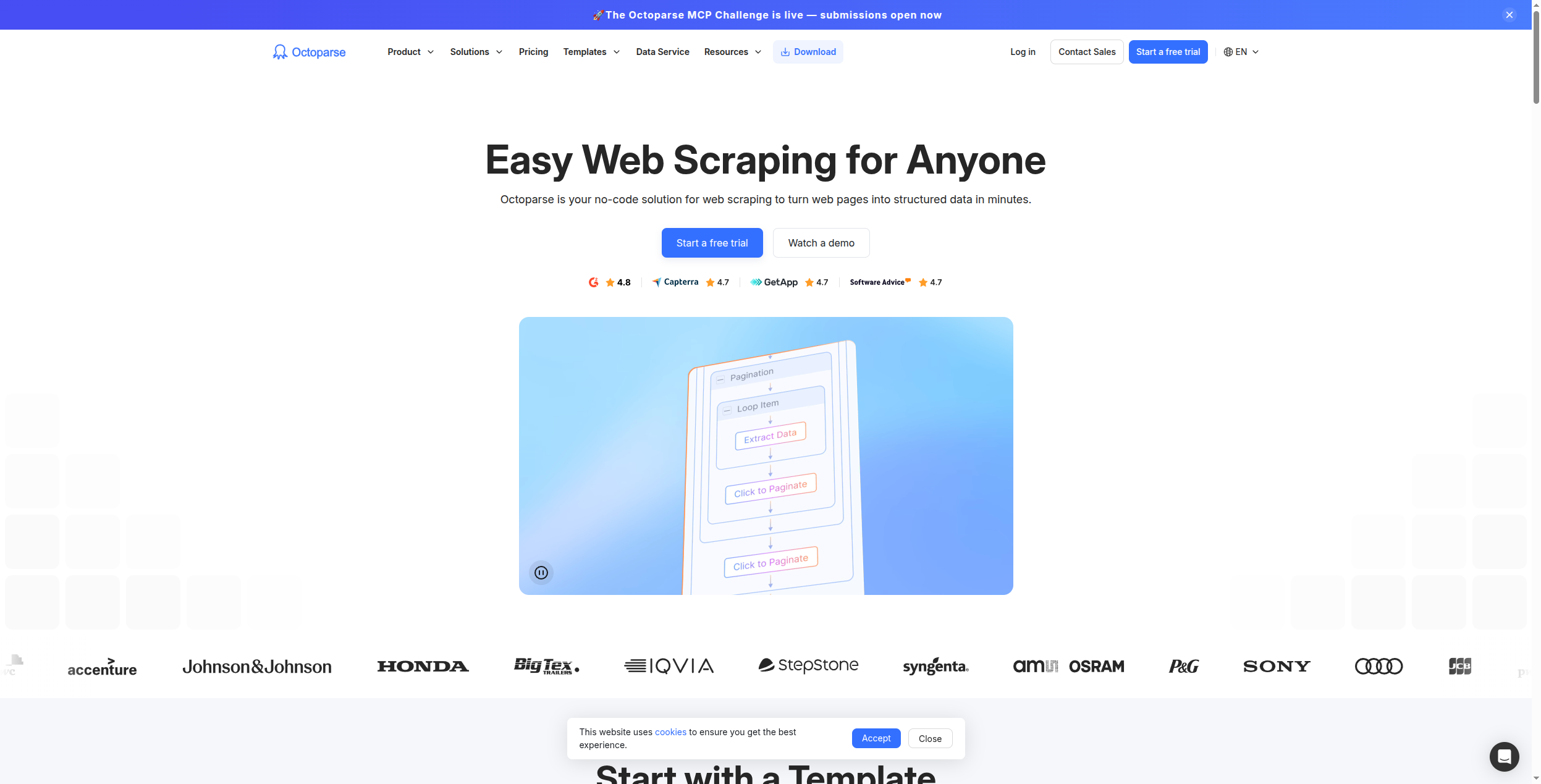
5. Octoparse — Best Visual No-Code Scraper
Octoparse is the most powerful visual, point-and-click web scraper for non-developers. Its desktop and cloud-based interface lets you select elements visually, handle pagination, set up login-required scraping, and schedule cloud runs. Anti-bot bypass features are built in, including IP rotation.
Pros:
Most powerful no-code UI of any tool on this list
Handles pagination, login, and multi-page navigation without code
Cloud scheduling with built-in IP rotation
Local (desktop) and cloud options
Cons:
Desktop app feels dated compared to browser-based tools
Pricing is higher than many alternatives
Steeper learning curve than Browse AI for simple tasks
Best for: Business analysts and researchers who need to extract complex, structured data from multi-page sites without coding skills.
6. PhantomBuster — Best for Sales Prospecting Data
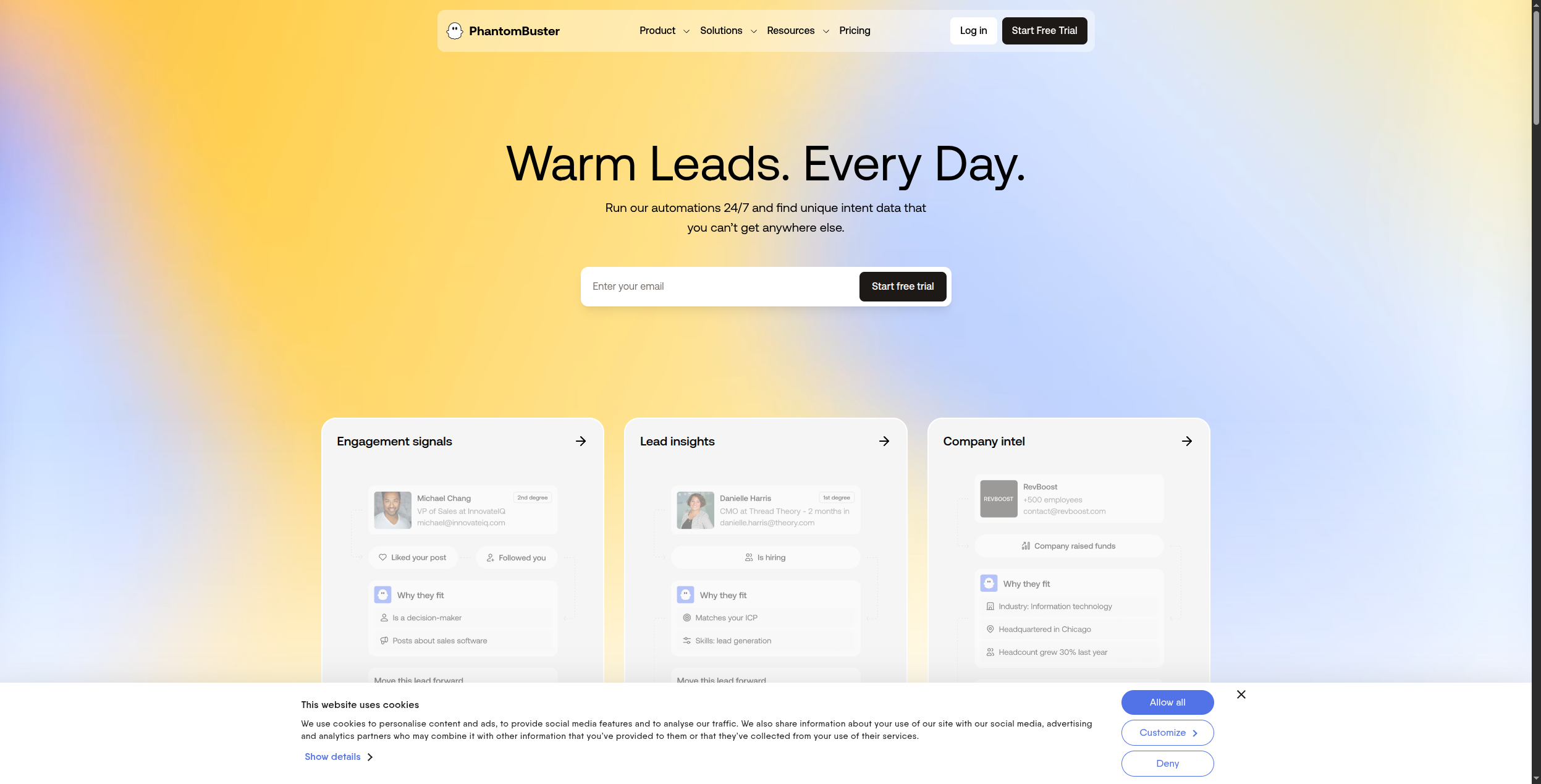
PhantomBuster is not a general-purpose scraper — it’s specifically built for extracting sales and lead generation data from LinkedIn, Sales Navigator, Twitter, and similar platforms. Its phantoms (pre-built scrapers) handle LinkedIn profile enrichment, company data, connection requests, and post engagement scraping.
Pros:
Best-in-class LinkedIn and Sales Navigator data extraction
Pre-built phantoms cover most sales prospecting use cases
Good Zapier and CRM integrations for lead pipeline automation
Simple setup for non-technical sales teams
Cons:
Limited to social and sales-relevant sources
LinkedIn scraping carries ToS risk — use within LinkedIn’s limits
Pricing per phantom slot can add up for large teams
Best for: Sales development teams that need automated LinkedIn and social platform data extraction for prospecting.
7. Clay — Best for AI-Enriched Prospecting Data
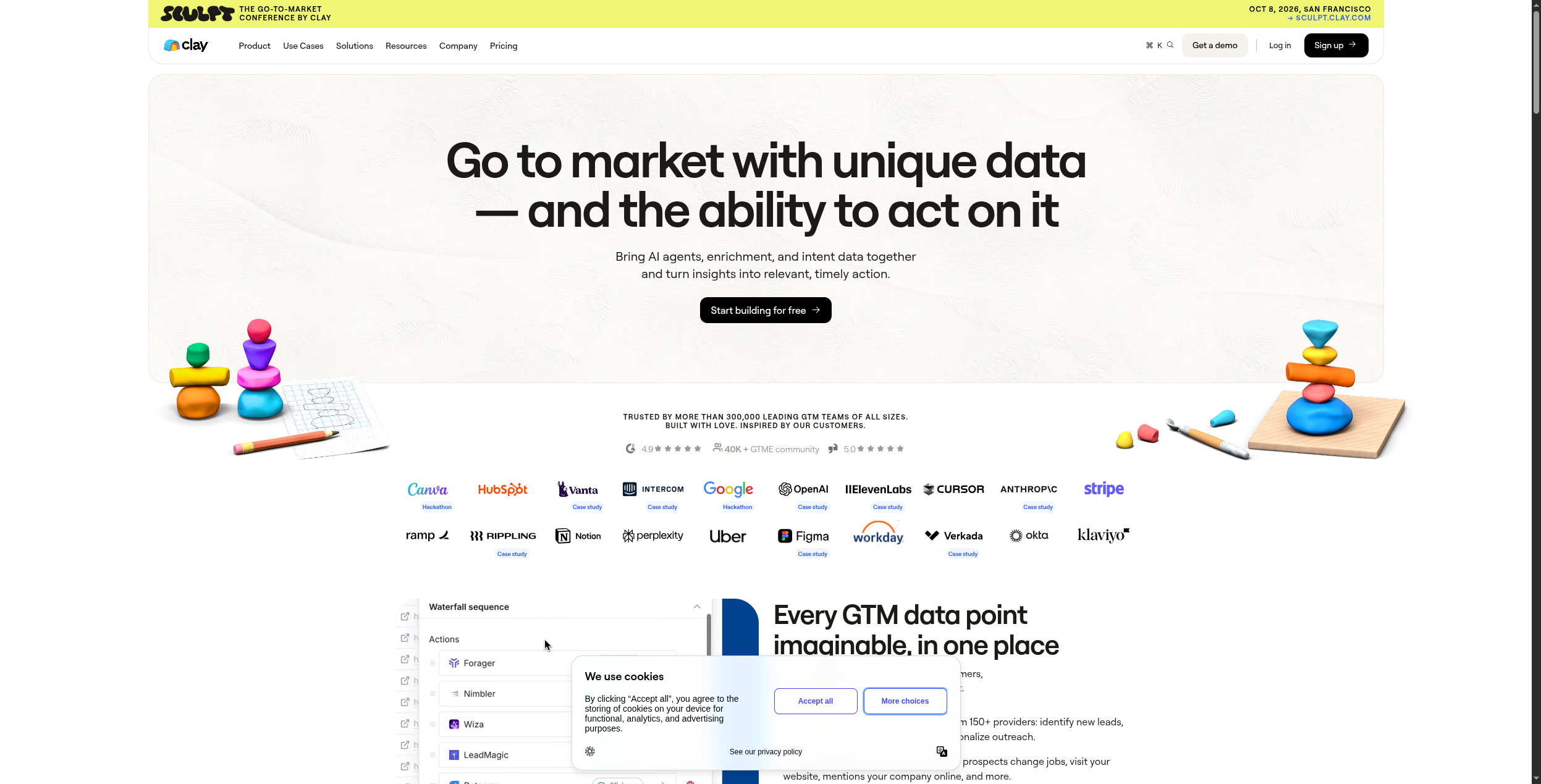
Clay is a prospecting and data enrichment platform that combines web scraping with 50+ external data sources — LinkedIn, Clearbit, Hunter, ZoomInfo, and more — and then uses AI to write personalised outreach based on the enriched profile. It’s less a pure scraper and more a complete prospect intelligence workflow.
Pros:
Combines scraping + 50+ data sources into one enriched profile
AI-written personalisation per contact based on scraped signals
Best tool for hyper-personalised outbound at scale
Clean, intuitive spreadsheet-style interface
Cons:
Expensive at scale — credits for data sources add up quickly
Slower data enrichment than direct APIs for simpler use cases
Overkill for teams that just need basic data extraction
Best for: Outbound sales teams that want AI-personalised prospecting at scale, combining multiple data sources per contact.
8. Bardeen — Best Browser-Based Automation Scraper
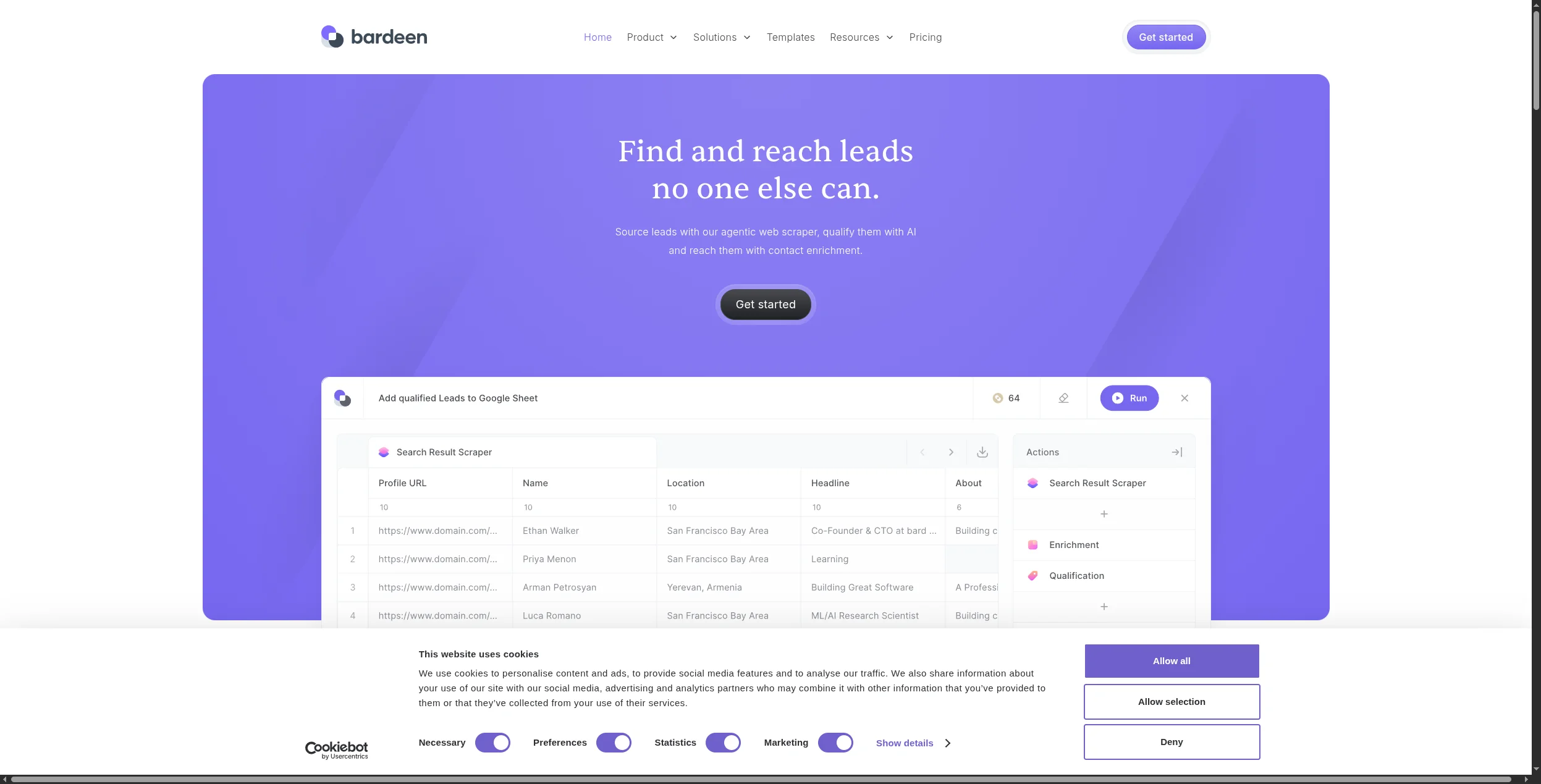
Bardeen is a Chrome extension that lets you build AI-powered automation playbooks that run in your browser. For scraping, this means you can extract data from pages you’re viewing, trigger workflows based on page content, and automate repetitive research tasks — all without leaving your browser.
Pros:
Free tier covers most individual user scraping needs
Browser-based means it can handle login-required sites easily
Pre-built playbooks for common tasks (LinkedIn enrichment, CRM updates)
AI can generate playbooks from natural language descriptions
Cons:
Requires browser to be open — not suitable for server-side scheduled scraping
Less reliable for high-volume or unattended scraping
Chrome-only
Best for: Individual contributors who need to automate browser-based research and data collection tasks during their daily work.
9. ScraperAPI — Best Infrastructure for Developer Scrapers
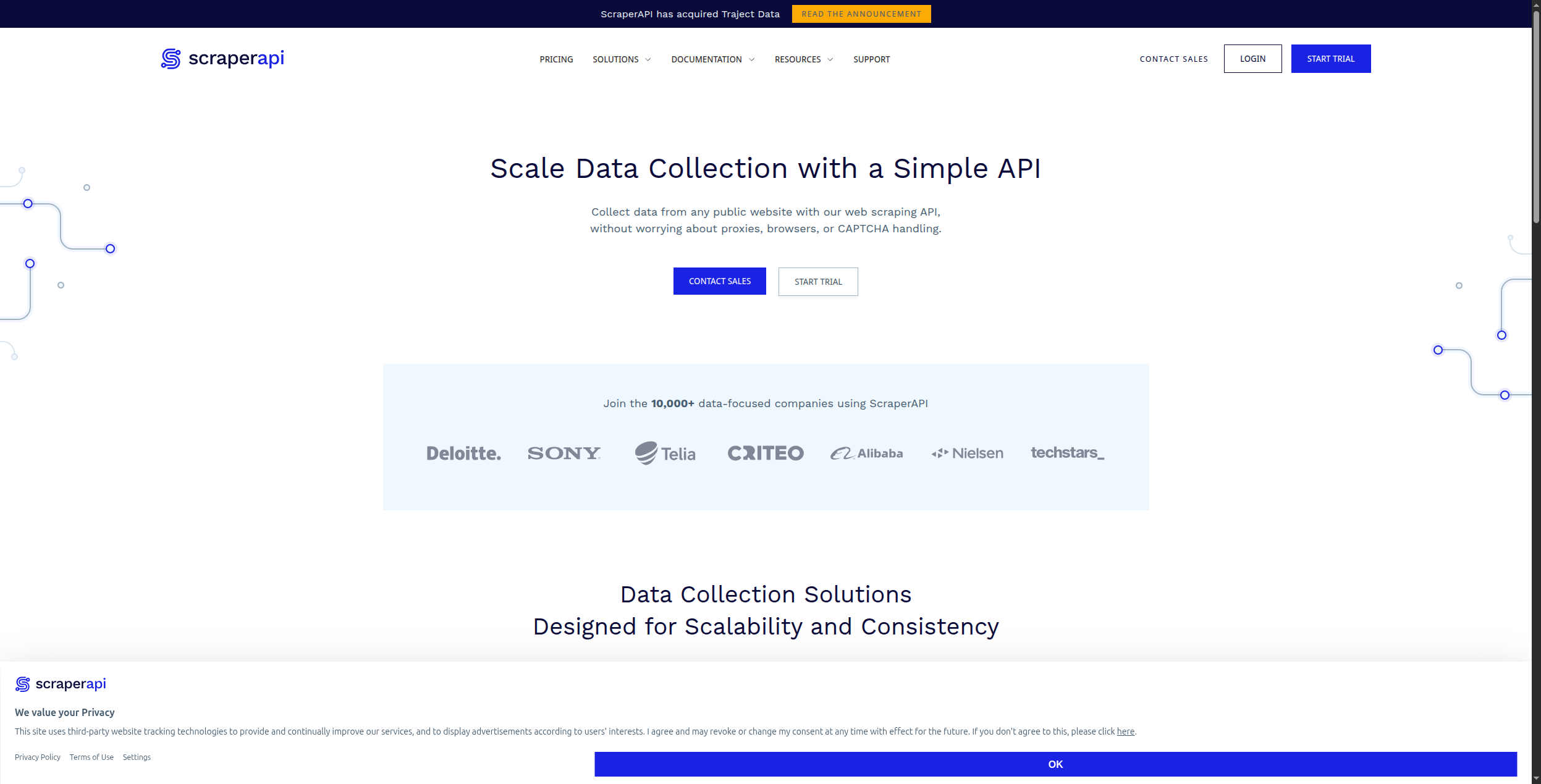
ScraperAPI is not a scraping tool — it’s the infrastructure layer that makes your existing scrapers more reliable. It handles proxy rotation, CAPTCHA solving, browser fingerprinting, and JavaScript rendering as a service. Pass it a URL; it returns the HTML as if it were a human visitor. Essential for developers who build their own scrapers and need reliable bypass infrastructure.
Pros:
Simple API — one endpoint, handles all anti-bot complexity
Residential, datacenter, and mobile proxy options
JavaScript rendering available (headless browser mode)
Reliable 99.9% uptime SLA
Cons:
Not a standalone scraper — requires developer-built extraction logic
Costs scale with request volume
No structured data output — you still parse the HTML yourself
Best for: Developers who build custom scrapers and need reliable proxy infrastructure to avoid blocks and CAPTCHAs.
10. Bright Data — Best for Enterprise-Scale Data Collection
Bright Data is the enterprise standard for large-scale web data operations. Its proxy network (72+ million IPs) is the largest in the industry. Beyond proxies, Bright Data offers Web Scraper IDE, pre-collected datasets (ready to download), and a Browser API for complex JavaScript sites. It’s used by Fortune 500 companies and major data operations.
Pros:
Largest proxy network in the world (72M+ IPs, 195 countries)
Pre-collected datasets for major platforms — buy data without scraping
Web Scraper IDE for custom extraction at enterprise scale
99.9% uptime SLA with enterprise support
Cons:
Expensive — typically $500–$5,000+/month for serious usage
Overkill for teams that don’t need massive-scale data operations
Complex product suite requires time to navigate
Best for: Enterprise data teams, market intelligence firms, and organisations running large-scale, continuous data collection operations.
How to Choose the Right AI Web Scraper
By technical expertise:
Non-technical → Browse AI, Octoparse, or Bardeen
Developer → Firecrawl, Apify, or ScraperAPI
Full stack + workflow automation → FlowHunt
By use case:
Competitor monitoring → Browse AI or FlowHunt
Sales prospecting → PhantomBuster or Clay
LLM data pipeline → Firecrawl
eCommerce data → Apify or Octoparse
Enterprise scale → Bright Data
By whether you need automation: If you need to act on scraped data — not just export it — FlowHunt is the only tool here that connects scraping directly to downstream AI workflows. See our best workflow automation tools guide
for how to structure data pipelines.
The Bottom Line
For pure extraction at scale, Bright Data and Apify win. For no-code business users, Browse AI is the most accessible tool. For developers building AI pipelines, Firecrawl delivers the cleanest output.
But if your goal is to turn web data into business action automatically — monitoring competitors, enriching CRM records, generating content from research — FlowHunt is the only platform that closes that loop without manual steps. It’s the scraper that actually does something useful with what it finds.
Vanliga frågor
An AI web scraper uses artificial intelligence to extract data from websites intelligently — understanding page structure semantically, handling dynamic JavaScript content, adapting when site layouts change, and structuring unstructured data automatically. Unlike traditional scrapers that rely on brittle CSS selectors, AI scrapers can understand context: 'find the product price' rather than 'get element at .price-tag div.'
Web scraping legality depends on the jurisdiction, the website's terms of service, and what data is being collected. Scraping publicly available, non-personal data for research or internal use is generally legal in most jurisdictions, including after the HiQ v. LinkedIn ruling in the US. However, scraping personal data (GDPR), bypassing access controls (CFAA), or violating specific ToS terms creates legal risk. Always check a site's robots.txt and ToS before scraping, and avoid collecting personally identifiable information without legal basis.
Firecrawl has a free tier useful for developers testing scraping pipelines. Browse AI offers a limited free trial. Bardeen's Chrome extension is free for basic scraping tasks. FlowHunt offers a free tier that includes web scraping as part of automated workflows. For heavy scraping at scale, paid plans are necessary — free tiers are best for evaluation and light use.
Modern AI web scrapers handle bot detection through several techniques: rotating residential IP proxies (Bright Data, ScraperAPI), headless browser rendering that mimics real user behaviour (Firecrawl, Apify), rate limiting and request randomisation, CAPTCHA solving services, and browser fingerprint spoofing. The most sophisticated tools combine multiple techniques. No tool is 100% reliable against the most aggressive bot detection.
Technically, modern AI scrapers can extract data from most public websites — including JavaScript-heavy SPAs, paginated lists, and sites requiring login (if you provide credentials). Practically, some sites invest heavily in bot detection that even advanced scrapers struggle with. For high-value targets like major eCommerce platforms, enterprise tools like Bright Data or Apify are the most reliable options.
Arshia är en AI-arbetsflödesingenjör på FlowHunt. Med en bakgrund inom datavetenskap och en passion för AI, specialiserar han sig på att skapa effektiva arbetsflöden som integrerar AI-verktyg i vardagliga uppgifter, vilket förbättrar produktivitet och kreativitet.
Arshia Kahani
AI-arbetsflödesingenjör
Skrapa vilken webbplats som helst med AI — Prova FlowHunt gratis
FlowHunt låter dig bygga AI-agenter för arbetsflödesautomatisering, leadgenerering, innehållshantering och mer — visuellt, utan kod och med 1 400+ integrationer.
Bästa Browse AI-alternativen 2026: 8 webskrapningsverktyg jämförda
Letar du efter Browse AI-alternativ? Vi jämförde 8 webskrapnings- och dataextraktionsverktyg — från AI-drivna skrapare till fullständiga automatiseringsplattfor...
10 bästa plattformarna för marknadsföringsautomatisering 2026: rankade och granskade
De 10 bästa plattformarna för marknadsföringsautomatisering 2026, rankade efter AI-kapacitet, användarvänlighet och prissättning. Hitta rätt plattform för ditt ...
De bästa AI-agentbyggarna 2026: En omfattande guide till autonoma intelligensplattformar
Utforska de främsta AI-agentbyggarna 2026, från no-code-plattformar till företagsanpassade ramverk. Upptäck vilka verktyg som passar bäst för ditt ändamål och h...
14 min läsning
AI Agents
Automation
+3
Cookie-samtycke Vi använder cookies för att förbättra din surfupplevelse och analysera vår trafik. See our privacy policy.