10 Best AI Web Scrapers in 2026: Ranked and Reviewed
The 10 best AI web scrapers in 2026, ranked by extraction accuracy, ease of use, anti-bot handling, and pricing. Find the right AI scraping tool for your use case.
Web scraping has been transformed by AI. Where traditional scrapers broke every time a site updated its HTML structure, AI-powered tools now understand page content semantically — extracting the data you need even when layouts change. In 2026, the best AI web scrapers combine intelligent extraction with workflow automation, turning raw web data into actionable business outputs without manual intervention.
This guide ranks the 10 best AI web scrapers based on extraction accuracy, anti-bot handling, ease of use, workflow integration, and pricing.
Traditional scrapers required you to specify exact CSS selectors or XPath expressions. When a website updated its HTML — which happens constantly — the scraper broke and required manual fixing. AI-powered scrapers understand the semantic meaning of page content, not just its structure. “Find the product price on this page” works even if the site redesigns its layout tomorrow.
This shift has also made web scraping accessible to non-developers for the first time. Tools like Browse AI and Octoparse let marketing analysts and sales researchers extract data without writing a single line of code. For developers, tools like Firecrawl and Apify provide clean APIs that feed directly into AI pipelines.
Ready to grow your business?
Start your free trial today and see results within days.
1. FlowHunt — Best AI Scraper for Automated Workflows
FlowHunt stands apart from every other tool on this list because scraping is not a standalone feature — it’s a node in a fully automated AI workflow. Rather than extracting data and then manually deciding what to do with it, FlowHunt lets you build pipelines where the scrape triggers an AI analysis, which triggers a content generation step, which triggers a CRM update or email send — all automatically.
This is the critical difference for business users: you don’t just get the data, you get the output that data should produce. Monitor competitor pricing pages, extract price changes, and automatically draft an email to your sales team about how to respond — in a single automated flow.
What sets FlowHunt apart:
AI extraction without CSS selectors — describe what you want in natural language
Workflow integration — scraped data flows directly into AI analysis, content generation, or CRM updates
Scheduled monitoring — run scraping tasks on a schedule and trigger actions on changes
1,400+ integrations — connect scraped data to your existing tools automatically
Multi-page crawling — extract data across paginated lists, category pages, and full sites
Pricing: Free tier with execution credits. Usage-based paid plans.
Pros:
Only tool that connects scraping to a full downstream automated workflow
No CSS selector maintenance — AI understands page content semantically
Handles complex multi-step data extraction and processing in one platform
Cons:
More setup than a dedicated scraping tool for simple one-time extractions
Not designed for massive-scale scraping operations (Bright Data is better for that)
Best for: Marketing, sales, and ops teams who need to act on web data automatically — not just extract and export it. For multi-agent research pipelines, see our multi-agent AI system guide
.
2. Browse AI — Best No-Code Web Monitoring Tool
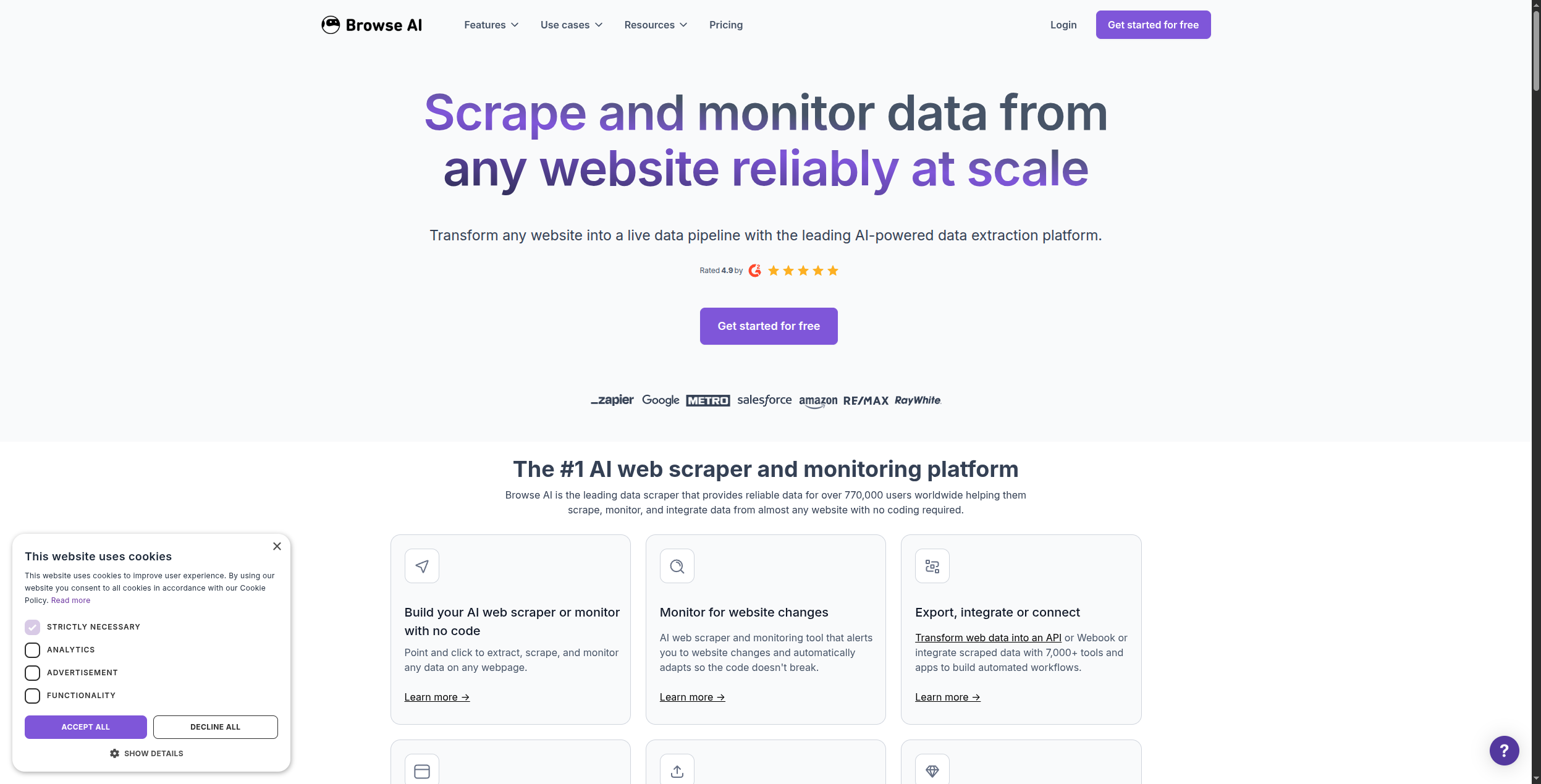
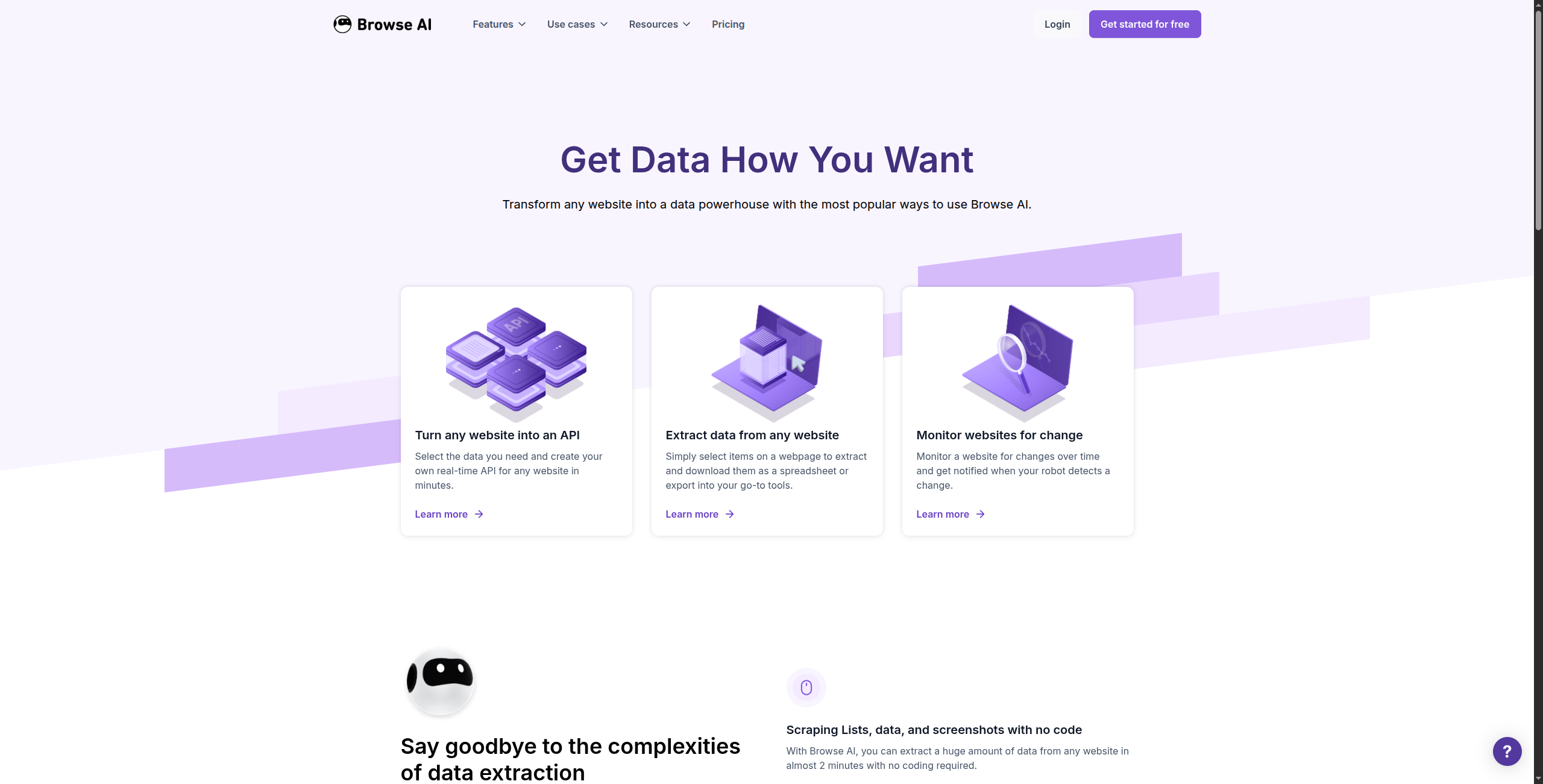
Browse AI is the most accessible no-code scraping tool for business users. You teach it what to extract by clicking on elements on a website — no code, no CSS selectors. Then it runs on a schedule and alerts you (or triggers a Zapier action) when the data changes. It’s particularly strong for price monitoring, listing tracking, and competitor intelligence.
Browse AI’s robot-based model means you train one AI robot per website — the robot remembers the structure and can extract the same data repeatedly, even if minor layout changes occur. For competitor price monitoring, you might set up robots to check 10 competitor product pages every hour, feeding changes into a Google Sheet that your pricing team reviews each morning. Pre-built robot templates exist for hundreds of common sites including Amazon product listings, LinkedIn profiles, Google Maps reviews, and Airbnb listings.
The scheduling system is flexible: run robots every 15 minutes for real-time monitoring, or weekly for regular reporting. Each robot run counts against your monthly credit allowance, so high-frequency monitoring of many pages quickly consumes the lower-tier plans. Change detection is a standout feature — instead of exporting data every run, Browse AI can notify you only when specific fields change, dramatically reducing noise.
Pricing: Trial plan available. Starter from $48.75/month (2,000 credits). Professional from $124.75/month (10,000 credits). Enterprise custom pricing for high-volume needs.
Pros:
Genuinely no-code — any business user can set it up in minutes
Change detection built in — alerts when data changes, not just on scheduled runs
Pre-built robot templates for common sites (Amazon, LinkedIn, Google Maps, etc.)
Good scheduling and Google Sheets / Zapier integration
Breaks on highly dynamic sites with aggressive bot detection
Credit-based pricing adds up fast for multiple robots running frequently
Less powerful than developer tools for complex multi-level extraction logic
Robot retraining needed when sites make major structural changes
Best for: Business users who need to monitor specific web pages for changes without involving a developer — particularly for competitor price monitoring and listings tracking.
Join our newsletter
Get latest tips, trends, and deals for free.
3. Apify — Best Developer-Focused Scraping Platform
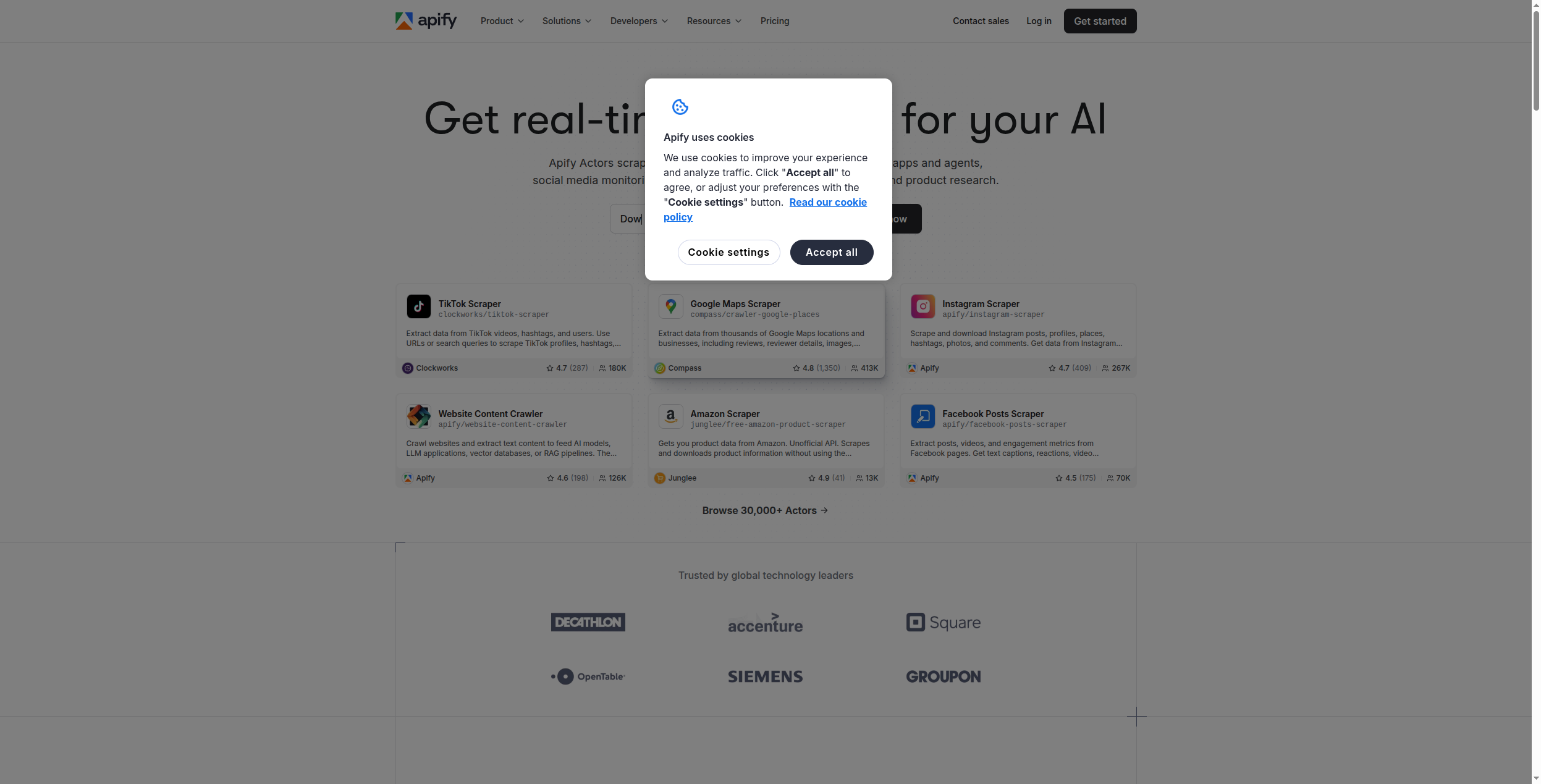
Apify is the most feature-complete cloud scraping platform available. Its marketplace contains 1,500+ pre-built actors (ready-made scrapers) for major websites — Amazon, LinkedIn, Instagram, Google Search, and hundreds more. For developers, the full Playwright/Puppeteer-based SDK lets you build custom scrapers that run on Apify’s cloud infrastructure.
Apify’s actor marketplace is its killer feature. Instead of building a LinkedIn scraper from scratch, you can deploy a pre-built, community-maintained actor in minutes — no setup, no proxy configuration. The marketplace covers hundreds of platforms: Amazon product data, Instagram profiles, Google Maps reviews, Booking.com listings, real estate sites, news aggregators, and social platforms. Paid actors are typically $5–$50/month as add-ons. When sites update their structure, the actor author updates the scraper — though this isn’t guaranteed for all actors.
For custom development, Apify’s SDK (built on Playwright and Cheerio) gives developers full browser automation capability running on Apify’s managed cloud. You write the scraping logic; Apify handles infrastructure, proxy rotation, scaling, and storage. Actors can be scheduled, triggered via webhook, or called via API, making Apify a strong choice for production-grade scraping pipelines.
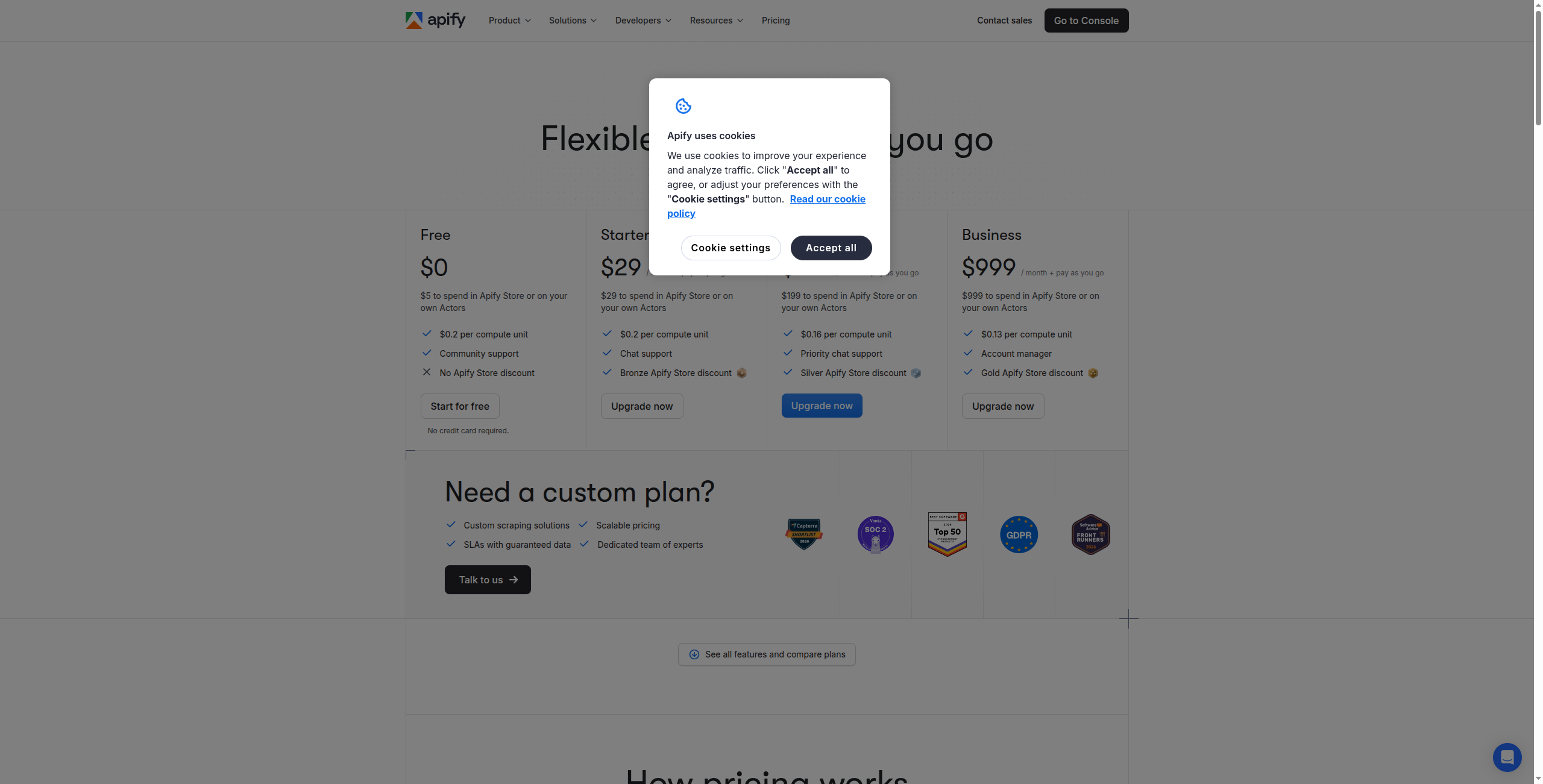
Pricing: Free tier (5 actor runs/day, $5/month compute units). Starter at $49/month (100 compute units). Scale at $499/month (800 compute units). Business at $999/month.
Pros:
1,500+ pre-built actors for major websites — deploy instantly
Full SDK for custom actor development with Playwright/Puppeteer
Generous free tier for testing and low-volume use
Built-in proxy rotation, anti-bot handling, and residential IPs
Strong API and webhook support for production integration
Cons:
Pre-built actors can become outdated when sites change structure
Custom actor development requires JavaScript/TypeScript knowledge
Compute-unit pricing can be unpredictable for heavy-load scrapers
Actor quality varies across the marketplace
Best for: Developers who need reliable, scalable cloud infrastructure for both custom and pre-built web scraping at scale.
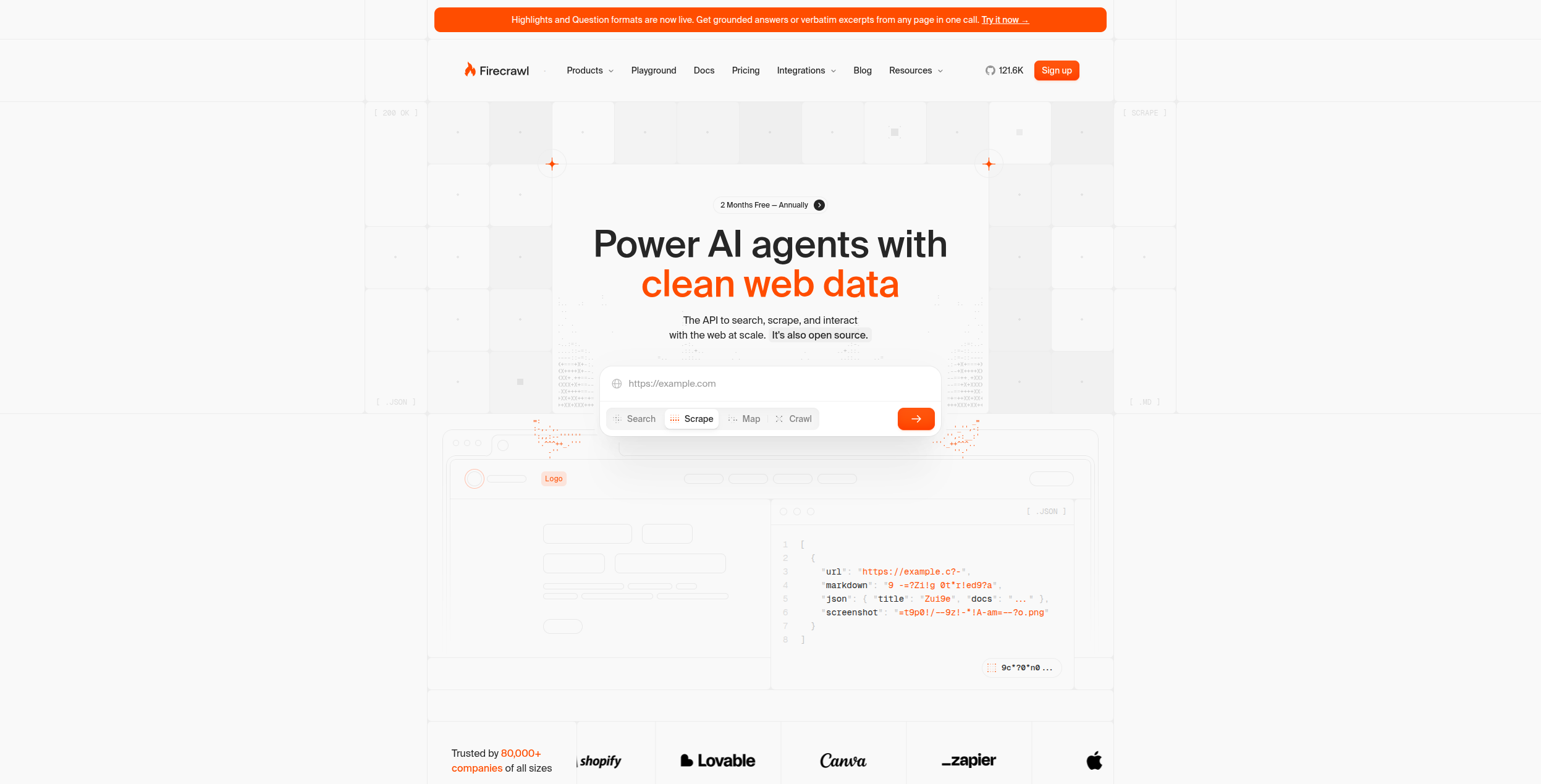
4. Firecrawl — Best for LLM-Ready Data Extraction
Firecrawl is purpose-built for AI teams that need clean, structured data to feed into LLM pipelines. Its API converts any URL (or entire domain) into clean markdown, strips navigation, ads, and boilerplate, and handles JavaScript rendering automatically. The output is optimised for passing directly to GPT-4, Claude, or Gemini — no preprocessing needed.
Firecrawl’s single API call can initiate a full-site crawl: pass a root domain, and Firecrawl recursively follows links, renders JavaScript pages using a headless browser, strips all the non-content elements (navbars, ads, cookie banners, footer links), and returns clean markdown per page. For building a company knowledge base, a RAG system over a docs site, or a research agent that synthesizes multiple sources, this eliminates weeks of preprocessing work. The structured extraction mode (/scrape with a JSON schema) lets you pull specific fields from pages using AI — name, price, description — without CSS selectors.
The API is designed for developers with straightforward documentation and SDKs for Python, Node, and Go. It integrates well with LangChain, LlamaIndex, and other AI frameworks. Rate limits and monthly page credits define the free and paid tiers, with pricing scaling based on pages scraped per month.
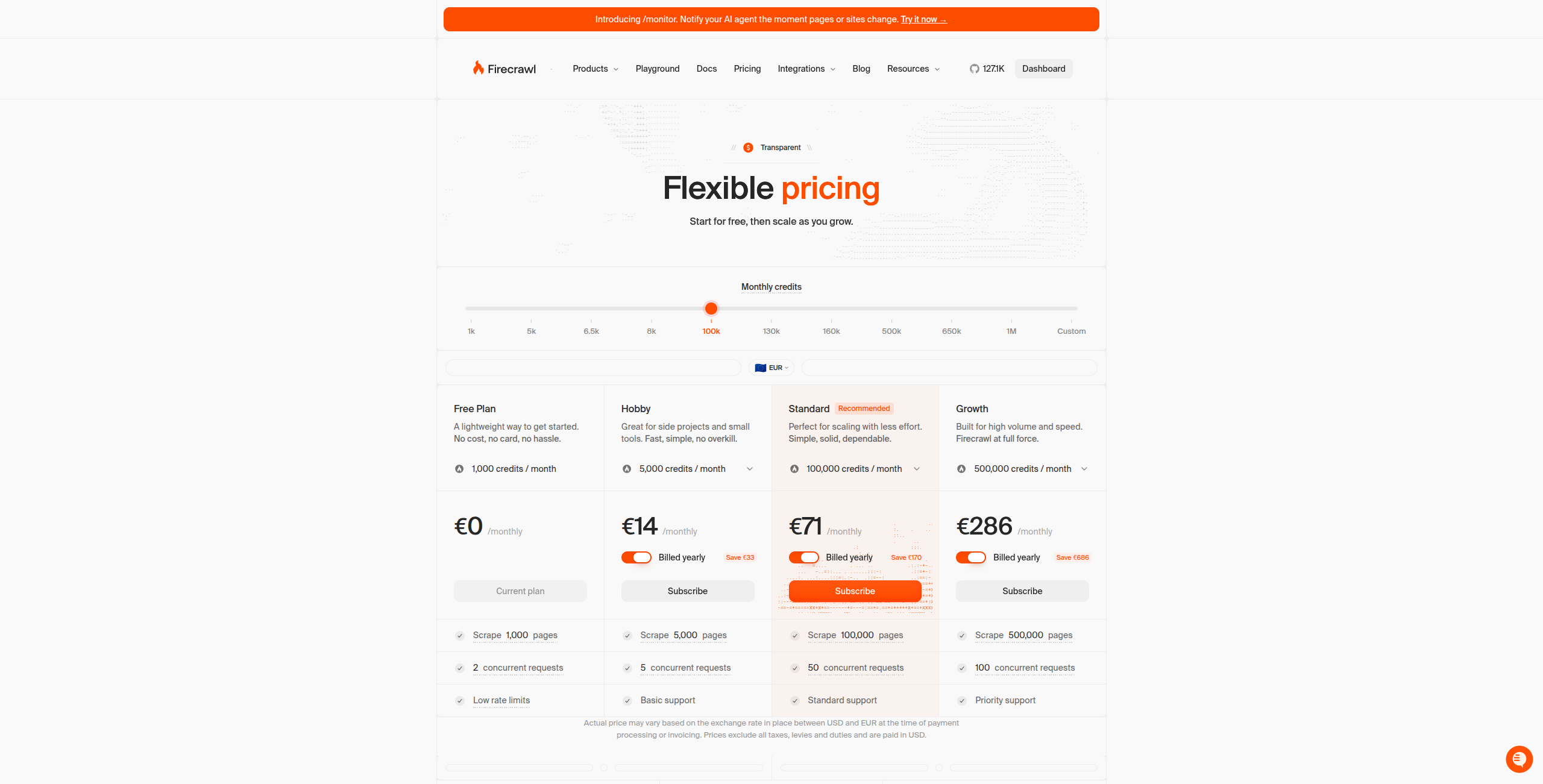
Pricing: Free tier (500 pages/month). Starter at $16/month (3,000 pages). Standard at $83/month (100,000 pages). Growth at $333/month for heavy workloads.
Pros:
Produces the cleanest LLM-ready markdown output of any tool tested
Full-site crawl with a single API call — no pagination logic needed
AI-powered structured extraction without CSS selectors
Automatic JavaScript rendering without headless browser setup
Well-documented API with Python, Node, and Go SDKs
Cons:
Developer-focused — no no-code UI whatsoever
Less suited for structured table/list extraction compared to Apify
Pricing scales steeply above the free tier for high-volume use
Less effective against heavily protected anti-bot systems than Bright Data
Best for: AI developers building RAG pipelines, research agents, or any system that needs clean web content as LLM input without preprocessing overhead.
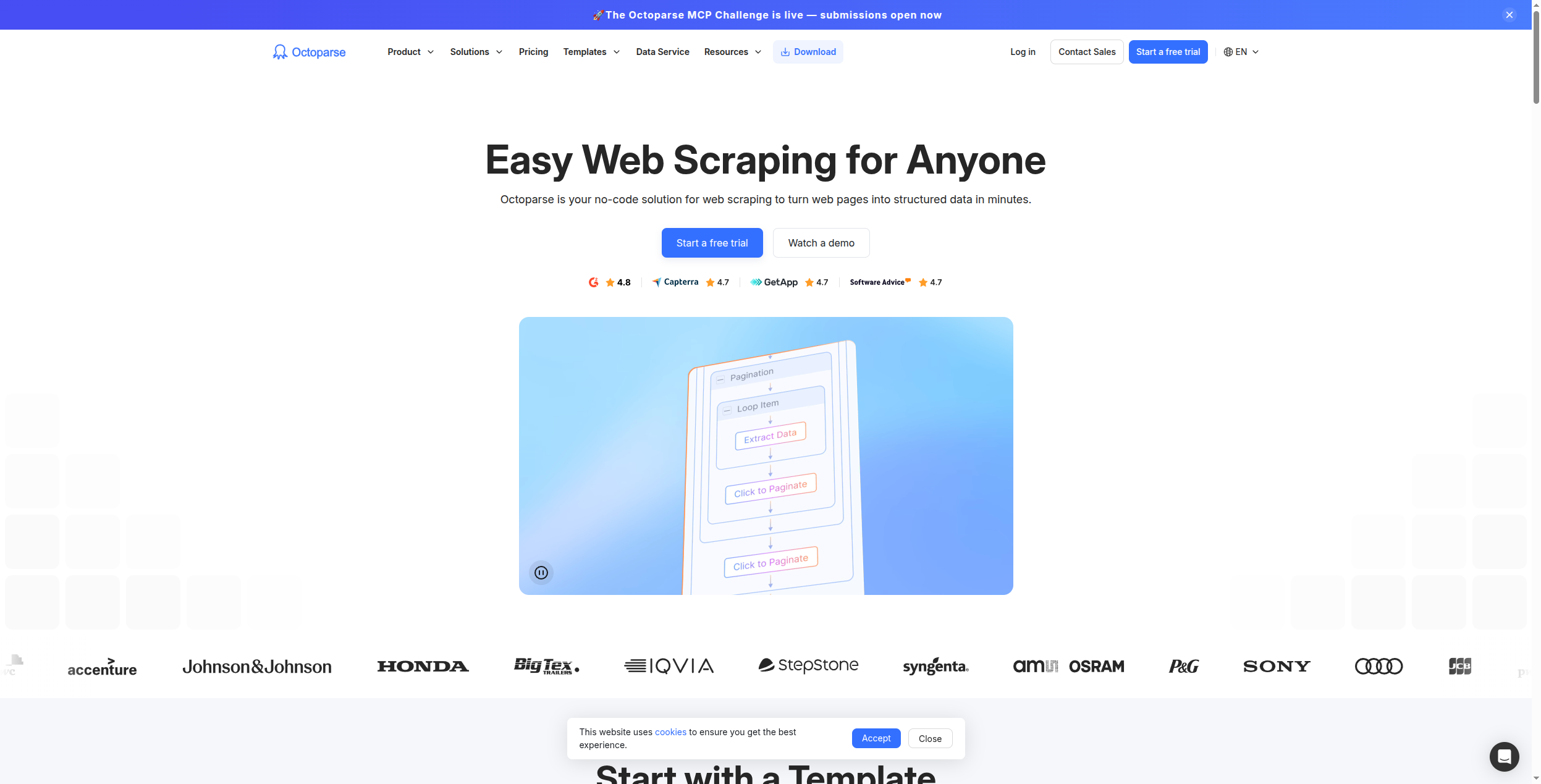
5. Octoparse — Best Visual No-Code Scraper
Octoparse is the most powerful visual, point-and-click web scraper for non-developers. Its desktop and cloud-based interface lets you select elements visually, handle pagination, set up login-required scraping, and schedule cloud runs. Anti-bot bypass features are built in, including IP rotation.
Octoparse’s workflow editor is genuinely powerful for a no-code tool. You navigate to a page inside the Octoparse browser, click elements to define extraction fields, set up loop actions for pagination, and configure conditional logic (click “Load More” until it disappears, then extract all collected items). Login-required scraping is straightforward: record the login steps and Octoparse replays them before running each scheduled extraction. For business analysts who need to extract complex multi-level data — category pages → product pages → reviews — Octoparse handles the navigation graph visually.
The cloud scheduler lets you run extractions on a schedule and export to CSV, Excel, Google Sheets, or databases. Anti-bot handling includes rotating IP addresses, but Octoparse is more effective against basic bot detection than sophisticated systems like Cloudflare’s advanced protection. For most eCommerce, real estate, and business directory use cases, it’s sufficient.
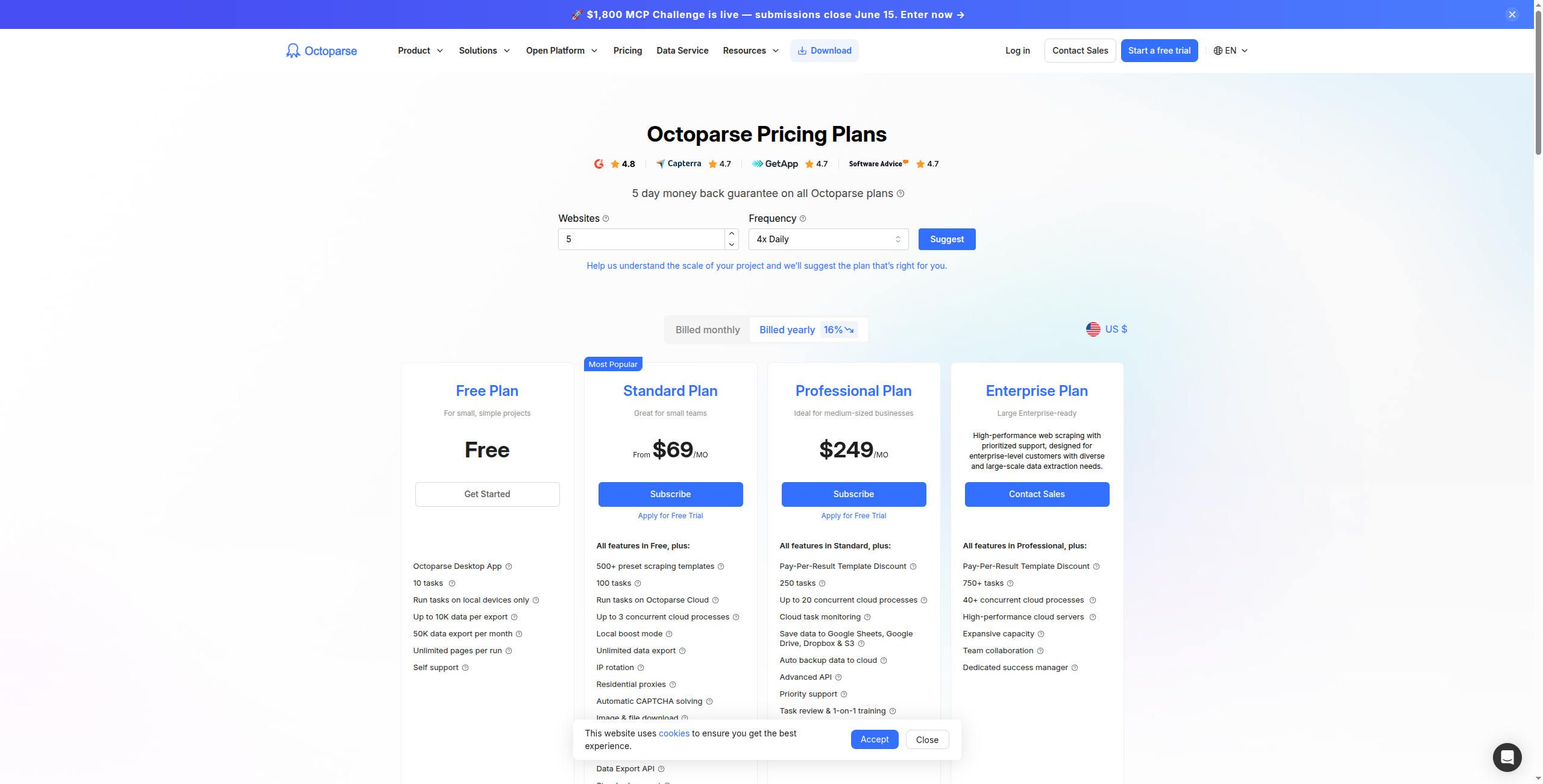
Pricing: Professional at $75/month (5 cloud bots, anti-bot bypass). Team at $209/month (15 cloud bots). Enterprise custom pricing. No free tier — trial only.
Pros:
Most powerful visual no-code interface for complex multi-page scraping
Handles pagination, login sessions, and conditional navigation without code
Cloud scheduling with built-in IP rotation and anti-bot bypass
Both local (desktop) and cloud execution options
Export to CSV, Excel, Google Sheets, and SQL databases
Cons:
Desktop app interface feels dated compared to modern browser-based tools
Higher pricing than Browse AI for equivalent no-code capabilities
Steeper initial learning curve for non-technical users vs. Browse AI
Anti-bot protection less effective than dedicated infrastructure tools
Best for: Business analysts and researchers who need to extract complex, structured data from multi-page sites — including pagination and login-required scraping — without coding.
6. PhantomBuster — Best for Sales Prospecting Data
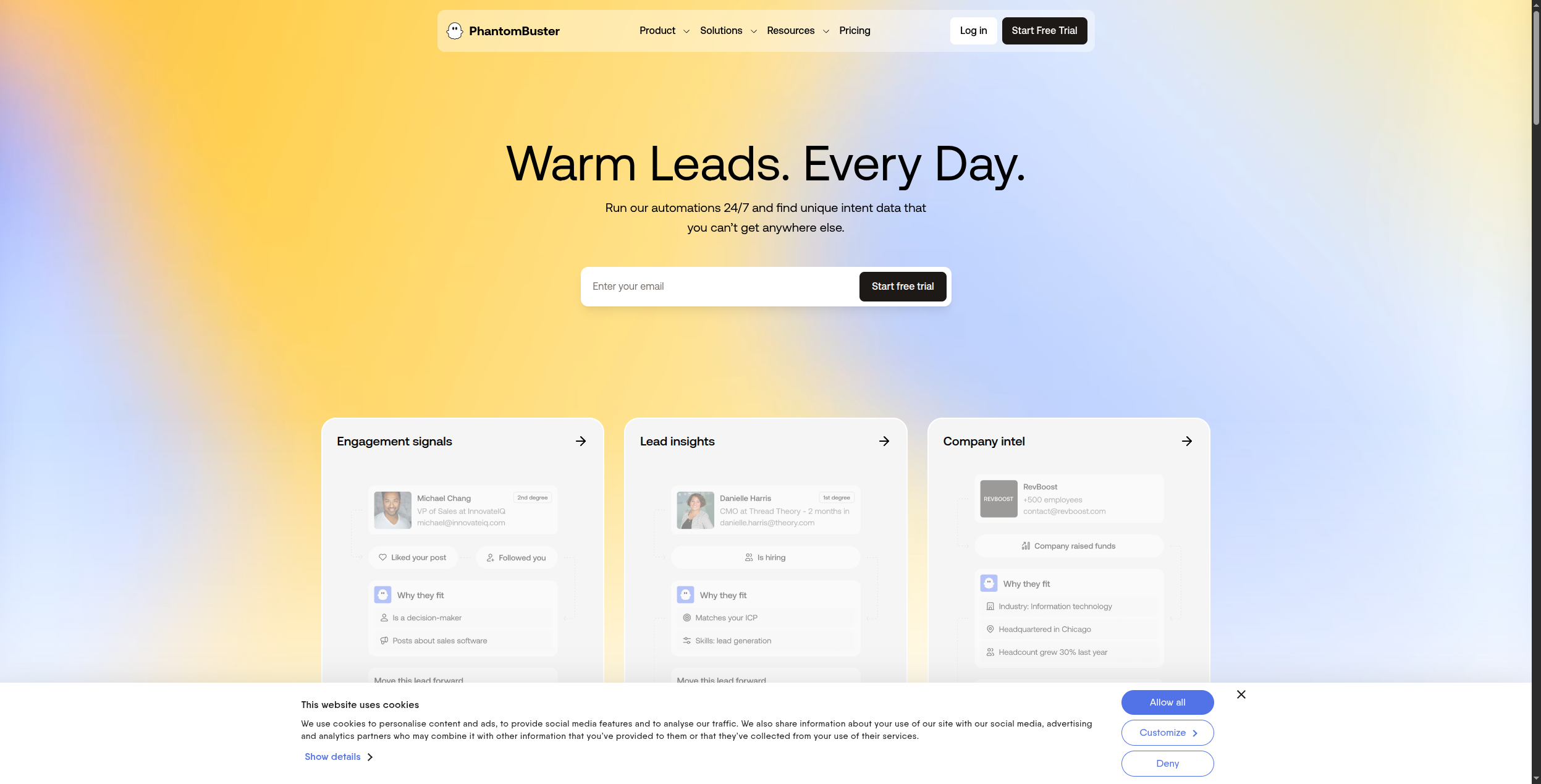
PhantomBuster is not a general-purpose scraper — it’s specifically built for extracting sales and lead generation data from LinkedIn, Sales Navigator, Twitter, and similar platforms. Its phantoms (pre-built scrapers) handle LinkedIn profile enrichment, company data, connection requests, and post engagement scraping.
PhantomBuster organizes its 100+ pre-built automations into “phantoms” by platform: LinkedIn phantoms handle profile scraping, company follower extraction, Sales Navigator search exports, and connection request sequences. Twitter/X phantoms extract follower lists and post engagements. Instagram and Facebook phantoms handle profile and group data. Each phantom runs on a schedule and outputs a CSV or can push data directly to Google Sheets, HubSpot, or Salesforce via Zapier.
The platform is specifically designed for sales teams with no technical background: choose a phantom, authenticate your account, configure parameters (search URL, daily limits to avoid detection), and schedule it. Running multiple phantoms simultaneously — for example, exporting Sales Navigator searches while running connection requests — requires a higher plan with more phantom slots. LinkedIn usage limits are important: PhantomBuster includes recommended safe usage settings per phantom to reduce the risk of account restrictions.
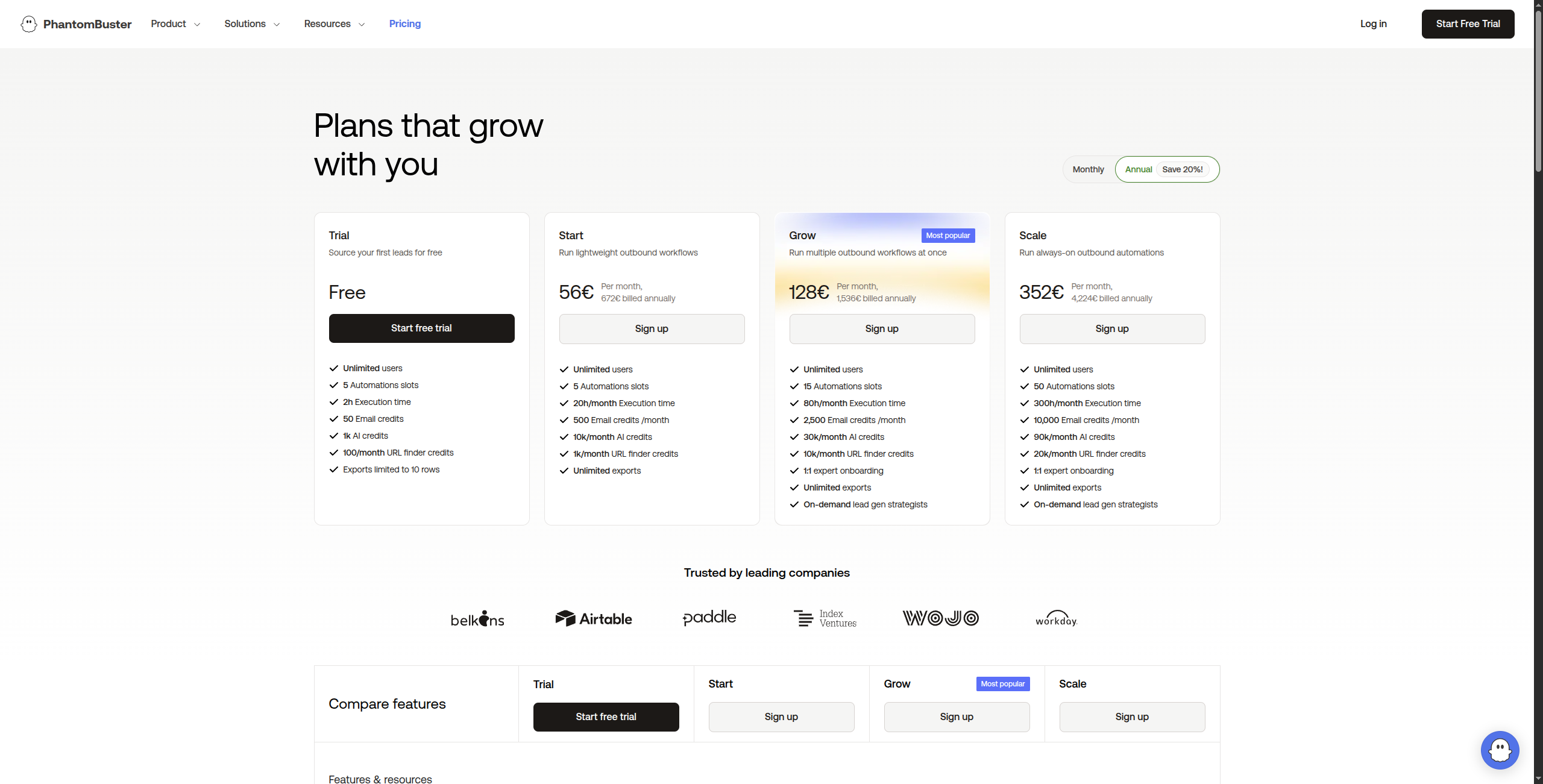
Pricing: Trial (14-day free). Starter at $56/month (20 hours/month, 5 phantom slots). Pro at $128/month (80 hours/month, 15 slots). Team at $352/month (300 hours/month, unlimited slots).
Pros:
Best-in-class LinkedIn and Sales Navigator data extraction
100+ pre-built phantoms covering most sales prospecting scenarios
Good Zapier, HubSpot, and Salesforce integrations for lead automation
Simple no-code setup accessible to non-technical sales teams
Configurable safe-usage limits to minimize LinkedIn account risk
Cons:
Limited to social and sales-relevant sources (not general-purpose scraping)
LinkedIn ToS compliance risk — automation can trigger account restrictions
Phantom slot pricing model adds up for larger teams running many automations
Less suitable for scraping content-heavy or eCommerce sites
Best for: Sales development teams that need automated LinkedIn and social platform data extraction for prospecting pipelines.
7. Clay — Best for AI-Enriched Prospecting Data
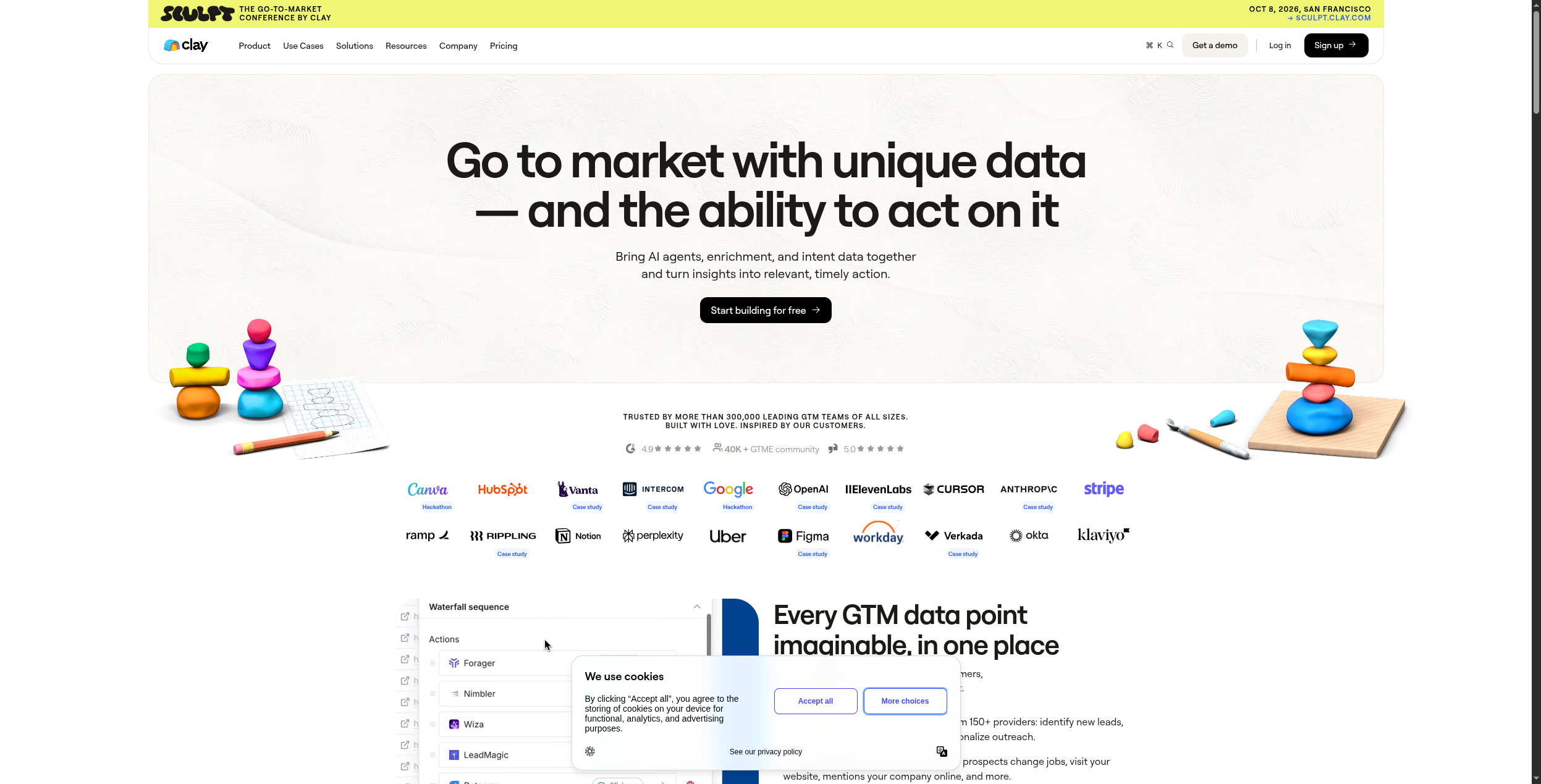
Clay is a prospecting and data enrichment platform that combines web scraping with 50+ external data sources — LinkedIn, Clearbit, Hunter, ZoomInfo, and more — and then uses AI to write personalised outreach based on the enriched profile. It’s less a pure scraper and more a complete prospect intelligence workflow.
Clay operates through a spreadsheet-style interface where each row is a prospect and each column represents an enrichment or AI action. You might start with a CSV of company domains, then add columns that: scrape the company website for key facts, pull LinkedIn data for the CEO, check recent funding news via Perplexity, verify the email via Hunter.io, and finally run a Claygent (AI agent) prompt that writes a personalised first line referencing a specific thing from the company’s recent blog post. Each enrichment column draws from Clay’s waterfall of 75+ data providers, automatically finding the best available data at the lowest credit cost.
The scraping capability within Clay is specifically oriented toward prospect research: scraping a company’s careers page to infer growth signals, pulling G2 reviews to understand customer pain points, or extracting technology stack from job descriptions. This is different from general-purpose scraping — Clay’s scraping is always in service of enriching a lead record, not extracting bulk data.
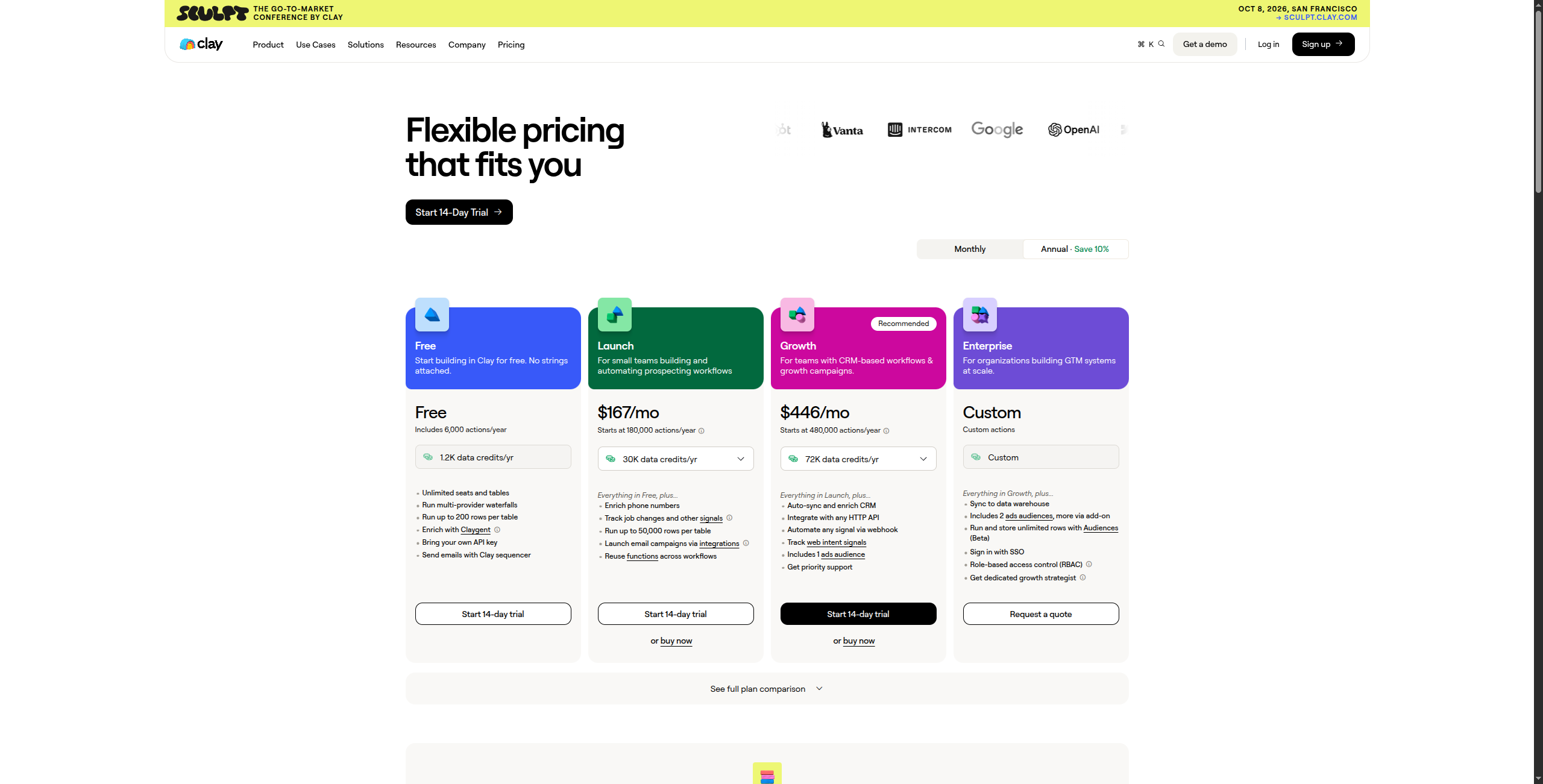
Pricing: Free tier (100 credits/month). Starter at $149/month (2,000 credits). Explorer at $349/month (10,000 credits). Pro at $800/month (50,000 credits). Enterprise custom.
Pros:
Combines scraping + 75+ data sources into one enriched prospect profile
AI-written personalisation per contact using Claygent research
Best tool for hyper-personalised outbound campaigns at scale
Clean spreadsheet-style interface non-developers can use
Waterfall enrichment automatically uses cheapest source with valid data
Cons:
Expensive at scale — credits for multiple enrichment sources add up quickly
Credit-based pricing is complex to forecast for variable workloads
Slower for bulk enrichment than direct API integration for simple cases
Overkill and expensive for teams that just need basic contact data
Best for: Outbound sales and growth teams that want AI-personalised prospecting at scale, combining multiple data sources per contact into one enriched profile.
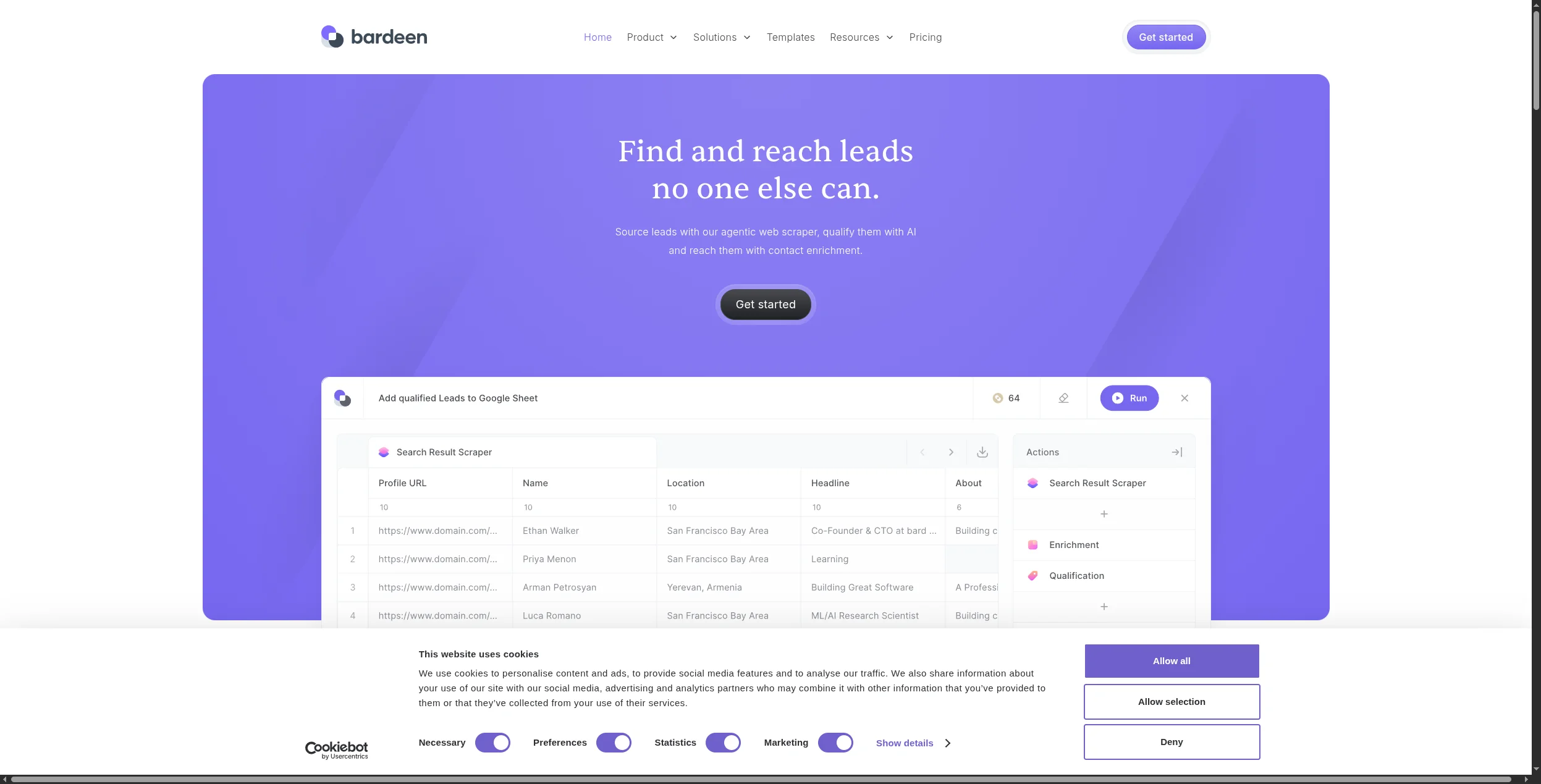
8. Bardeen — Best Browser-Based Automation Scraper
Bardeen is a Chrome extension that lets you build AI-powered automation playbooks that run in your browser. For scraping, this means you can extract data from pages you’re viewing, trigger workflows based on page content, and automate repetitive research tasks — all without leaving your browser.
Bardeen’s playbook model is what sets it apart from server-side scrapers: a playbook is a series of steps that run in your active browser session, meaning it has access to everything a logged-in user can see. This makes it ideal for extracting data from LinkedIn profiles, HubSpot contacts, Salesforce records, or any SaaS application without needing an official API. You can record a playbook by demonstrating the steps, or use Bardeen’s AI to generate one from a natural language description: “Go to LinkedIn search results and extract name, title, and company for each result.”
The integration library is extensive — Bardeen can push scraped data directly to HubSpot, Notion, Airtable, Google Sheets, Slack, and dozens of other tools without an intermediary. Pre-built playbooks for common sales research workflows (enrich a contact from LinkedIn, summarise a company page, add to CRM) are ready to use with minimal configuration.
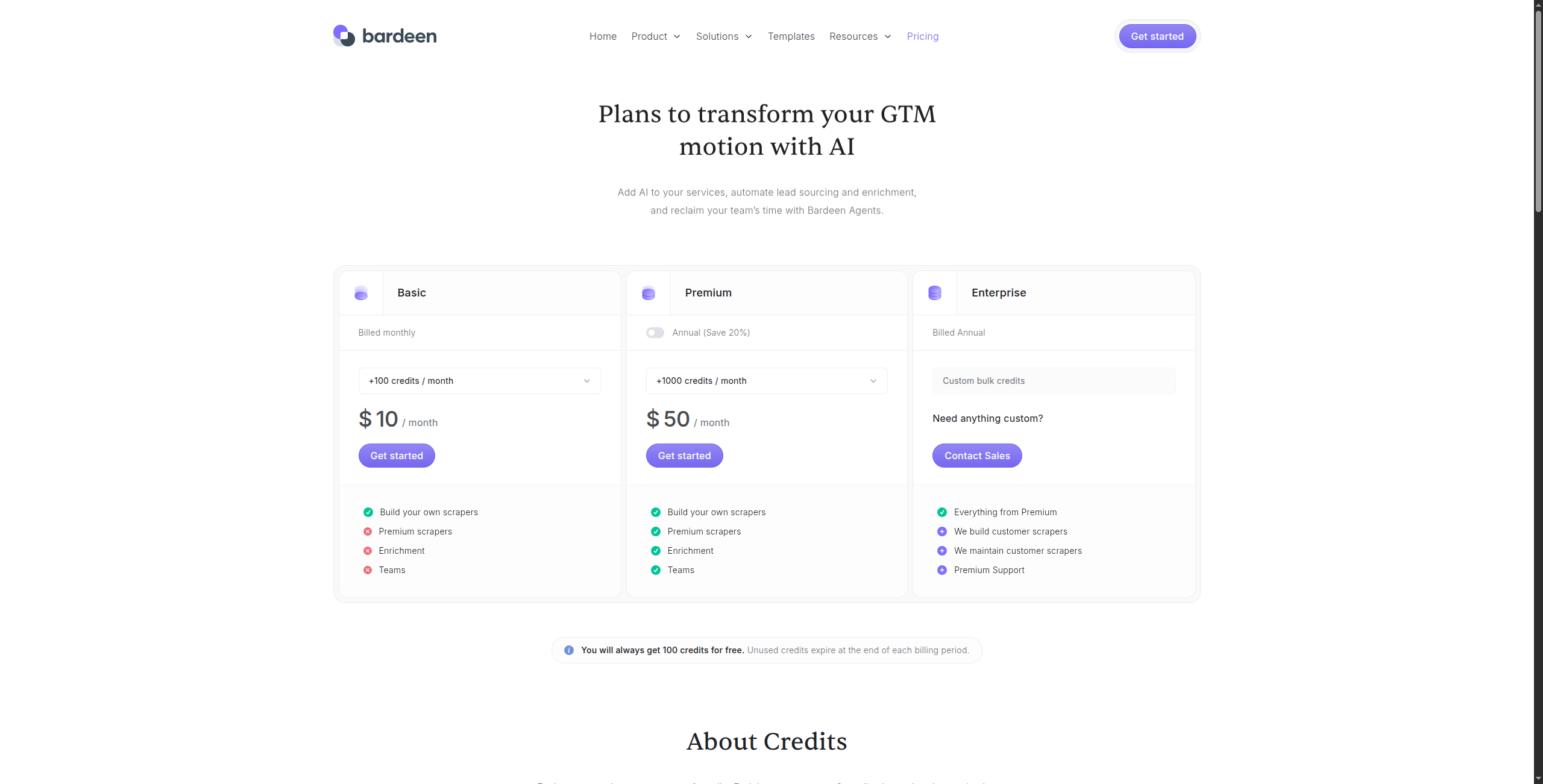
Pricing: Free tier (scraping included for basic use). Professional at $10/month (unlimited non-premium actions, premium integrations). Business at $15/month per seat for team features.
Pros:
Generous free tier covers most individual-user scraping and automation needs
Browser-native means it handles login-required and session-dependent sites easily
100+ pre-built playbooks for common research and CRM update tasks
AI generates playbooks from natural language descriptions
Rich integration library — push data to HubSpot, Notion, Airtable, and more
Cons:
Requires Chrome browser to be open — not suitable for unattended scheduled scraping
Not reliable for high-volume extraction or server-side automation
Chrome-only — no Firefox, Safari, or headless server support
Cloud execution for unattended runs is limited on free tier
Best for: Individual contributors who need to automate browser-based research and data collection tasks during their working day, particularly for LinkedIn and SaaS tool data extraction.
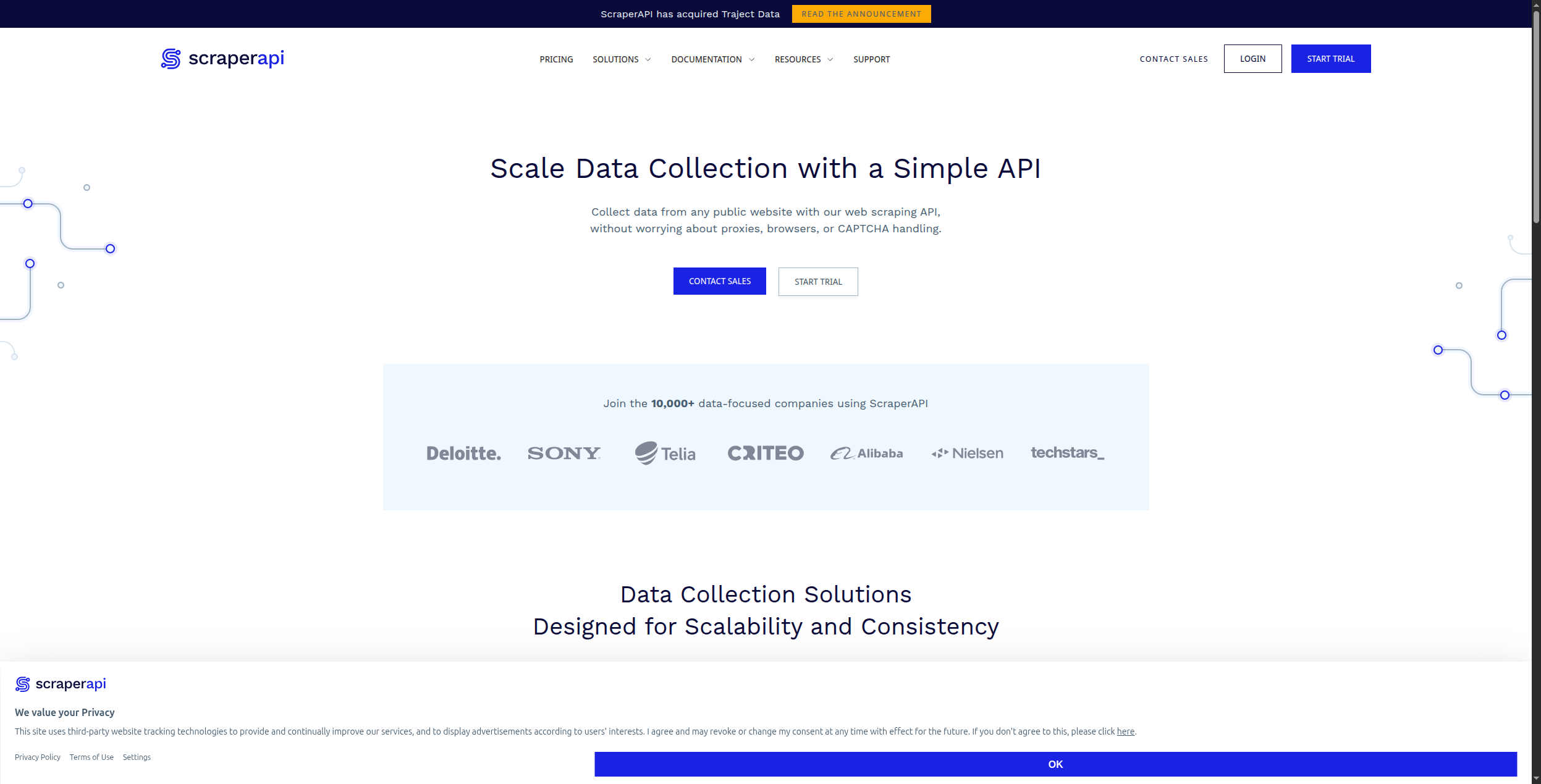
9. ScraperAPI — Best Infrastructure for Developer Scrapers
ScraperAPI is not a scraping tool — it’s the infrastructure layer that makes your existing scrapers more reliable. It handles proxy rotation, CAPTCHA solving, browser fingerprinting, and JavaScript rendering as a service. Pass it a URL; it returns the HTML as if it were a human visitor. Essential for developers who build their own scrapers and need reliable bypass infrastructure.
The integration is as simple as prepending a ScraperAPI URL to your existing request: instead of GET https://example.com/products, you call GET https://api.scraperapi.com?api_key=xxx&url=https://example.com/products. ScraperAPI handles proxy selection, IP rotation, browser fingerprinting, CAPTCHA challenges, and retry logic — returning the page HTML as if a human visited it. For JavaScript-heavy pages, the render=true parameter activates a full headless browser. Structured Data Endpoints (a newer feature) provide pre-parsed JSON for common sites like Amazon product pages and Google search results, eliminating the need to write custom HTML parsers.
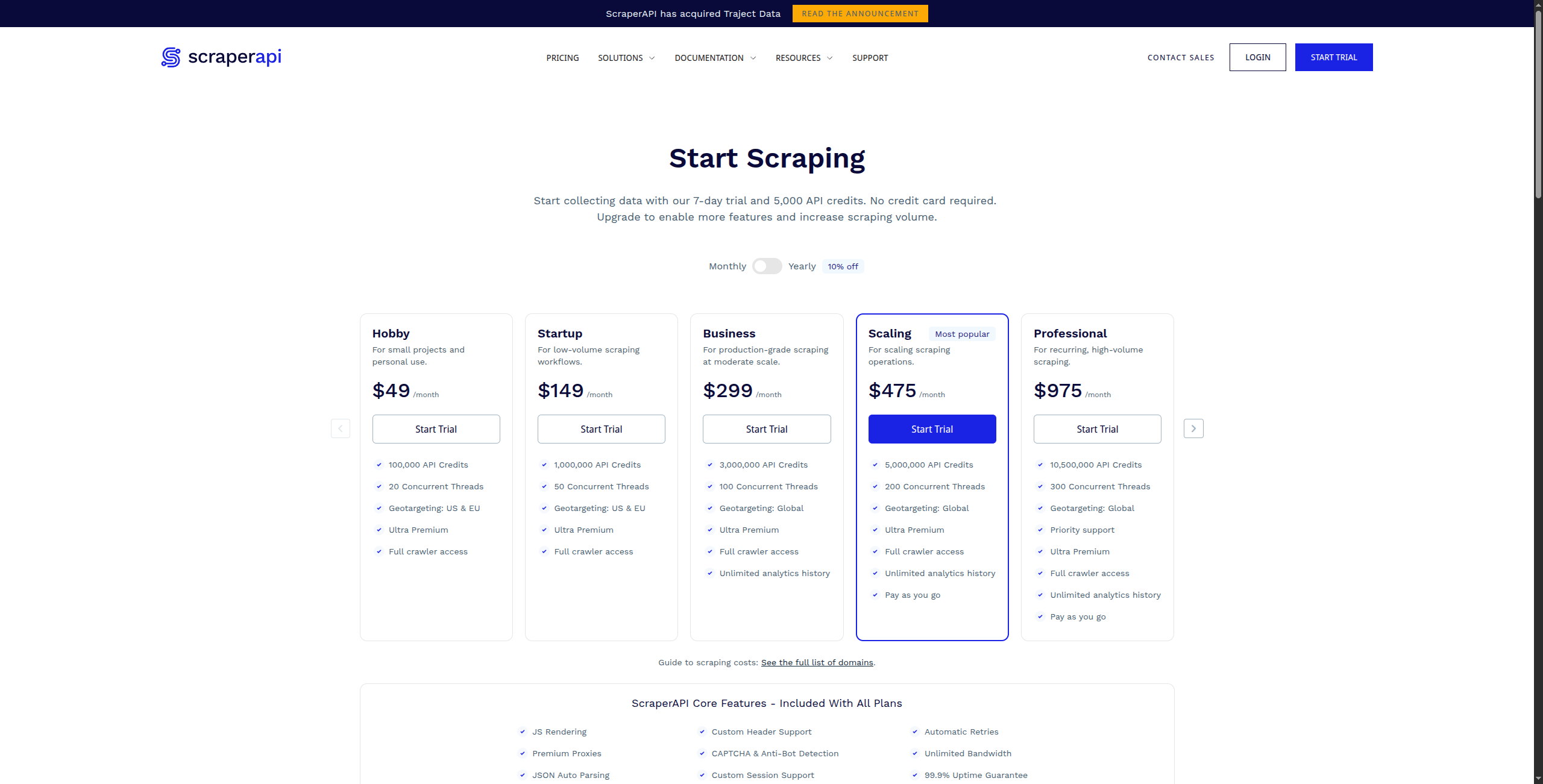
ScraperAPI’s pricing is straightforward: credits per request, with premium requests (residential IPs, JavaScript rendering) consuming more credits. The free tier (1,000 API credits/month) is useful for development and testing. Production-grade usage runs on paid plans starting at $49/month.
Pricing: Free tier (1,000 requests/month). Hobby at $49/month (100,000 requests). Startup at $149/month (500,000 requests). Business at $299/month (3M requests). Enterprise custom.
Pros:
Minimal integration — one endpoint replaces complex proxy management
Residential, datacenter, and mobile proxy pool options
JavaScript rendering mode for SPA and dynamic content
Structured Data Endpoints for pre-parsed JSON from major sites
Reliable 99.9% uptime SLA with automatic retry handling
Cons:
Not a standalone scraper — requires developer-built HTML parsing logic
Request costs scale quickly for high-volume production use
No visual interface or no-code option whatsoever
Less cost-effective than Bright Data for very large-scale operations
Best for: Developers who build custom scrapers in Python, Node, or any language and need reliable proxy infrastructure to avoid blocks and CAPTCHAs without managing their own proxy rotation.
10. Bright Data — Best for Enterprise-Scale Data Collection
Bright Data is the enterprise standard for large-scale web data operations. Its proxy network (72+ million IPs) is the largest in the industry. Beyond proxies, Bright Data offers Web Scraper IDE, pre-collected datasets (ready to download), and a Browser API for complex JavaScript sites. It’s used by Fortune 500 companies and major data operations.
Bright Data’s product suite goes well beyond proxies. The Datasets marketplace offers pre-collected, regularly refreshed datasets from Amazon, LinkedIn, Glassdoor, Instagram, Google Maps, and 100+ other platforms — you purchase or subscribe to data snapshots without running any scraping infrastructure. For custom scraping, the Web Scraper IDE provides a low-code environment for writing scalable scrapers backed by Bright Data’s full proxy infrastructure. The Scraping Browser API (Playwright/Puppeteer-compatible) handles the most challenging JavaScript rendering scenarios, including infinite scroll, dynamic authentication, and aggressive bot detection.
Bright Data is specifically structured for data operations teams that run scraping continuously at scale — price monitoring for thousands of SKUs, job market data aggregation, financial data collection. The platform has compliance features, audit logs, and SLA guarantees that enterprise legal and IT teams require. For most startup and mid-market teams, it’s over-engineered; for large-scale scraping operations Bright Data’s reliability and scale are unmatched.
Pricing: Pay-as-you-go or monthly subscription. Residential proxies from $8.4/GB. Datacenter proxies from $0.89/GB. Scraping Browser from $2.75/1,000 pages. Datasets from $500+/month. Enterprise contracts available.
Pros:
Largest proxy network globally (72M+ IPs across 195 countries)
Pre-collected datasets for major platforms — buy data without running scraping
Web Scraper IDE for custom enterprise-scale extraction workflows
Scraping Browser handles the most aggressive JavaScript and bot detection
Enterprise SLA, compliance features, and dedicated support
Cons:
Expensive — meaningful usage typically $500–$5,000+/month
Complex product suite with a steep onboarding learning curve
Overkill for teams without dedicated scraping operations resources
No no-code UI for business users — developer-only
Best for: Enterprise data teams, market intelligence firms, and organisations running large-scale, continuous web data collection operations that demand maximum reliability and geographic coverage.
How to Choose the Right AI Web Scraper
By technical expertise:
Non-technical → Browse AI, Octoparse, or Bardeen
Developer → Firecrawl, Apify, or ScraperAPI
Full stack + workflow automation → FlowHunt
By use case:
Competitor monitoring → Browse AI or FlowHunt
Sales prospecting → PhantomBuster or Clay
LLM data pipeline → Firecrawl
eCommerce data → Apify or Octoparse
Enterprise scale → Bright Data
By whether you need automation: If you need to act on scraped data — not just export it — FlowHunt is the only tool here that connects scraping directly to downstream AI workflows. See our best workflow automation tools guide
for how to structure data pipelines.
The Bottom Line
For pure extraction at scale, Bright Data and Apify win. For no-code business users, Browse AI is the most accessible tool. For developers building AI pipelines, Firecrawl delivers the cleanest output.
But if your goal is to turn web data into business action automatically — monitoring competitors, enriching CRM records, generating content from research — FlowHunt is the only platform that closes that loop without manual steps. It’s the scraper that actually does something useful with what it finds.
Frequently asked questions
An AI web scraper uses artificial intelligence to extract data from websites intelligently — understanding page structure semantically, handling dynamic JavaScript content, adapting when site layouts change, and structuring unstructured data automatically. Unlike traditional scrapers that rely on brittle CSS selectors, AI scrapers can understand context: 'find the product price' rather than 'get element at .price-tag div.'
Web scraping legality depends on the jurisdiction, the website's terms of service, and what data is being collected. Scraping publicly available, non-personal data for research or internal use is generally legal in most jurisdictions, including after the HiQ v. LinkedIn ruling in the US. However, scraping personal data (GDPR), bypassing access controls (CFAA), or violating specific ToS terms creates legal risk. Always check a site's robots.txt and ToS before scraping, and avoid collecting personally identifiable information without legal basis.
Firecrawl has a free tier useful for developers testing scraping pipelines. Browse AI offers a limited free trial. Bardeen's Chrome extension is free for basic scraping tasks. FlowHunt offers a free tier that includes web scraping as part of automated workflows. For heavy scraping at scale, paid plans are necessary — free tiers are best for evaluation and light use.
Modern AI web scrapers handle bot detection through several techniques: rotating residential IP proxies (Bright Data, ScraperAPI), headless browser rendering that mimics real user behaviour (Firecrawl, Apify), rate limiting and request randomisation, CAPTCHA solving services, and browser fingerprint spoofing. The most sophisticated tools combine multiple techniques. No tool is 100% reliable against the most aggressive bot detection.
Technically, modern AI scrapers can extract data from most public websites — including JavaScript-heavy SPAs, paginated lists, and sites requiring login (if you provide credentials). Practically, some sites invest heavily in bot detection that even advanced scrapers struggle with. For high-value targets like major eCommerce platforms, enterprise tools like Bright Data or Apify are the most reliable options.
Arshia is an AI Workflow Engineer at FlowHunt. With a background in computer science and a passion for AI, he specializes in creating efficient workflows that integrate AI tools into everyday tasks, enhancing productivity and creativity.
Arshia Kahani
AI Workflow Engineer
Scrape Any Website with AI — Try FlowHunt Free
FlowHunt's AI-powered web scraping connects to any website and extracts structured data automatically — no CSS selectors, no code, no maintenance when sites change.
Best Browse AI Alternatives in 2026: 8 Web Scraping Tools Compared
Looking for Browse AI alternatives? We compared 8 web scraping and data extraction tools — from AI-powered scrapers to full automation platforms — to find the b...
8 Best Apify Alternatives in 2026 (Web Scraping & Data Extraction)
Apify is powerful but complex and expensive for most use cases. We compared 8 Apify alternatives for web scraping and data extraction — from no-code tools to de...
Best Workflow Automation Tools in 2026: 12 Platforms Ranked and Reviewed
Ranked and reviewed: the 12 best workflow automation tools in 2026. Comparison table, pricing, free tiers, and a clear verdict on which platform fits your team.
12 min read
Automation
AI Tools
+3
Cookie Consent We use cookies to enhance your browsing experience and analyze our traffic. See our privacy policy.