



Daily News Summary
Get a concise, structured summary of the latest news on any topic with FlowHunt's Daily News Summary. AI searches recent sources and delivers a clear, readable ...
2 min read
AI Tools
Content Writing
+3
A best AI news summarizer comparison across FlowHunt, Feedly AI, Perplexity, and Inoreader — source coverage, summary quality, customization, and premium pricing side by side.
We compared four AI news summarizer tools, FlowHunt, Feedly AI, Perplexity, and Inoreader, across source coverage, summary quality, customization, and price. This draws on each provider’s own documentation, product pages, and current pricing, so you can pick the right one for your monitoring needs without digging through four separate pricing pages yourself.
These four tools cover four fairly different approaches to the same underlying problem, which is turning scattered coverage into something readable.
FlowHunt’s Daily News Summary and Perplexity both work from a single query with no setup. They search the topic in real time and return all trending and relevant sources. Feedly and Inoreader are RSS-first. You build a source library, and their AI layers (Leo and Intelligence, respectively) sit on top of it. That difference shapes almost everything else in this comparison, especially how much setup work each one asks of you before it becomes useful.
We evaluated all four on how many and what kind of sources they draw from, how the output is structured and how much you can adjust it, what team-oriented features exist, and pricing.
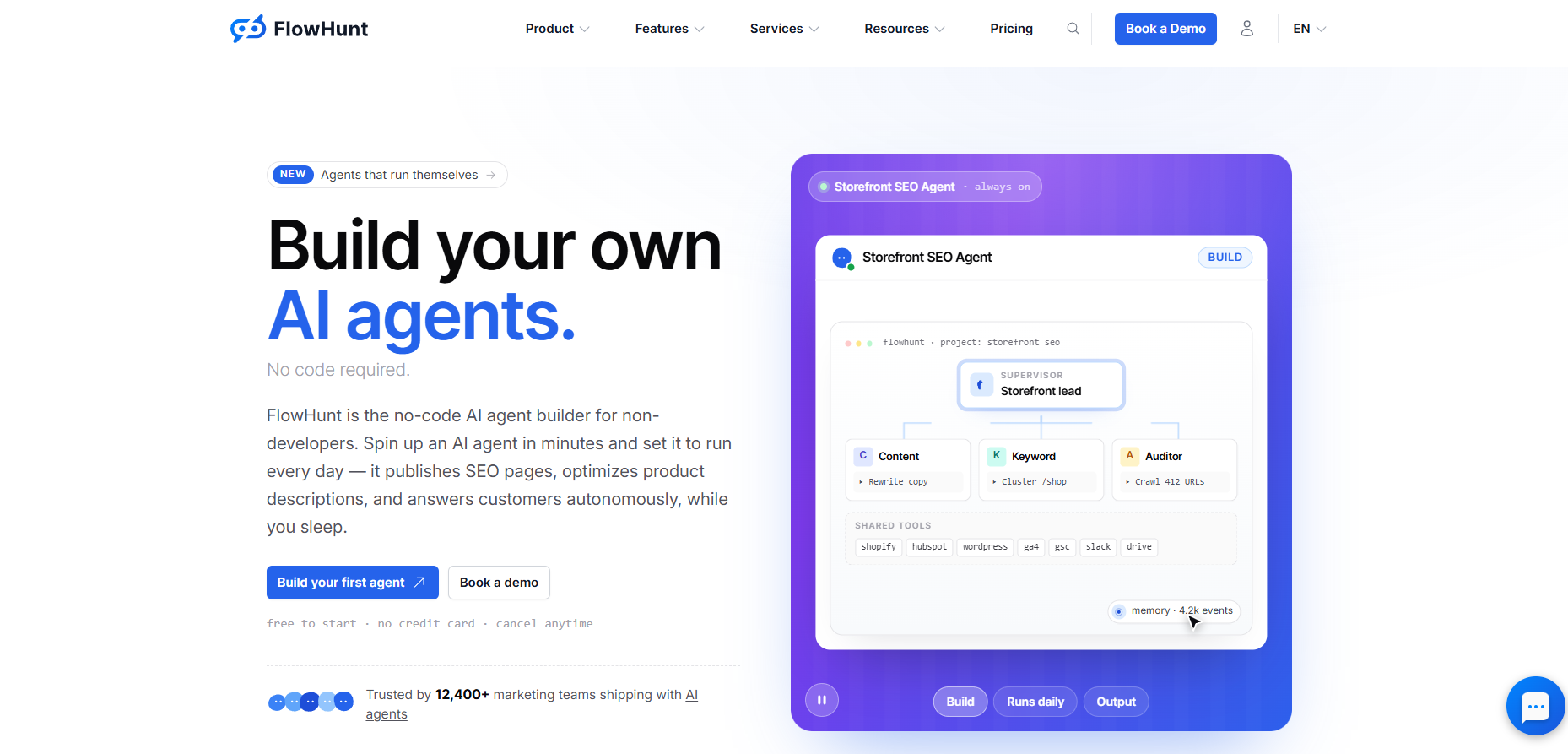
FlowHunt’s tool takes one input, a topic, company, or keyword, and returns a single structured digest. It searches current sources, extracts the developments that matter, and organizes them with the most important points first. There’s no feed to build first, and no dashboard to configure before the first digest comes back.
Its biggest structural difference from the other three is that it’s one tool inside a broader AI Studio platform, so the same subscription also covers hundreds of other AI tools, with output routing directly into Slack, Gmail, or Notion rather than staying locked in a chat window.
The trade-off is that source selection isn’t a manual setting. Since it’s an AI workflow platform, most alterations to this workflow require some elbow grease. If you’d like to restrict the sources, you have to edit the underlying workflow with a carefully engineered prompt. The lowest plan starts at $50/month, making it the most expensive choice on this list, but keep in mind that it gives you access to the whole platform, not just the news summary.

Start your free trial today and see results within days.
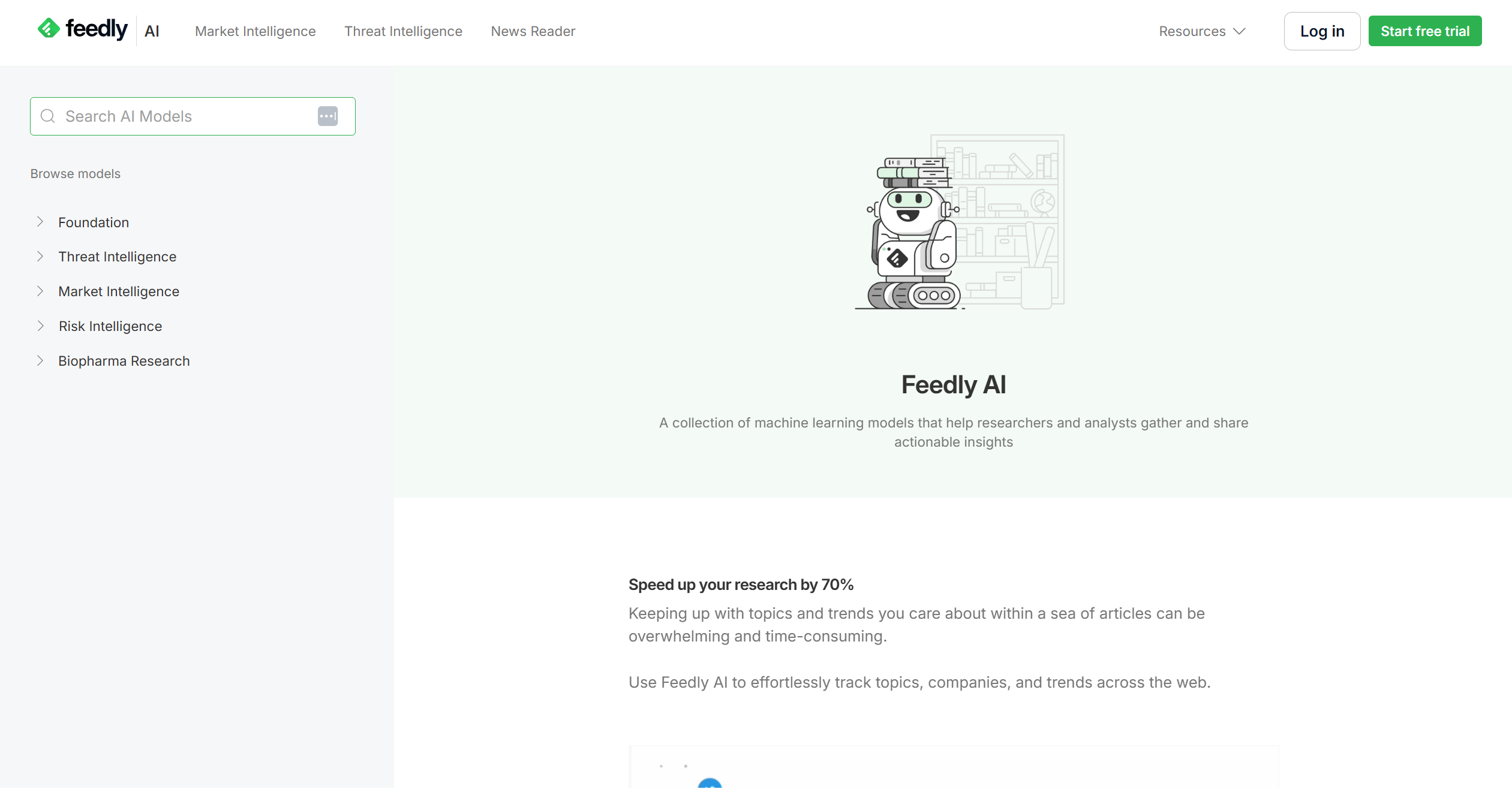
Feedly started as an RSS reader, and that’s still its core, but the Leo AI layer adds real value on top. It prioritizes articles, mutes noise, and summarizes across whatever you’ve subscribed to. You get to add up to 1,000+ source feeds on the Pro+ tier. For a team that already knows exactly which publications and sites matter, that’s a strong foundation to build an AI layer on top of.
The trade-off is upfront curation. Leo doesn’t do anything for a topic outside your existing feed library, so before it’s useful you need to have already built the right subscription list, and it’s less useful the moment you need a digest on something you haven’t added yet.
Feedly Pro+ runs about $8.25/month billed annually, or $12.99/month billed monthly, for the only individual tier with Leo AI included. A dedicated team option exists mainly at the enterprise end. Feedly for Market or Threat Intelligence starts at $1,600/month, aimed at larger intelligence teams.
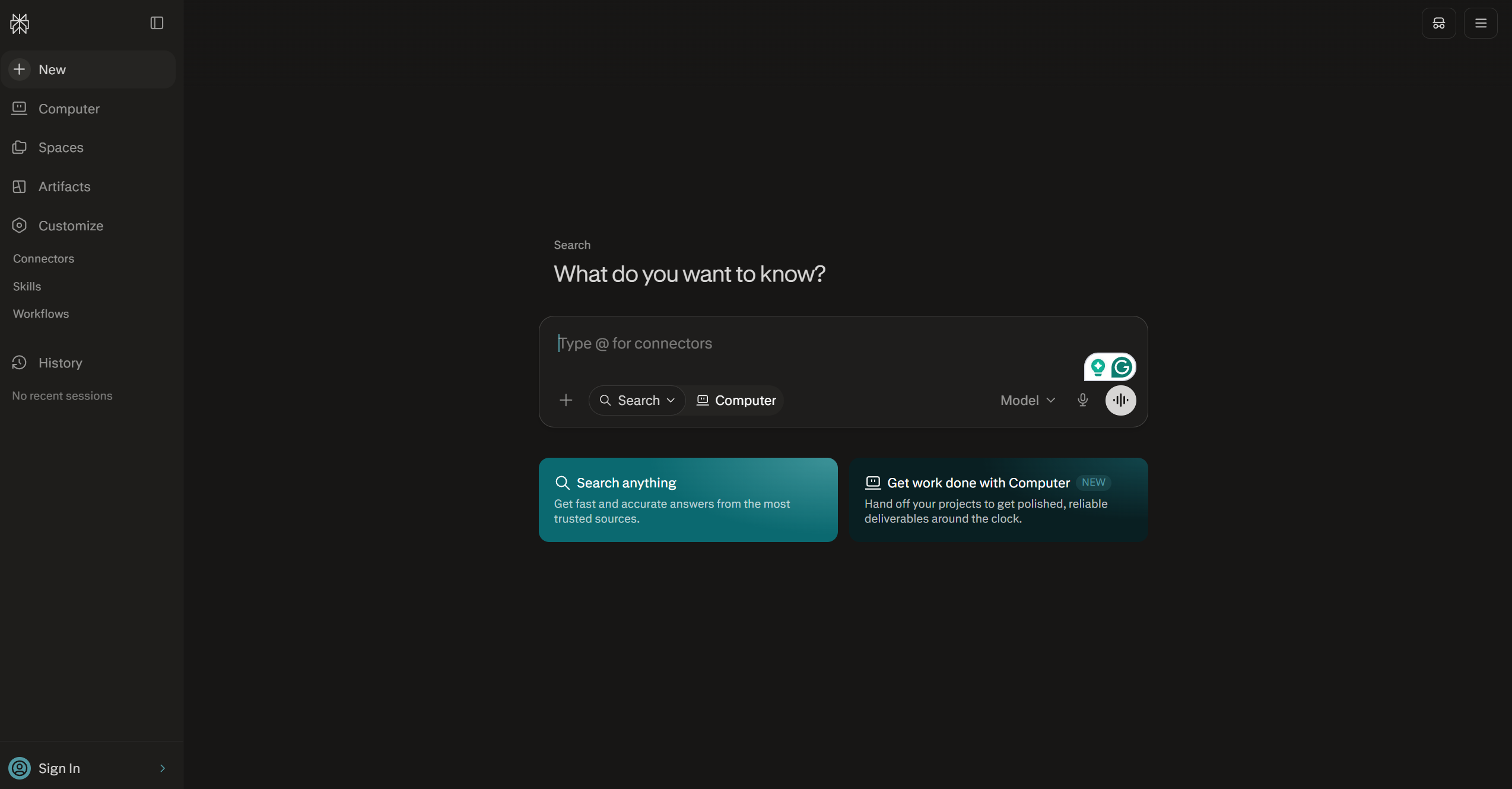
Perplexity isn’t built specifically as a news digest tool, it’s a general AI answer engine, but its real-time web search and Discover feed make it a common substitute for one. Every answer comes with visible citations back to original sources, which makes it the easiest of the four to fact-check.
Where it differs most from the other three is format. Perplexity answers a conversational query rather than producing a standing structured digest, so it fits ad-hoc “what’s happening with X right now” questions better than a repeatable daily routine. There’s no dedicated digest format or scheduled delivery built around a fixed topic the way a purpose-built monitoring tool has, so keeping a standing watch on a topic means remembering to ask again.
Perplexity Pro is $20/month and includes unlimited Pro Search, a daily allotment of Deep Research queries, and 5-user collaboration built in at that price. Power users can step up to Max at $200/month for background assistants and a larger automation credit pool, while Enterprise Pro runs $40/seat/month for team deployments.
Get latest tips, trends, and deals for free.
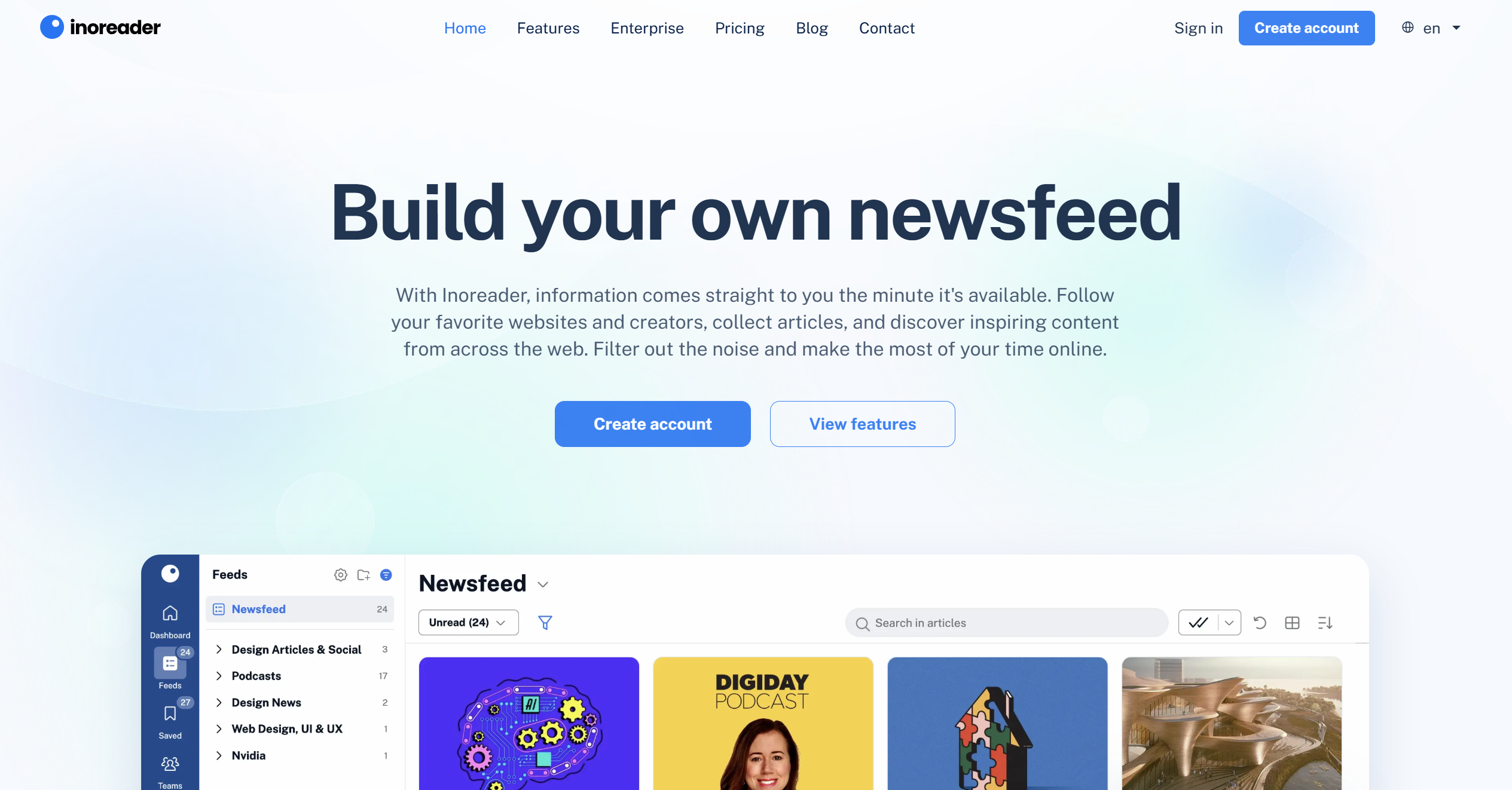
Inoreader is Feedly’s closest direct competitor. It’s an RSS reader with room for up to 2,500 subscriptions on Pro, plus an AI layer, Inoreader Intelligence, that handles article summaries, suggested tags, and automated reports. It also supports BYOAI, connecting your own OpenAI, Mistral, or Anthropic key, which neither Feedly nor Perplexity offers, and 1 million AI tokens a month come included at no extra cost.
Like Feedly, it rewards teams willing to curate a source library upfront rather than working from a single ad-hoc query, so a brand-new or unusually niche topic outside your subscriptions won’t be covered until you add the right feed for it. Team pricing is also tiered by headcount bracket rather than a clean flat per-seat rate, which takes a bit more math to budget against.
Inoreader Pro costs roughly $7.50/month billed annually, or $9.99/month billed monthly, for an individual plan that includes the 1 million monthly AI tokens. Team Intelligence plans start at $64.99/month for 3 members and scale up to $224.99+/month for 20 members.
| Dimension | FlowHunt | Feedly AI | Perplexity | Inoreader |
|---|---|---|---|---|
| Setup required | None — enter a topic | Build a feed library first | None — ask a question | Build a feed library first |
| Source model | Live search per query (Google, YouTube trending) | RSS feeds you subscribe to (1,000+ on Pro+) | Live open-web search | RSS feeds you subscribe to (2,500 on Pro) |
| Best for niche topics | Yes, any topic or keyword | Only if you’ve added the niche feed | Yes, any query | Only if you’ve added the niche feed |
| Freshness | At time of query | As fast as your feeds publish | At time of query | As fast as your feeds publish |
Query-based tools (FlowHunt, Perplexity) win on zero setup and niche flexibility, while feed-based tools (Feedly, Inoreader) win when you already know your exact source list and want tighter control over what’s included.
FlowHunt and Feedly both aim for one synthesized read rather than a list, FlowHunt as a single digest per topic, Feedly’s Leo as noise-filtered prioritization across your feeds. Perplexity’s strength is closer to research-style Q&A with cited sources you can click through and follow up on. This makes it a solid Perplexity news alternative to a search engine but a weaker fit for a standing daily routine. Inoreader sits in between, offering both per-article summaries and Intelligence reports that roll up patterns across a whole feed.
On customization, Feedly and Inoreader offer the most granular control since you’re managing the actual source list and can layer filters and rules on top. FlowHunt’s standard tool is simpler by design, one topic in, one digest out, though the underlying flow is visual and editable in FlowHunt directly if a team needs a different structure or a fixed source set.
| Tool | Entry Premium Tier | Price | Team Option |
|---|---|---|---|
| FlowHunt | Starter | €50/month | Pro at €120/month: 5 workspaces, 10 teammates, 12,000 interactions |
| Feedly AI | Pro+ | ~$8.25–12.99/month | Enterprise (Market/Threat Intelligence) from $1,600/month (Feedly ) |
| Perplexity | Pro | $20/month | 5-user collaboration included in Pro; Enterprise Pro $40/seat/month (Perplexity ) |
| Inoreader | Pro | ~$7.50–9.99/month | Team Intelligence from $64.99/month (3 members) to $224.99+/month (20 members) (Readless, 2026 ) |
If you want a standing digest on a topic with zero feed-building and a workflow that plugs into where your team already works, FlowHunt’s Daily News Summary is built for that case directly, and the same subscription covers deeper research and social monitoring, and more tools the moment a topic needs more than a headline-level digest.
If you already maintain a curated list of publications and want an AI layer to cut through it, Feedly or Inoreader fit better, Inoreader if you want BYOAI and per-seat team pricing, Feedly if you want a larger established source library out of the box. If your use case is closer to occasional research questions than a daily routine, Perplexity’s citation-first answers are the better tool for the job.
A few concrete scenarios make the split clearer. A solo analyst tracking one or two competitors with no team to share results with is well served by Inoreader or Feedly Pro+ on cost alone. A comms or product team that wants a shared morning briefing routed straight into Slack, without anyone maintaining a feed list, fits FlowHunt’s model better. Someone who mostly just wants to ask “what’s the latest on X” once in a while, without setting up any kind of standing monitoring, is better off with Perplexity than any of the other three.
Ready to see it in action? Try FlowHunt Daily News Summary Generator for free online and run your first digest today.
Get a structured summary of the latest news on any topic in seconds. No RSS feeds to curate, no dashboard to configure first.
Get a concise, structured summary of the latest news on any topic with FlowHunt's Daily News Summary. AI searches recent sources and delivers a clear, readable ...

From executive briefings to subscriber newsletters, these are five real AI news monitoring use cases teams rely on to stay informed without hours of manual cura...

An AI news summarizer tool turns daily news monitoring into a five-minute task. Here's how automated summary generation works and how to set up your first diges...
Cookie Consent
We use cookies to enhance your browsing experience and analyze our traffic. See our privacy policy.