5 Presentation Types AI Creates Faster Than PowerPoint
Not all presentations are equal. Here are 5 specific AI presentation generator use cases, from board updates to pitch decks, where AI slide generation saves the most time and produces the most consistent results.
Can AI actually make a good presentation? It depends entirely on which presentation you mean. A board update lives or dies on restraint, cutting everything that isn’t the number the room actually came for. A sales pitch lives or dies on how well it speaks to one specific buyer’s situation. The AI presentation generatoruse cases span a wide range of formats, audiences, and stakes, and treating them identically is where AI-generated decks start to feel generic.
Here are five specific presentation types, what each one actually needs, and how to get there faster without losing what makes each format work.
Presentation Type 1: Executive and Board Updates
Board decks run on a different currency than most presentations. Here, every slide competes for a fixed, short amount of attention from people who’ve already seen a dozen decks this quarter. Getting the content is almost never the issue, as it’s usually sitting in a quarterly report or a metrics dashboard export. The bottleneck is turning that existing material into a deck tight enough that the meeting stays a discussion.
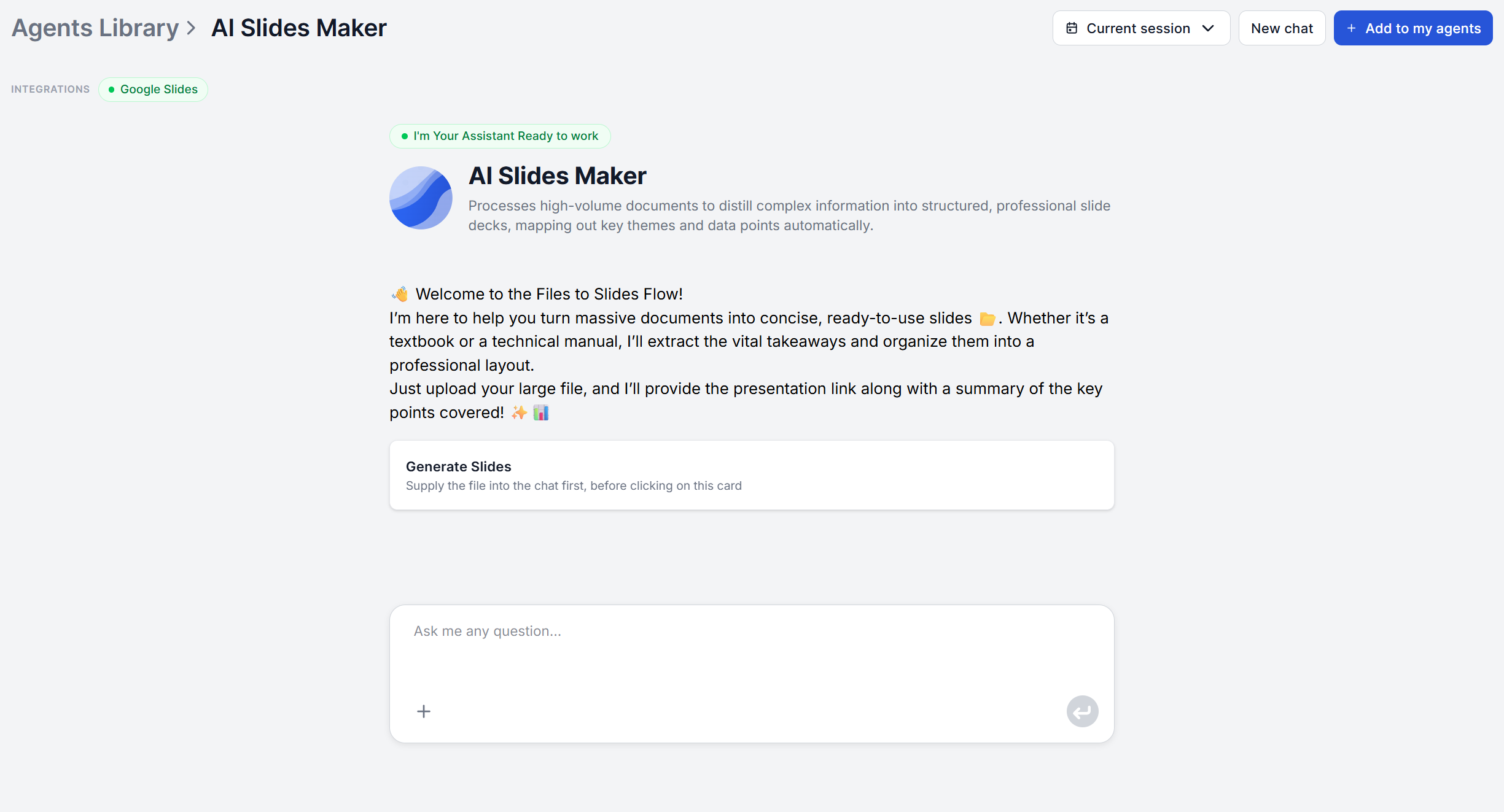
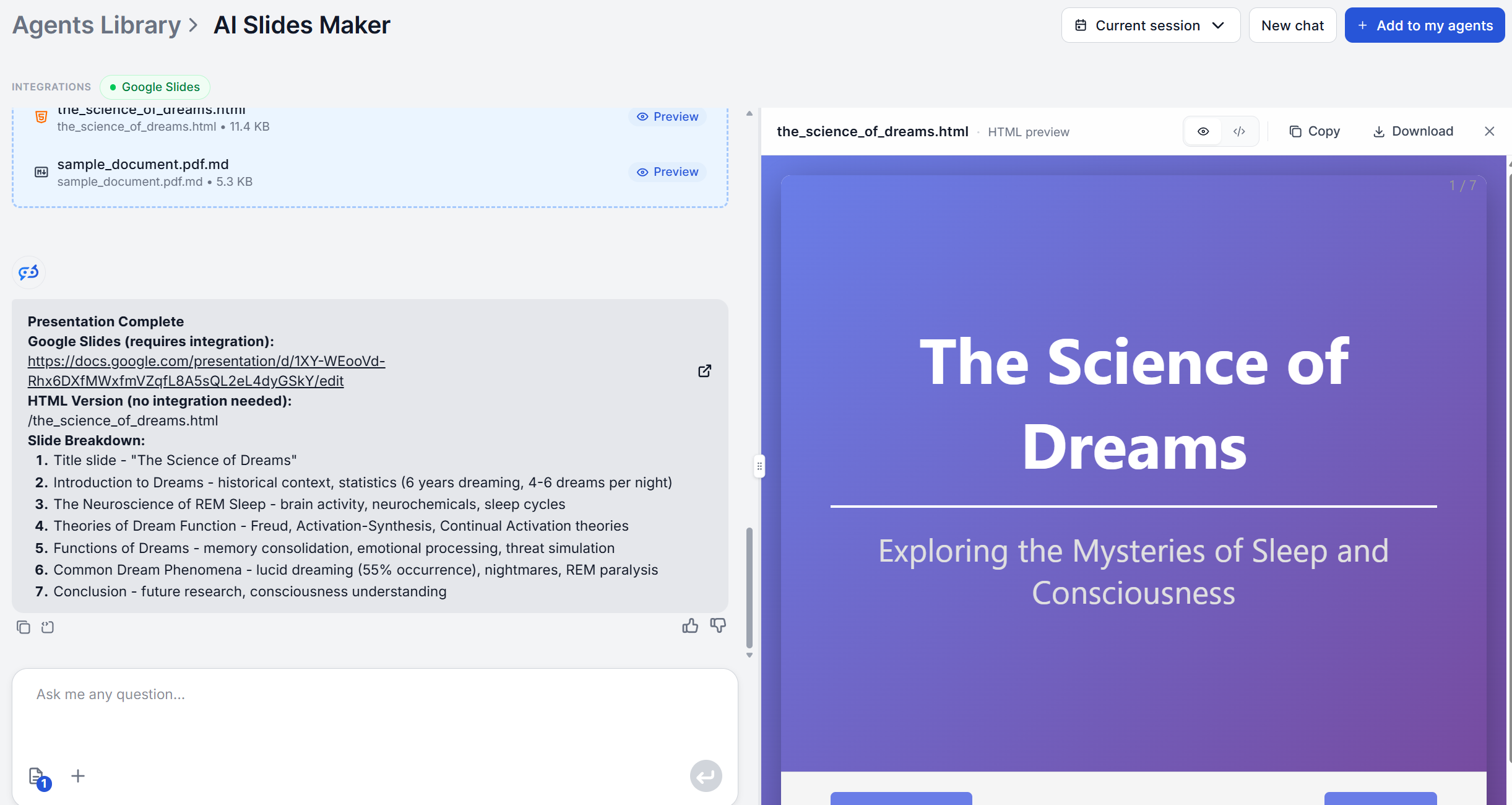
Feed that source report into the AI Slides Maker
and the tool does the mechanical trimming. It extracts the themes and conclusions, giving you a title-plus-bullets structure for each rather than the report’s original paragraph form. Whether the source is your own quarterly numbers or a market snapshot from the Market Analysis Agent
, the output is a first-pass structure you can then cut down further, since a board deck’s real work is usually deciding what to leave out, not what to write.
Presentation Type 2: Sales Pitches and Demos
Creating a personalized one around specific prospect’s business really pays off. But researching each prospect by hand doesn’t scale past a handful of calls a week. With scale in mind, it gets easy to slip into sending generic pitches and wondering why they aren’t closing at all.
This is where pairing tools helps more than either one alone. Running the prospect’s company through the Company Analysis Agent
returns a structured report covering their market position, products, and business model in minutes. Then just feed that report into the AI Slides Maker to turn it into a slide-by-slide draft that speaks to their specific situation.
Ready to grow your business?
Start your free trial today and see results within days.
Presentation Type 3: Investor and Fundraising Decks
Fundraising decks face the tightest attention constraint of any presentation type. DocSend’s Startup Index
found investors spend an average of just 3 minutes and 44 seconds reviewing an entire deck, so roughly 19.2 seconds per slide. There’s no slide that can afford to take 30 seconds to parse, and no room for a paragraph where a single clear line would do.
That constraint is exactly what document-to-slide restructuring is built for. It forces a document’s arguments into discrete, titled points instead of dense text. For the market-opportunity and competitive-landscape slides specifically, a report from the Market Analysis Agent
fills the AI Slides Maker with real current content rather than just founder’s rough notes.
Note: For a version built around live research from the ground up instead of an existing document, FlowHunt’s AI Pitch Deck Creator for Google Slides
flow template gathers the research automatically and builds the deck directly in Google Slides.
Presentation Type 4: Project Kickoffs and Status Reports
Kickoffs and recurring status updates share a structural advantage most other presentation types don’t get. It’s the same shape repeated every sprint, milestone, or week. That repetition is exactly where a fast document-to-slide pass pays off the most
, since you’re not designing a new structure each time, you’re re-running the same one on this week’s update.
The source document is usually whatever status report, ticket summary, or project notes your team already maintains. Run it through the AI Slides Maker
for the recurring structure, and if the update includes a technical component that itself needs documenting first, the AI Documentation Writer
can produce that structured writeup before it goes into slide form.
Presentation Type 5: Conference Talks and Workshop Slides
Conference and workshop slides answer to an audience that isn’t obligated to keep watching. Prezi’s State of Attention survey
, conducted with Kelton Global among 2,036 business professionals, found 83% of business professionals multitask during meetings and presentations. A talk built from dense paragraphs read straight off the slide is exactly the kind of content that attention drifts away from first.
Turning a talk outline or workshop curriculum into slides through the AI Slides Maker
gets you the same title-and-bullets restructuring as any other use case, which is a reasonable starting point for a keynote but not the finish line. Workshop slides in particular tend to need more of the supporting detail left in, since attendees are often referring back to them during hands-on exercises, while a keynote draft benefits from cutting the bullets down further and leaning on the speaker to carry the detail out loud instead.
How to Maintain Consistent Brand Design Across AI Presentations
Content structure and visual consistency are two different problems, and an AI presentation maker only solves the first one. The second one still matters financially. Lucidpress and Demand Metric’s brand consistency research
, based on a survey of over 200 organizations, found companies with consistent brand presentation see revenue gains of up to 33%, while the same research found fewer than 10% of organizations rate their own brand presentation as very consistent.
Since the AI Slides Maker’s draft is text only, consistency has to come from the layer you build on top of it. The PowerPoint MCP Server
integration applies one of 25+ built-in professional templates and a fixed color scheme to every deck the flow produces, or you can point it at your own existing branded .pptx template. The Google Slides integration
works the same way on the Google Slides side, aimed at building the presentation into a template you already control rather than a blank default theme.
Conclusion
Five presentation types, five different constraints, one shared bottleneck of getting the content you already have into slide form. The document-to-slide restructuring step
is the same underlying job whether the source is a board report, a prospect’s company profile, or a conference talk outline. What changes each time is what you do after the draft lands, how hard you trim it, what you feed it, and which template it ends up in, and that’s the part worth spending your saved time on.
Try the AI Slides Makeron whatever presentation is next on your calendar and see how much of the structuring it takes off your plate.
Frequently asked questions
Not from scratch. The AI Slides Maker structures whatever financial content you feed it into slide form, it doesn't generate or verify the underlying numbers itself. Pair it with a source that already has the figures, such as a report from the [Market Analysis Agent](/ai-tools/market-analysis/) or [Company Analysis Agent](/ai-tools/company-analysis/), and it turns those figures into investor-ready slide structure: clear headers, one metric or argument per slide, in the flow investors expect.
The core draft is text, not charts. For an actual chart, connect the flow to the [PowerPoint MCP Server](/integrations/office-powerpoint-mcp-server/), which adds column, bar, line, and pie charts with full data series management on top of the generated slide content.
Not as a direct upload field on the AI Slides Maker itself, it only handles content, not branding. Consistency comes from where the draft lands afterward. Through the [PowerPoint MCP Server](/integrations/office-powerpoint-mcp-server/), you can apply the same one of 25+ built-in professional templates and color scheme to every generated deck, or open your own existing branded .pptx template and drop the AI-generated content straight into it.
Since the underlying model reads and writes in whatever language the source document is in, a report drafted in German comes back as a German slide draft, titles and bullets included. That's not the same as a dedicated translation feature, though. If you need the output in a different language than your source document, use a translation tool first, or translate the finished draft afterward.
Audience size isn't a setting the tool reads, it's something you adjust in the review pass. A 500-person conference keynote wants fewer slides, larger type, and one idea per slide, since most of the room is reading from a distance. A 5-person internal working session can usually keep the denser bullet structure the AI hands back untouched, since everyone's close enough to read the detail and probably wants it.
Maria is a copywriter at FlowHunt. A language nerd active in literary communities, she's fully aware that AI is transforming the way we write. Rather than resisting, she seeks to help define the perfect balance between AI workflows and the irreplaceable value of human creativity.
Maria Stasová
Copywriter & Content Strategist
Try the AI Slides Maker
Whatever the presentation type, the workflow starts the same way: upload a document and get back a structured, slide-by-slide draft. Try it free on whatever you're presenting next.
How to Turn Any Document or Outline into a Professional Presentation with AI
An AI presentation maker turns a document or outline you already wrote into a structured slide deck in minutes. Here's exactly how the process works, and what t...
AI Presentation Tools Compared: FlowHunt vs Beautiful.ai vs Gamma
We compared the best AI presentation makers, including FlowHunt, Beautiful.ai, Gamma, and Plus AI. We ranked them on five presentation types, design quality, co...
AI Slides Maker: From Outline to Presentation in 5 Minutes
Step-by-step guide on creating AI presentations from pasting your outline or document into the AI Slides Maker to reviewing a structured, presentation-ready sli...
5 min read
AI
Tutorial
+3
Cookie Consent We use cookies to enhance your browsing experience and analyze our traffic. See our privacy policy.