AI Presentation Tools Compared: FlowHunt vs Beautiful.ai vs Gamma
We compared the best AI presentation makers, including FlowHunt, Beautiful.ai, Gamma, and Plus AI. We ranked them on five presentation types, design quality, content intelligence, export options, and pricing.
We compared FlowHunt’s AI Slides Maker against Beautiful.ai, Gamma, and Plus AI, the most commonly cited names in AI presentation generation. This best AI presentation maker comparisoncovers design quality, content intelligence, export options, and premium pricing across all four.
What We Tested and Testing Criteria
This comparison is built from each vendor’s current product documentation, official pricing pages, and recent independent reviews. We evaluated each one against the same five presentation types
, executive updates, sales pitches, investor decks, project status reports, and conference talks. The four criteria we focused on were how much visual design the tool produces on its own, how well it structures a document’s content into a coherent slide narrative, what export and integration paths exist once the draft is done, and what the premium tier actually costs for real use.
FlowHunt AI Slides Maker: Results
FlowHunt’s AI Slides Maker
takes a PDF, Word document, or plain text file and returns a structured, slide-by-slide draft
, organized in a logical sequence with dense sections simplified along the way. That’s the entire output. There’s no theme, no layout, no generated imagery, the draft is content only, and it’s meant to be edited before it becomes a finished deck.
What that buys you is context. Because AI Slides Maker is one flow inside a broader automation platform rather than a dedicated app, the document you feed it can itself be the output of another FlowHunt agent. For example, the Market Analysis Agent
report for a market-opportunity slide, or an AI Documentation Writer
writeup for a technical status update, both make great inputs for the slides maker. The tradeoff is that you won’t get a designed deck in one step the way you will with the other three tools here.
Ready to grow your business?
Start your free trial today and see results within days.
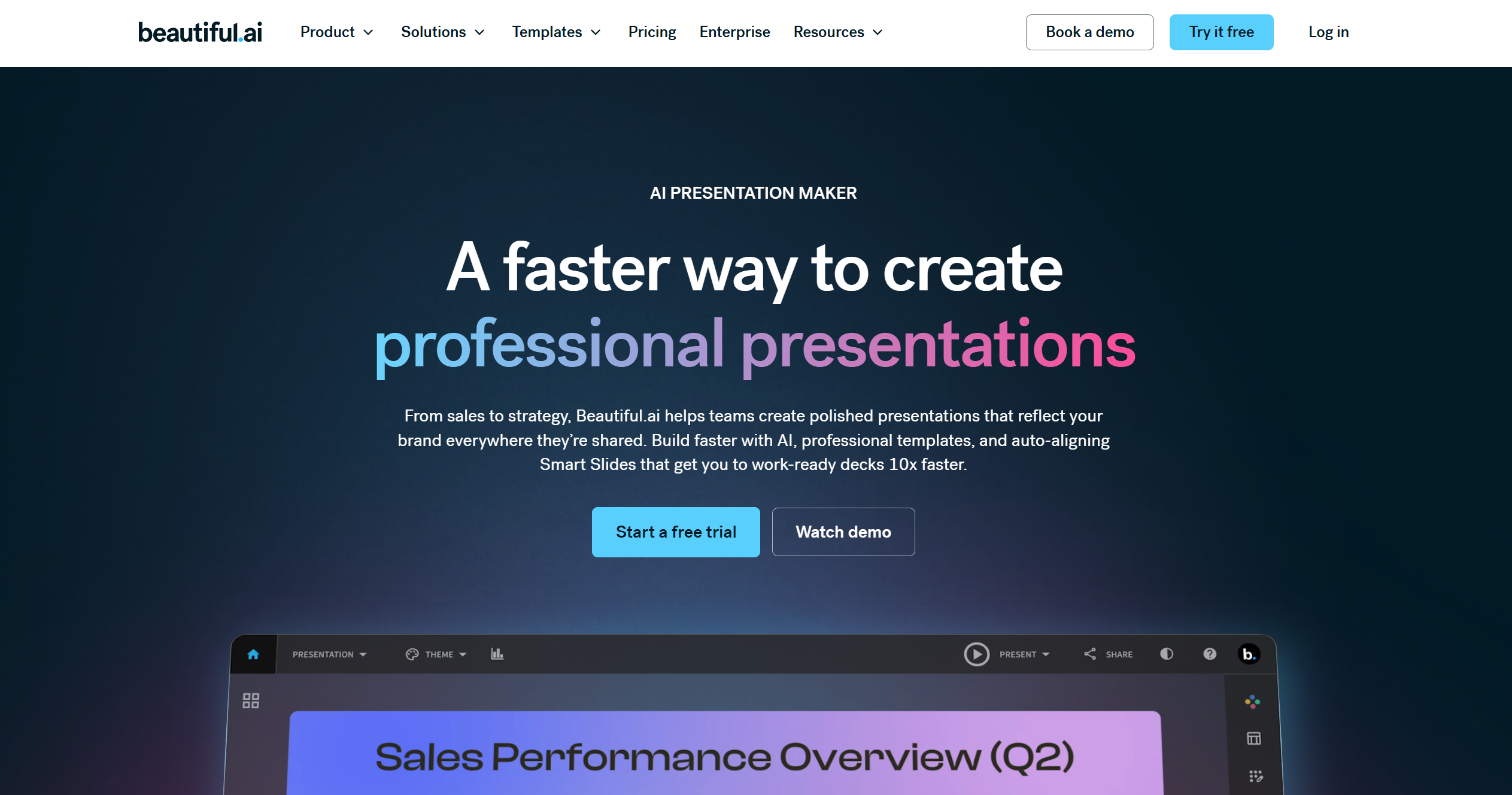
Beautiful.ai’s DesignerBot accepts a prompt, a document (PDF or Word), or a URL, generates an editable text outline first, slide by slide, with bullet points and visual suggestions. It then produces 10-20 fully designed slides from one of 300+ Smart Slide layouts in under a minute. Editing after the fact updates the design automatically, since the layout logic is built into the slide, not something you fight to preserve.
The standout feature is the live data linking, allowing you to connect a chart or table to a CSV, Excel file, or Google Sheet. The slide then updates automatically whenever the source changes, without a manual re-export needed. For any recurring report or dashboard-style deck, that’s a genuine time saver over regenerating the presentation each time the numbers move.
Gamma: Results
Gamma imports a document, a URL, or a prompt and generates a complete, designed presentation on a flexible card-based canvas. It’s consistently cited as the fastest of the major AI presentation tools. It also supports charts and diagrams (Smart Charts) plus live Google Sheets embedding for data-driven content.
The card-based canvas is also its main limitation for anyone specifically targeting PowerPoint. Because Gamma’s layout doesn’t map one-to-one onto fixed slide dimensions, exporting to PPTX can need reformatting afterward, something worth checking before you commit to Gamma.
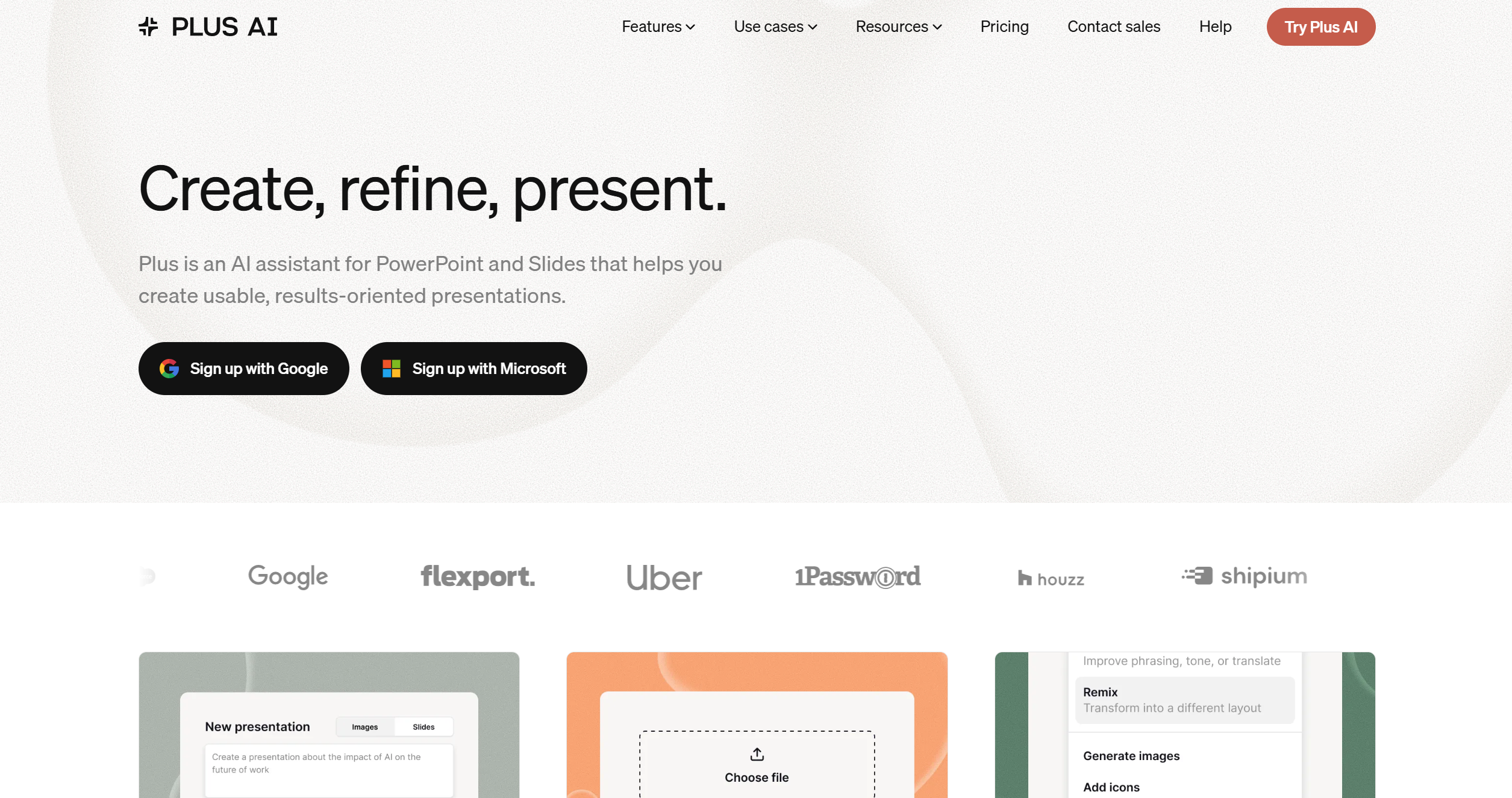
Plus AI takes a different shape entirely. it’s an AI extension that runs natively inside PowerPoint and Google Slides, not a separate app. There’s no export step because there’s nothing to export, the AI writes directly into the file you’re already working in. Document upload (PDF, Word, or text) is available starting on its Pro plan, and it can insert single slides or rewrite existing ones without regenerating the whole deck.
The catch is platform parity. By its own vendor’s positioning, Plus AI’s Google Slides experience is more capable than its PowerPoint one, so if PowerPoint is your primary target, that’s worth confirming against your specific needs before choosing it over Beautiful.ai or Gamma.
Design Quality and Visual Output Comparison
Beautiful.ai and Gamma both generate a fully designed deck, theme, layout, and (in Gamma’s case) AI imagery, from the same document upload step. Plus AI’s visual quality is really a reflection of whatever template or theme is already applied in your PowerPoint or Google Slides file, since it’s building inside your existing design rather than generating a new one. FlowHunt is the outlier here, as the AI Slides Maker itself produces no visual design at all, only structured text. The visual quality is the weakest of the four unless you pair it with the PowerPoint MCP Server’s
template system or drop the draft into an existing Google Slides theme.
Content Intelligence: How Well Does AI Structure the Story?
All four tools handle the basic job of turning a document into slide-sized chunks reasonably well. Where FlowHunt’s approach differs is in what happens before the document reaches the Slides Maker. Because it’s part of a wider flow-based platform, the input document doesn’t have to be something you wrote by hand, but it can already be a structured report from another agent (the Market Analysis Agent’s six-dimension market report, for instance), meaning the “story” arriving at the slide-structuring step can itself be an automated output. Beautiful.ai, Gamma, and Plus AI all work from whatever document or prompt you give them directly, with the content intelligence concentrated in that single step rather than spread across a chain of tools.
Export and Integration Options
Export paths split the four tools into two groups. Beautiful.ai and Gamma both produce a finished file, editable PowerPoint and PDF for Beautiful.ai, PDF/PPTX/PNG/Google Slides for Gamma. Plus AI skips export entirely by writing into your existing PowerPoint or Google Slides file.
FlowHunt’s export path is really an automation path. The draft can move automatically through the Google Slides integration
or the PowerPoint MCP Server, and either of those can be one step inside a larger flow that also, say, posts the finished deck link to Slack or logs it in a CRM.
Which AI Presentation Tool Should You Use?
Comparing premium (non-free) tiers only:
Tool
Premium plan (billed annually)
Cost
What’s included
FlowHunt
Starter
€50/month (~$54)
50 credits, 5,000 interactions, the AI Slides Maker plus the entire automation platform, 1 workspace
Beautiful.ai
Pro
$12/month
Unlimited AI generation, 300+ Smart Slide layouts, live data linking, PowerPoint/PDF export, single user
Gamma
Plus
$9/seat/month
1,000 AI credits/month, Smart Charts, PDF/PPTX/PNG/Google Slides export, single user
Plus AI
Pro (Basic doesn’t include document upload)
$20/user/month
3,000 AI credits/month, PDF/Word/text upload, native PowerPoint and Google Slides, no export step
Beautiful.ai comes out cheapest here for a genuine document-to-deck workflow, and Gamma is close behind. Note that Plus AI’s document-upload capability only unlocks on its $20/month Pro tier, its $10/month Basic plan doesn’t support it at all. FlowHunt’s €50/month is the highest single-purpose cost on this list, but it’s also not a single-purpose tool. That subscription covers the AI Slides Maker alongside every other flow on the platform, priced as shared credits rather than a per-app fee.
Choose FlowHunt if the presentation is downstream of other work you’re already doing on the platform, a report, a research pass, a document another agent produced, and you’re comfortable handling the visual design step separately through Google Slides or the PowerPoint MCP Server.
Choose Beautiful.ai if you want a fully designed deck in one step and especially if any of your slides need to stay in sync with live data in Excel or Google Sheets.
Choose Gamma if speed to a first designed draft matters most and you’re not locked into needing a pixel-perfect PowerPoint export.
Choose Plus AI if you live inside PowerPoint or Google Slides already and would rather never leave that file to get AI help, keeping in mind its Google Slides experience is the stronger of the two.
Try FlowHunt AI Slides Makerand see what it looks like when your presentation draft comes from the same platform as the report it’s based on.
Frequently asked questions
Beautiful.ai and Gamma look the best out of the box. Both generate a fully designed deck, themes, layouts, and image placement included, from a document or prompt in under a minute. FlowHunt's AI Slides Maker doesn't design anything itself, it hands you structured text (titles and bullets), and the visual layer comes from 3rd-party apps.
Beautiful.ai, specifically because of its live data linking. Connect a chart or table to a CSV, Excel file, or Google Sheet, and the slide updates automatically whenever the source data changes, which none of the other three tools in this comparison do. Gamma's Smart Charts and Google Sheets embedding work similarly for one-off reports, just without the live-link behavior.
Of the four, only Gamma has an actual ongoing free plan (a limited monthly AI credit allowance, no expiry). Beautiful.ai and Plus AI both gate everything behind a paid plan after a 14-day and 7-day trial respectively, and FlowHunt's trial is 7 days capped at 5 credits before you need a paid plan.
Plus AI, because there's no export step. It runs natively inside PowerPoint (and Google Slides) and writes directly into the file you already have open. Beautiful.ai has a dedicated editable PowerPoint export built for round-tripping. Gamma's PPTX export is the roughest of the three design-generation tools, with some reformatting typically needed after export. FlowHunt's draft is plain text either way, so there's nothing to reformat, but you're also not getting a designed PowerPoint file without a separate step.
Try FlowHunt AI Slides Maker
Upload a document and get back a structured, slide-by-slide draft in minutes, as one flow inside a platform that also handles the research, the report, and whatever comes after the deck.
AI Slides Maker: From Outline to Presentation in 5 Minutes
Step-by-step guide on creating AI presentations from pasting your outline or document into the AI Slides Maker to reviewing a structured, presentation-ready sli...
Turn any PDF, Word, or text document into a structured, slide-by-slide presentation draft with AI. FlowHunt's AI Slides Maker organizes your content into clear,...
How to Turn Any Document or Outline into a Professional Presentation with AI
An AI presentation maker turns a document or outline you already wrote into a structured slide deck in minutes. Here's exactly how the process works, and what t...
6 min read
AI
Presentations
+3
Cookie Consent We use cookies to enhance your browsing experience and analyze our traffic. See our privacy policy.