Best YouTube to Blog AI Tool: FlowHunt vs Castmagic vs VideoToBlog.ai vs RightBlogger
We tested three tools against FlowHunt on the same 5 videos. Here’s the full output quality, editing time, SEO-readiness, and price comparison for each YouTube to blog AI tool.
We ran the same five YouTube videos through FlowHunt, Castmagic, VideoToBlog.ai, and RightBlogger to find the best YouTube to blog AI tool for content teams in 2026. The test set covered several content types from a 10-minute software tutorial to a 45-minute expert webinar. All the videos came with auto-generated captions available. We measured output quality, editing time to publishable draft, SEO-readiness, and pricing at scale. Here’s what the results looked like. Not sure yet why converting video content to blog posts matters for SEO? Why YouTubers are missing 70% of their search traffic
covers the strategic case.
What We Tested and Testing Methodology
Five videos were selected to represent the range of content that teams typically convert from video to article:
A step-by-step software tutorial (10 minutes)
A product review and walkthrough (20 minutes)
An expert webinar with multiple topic sections (45 minutes)
A guest interview (30 minutes)
A news-style industry explainer (12 minutes)
All five relied on YouTube’s auto-generated captions. No tool received special configuration beyond default settings, to best reflect the out-of-the-box experience a new user would have.
For each tool we tracked:
Time to first readable output
Structural quality (heading hierarchy, coherence, completeness relative to the source)
FlowHunt YouTube-to-Blog: Results and Output Examples
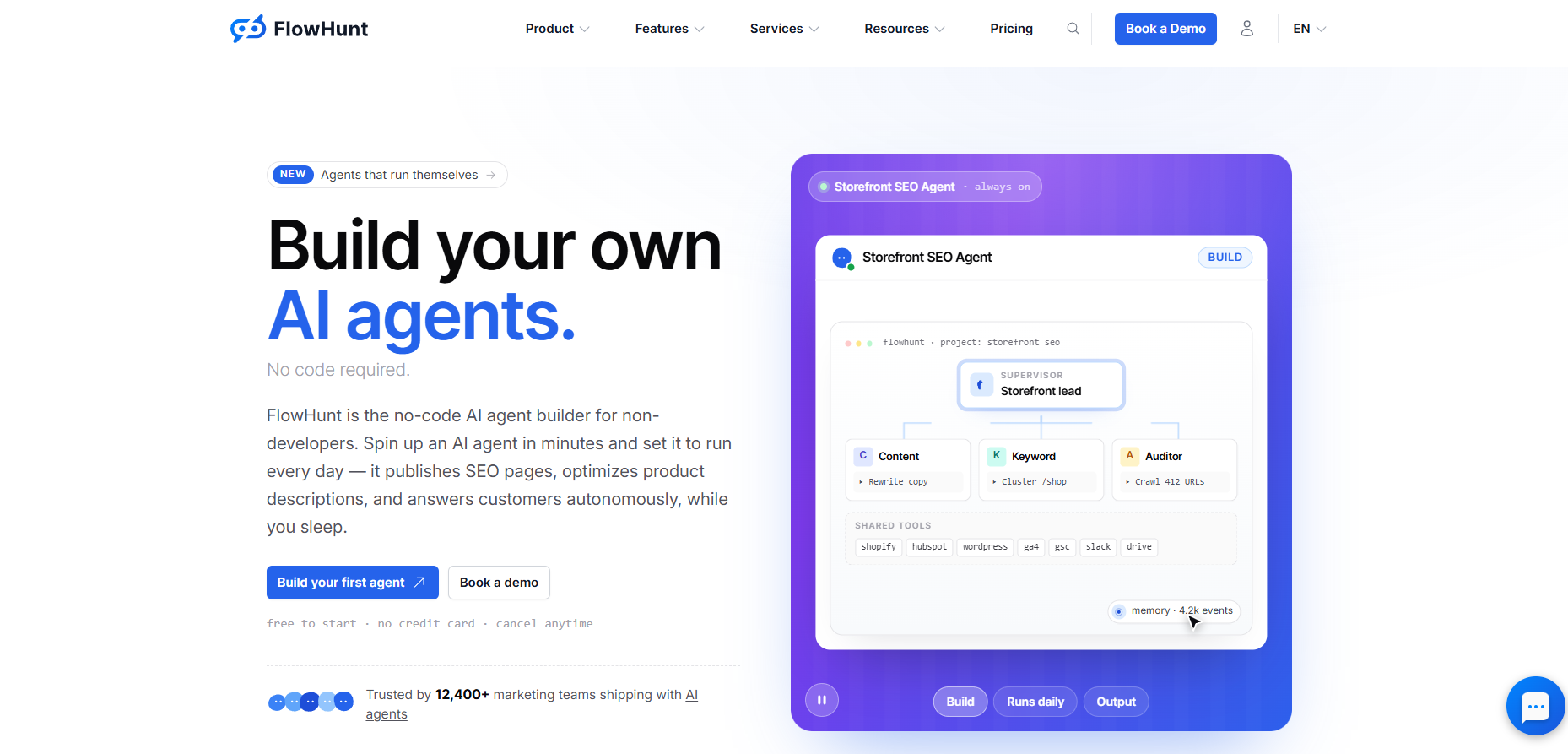
Unlike the single-purpose tools in this comparison, FlowHunt is an AI content automation platform. The YouTube to Blog Post Generator
is only one of its pre-built tools, connected to the rest of the platform’s content pipeline. That architecture shapes what the results look like once you need more than a first draft.
Complete article drafts from all five videos were ready in under two minutes each. A standard 10–20 minute video generated a 1,200–1,600 word article with an H1, multiple H2 sections, a key takeaways block, and a FAQ section drawn from the video’s actual content.
The core strength is that the tool reads the full transcript rather than summarizing it. The software tutorial article contained the exact numbered steps from the video along with the specific settings the instructor mentioned.
The interview article surfaced the guest’s named frameworks and direct recommendations, structured as a listicle with clear attribution. The heading hierarchy matched the video’s actual topic transitions instead of employing a generic editorial template.
For the 45-minute webinar, the output was dense but complete. Feeding the initial draft into the AI Blog Writer
to research and expand the content with external sources, produced the strongest result for long-form material, and that handoff happens within the same platform without re-pasting content between separate tools.
The prose carries a detectable AI tone on first pass, consistent across all tools tested. The difference is what happens next. In every other tool in this comparison, fixing that tone means copying the draft into a separate humanizer. In FlowHunt, the AI Text Humanizer
is already part of the same platform, as is the AI Content Repurposing Tool
for distributing the finished article as a LinkedIn post, newsletter excerpt, or Twitter/X thread. Every other tool in this comparison ends when the article ends. FlowHunt’s pipeline continues.
A free trial is available with no credit card required. Paid plans start at $50 per month. See FlowHunt’s pricing page
for current plan details.
Ready to grow your business?
Start your free trial today and see results within days.
Castmagic
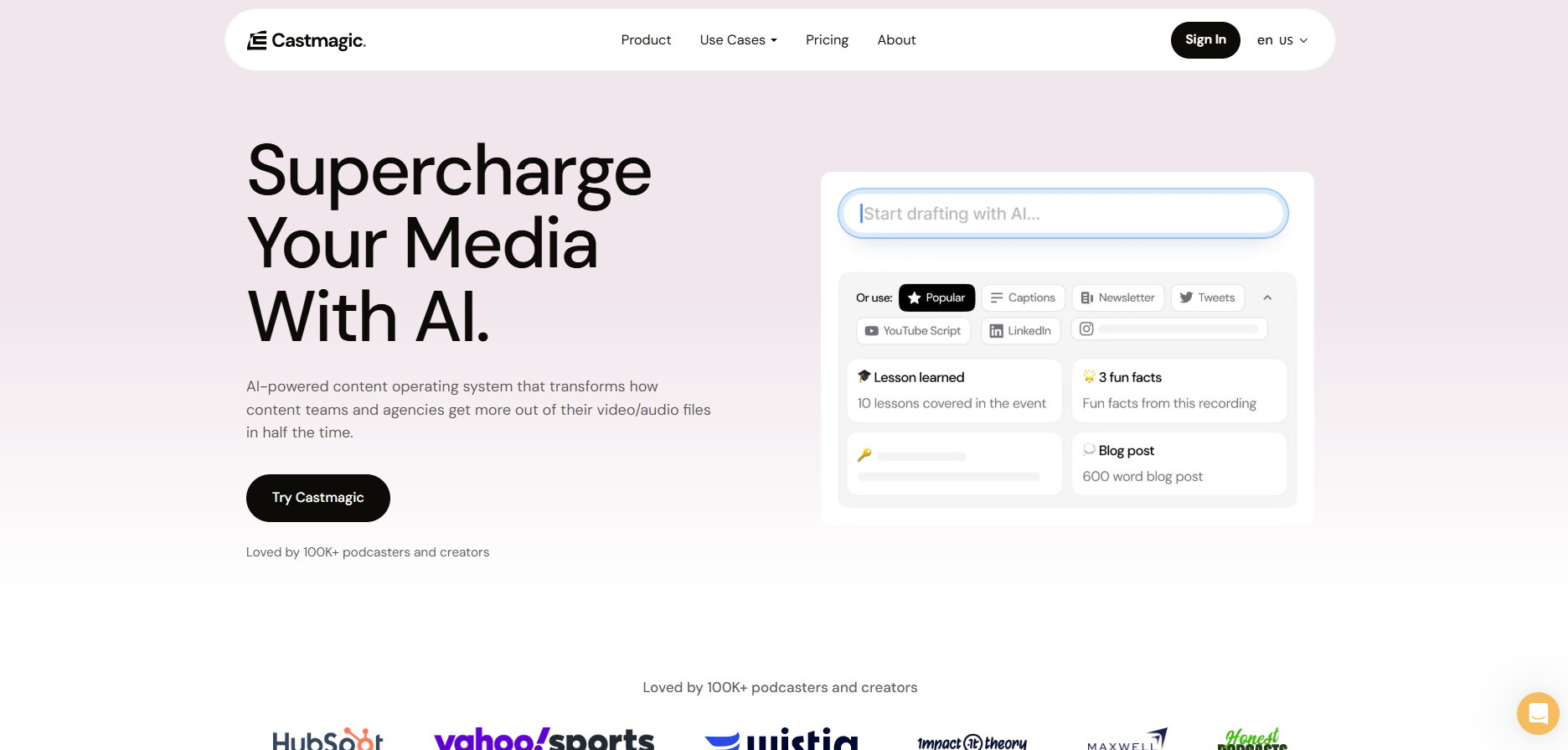
started as a podcast repurposing platform and expanded to YouTube video content in 2024. It is a genuine multi-output platform. From a single video upload, it generates a full blog post, show notes with timestamps, social media posts for LinkedIn and Twitter, a newsletter draft, pull quotes, a YouTube description, and SEO metadata.
The blog post quality is solid. Drafts were topically complete and coherent, but the structure leaned toward a summary format rather than an editorial one. The paragraphs read more like an organized recap than an argued article. Published reviews consistently describe Castmagic blog posts as needing 15–20 minutes of structural refinement before they are publishable as standalone pieces. That is more editing than FlowHunt requires, but the trade-off is the volume of additional outputs Castmagic produces alongside the blog post.
Where Castmagic genuinely stands out is bundled output value. If your workflow requires a blog post, five social posts, a newsletter draft, and a YouTube description from a single video, Castmagic handles all of it in one workflow. For teams whose content operation spans multiple channels, that multi-format output can justify the pricing better than a blog-only tool would.
The free plan allows three files per month, enough to evaluate output quality before committing. Paid plans start at $39 per month ($23 per month on an annual plan) for the Starter tier, scaling to $99 per month for the Pro plan. See Castmagic’s pricing page
for current details.
VideoToBlog.ai: Results
VideoToBlog.ai
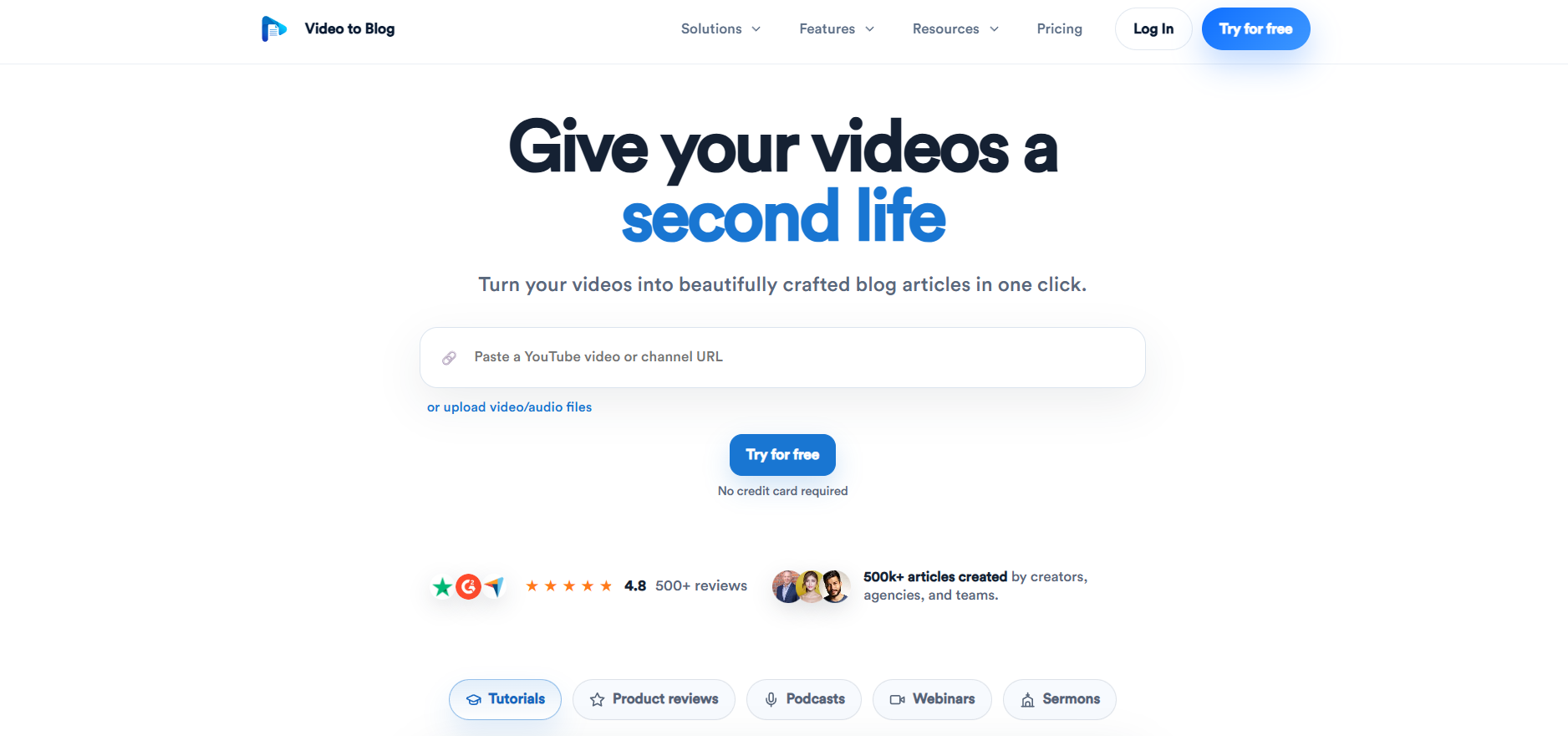
is purpose-built for converting video content into blog articles. The tool’s main differentiator is automatic screenshot capture from the video timeline, combined with AI-generated images, an SEO score out of 100, and a built-in table of contents and FAQ section. Output articles can reach up to 3,000 words.
The visual elements are the real standout. For tutorial and product walkthrough videos, automatically embedding screenshots at the relevant steps removes 20–30 minutes of manual layout and annotation work that every other tool in this comparison leaves to the editor. The product walkthrough we tested generated a structured article with annotated screenshots at the key interface steps, which arrived pre-formatted rather than requiring manual screenshot capture and upload.
Written prose quality is comparable to FlowHunt for short English-language videos. For longer or non-English content, accuracy drops noticeably. User reviews on Trustpilot
note transcription accuracy for non-English languages can fall significantly below the English experience. SEO keyword targeting in the output also requires more manual fine-tuning compared to FlowHunt’s heading-level keyword distribution.
VideoToBlog.ai holds strong ratings overall, with 358 reviews on Trustpilot
at the time of writing. The free tier allows one blog post per month, and paid plans start at $14 per month on an annual plan. See VideoToBlog.ai’s pricing page
for full plan details.
Time to publishable blog post: 20–35 minutes for text-heavy articles; screenshot-heavy tutorials require less layout work than any other tool tested.
Join our newsletter
Get latest tips, trends, and deals for free.
RightBlogger: Results
RightBlogger
is a content marketing toolkit with 90+ specialized AI tools covering keyword research, blog writing, social copy, and content repurposing. The YouTube Video to Blog Post tool is one of those 90+ tools. Unlike FlowHunt’s pipeline model, RightBlogger is a modular toolbox. You pick and use individual tools manually, and the workflow between them is not automated.
The YouTube-to-blog output was solid and SEO-focused. Articles had clean heading structures, keyword-optimized titles, and natural-reading prose without the transcript-style recap tone that some tools produce. RightBlogger’s SEO-first design is evident in the output, with all meta data being neatly in place.
The practical differentiator that only FlowHunt and RightBlogger have are direct CMS integration options. RightBlogger connects to WordPress, Webflow, and Ghost, letting you push the finished article to your publishing platform without a copy-paste step. For teams with an established CMS workflow, that removes meaningful friction at the end of the process.
The limitation relative to FlowHunt is the absence of a connected pipeline. If you want to humanize the output, you use a separate tool and re-paste the content. If you want to repurpose the article across channels, you do the same again. The toolbox is wide, but the steps between tools are manual.
A free account gives three SEO blog posts per month with no credit card required. Paid plans start at $9.99 per month on an annual plan (Lite), with Pro at $39.99 per month and Business at $69.99 per month. See RightBlogger’s pricing page
for current details.
Head-to-Head Comparison Table
Criterion
FlowHunt
Castmagic
VideoToBlog.ai
RightBlogger
Generates blog posts from YouTube
Yes
Yes
Yes
Yes
Time to first draft
Under 2 min
Under 5 min
Under 3 min
Under 3 min
Time to publishable article
15–25 min
20–30 min
20–35 min
20–30 min
SEO-ready output
Yes
Partial
Yes (+ SEO score)
Yes (SEO-first)
Auto heading hierarchy
Yes
Summary-style
Yes
Yes
FAQ section in output
Yes
No
Yes
Yes
Auto screenshots from video
No
No
Yes
No
Multi-format output (social, newsletter)
Via platform tools
Yes (built-in)
No
Via other tools (manual)
CMS integration (WordPress etc.)
Yes
No
No
Yes
Non-English support
Yes (with captions)
Limited
Limited
Limited
Free tier
No
3 files/month
1 post/month
3 posts/month
Starting paid price
$50/month
$23/month (annual)
$14/month (annual)
$9.99/month (annual)
Primary use case
AI content automation platform
Multi-format repurposing
Blog from video
Content marketing toolbox
Which Tool Fits Your Workflow and Budget?
With such a niche AI use case, the four compared products can all fall into distinct categories based on what they actually produce.
FlowHunt: The AI content automation platform The YouTube-to-Blog generator is one of FlowHunt’s tools, not the entirety of the product. Besides a strong editorial prose and SEO structure, FlowHunt scales with your requirements by connecting articles to humanization, research expansion, and multi-channel distribution, all within the same platform.
VideoToBlog.ai: The single-purpose blog generator Purpose-built for converting video to article and nothing beyond that. VideoToBlog.ai’s automatic screenshot capture makes it the better fit for tutorial and product-focused content where visual steps are part of the article’s value. The layout work it eliminates is meaningful for that content type specifically.
Castmagic: The multi-format repurposing platform If a single video needs to become a blog post, newsletter, social posts, and YouTube description simultaneously, Castmagic’s bundled output is more efficient than combining separate tools for each format. The blog quality is good but requires more structural editing than FlowHunt. The value case is the breadth of outputs per file, not the depth of any single format.
RightBlogger: The modular content marketing toolbox With 90+ individual tools and direct CMS integrations, RightBlogger suits teams who want a wide toolkit and an established publishing workflow into WordPress, Webflow, or Ghost. The YouTube-to-blog output is SEO-solid, but the tools don’t connect to each other. Humanizing, repurposing, and SEO refinement each require a manual switch and re-paste.
For teams whose workflow ends at the blog post, FlowHunt and VideoToBlog.ai are the two tools to evaluate, with content type as the deciding factor. Text-heavy articles favour FlowHunt’s editorial output, screenshot-heavy tutorials favour VideoToBlog.ai’s visual pipeline. For teams who need the article to feed a broader content operation, social posts, newsletters, expanded research, Castmagic and FlowHunt are the best options.
FlowHunt and VideoToBlog.ai are the strongest contenders. They both produce SEO-ready, keyword-rich structured articles with all appropriate metadata included. RightBlogger also outputs keyword-optimized articles with a strong SEO focus, though the prose structure requires more editorial work than FlowHunt. Castmagic produces solid blog drafts but requires more structural editing before they are truly SEO-ready.
RightBlogger starts at $9.99 per month on an annual plan, the lowest entry price, and VideoToBlog.ai starts at $14 per month annually. At $50, FlowHunt is seemingly the most expensive alternative, but as a workflow automation platform, it gives you the most value for money, as well as access to a full suite of other tools.
FlowHunt processes non-English videos where captions are available, with output quality tied to transcript accuracy. Castmagic has multi-language support but performs best in English. VideoToBlog.ai supports multiple languages, though user reviews note that accuracy for non-English content, particularly Asian languages, can be significantly lower. RightBlogger is primarily designed for English-language content. Test each tool on your specific language before committing.
FlowHunt and VideoToBlog.ai require the least editing, though in different ways. FlowHunt produces structured editorial prose. VideoToBlog.ai's automatic screenshot capture reduces layout work for tutorial content specifically, though the written prose sometimes needs more attention than FlowHunt's output. Castmagic drafts typically need 15 to 20 minutes of structural refinement. RightBlogger produces solid drafts but requires manually switching to separate tools for humanizing, repurposing, or SEO refinement.
Maria is a copywriter at FlowHunt. A language nerd active in literary communities, she's fully aware that AI is transforming the way we write. Rather than resisting, she seeks to help define the perfect balance between AI workflows and the irreplaceable value of human creativity.
Maria Stasová
Copywriter & Content Strategist
Try FlowHunt YouTube to Blog Post Generator
Paste a YouTube URL and get a structured, SEO-ready blog post in minutes. No editing experience required.
5 Ways Content Teams Use YouTube-to-Blog AI to Scale Output
From solo creators to agency teams — five real workflows where AI turns YouTube videos into blog posts, newsletters, and social copy without extra headcount.
FlowHunt vs Jasper vs Writesonic vs Koala Writer vs Frase (2026)
We ran the same 5 briefs through FlowHunt, Jasper, Writesonic, Koala Writer, and Frase. Here's the output quality, SEO-readiness, editing time required, and pri...
8 min read
AI
Content Writing
+3
Cookie Consent We use cookies to enhance your browsing experience and analyze our traffic. See our privacy policy.