


Serper MCP Server
The Serper MCP Server bridges AI assistants with Google Search via the Serper API, enabling real-time web, image, video, news, maps, reviews, shopping, and acad...
5 min read
AI
MCP Server
+7
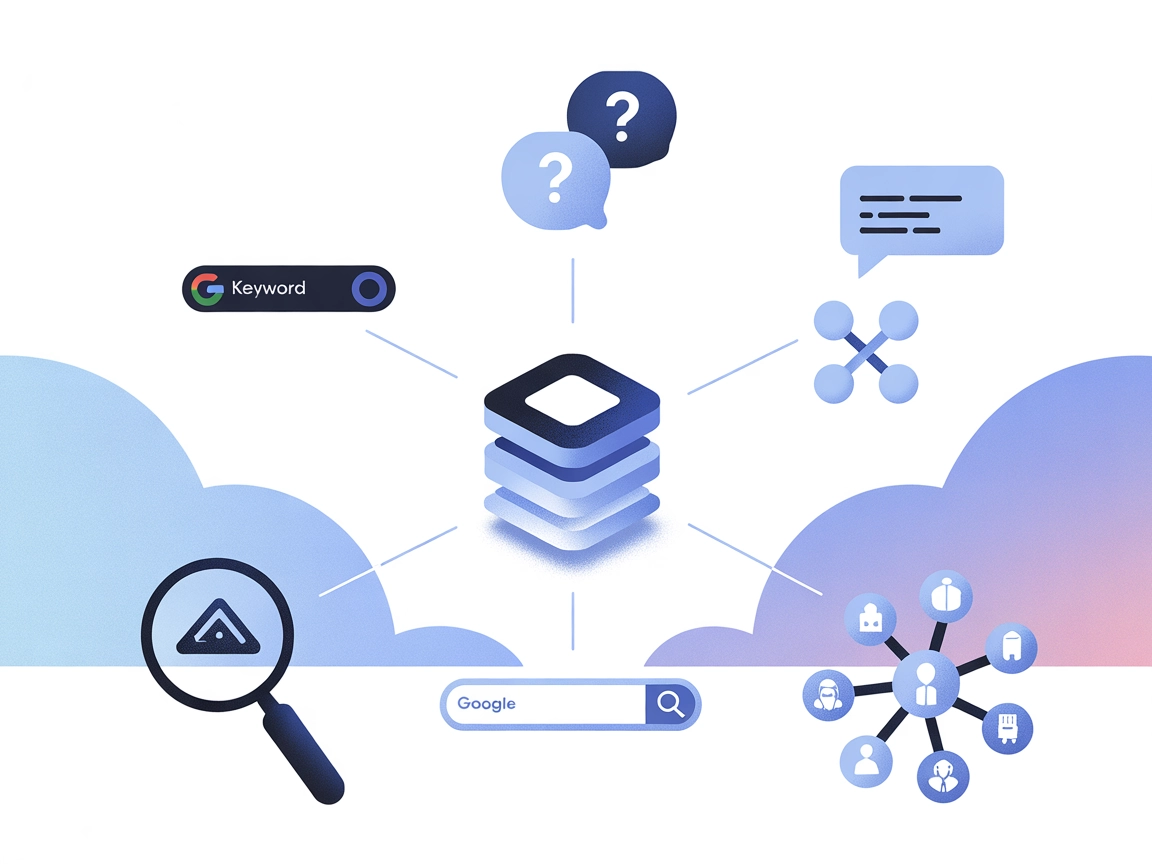
Connect FlowHunt and your AI tools to real-time keyword insights, questions, and suggestions from Google, Reddit, and Quora with the KeywordsPeopleUse MCP Server.
The KeywordsPeopleUse MCP Server is a Model Context Protocol (MCP) server that connects AI assistants to the KeywordsPeopleUse platform for advanced keyword research capabilities. By serving as a bridge between AI clients and the KeywordsPeopleUse API, it enables LLMs and AI tools to programmatically access keyword insights such as “People Also Ask” questions, Google autocomplete suggestions, Reddit and Quora topic questions, and semantic keyword data. This integration streamlines keyword research workflows directly within development and productivity tools, empowering developers and content creators to automate and enhance SEO research, content ideation, and market analysis processes.
No explicit prompt templates are mentioned in the repository documentation or code.

Start your free trial today and see results within days.
No explicit MCP resources are described in the repository documentation or code.
Get latest tips, trends, and deals for free.
No setup instructions for Windsurf are provided in the repository.
YOUR_API_KEY with your actual API key:{
"mcpServers": {
"keywordspeopleuse": {
"command": "npx",
"args": [
"mcp-remote",
"https://mcp-keywordspeopleuse.com/sse",
"--header",
"Authorization:YOUR_API_KEY"
]
}
}
}
Store your API key in an environment variable or in the .env file as follows:
KPU_API_KEY=sk_01234567890123456789012345678901
Example config to reference env variable:
{
  "mcpServers": {
    "keywordspeopleuse": {
      "command": "npx",
      "args": [
        "mcp-remote",
        "https://mcp-keywordspeopleuse.com/sse",
        "--header",
        "Authorization:${KPU_API_KEY}"
      ]
    }
  }
}
git clone https://github.com/data-skunks/kpu-mcp.git
cd kpu-mcp
npm install
.env.node /ABSOLUTE/PATH/TO/PARENT/FOLDER/kpu-mcp/index.jsJSON Example:
{
  "mcpServers": {
    "keywordspeopleuse": {
      "command": "node",
      "args": ["/ABSOLUTE/PATH/TO/PARENT/FOLDER/kpu-mcp/index.js"]
    }
  }
}
{
  "mcpServers": {
    "keywordspeopleuse": {
      "command": "node",
      "args": ["C:/PATH/TO/PARENT/FOLDER/kpu-mcp/index.js"]
    }
  }
}
No setup instructions for Cline are provided in the repository.
Using MCP in FlowHunt
To integrate MCP servers into your FlowHunt workflow, start by adding the MCP component to your flow and connecting it to your AI agent:

Click on the MCP component to open the configuration panel. In the system MCP configuration section, insert your MCP server details using this JSON format:
{
  "keywordspeopleuse": {
    "transport": "streamable_http",
    "url": "https://yourmcpserver.example/pathtothemcp/url"
  }
}
Once configured, the AI agent is now able to use this MCP as a tool with access to all its functions and capabilities. Remember to change “keywordspeopleuse” to whatever the actual name of your MCP server is and replace the URL with your own MCP server URL.
| Section | Availability | Details/Notes |
|---|---|---|
| Overview | ✅ | |
| List of Prompts | ⛔ | No prompt templates documented |
| List of Resources | ⛔ | No explicit resources documented |
| List of Tools | ✅ | Four tools described in README/features |
| Securing API Keys | ✅ | .env file and config examples |
| Sampling Support (less important in evaluation) | ⛔ | Not mentioned |
| Roots Support | ⛔ | Not mentioned |
Based on the available documentation, this MCP server is functional and relatively easy to set up, but lacks detailed developer documentation, sample prompt templates, and explicit listing of MCP primitives like roots, resources, or sampling support. For essential keyword research automation, it covers the basics but could be improved in documentation breadth and MCP-compliance clarity.
MCP Score: 4/10
It enables practical keyword research and basic MCP tool functionality but is missing deeper MCP features, resource exposure, and has minimal documentation and community support.
| Has a LICENSE | ⛔ (No LICENSE file found) |
|---|---|
| Has at least one tool | ✅ |
| Number of Forks | 1 |
| Number of Stars | 0 |
Supercharge your AI workflows and automate keyword research with the KeywordsPeopleUse MCP Server. Try FlowHunt to unlock AI-driven SEO and content ideation in your favorite tools.
The Serper MCP Server bridges AI assistants with Google Search via the Serper API, enabling real-time web, image, video, news, maps, reviews, shopping, and acad...

Integrate Google Search Console data with AI assistants and developer tools using the Model Context Protocol (MCP). The Google Search Console MCP Server enables...
The Firecrawl MCP Server supercharges FlowHunt and AI assistants with advanced web scraping, deep research, and content discovery capabilities. Seamless integra...
Cookie Consent
We use cookies to enhance your browsing experience and analyze our traffic. See our privacy policy.