



MalwareBazaar MCP
Integrate FlowHunt with MalwareBazaar MCP to automate threat intelligence collection, analyze malware sample metadata, and streamline cybersecurity research usi...
4 min read
AI
MalwareBazaar
+3
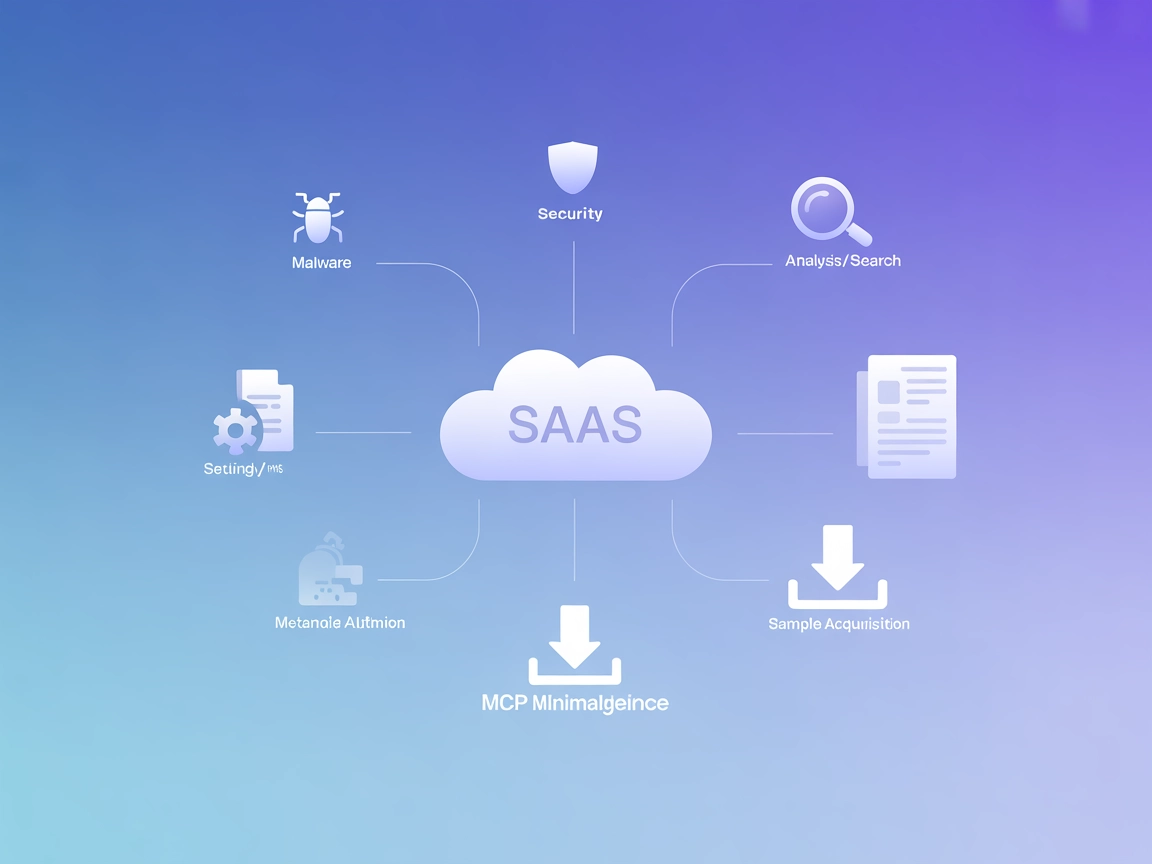
Plug malware intelligence directly into your automation flows with the MalwareBazaar MCP Server—fetch samples, metadata, and hunt by tags using a secure, standardized interface.
The MalwareBazaar MCP Server is an AI-driven Model Context Protocol (MCP) server designed to autonomously interface with the Malware Bazaar platform. It empowers AI assistants and cybersecurity researchers by providing real-time threat intelligence and detailed malware sample metadata through a standardized MCP interface. By connecting to Malware Bazaar, the server enables development workflows that require up-to-date malware information, such as querying recent samples, fetching detailed metadata, downloading samples, and retrieving samples by tag. This server facilitates seamless integration with external cybersecurity resources, enhancing the ability of developers and AI agents to automate, investigate, and respond to malware-related threats efficiently and securely.
No explicit prompt templates are listed in the repository.

Start your free trial today and see results within days.
No explicit MCP resource primitives are documented in the repository.
Get latest tips, trends, and deals for free.
uv are installed..env file in the project directory:MALWAREBAZAAR_API_KEY=<APIKEY>
curl -LsSf https://astral.sh/uv/install.sh | sh
cd MalwareBazaar_MCP
uv init .
uv venv
source .venv/bin/activate
uv pip install -r requirements.txt
{
  "mcpServers": {
    "malwarebazaar": {
      "description": "Malware Bazaar MCP Server",
      "command": "/Users/XXX/.local/bin/uv",
      "args": [
        "--directory",
        "/Users/XXX/Documents/MalwareBazaar_MCP",
        "run",
        "malwarebazaar_mcp.py"
      ]
    }
  }
}
MALWAREBAZAAR_API_KEY in .env, not in config JSON.uv must be installed..env as above.{
"mcpServers": {
"malwarebazaar": {
"description": "Malware Bazaar MCP Server",
"command": "/Users/XXX/.local/bin/uv",
"args": [
"--directory",
"/Users/XXX/Documents/MalwareBazaar_MCP",
"run",
"malwarebazaar_mcp.py"
]
}
}
}
uv..env.{
"mcpServers": {
"malwarebazaar": {
"description": "Malware Bazaar MCP Server",
"command": "/Users/XXX/.local/bin/uv",
"args": [
"--directory",
"/Users/XXX/Documents/MalwareBazaar_MCP",
"run",
"malwarebazaar_mcp.py"
]
}
}
}
.env for sensitive values.uv..env: As above.{
"mcpServers": {
"malwarebazaar": {
"description": "Malware Bazaar MCP Server",
"command": "/Users/XXX/.local/bin/uv",
"args": [
"--directory",
"/Users/XXX/Documents/MalwareBazaar_MCP",
"run",
"malwarebazaar_mcp.py"
]
}
}
}
{
  "mcpServers": {
    "malwarebazaar": {
      "description": "Malware Bazaar MCP Server",
      "command": "uv",
      "args": [
        "--directory",
        "/path/to/MalwareBazaar_MCP",
        "run",
        "malwarebazaar_mcp.py"
      ],
      "env": {
        "MALWAREBAZAAR_API_KEY": "${MALWAREBAZAAR_API_KEY}"
      }
    }
  }
}
Using MCP in FlowHunt
To integrate MCP servers into your FlowHunt workflow, start by adding the MCP component to your flow and connecting it to your AI agent:

Click on the MCP component to open the configuration panel. In the system MCP configuration section, insert your MCP server details using this JSON format:
{
  "malwarebazaar": {
    "transport": "streamable_http",
    "url": "https://yourmcpserver.example/pathtothemcp/url"
  }
}
Once configured, the AI agent is now able to use this MCP as a tool with access to all its functions and capabilities. Remember to change “malwarebazaar” to whatever the actual name of your MCP server is and replace the URL with your own MCP server URL.
| Section | Availability | Details/Notes |
|---|---|---|
| Overview | ✅ | |
| List of Prompts | ⛔ | No prompt templates found |
| List of Resources | ⛔ | No explicit resources defined |
| List of Tools | ✅ | 4 documented tools |
| Securing API Keys | ✅ | Instructions for .env and JSON with env |
| Sampling Support (less important in evaluation) | ⛔ | Not mentioned |
Supports Roots: ⛔ (not documented)
Supports Sampling: ⛔ (not documented)
Based on the available documentation and code, MalwareBazaar MCP provides comprehensive tooling for malware intelligence workflows, but lacks prompt templates, explicit resource definitions, and support documentation for advanced MCP features like Roots and Sampling.
This MCP server is focused, well-documented for setup, and clearly provides practical tools for malware research. However, the lack of prompt and resource definitions, and no mention of Roots or Sampling, limits interoperability and advanced usage. Solid for its niche, but could improve MCP compliance.
| Has a LICENSE | ✅ (Apache-2.0) |
|---|---|
| Has at least one tool | ✅ |
| Number of Forks | 5 |
| Number of Stars | 12 |
Supercharge your security automations with real-time malware feeds and detailed sample analysis. Set up the MalwareBazaar MCP Server inside FlowHunt today.
Integrate FlowHunt with MalwareBazaar MCP to automate threat intelligence collection, analyze malware sample metadata, and streamline cybersecurity research usi...

Integrate FlowHunt with the OpenCTI platform using the OpenCTI MCP Server. Enable your AI assistants to access, query, and automate cyber threat intelligence wo...

Integrate the Vectorize MCP Server with FlowHunt to enable advanced vector retrieval, semantic search, and text extraction for powerful AI-driven workflows. Eff...
Cookie Consent
We use cookies to enhance your browsing experience and analyze our traffic. See our privacy policy.