


JupyterMCP MCP Server Integration
JupyterMCP enables seamless integration of Jupyter Notebook (6.x) with AI assistants through the Model Context Protocol. Automate code execution, manage cells, ...
4 min read
MCP
Jupyter
+5

matlab-mcp-tools brings MATLAB automation to AI-enhanced workflows, enabling remote script execution, section runs, workspace inspection, and new script creation via MCP clients.
The matlab-mcp-tools MCP Server is a Model Context Protocol (MCP) server designed to bridge AI assistants and development environments with MATLAB. It enables executing MATLAB scripts, managing workspace variables, running specific sections of MATLAB files, and creating new scripts directly from MCP-compatible clients such as Cline, Cursor, and others. By providing a set of standardized tools, this server empowers developers to automate, interact with, and streamline MATLAB development workflows, including capturing plots, maintaining context between executions, and leveraging cell-based execution for iterative code development. This integration significantly enhances productivity and enables seamless interoperability between AI-driven workflows and the MATLAB ecosystem.
No prompt templates were listed in the repository or documentation.

Start your free trial today and see results within days.
No resources were explicitly described in the repository or documentation.
Get latest tips, trends, and deals for free.
No specific Windsurf setup instructions found.
No specific Claude setup instructions found.
uv package manager are installed.git clone https://github.com/neuromechanist/matlab-mcp-tools
cd matlab-mcp-tools
./setup-matlab-mcp.sh
MATLAB_PATH environment variable if MATLAB is not in the default location.cp mcp-config.json ~/.cursor/mcp.json
matlab-mcp-server or directly via the Python module.{
"mcpServers": {
"matlab": {
"command": "matlab-mcp-server",
"args": [],
"env": {
"MATLAB_PATH": "${MATLAB_PATH}",
"PATH": "${MATLAB_PATH}/bin:${PATH}"
},
"disabled": false,
"autoApprove": [
"list_tools",
"get_script_sections"
]
}
}
}
Securing API Keys: Use the env field in your configuration to inject secrets or API keys as environment variables.
~/.cline/mcp.json or as per documentation).Example JSON for env and inputs:
{
  "mcpServers": {
    "matlab": {
      "env": {
        "MATLAB_PATH": "${MATLAB_PATH}",
        "ANOTHER_SECRET": "${MY_SECRET_KEY}"
      },
      "inputs": {
        "someInput": "${SOME_INPUT_VALUE}"
      }
    }
  }
}
(Adjust as needed for your secrets and environment variables.)
Using MCP in FlowHunt
To integrate MCP servers into your FlowHunt workflow, start by adding the MCP component to your flow and connecting it to your AI agent:

Click on the MCP component to open the configuration panel. In the system MCP configuration section, insert your MCP server details using this JSON format:
{
  "matlab": {
    "transport": "streamable_http",
    "url": "https://yourmcpserver.example/pathtothemcp/url"
  }
}
Once configured, the AI agent is now able to use this MCP as a tool with access to all its functions and capabilities. Remember to change "matlab" to your MCP server name and update the URL accordingly.
| Section | Availability | Details/Notes |
|---|---|---|
| Overview | ✅ | MATLAB-focused, workflow automation, MCP integration |
| List of Prompts | ⛔ | Not found in repo |
| List of Resources | ⛔ | Not found in repo |
| List of Tools | ✅ | execute_script, execute_script_section, etc. |
| Securing API Keys | ✅ | Uses env in config |
| Sampling Support (less important in evaluation) | ⛔ | Not documented |
Based on the information available, matlab-mcp-tools provides solid core functionality for MATLAB integration with clear setup for Cursor and Cline, but lacks documented prompt templates, resource primitives, and sampling/roots support, which limits advanced MCP capabilities. Overall, it’s a focused but not comprehensive MCP server.
| Has a LICENSE | ✅ BSD-3-Clause |
|---|---|
| Has at least one tool | ✅ |
| Number of Forks | 1 |
| Number of Stars | 3 |
Connect MATLAB to your favorite AI workflows and automate code execution, debugging, and development directly from FlowHunt or MCP-compatible clients.
JupyterMCP enables seamless integration of Jupyter Notebook (6.x) with AI assistants through the Model Context Protocol. Automate code execution, manage cells, ...
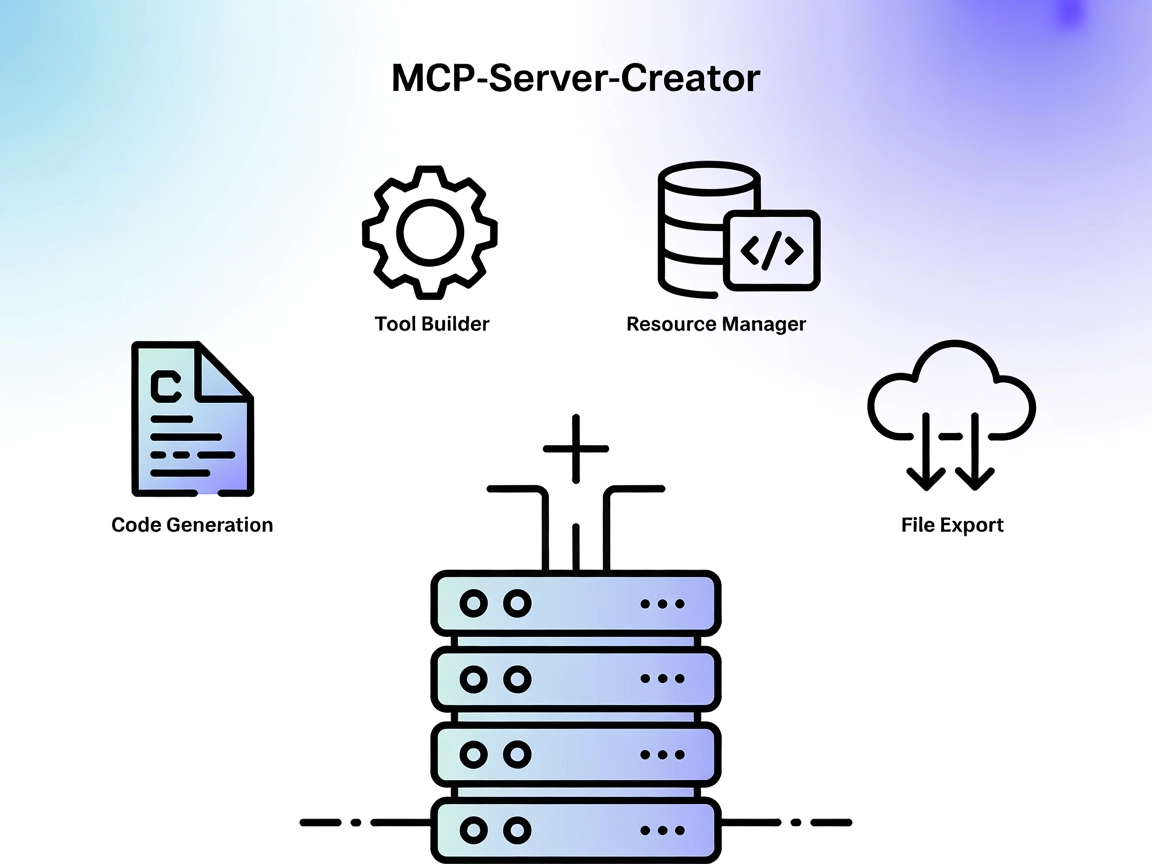
The MCP-Server-Creator is a meta-server that enables rapid creation and configuration of new Model Context Protocol (MCP) servers. With dynamic code generation,...

The mcp-server-commands MCP Server bridges AI assistants with secure system command execution, allowing LLMs to interact with the shell, automate development ta...
Cookie Consent
We use cookies to enhance your browsing experience and analyze our traffic. See our privacy policy.