


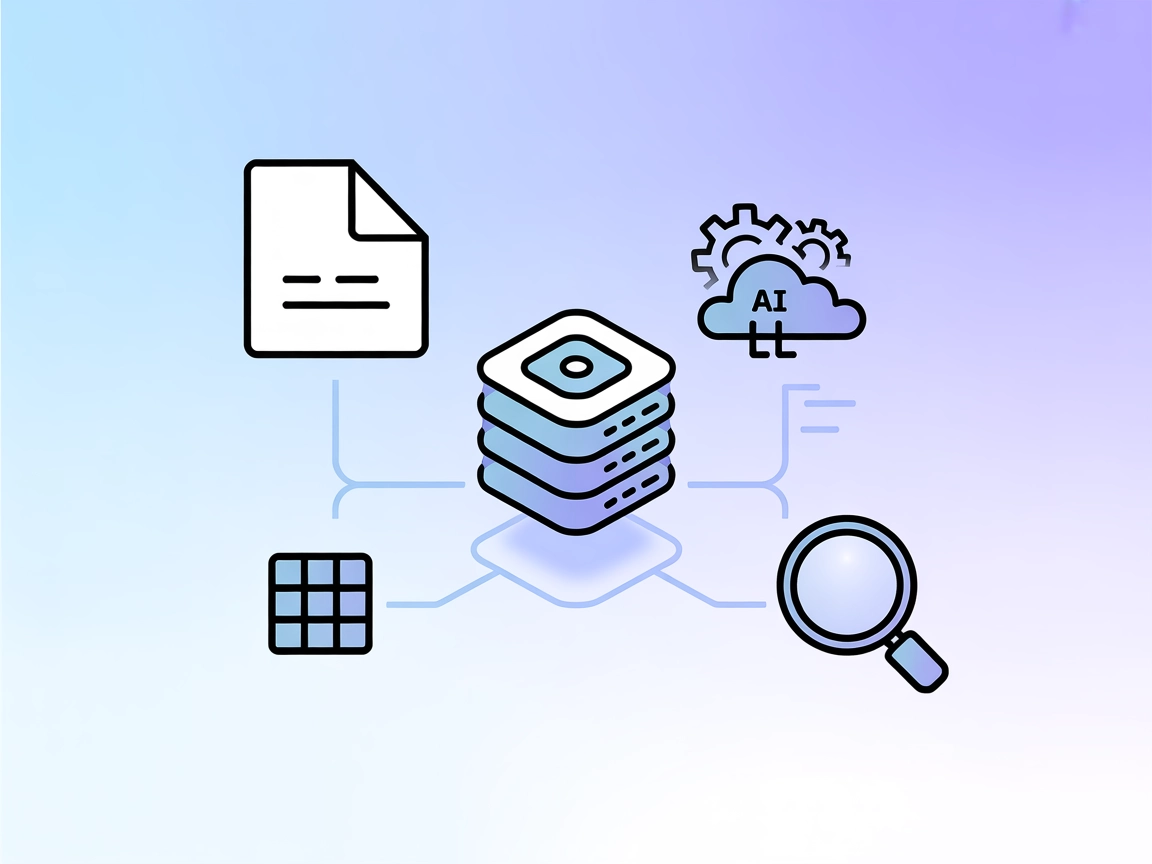
Notion MCP Server Integration
The Notion MCP Server connects FlowHunt’s AI agents directly to your Notion workspace, enabling advanced automation, database management, and content operations...
4 min read
MCP Server
Notion
+4
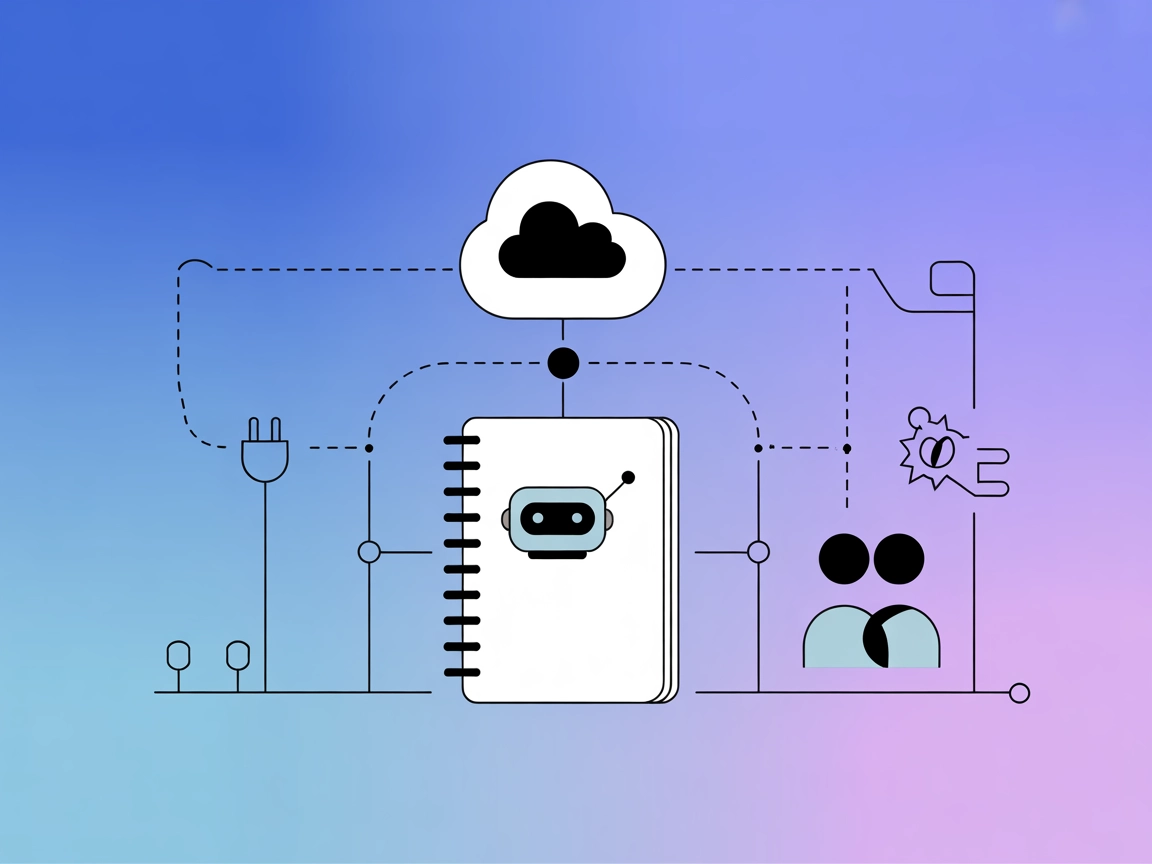
Integrate Microsoft OneNote into your AI flows with the onenote MCP Server for automated note management, organization, and enhanced productivity.
The onenote MCP (Model Context Protocol) Server is designed to bridge AI assistants with Microsoft OneNote, enabling enhanced development workflows that leverage OneNote’s data and capabilities. By integrating the onenote MCP Server, AI clients can interact with OneNote notebooks—such as querying notes, managing notebook content, or automating organizational tasks—through standardized protocols. This server empowers developers and AI systems to perform actions like retrieving notes, updating sections, or searching content, making it a valuable tool for automating knowledge management and facilitating smart note-taking experiences within broader AI workflows.
No prompt templates were found in the repository.

Start your free trial today and see results within days.
No resources were found or documented in the repository.
No explicit tool definitions (e.g., query_database, read_write_file, call_api) were found in server.py or the available files in the onenote MCP Server directory.
Get latest tips, trends, and deals for free.
windsurf.config.json).{
"mcpServers": {
"onenote": {
"command": "npx",
"args": ["@onenote/mcp-server@latest"]
}
}
}
Store your sensitive credentials in environment variables. Example:
{
  "env": {
    "ONENOTE_API_KEY": "your-onenote-key"
  },
  "inputs": {
    "apiKey": "${ONENOTE_API_KEY}"
  }
}
claude.config.json).{
"mcpServers": {
"onenote": {
"command": "npx",
"args": ["@onenote/mcp-server@latest"]
}
}
}
{
  "env": {
    "ONENOTE_API_KEY": "your-onenote-key"
  },
  "inputs": {
    "apiKey": "${ONENOTE_API_KEY}"
  }
}
cursor.config.json).{
"mcpServers": {
"onenote": {
"command": "npx",
"args": ["@onenote/mcp-server@latest"]
}
}
}
{
  "env": {
    "ONENOTE_API_KEY": "your-onenote-key"
  },
  "inputs": {
    "apiKey": "${ONENOTE_API_KEY}"
  }
}
cline.config.json).{
"mcpServers": {
"onenote": {
"command": "npx",
"args": ["@onenote/mcp-server@latest"]
}
}
}
{
  "env": {
    "ONENOTE_API_KEY": "your-onenote-key"
  },
  "inputs": {
    "apiKey": "${ONENOTE_API_KEY}"
  }
}
Using MCP in FlowHunt
To integrate MCP servers into your FlowHunt workflow, start by adding the MCP component to your flow and connecting it to your AI agent:

Click on the MCP component to open the configuration panel. In the system MCP configuration section, insert your MCP server details using this JSON format:
{ “onenote”: { “transport”: “streamable_http”, “url”: “https://yourmcpserver.example/pathtothemcp/url" } }
Once configured, the AI agent is now able to use this MCP as a tool with access to all its functions and capabilities. Remember to change “onenote” to whatever the actual name of your MCP server is and replace the URL with your own MCP server URL.
| Section | Availability | Details/Notes |
|---|---|---|
| Overview | ✅ | Present |
| List of Prompts | ⛔ | No prompt templates found |
| List of Resources | ⛔ | No explicit resources documented |
| List of Tools | ⛔ | No explicit tool definitions found |
| Securing API Keys | ✅ | Environment variable example provided |
| Sampling Support (less important in evaluation) | ⛔ | No sampling support information found |
Based on the above, the onenote MCP Server provides a basic overview and setup instructions, but lacks documentation or implementation of prompts, resources, and tools. This limits its immediate utility for developers seeking rich MCP integrations.
| Has a LICENSE | ⛔ |
|---|---|
| Has at least one tool | ⛔ |
| Number of Forks | 0 |
| Number of Stars | 0 |
This MCP server scores low due to the lack of tools, prompt templates, resources, and explicit licensing. The only available information is the overview and generic setup instructions. For production or development use, significant enhancements and documentation would be required.
Start automating note retrieval, organization, and smart search by integrating the onenote MCP Server into your FlowHunt flows.
The Notion MCP Server connects FlowHunt’s AI agents directly to your Notion workspace, enabling advanced automation, database management, and content operations...
The Microsoft OneNote MCP Server enables seamless integration between AI tools and OneNote, allowing automated workflows to manage notes, sections, and pages di...
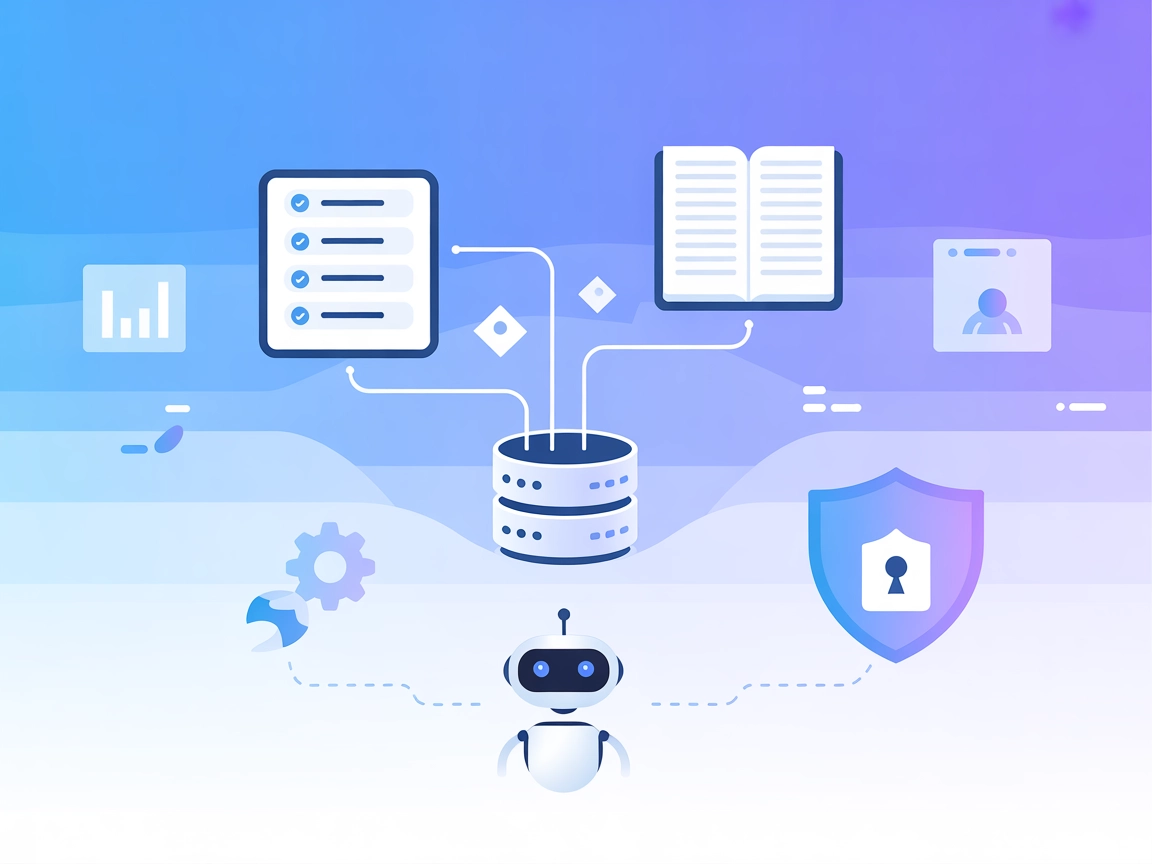
Integrate Jira and Confluence with AI assistants using the Atlassian MCP Server. Enable smart project management, automate workflows, and allow AI to interact w...
Cookie Consent
We use cookies to enhance your browsing experience and analyze our traffic. See our privacy policy.