


DeepSeek MCP Server-integratie
Integreer FlowHunt met DeepSeek MCP Server om geavanceerde taalmodellen in je AI-workflows te brengen. Proxy DeepSeek API-aanroepen veilig, maak anoniem gebruik...
4 min lezen
AI
DeepSeek
+5
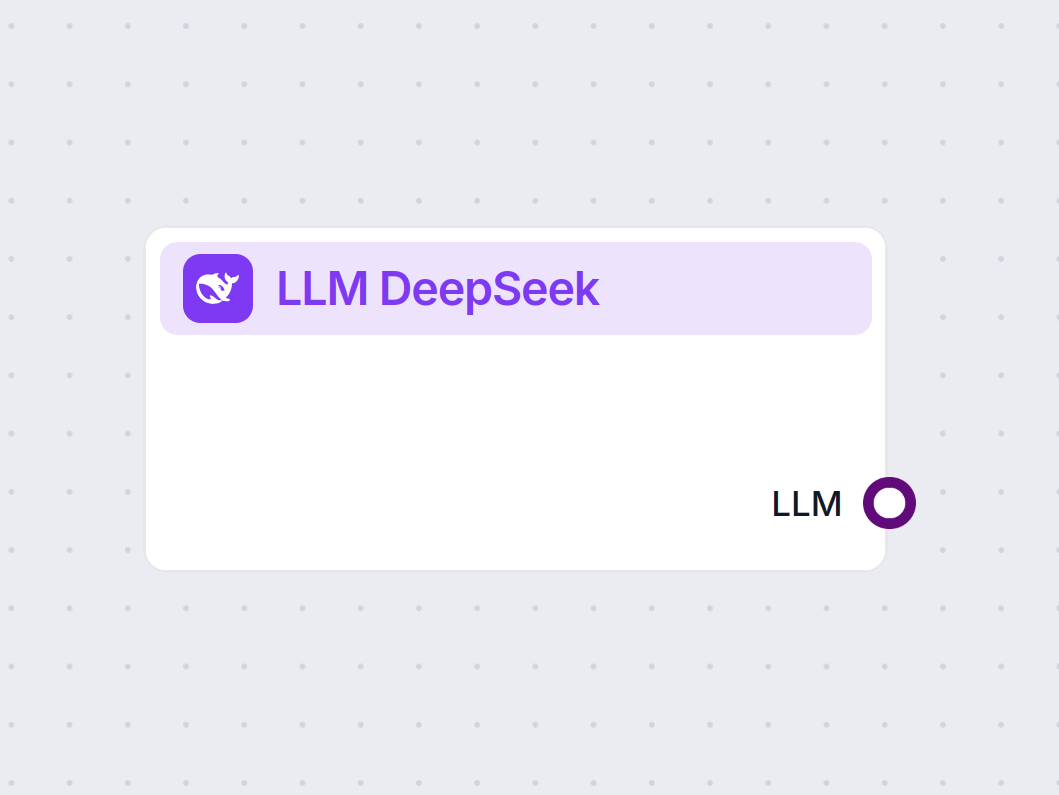
LLM DeepSeek van FlowHunt geeft je toegang tot en laat je top AI-modellen zoals DeepSeek R1 aanpassen voor tekst- en beeldgeneratie in je chatbots en AI-tools, allemaal vanuit één dashboard.
Componentbeschrijving
The LLM DeepSeek component connects the DeepSeek models to your Flow. While the Generators and Agents are where the actual magic happens, LLM components allow you to swap and control the model used.
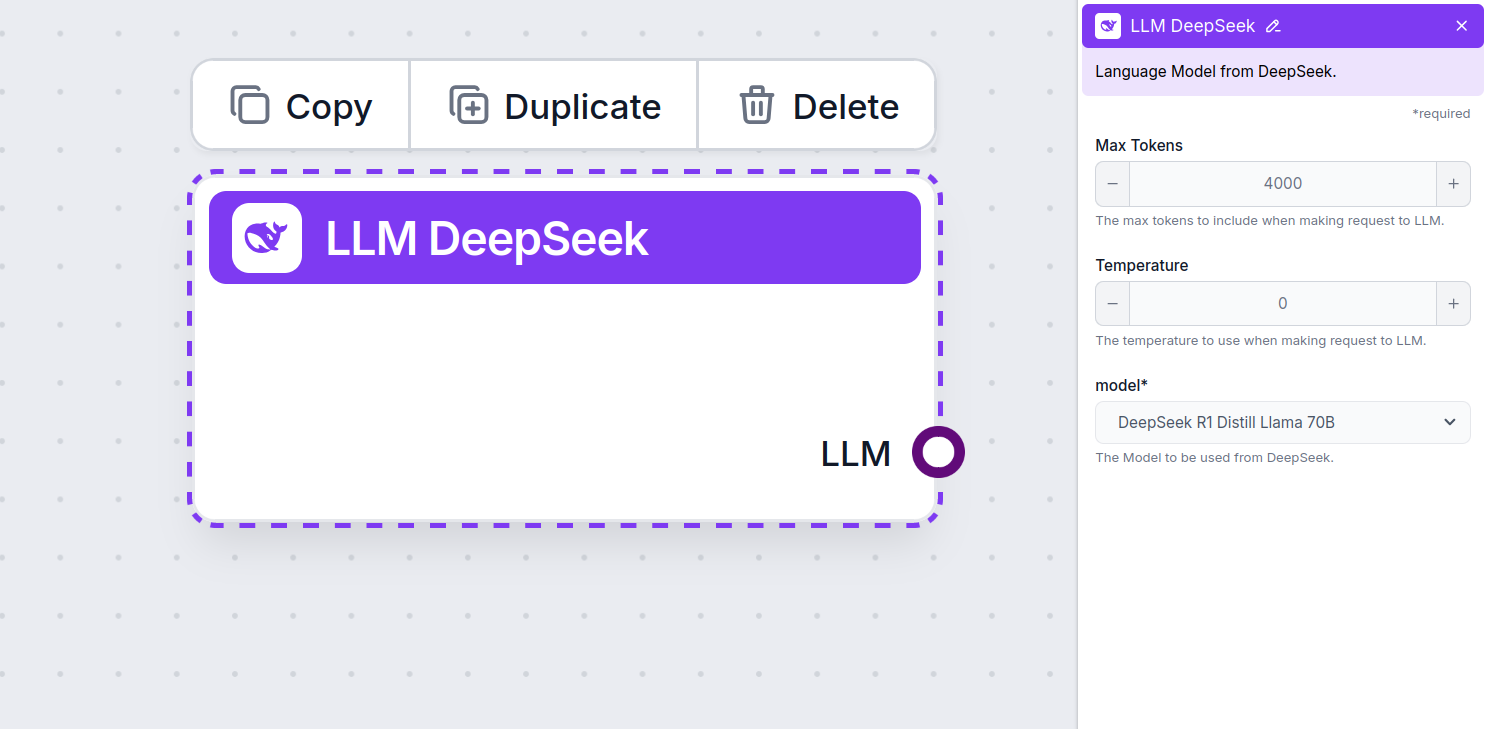
Remember that connecting an LLM Component is optional. All components that use an LLM come with ChatGPT-4o as the default. The LLM components allow you to change the model and control model settings.
Tokens represent the individual units of text the model processes and generates. Token usage varies with models, and a single token can be anything from words or subwords to a single character. Models are usually priced in millions of tokens.
The max tokens setting limits the total number of tokens that can be processed in a single interaction or request, ensuring the responses are generated within reasonable bounds. The default limit is 4,000 tokens, the optimal size for summarizing documents and several sources to generate an answer.
Temperature controls the variability of answers, ranging from 0 to 1.
A temperature of 0.1 will make the responses very to the point but potentially repetitive and deficient.
A high temperature of 1 allows for maximum creativity in answers but creates the risk of irrelevant or even hallucinatory responses.
For example, the recommended temperature for a customer service bot is between 0.2 and 0.5. This level should keep the answers relevant and to the script while allowing for a natural response variation.
This is the model picker. Here, you’ll find all the supported DeepSeek models. We support all the latest Gemini models:
You’ll notice that all LLM components only have an output handle. Input doesn’t pass through the component, as it only represents the model, while the actual generation happens in AI Agents and Generators.
The LLM handle is always purple. The LLM input handle is found on any component that uses AI to generate text or process data. You can see the options by clicking the handle:
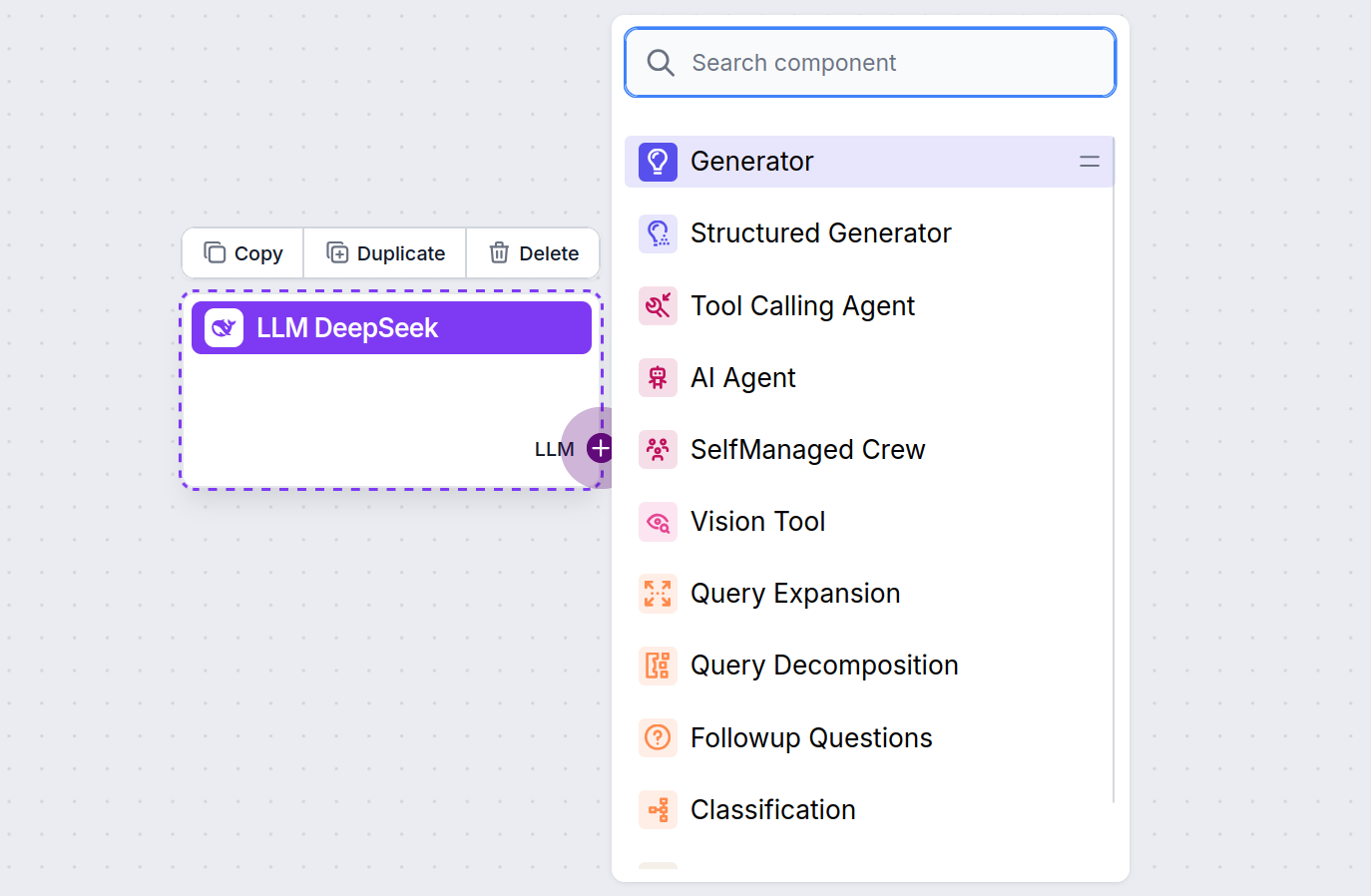
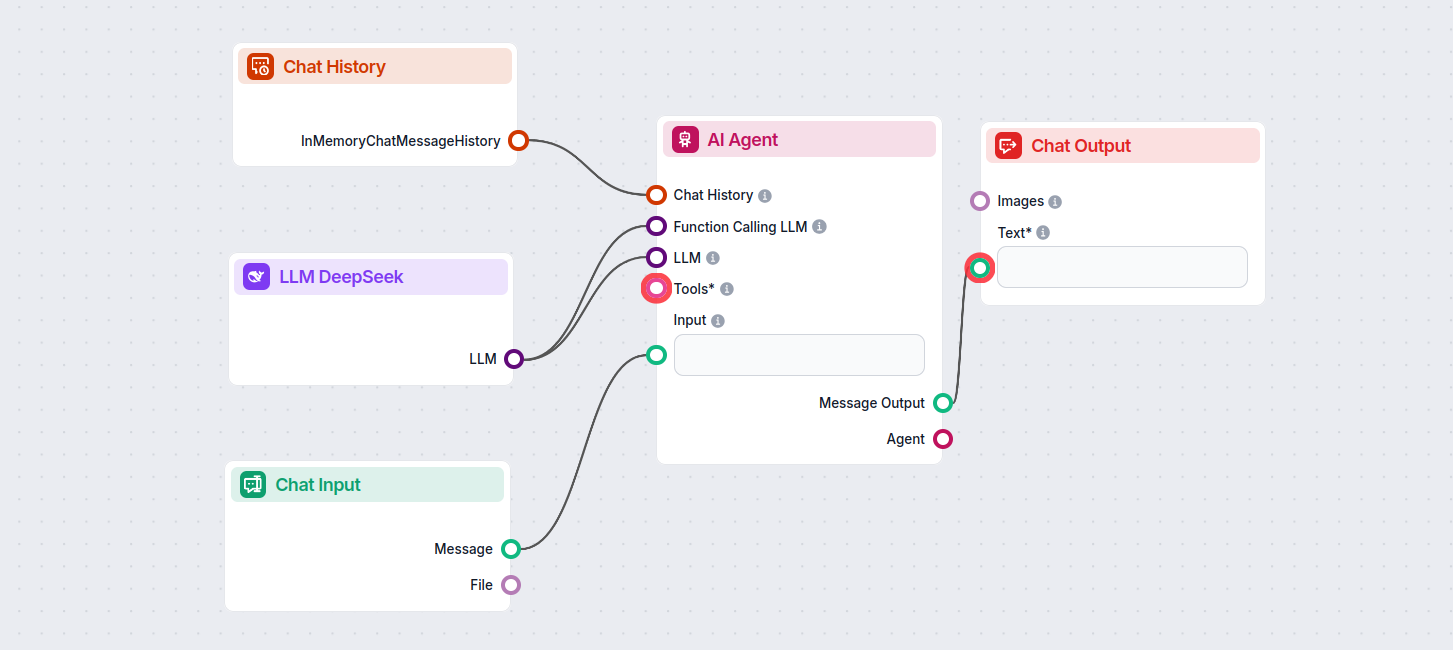
This allows you to create all sorts of tools. Let’s see the component in action. Here’s a simple AI Agent chatbot Flow using DeepSeek R1 to generate responses. You can think of it as a basic DeepSeek chatbot.
This simple Chatbot Flow includes:
Begin met het bouwen van slimmere AI-chatbots en automatiseringstools met geavanceerde DeepSeek-modellen—zonder complexe installatie of meerdere abonnementen.
Integreer FlowHunt met DeepSeek MCP Server om geavanceerde taalmodellen in je AI-workflows te brengen. Proxy DeepSeek API-aanroepen veilig, maak anoniem gebruik...
Cookie Toestemming
We gebruiken cookies om uw browse-ervaring te verbeteren en ons verkeer te analyseren. See our privacy policy.