Bästa No-Code Automationsverktyg 2026: 10 Plattformar Jämförda
Den definitiva guiden till no-code automationsplattformar 2026. Vi jämför 10 verktyg — från visuella arbetsflödesbyggare till AI-inbyggda plattformar — för att hjälpa dig automatisera utan att skriva en enda rad kod.
No-code automation har gått från en kuriositet till en utbredd företagsfunktion. De bästa no-code automationsplattformarna idag låter marknadsföringsteam bygga lead-routingsystem, driftteam automatisera fakturahantering och HR-team effektivisera onboarding — allt utan att en utvecklare skriver en enda rad kod.
Men kategorin har utvidgats avsevärt. “No-code automation” omfattar nu allt från enkla trigger-åtgärd-verktyg (Zapier) till visuella AI-agentbyggare (FlowHunt) till fullständiga no-code app-utvecklingsplattformar (Bubble). Att välja rätt beror på vad du försöker automatisera och hur tekniskt ditt team är.
Den här guiden täcker de 10 bästa no-code automationsplattformarna 2026, med ärliga bedömningar av vad var och en gör bra och var den brister.
Snabbt svar:FlowHunt
är den bästa no-code plattformen för team som behöver AI-driven automation. Zapier vinner på integrationsbredd. Make är bättre för komplexa visuella arbetsflöden. n8n och Activepieces är de främsta alternativen med öppen källkod.
Snabb Jämförelse: No-Code Automationsplattformar
Verktyg
Bäst För
AI-agenter
Integrationer
Gratis Plan
Pris Börjar Vid
FlowHunt
AI-inbyggd automation
Ja
1 400+
Ja
Freemium
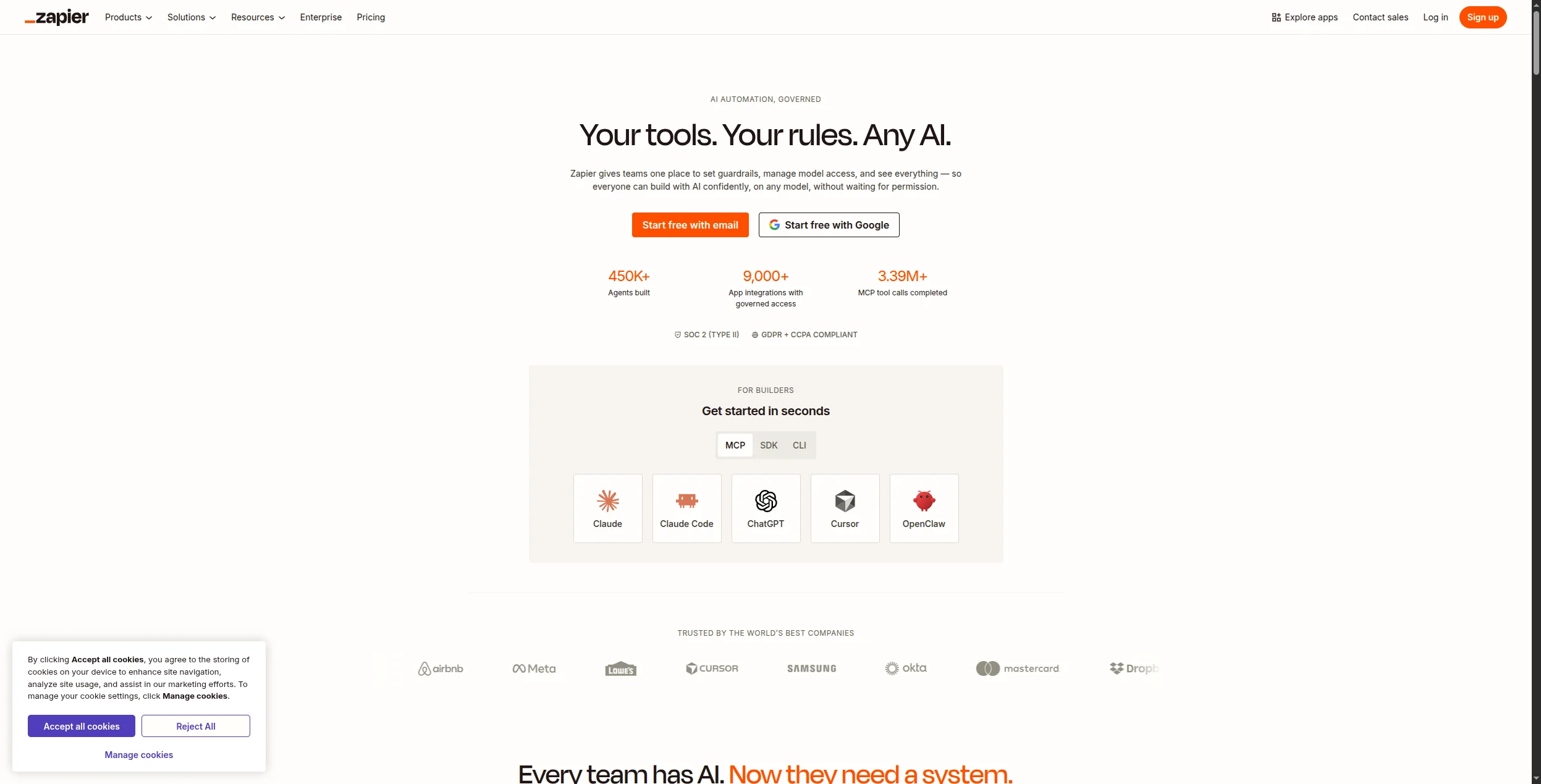
Zapier
Integrationsbredd
Begränsat
7 000+
Ja
$19.99/mån
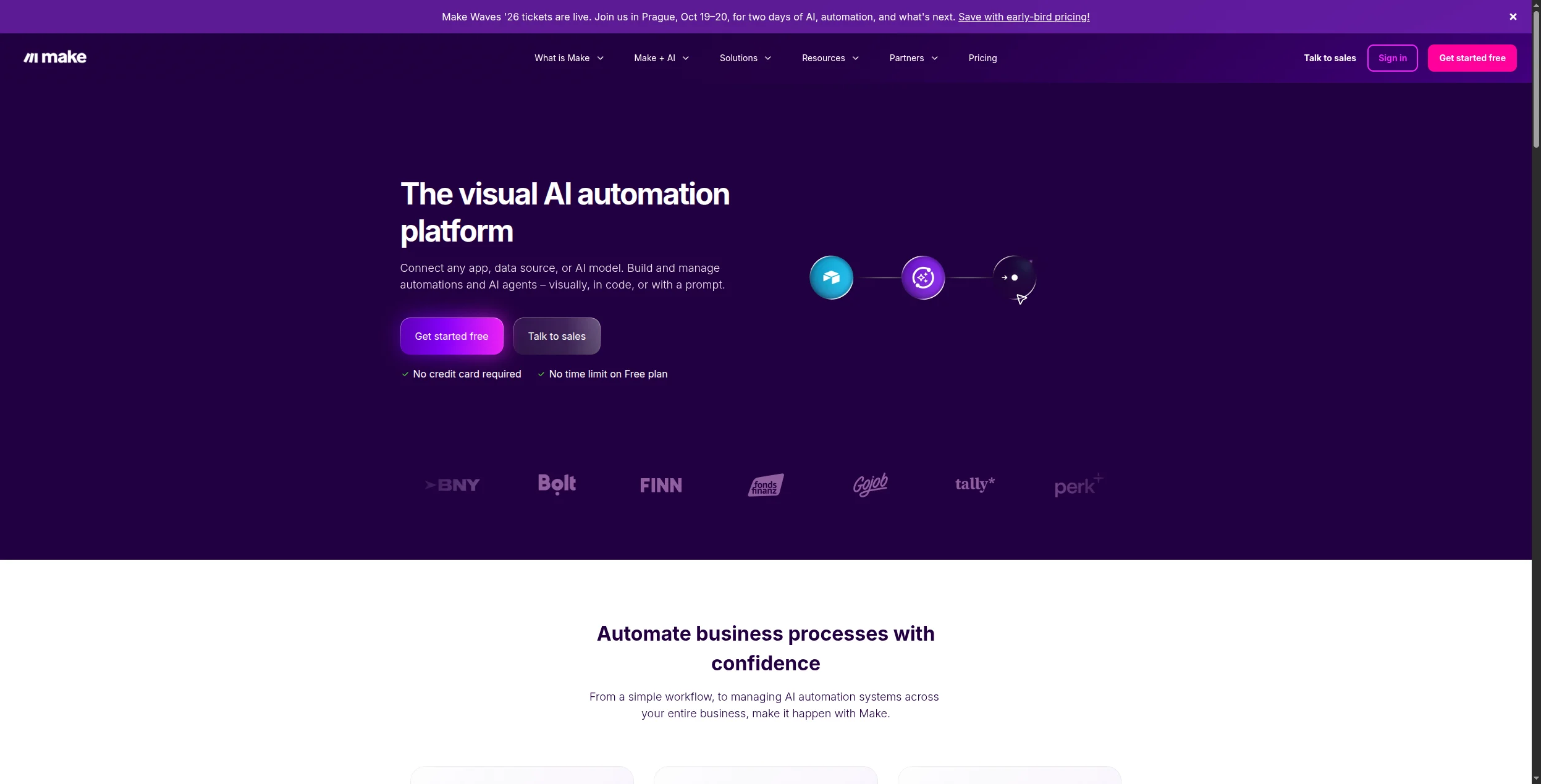
Make
Komplexa visuella arbetsflöden
Begränsat
1 800+
Ja
$9/mån
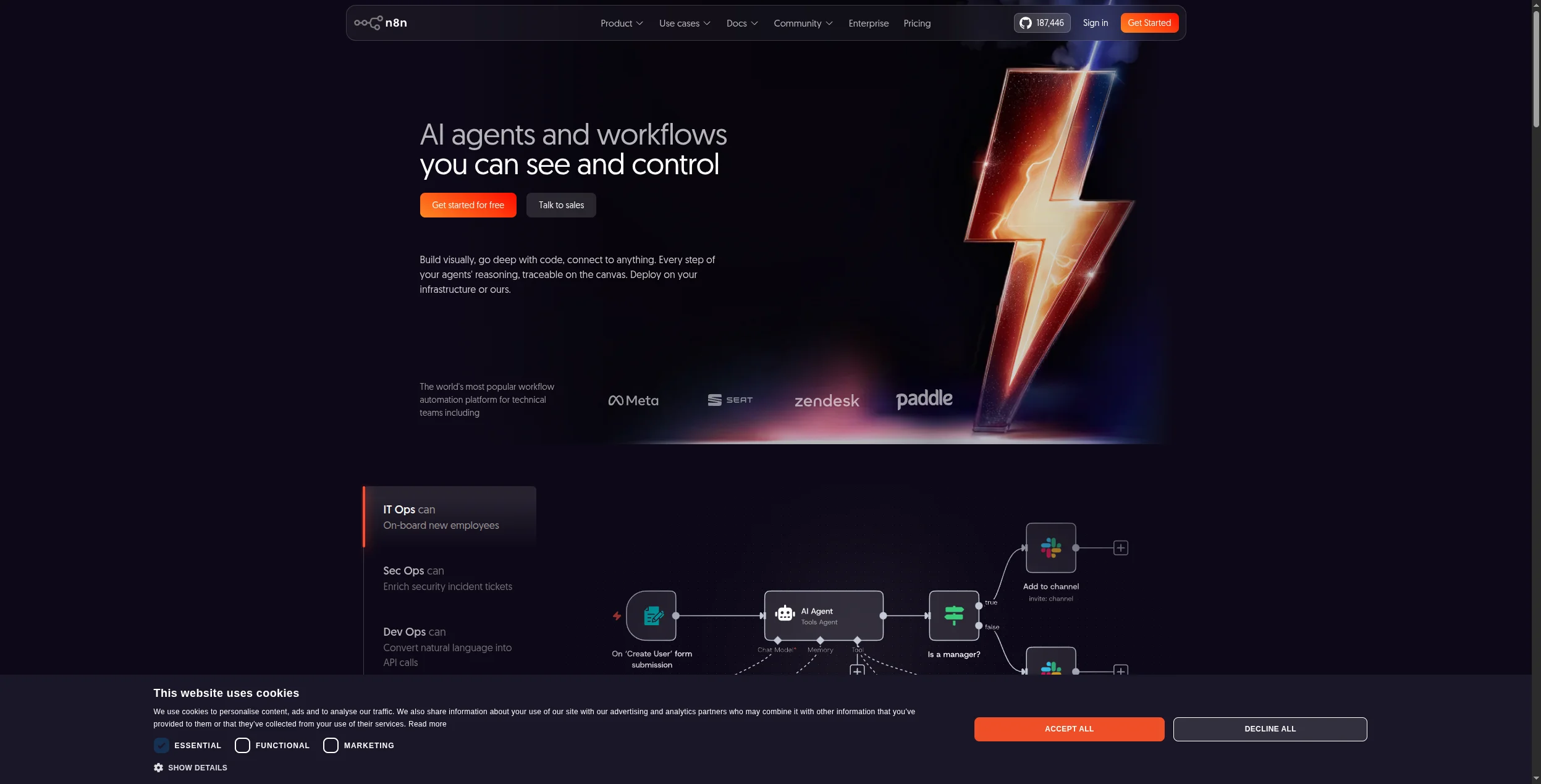
n8n
Öppen källkod/själv-hostad
Ja
400+
Själv-hostad
$20/mån (moln)
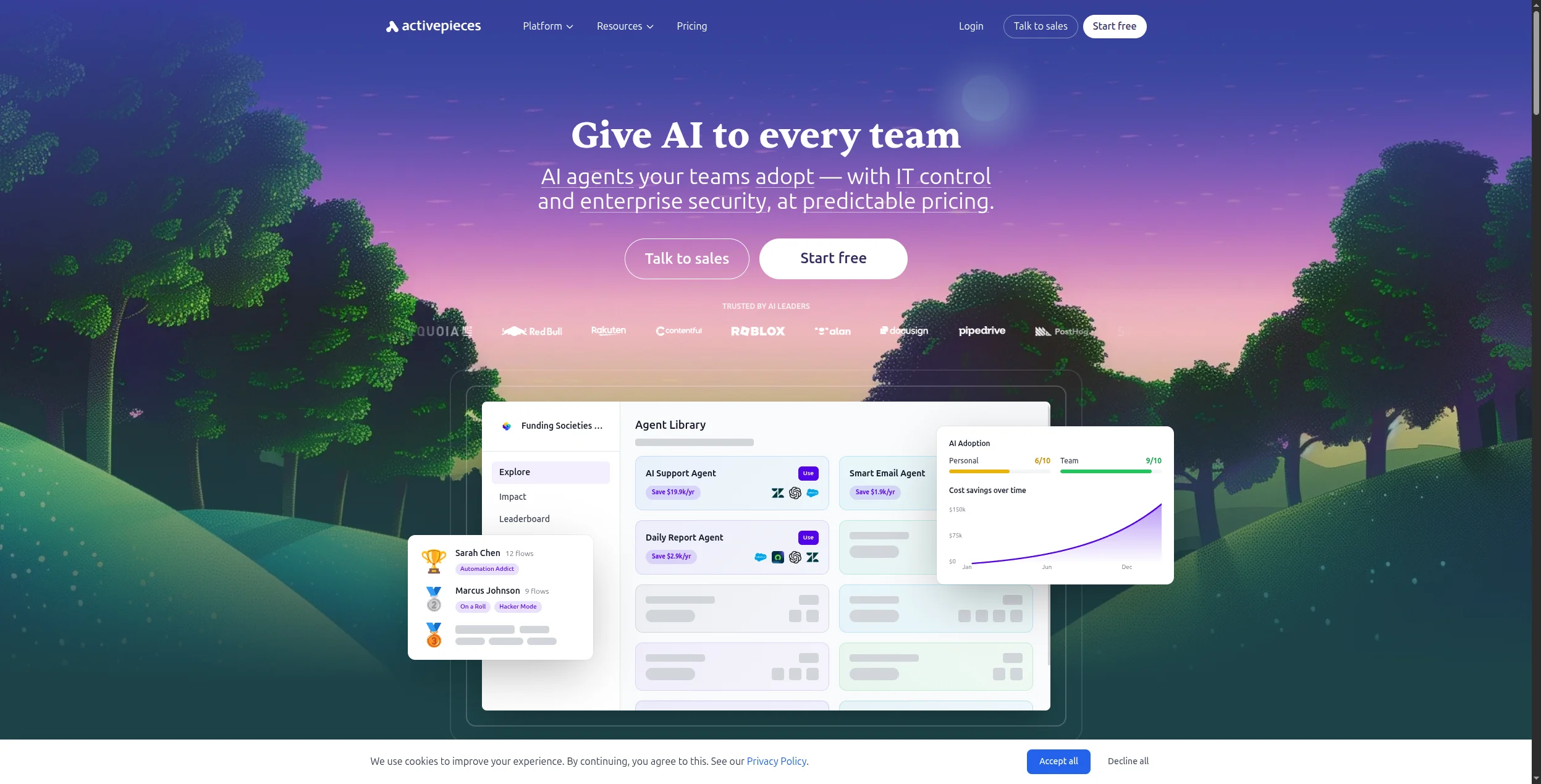
Activepieces
Öppen källkod budget
Begränsat
500+
Själv-hostad
$0 (själv-hostad)
Pabbly Connect
Obegränsad volym, låg kostnad
Nej
1 000+
Nej
$19/mån
Latenode
Låg-kod flexibilitet
Begränsat
300+
Ja
$17/mån
Bubble
Fullständig app-utveckling
Nej
Via API:er
Ja
$29/mån
Retool
Interna verktyg & instrumentpaneler
Nej
Via API:er
Ja
$10/mån
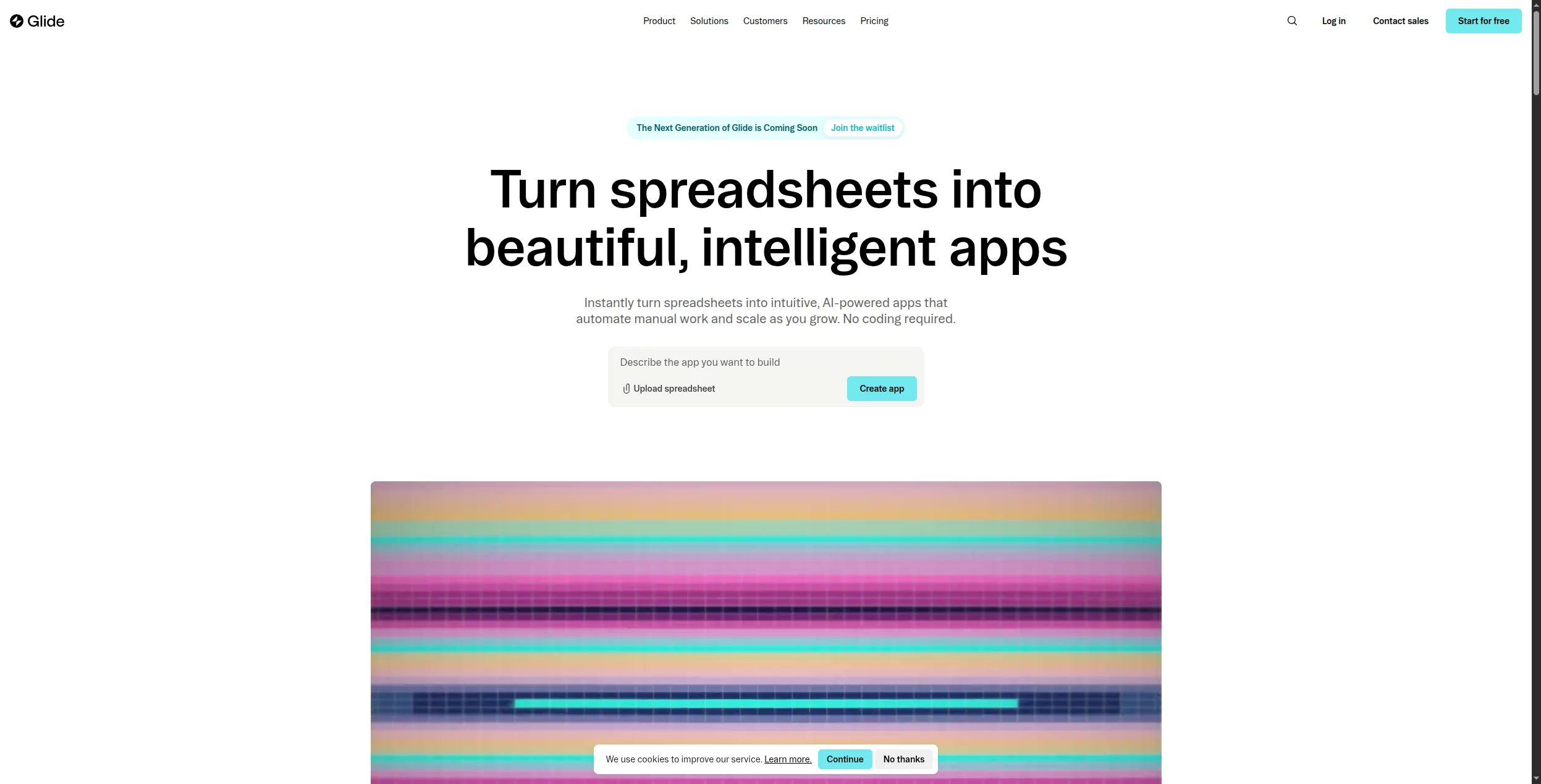
Glide
Enkla mobil-/webbappar
Nej
Sheets/Airtable
Ja
$49/mån
Vad Gör en Utmärkt No-Code Automationsplattform?
Innan vi recenserar enskilda verktyg är det värt att definiera vad som skiljer en utmärkt no-code automationsplattform från en medelmåttig:
Integrationsdjup — inte bara hur många appar den ansluter till, utan hur djupt den integrerar. En “Salesforce-integration” som bara kan skapa leads är långt mindre värdefull än en som hanterar 200+ Salesforce-åtgärder.
Felhantering — verklig affärsautomation misslyckas. De bästa plattformarna gör det enkelt att se vad som gick fel, försöka om misslyckade steg och bli aviserad när något går sönder.
AI-kapacitet — 2026 är automation utan AI ett grundkrav. De bästa plattformarna bäddar in AI nativt — inte som en eftertanke-integration med OpenAI, utan som en kärndel av arbetsflödeslogiken.
Skalbarhet — prissättning som inte straffar dig för att lyckas. Vissa plattformar tar betalt per uppgift på sätt som blir oöverkomliga när automationen väl fungerar bra.
Redo att växa ditt företag?
Starta din kostnadsfria provperiod idag och se resultat inom några dagar.
1. FlowHunt — Bästa AI-Inbyggda No-Code Automationsplattform
FlowHunt
är den mest kapabla no-code plattformen för team som vill ha AI-agenter, inte bara trigger-åtgärd-automation. Dess visuella arbetsyta låter medborgare-utvecklare — människor som förstår affärsprocesser men inte skriver kod — bygga sofistikerade arbetsflöden där AI-agenter resonerar, beslutar och agerar.
Kärnskillnaden mellan FlowHunt och verktyg som Zapier eller Make: de plattformarna automatiserar steg som du har definierat i förväg. FlowHunt låter AI-agenter hantera steg som du inte fullt ut kan definiera i förväg — eftersom de kräver läsning, resonemang och omdöme. En AI-agent kan läsa ett inkommande e-postmeddelande, fastställa dess avsikt, slå upp relevant kundhistorik, utforma ett svar och dirigera det för godkännande — utan att du behöver förutse varje möjligt e-postscenario.
AI-agenter med genuin resonemangsförmåga — inte bara LLM-anropsnoder
Visuell arbetsyta som icke-tekniska användare kan navigera
1 400+ integrationer inklusive alla större affärsverktyg
Multi-agent-orkestrering — kedja flera AI-agenter i ett flöde
Själv-hosting tillgänglig för datakänsliga team
Generös gratis nivå
Nackdelar:
Brantare initial inlärningskurva än Zapier för enkla trigger-åtgärd-automationer
Mallbiblioteket växer fortfarande (starkt men inte lika omfattande som Zapiers)
Bäst för: Team som behöver AI-agenter som resonerar, undersöker och skriver — inte bara dirigerar data — särskilt inom marknadsföring, kundsupport och säljverksamhet.
2. Zapier — Bäst för Integrationsbredd
Zapier är fortfarande den mest utbredda automationsplattformen i världen, och dess 7 000+ integrationer är den främsta orsaken. Om du behöver ansluta två specifika appar har Zapier nästan säkert en förbyggd integration för båda. Dess “Zaps” (trigger-åtgärd-arbetsflöden) är snabbast att sätta upp för standardanvändningsfall.
Fördelar:
7 000+ app-integrationer — oöverträffad bredd
Massivt bibliotek med förbyggda Zap-mallar
Zapier AI kan generera arbetsflödessteg från naturliga språkbeskrivningar
Tillförlitlig och beprövad i stor skala
Mycket aktiv community för support och mallar
Nackdelar:
Prissättningen skalar brant med uppgiftsvolym — dyr för automation i hög volym
Inte designad för AI-agenter — resonemangsförmågan är begränsad
Komplex villkorslogik kräver flera Zaps eller premiumfunktioner
Bäst för: Icke-tekniska team som behöver bred apptäckning och snabbast möjliga uppsättning — där arbetsflödet är enkelt och integrationsbredd betyder mer än logikkraft.
Gå med i vårt nyhetsbrev
Få de senaste tipsen, trenderna och erbjudandena gratis.
3. Make — Bästa Visuella Arbetsflödesbyggaren
Make (tidigare Integromat) erbjuder den mest kraftfulla visuella scenarioeditorn i no-code automationsutrymmet. Där Zapier använder en linjär lista med steg visar Makes arbetsyta hela flödet på en gång — med visuell förgrening, routers, aggregatorer och datatransformationsverktyg som Zapier inte kan matcha.
För automation som involverar komplex datatransformation, villkorlig förgrening över flera vägar eller iteration över arrayer av poster hanterar Make det långt bättre än Zapier — och till betydligt lägre kostnad per operation.
Fördelar:
Överlägsen visuell arbetsyta med fullständig förgrening och datatransformation
1 800+ integrationer till konkurrenskraftig prissättning
Scenariobaserad prissättning — billigare än Zapier vid hög volym
Generös gratis nivå (1 000 operationer/månad)
Nackdelar:
Mer komplex att lära sig än Zapier för enkla automationer
Inget nativt AI-resonemang — det är en kraftfull router, inte en AI-agent
Bäst för: Driftteam som behöver komplexa flerstegsarbetsflöden med förgrening, datatransformation och felhantering — till betydligt lägre kostnad än Zapier.
4. n8n — Bästa No-Code Plattformen med Öppen Källkod
n8n är den ledande automationsplattformen för arbetsflöden med öppen källkod, som kombinerar en visuell no-code builder med nativt AI-nodstöd och möjligheten att själv-hosta på din egen infrastruktur. För team som behöver no-code tillgänglighet med fullständig datakontroll är n8n det starkaste alternativet.
n8n:s AI-noder stöder OpenAI, Anthropic, Hugging Face och andra LLM-leverantörer nativt, vilket gör den genuint kapabel till AI-assisterad automation utan extern konfiguration. Det själv-hostade alternativet innebär att inga data någonsin lämnar din infrastruktur — kritiskt för team inom hälsovård, finans och juridik.
Fördelar:
Helt öppen källkod — själv-hosta på vilken infrastruktur som helst
Nativa AI-noder med stöd för flera LLM:er
400+ community-byggda integrationer
Gratis för själv-hostade distributioner — inga avgifter per uppgift
Aktiv community med omfattande dokumentation
Nackdelar:
Själv-hostad distribution kräver DevOps-kunskap
Molnplanens prissättning är konkurrenskraftig men inte lika generös som Make
Mindre integrationskatalog än Zapier eller Make (även om den växer snabbt)
Bäst för: Tekniska team med dataefterlevnadskrav som behöver själv-hosting, nativa AI-noder och en no-code builder utan att offra infrastrukturkontroll.
5. Activepieces — Bästa Budgetalternativet med Öppen Källkod
Activepieces är den nyaste aktören i utrymmet för automation med öppen källkod, och positionerar sig som en Zapier-ersättning med själv-hosting, ett rent gränssnitt och en snabbt växande integrationskatalog. För team med snäva budgetar som vill ha en bekant Zapier-liknande upplevelse utan prissättningen är Activepieces det främsta valet.
Fördelar:
Rent, intuitivt gränssnitt — lägst inlärningskurva av alla alternativ med öppen källkod
500+ integrationer och växer snabbt
Själv-hosting tillgänglig — gratis för obegränsad automation på din infrastruktur
Aktiv utveckling med frekventa nya integrationer
Nackdelar:
AI-kapacitet är i tidigt skede jämfört med FlowHunt eller n8n
Företagsfunktioner (SSO, RBAC) kräver betald nivå
Mindre community och mindre dokumentation än n8n
Bäst för: Budget-medvetna team som migrerar från Zapier och vill ha själv-hosting med öppen källkod med ett bekant linjärt steg-gränssnitt och minimal uppsättningskomplexitet.
6. Pabbly Connect — Bäst för Obegränsad Volym till Låg Kostnad
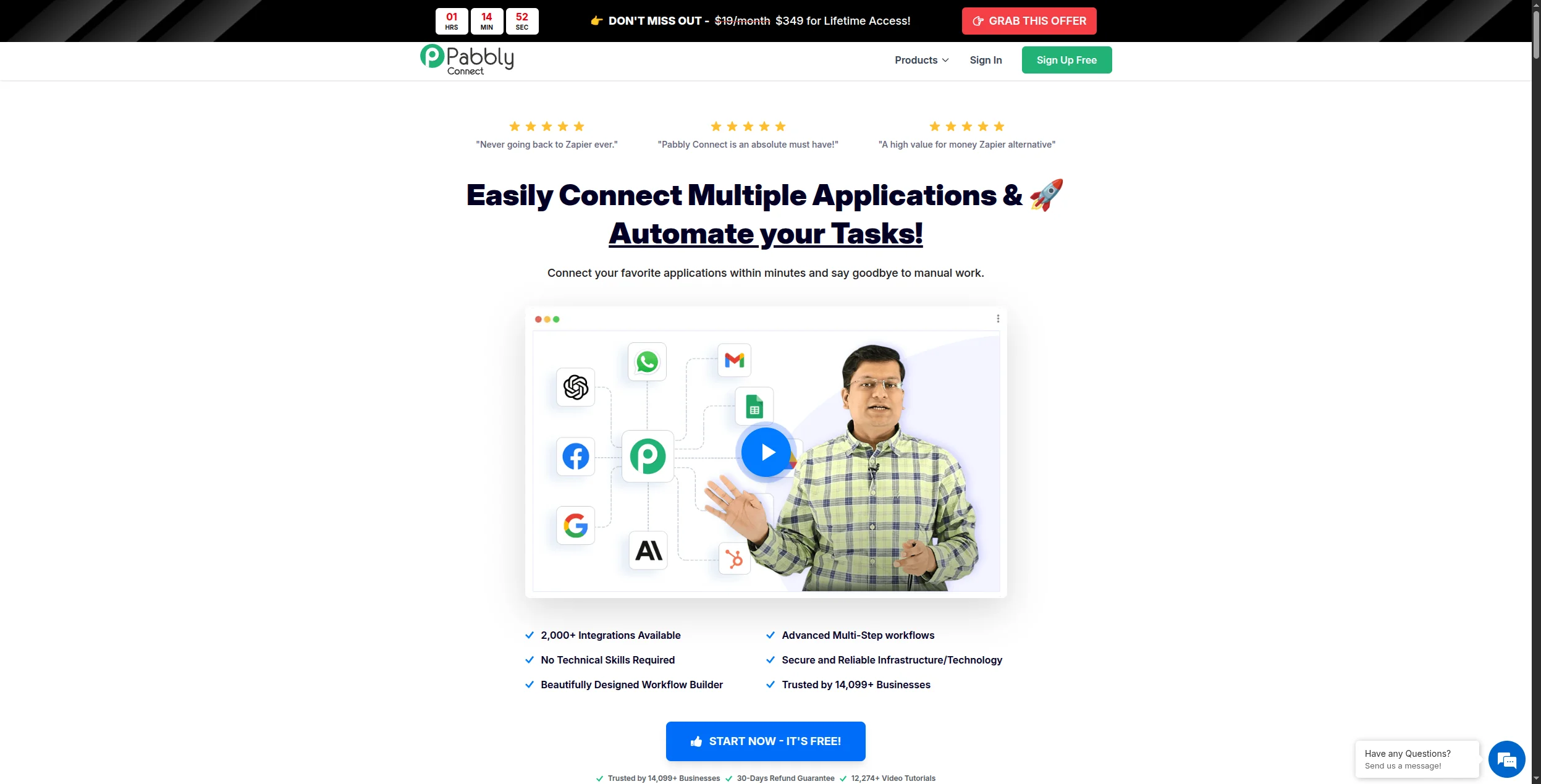
Pabbly Connects viktigaste differentiering är prissättning: en engångs livstidsbetalning täcker obegränsade arbetsflöden och obegränsade operationer. För team vars främsta smärtpunkt är Zapiers prissättningsmodell per uppgift eliminerar Pabbly den begränsningen helt.
Fördelar:
Livstidsprisalternativ — bästa ekonomin för automation i hög volym
Obegränsade arbetsflöden och operationer på betalda planer
1 000+ integrationer som täcker de flesta affärsverktyg
Nackdelar:
Gränssnitt och tillförlitlighet är mindre polerade än Make eller Zapier
Inga AI-agentfunktioner
Support kan vara långsam jämfört med etablerade plattformar
Bäst för: Småföretag och byråer med automation i hög volym där prissättning per uppgift från Zapier eller Make har blivit den primära kostnadsdrivaren — särskilt de som är villiga att byta polering mot ekonomi.
7. Latenode — Bäst för att Överbrygga No-Code och Low-Code
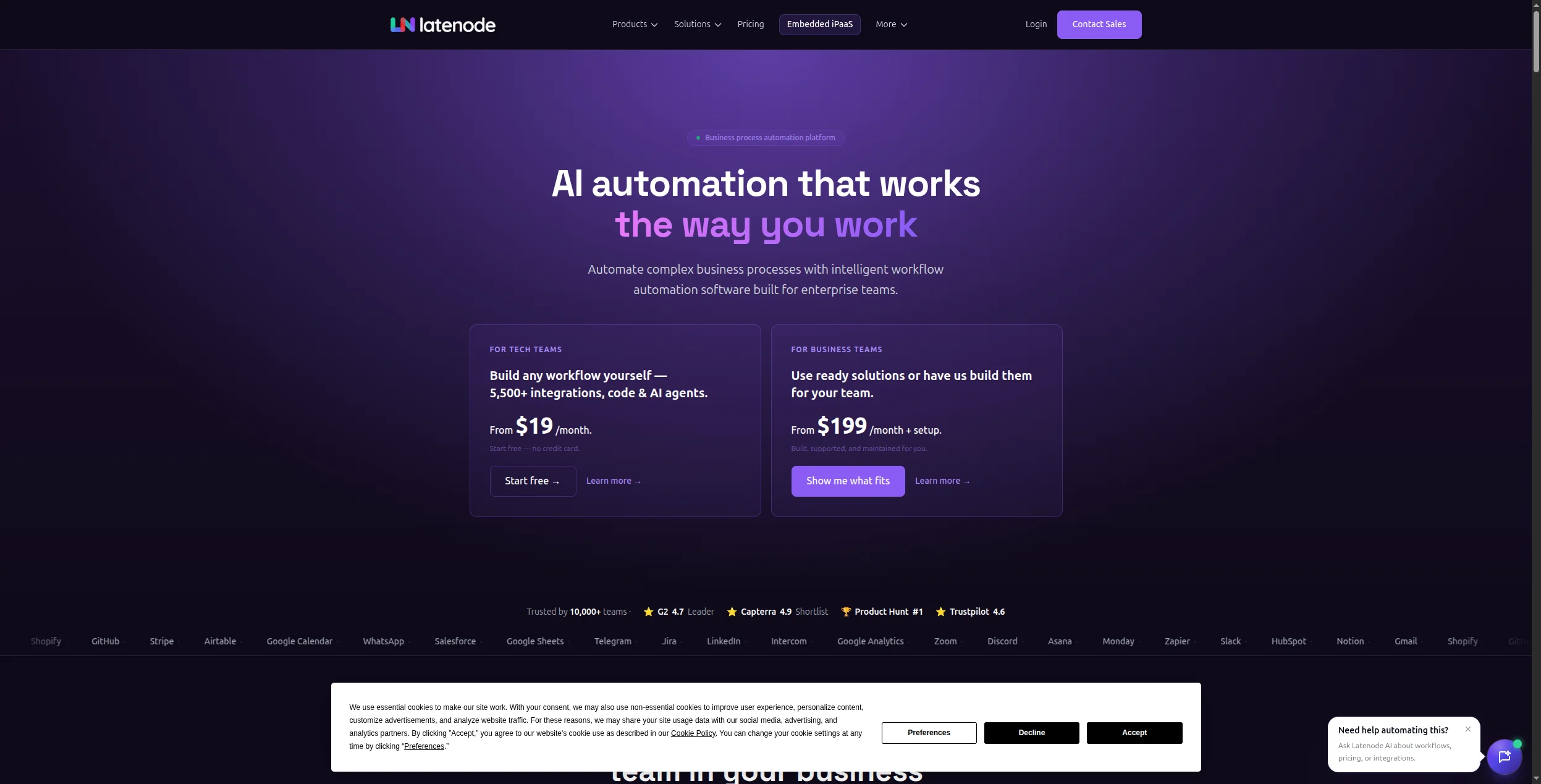
Latenode ligger i skärningspunkten mellan no-code och low-code: en visuell builder som icke-tekniska användare kan använda produktivt, med möjligheten att hoppa in i JavaScript-kodnoder när den visuella builder når sina gränser. För team med blandade tekniska nivåer — vissa utvecklare, vissa icke-tekniska användare — ger den den mest flexibla miljön.
Fördelar:
Visuell builder tillgänglig för icke-tekniska användare
JavaScript-kodnoder för utvecklare som behöver dem
AI-åtgärder inbyggda i arbetsflödesarbetsytan
Konkurrenskraftig prissättning mot Zapier och Make
Nackdelar:
Mindre integrationskatalog än toppskiktet (300+)
Mindre mogen plattform — färre mallar och community-resurser
Dokumentationskvaliteten varierar
Bäst för: Blandade tekniska team — vissa utvecklare, vissa icke-tekniska användare — som behöver en visuell builder för vardagliga automationer med möjligheten att lägga till anpassad kod för specialfall.
8. Bubble — Bäst för Fullständig No-Code App-Utveckling
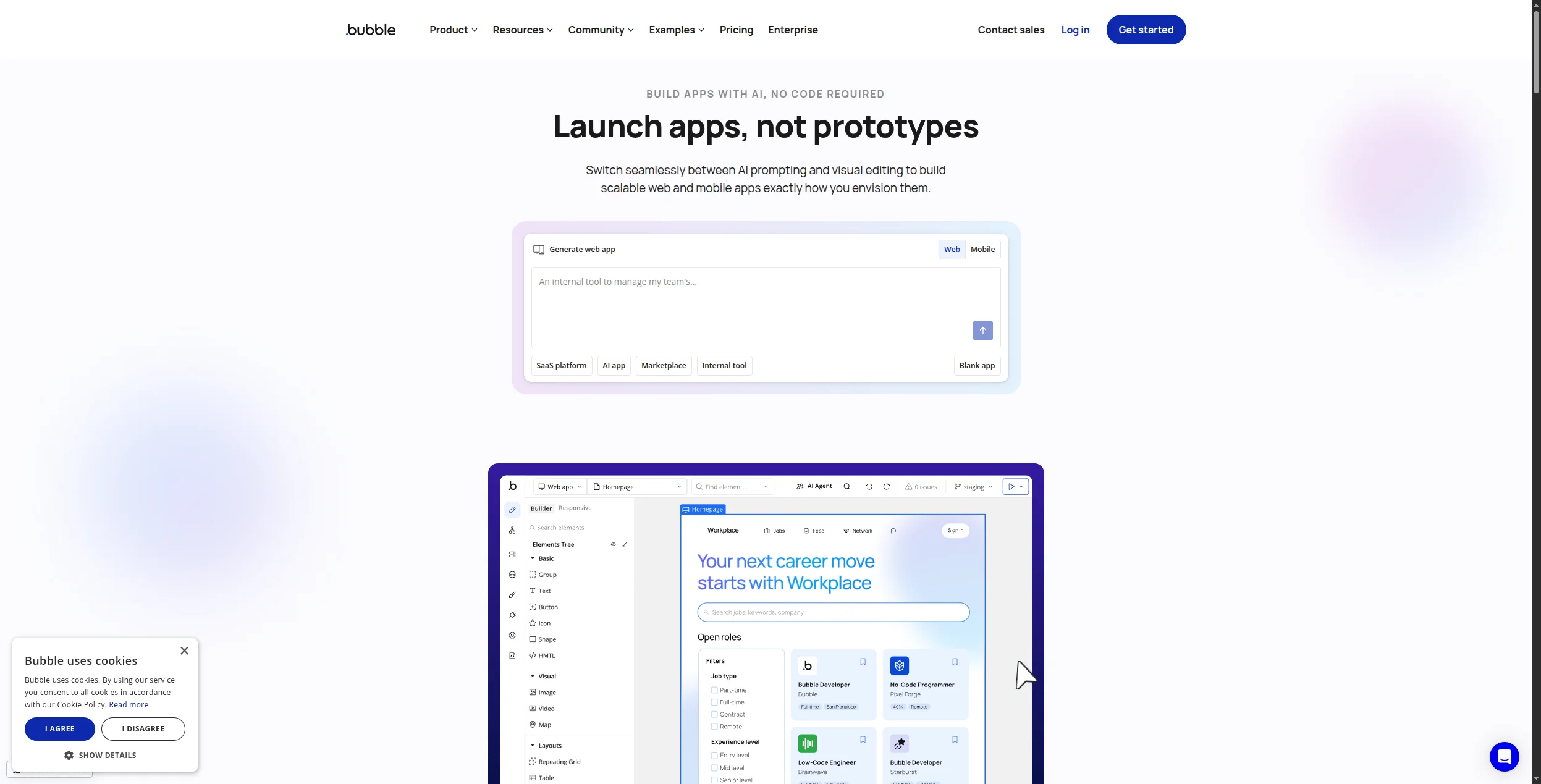
Bubble går bortom arbetsflödesautomation till fullständig no-code applikationsutveckling. Med Bubble kan du bygga hela webbapplikationer — kompletta med databasscheman, användarautentisering, betalningshantering och anpassat UI — utan att skriva kod. Om ditt automationsbehov är tätt kopplat till att bygga en ny applikation är Bubble det mest kapabla no-code alternativet.
Fördelar:
Bygg fullständiga webbapplikationer utan kod
Hanterar databas, UI, logik och externa integrationer
Stort ekosystem av plugins och mallar
Aktiv community med omfattande handledningar
Nackdelar:
Inte ett arbetsflödesautomationsverktyg — en annan kategori
Inlärningskurvan är brantare än arbetsflödesverktyg
Prestandan kan vara begränsad för applikationer med hög trafik
Bäst för: Grundare och produktteam som behöver bygga och lansera en fullständig webbapplikation — med databas, användarautentisering och anpassad logik — utan att anställa utvecklare.
9. Retool — Bäst för Interna Verktyg och Instrumentpaneler
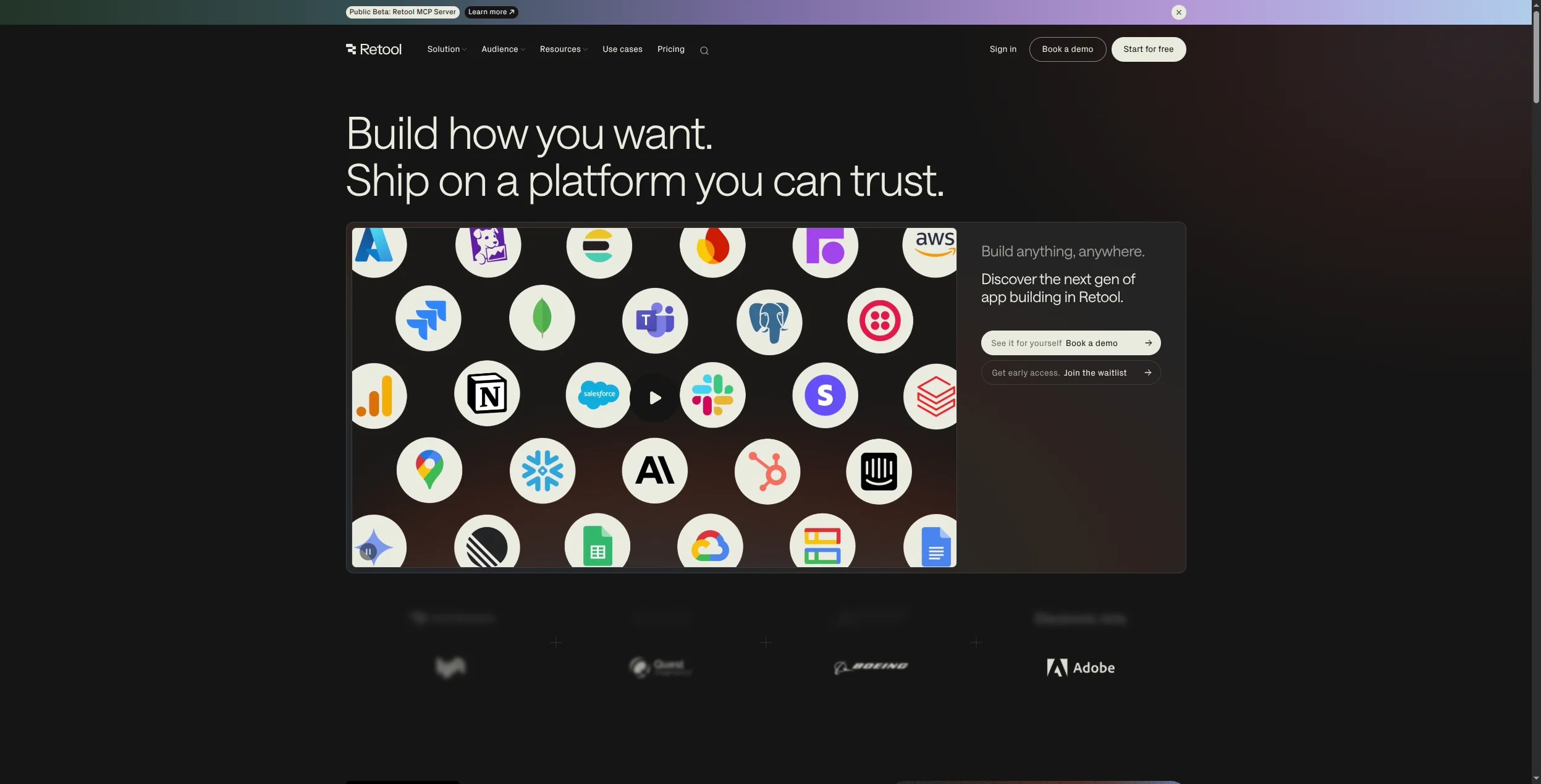
Retool är en low-code internt verktygsbyggare som låter drift-, data- och ingenjörsteam bygga admin-paneler, instrumentpaneler och CRUD-applikationer genom att dra komponenter till en arbetsyta och ansluta dem till vilken databas eller API som helst. Det är inte ett arbetsflödesautomationsverktyg, men för team som behöver både ett internt verktyg och automation fyller det app-byggande luckan.
Fördelar:
Utmärkt för att bygga interna instrumentpaneler och admin-verktyg
Ansluter direkt till databaser (Postgres, MySQL, MongoDB) och API:er
Förbyggda UI-komponenter täcker de flesta interna verktygsmönster
Själv-hosting tillgänglig för företagsdistributioner
Nackdelar:
Kräver viss teknisk kunskap för att ansluta till datakällor
Inte ett arbetsflödesautomationsverktyg — ingen trigger-åtgärd-automation inbyggd
Prissättningen skalar med användarantal, vilket adderar upp för stora team
Bäst för: Drift- och datateam som behöver admin-paneler, interna instrumentpaneler och CRUD-gränssnitt anslutna till databaser eller API:er — byggda snabbare än med anpassad kod.
10. Glide — Bäst för Enkla Mobil- och Webbappar
Glide förvandlar Google Sheets- eller Airtable-data till mobil- och webbappar utan kod. För team som behöver en enkel affärsapp — en checklista för fältservice, en produktkatalog, en intern katalog — är Glide den snabbaste vägen från data till distribuerad app.
Fördelar:
Bygg mobilappar direkt från kalkylbladsdata
Ingen kodning krävs — verkligt no-code
Snabb distribution — appar kan vara live på timmar
Bra för fältteam, enkla kataloger och produktkataloger
Nackdelar:
Begränsad till relativt enkel app-logik
Prestanda och skalbarhet begränsad av det underliggande kalkylbladet
Inte designad för komplex arbetsflödesautomation
Bäst för: Fältteam, småföretag och driftteam som behöver en enkel mobil- eller webbapp byggd från ett Google Sheet eller en Airtable-bas — distribuerad på timmar, inte veckor.
Hur Du Väljer: No-Code Automation vs No-Code App-Byggande
En viktig distinktion: vissa verktyg på den här listan (Bubble, Retool, Glide) är app-builders — de skapar gränssnitt och datalager. Andra (Zapier, Make, FlowHunt, n8n) är automationsplattformar — de ansluter appar och automatiserar processer. Många organisationer behöver båda.
Om du behöver automatisera affärsprocesser mellan befintliga appar → FlowHunt, Zapier, Make eller n8n.
Om du behöver AI-agenter som resonerar och agerar, inte bara dirigerar data → FlowHunt.
Om du behöver bygga en ny app för internt eller externt bruk → Bubble (komplex), Glide (enkel), Retool (interna verktyg).
Om din primära begränsning är kostnad eller datakontroll → n8n eller Activepieces (själv-hostad).
Slutsats
No-code automationsmarknaden har mognat avsevärt. Verktygen i toppen av den här listan hanterar nu användningsfall som krävde utvecklararbete så sent som för två år sedan — och de bästa AI-inbyggda plattformarna som FlowHunt hanterar användningsfall som inget utvecklararbete kunde hantera innan LLM:er fanns.
För de flesta team ser den rätta no-code automationsstacken 2026 ut så här: FlowHunt för AI-driven arbetsflödesautomation + en specialiserad app-builder om du behöver anpassade gränssnitt. Den kombinationen täcker 90 % av automationsbehoven utan en rad kod.
En no-code automationsplattform låter dig bygga automatiserade arbetsflöden mellan appar och tjänster utan att skriva någon kod. I stället för programmering använder du visuella builders, dra-och-släpp-gränssnitt eller förbyggda mallar för att definiera triggers (en händelse som startar ett arbetsflöde) och åtgärder (vad som händer som ett resultat). Exempel inkluderar att skicka ett Slack-meddelande när en ny lead fyller i ett formulär, eller uppdaterar en CRM när en betalning tas emot.
No-code plattformar är designade helt omkring visuella, punkt-och-klick gränssnitt — ingen kodningskunskap krävs. Low-code plattformar erbjuder visuella builders men tillåter också utvecklare att skriva kod för komplex logik som den visuella builder inte kan hantera. Verktyg som Zapier och Make är no-code; plattformar som n8n och Latenode är low-code (de fungerar utan kod men låter utvecklare utöka dem vidare med kod när det behövs).
De bästa kostnadsfria no-code automationsverktygen inkluderar FlowHunt (generös gratis nivå med AI-agenter), Make (1 000 operationer/månad gratis), Zapier (100 uppgifter/månad gratis), Activepieces (gratis för själv-hosting) och n8n (gratis för själv-hosting). För app-byggande snarare än arbetsflödesautomation erbjuder Glide en gratis plan för grundläggande appar.
No-code automationsverktyg kan hantera en stor procentandel av repetitiva, regelbaserade arbetsflödesautomation som tidigare krävde utvecklartid — men de ersätter inte utvecklare helt och hållet. Komplexa integrationer, anpassad affärslogik, säkerhetskänsliga arbetsflöden och prestandakritiska applikationer drar fortfarande nytta av utvecklarengagemang. Den rätta inramningen är att no-code verktyg frigör utvecklare från rutinautomationsarbete så de kan fokusera på genuint komplexa problem.
Ledande no-code automationsplattformar implementerar säkerhet i företagsklass: SOC 2-efterlevnad, end-to-end-kryptering, rollbaserad åtkomstkontroll och revisionsspårning. För datakänsliga organisationer stöder plattformar som n8n och Activepieces också själv-hosting — dina data lämnar aldrig din infrastruktur. Granska alltid en plattforms säkerhetsdokumentation och databehandlingsavtal innan du ansluter affärskritiska system.
Arshia är en AI-arbetsflödesingenjör på FlowHunt. Med en bakgrund inom datavetenskap och en passion för AI, specialiserar han sig på att skapa effektiva arbetsflöden som integrerar AI-verktyg i vardagliga uppgifter, vilket förbättrar produktivitet och kreativitet.
Arshia Kahani
AI-arbetsflödesingenjör
No-Code Automationsplattformen Byggd för AI — Prova FlowHunt Gratis
FlowHunt kombinerar enkelheten i en visuell no-code builder med kraften hos AI-agenter — automatisera komplexa arbetsflöden utan att skriva en enda rad kod.
Bästa verktyg för arbetsflödesautomation 2026: 12 plattformar rangordnade och recenserade
Rangordnade och recenserade: de 12 bästa verktygen för arbetsflödesautomation 2026. Jämförelsetabell, prissättning, kostnadsfria nivåer och en tydlig bedömning ...
Bästa Zapier-alternativen 2026: 12 verktyg som gör mer för mindre
Rankade och granskade: de 12 bästa Zapier-alternativen 2026. Oavsett om du behöver AI-nativ automation, billigare prissättning, själv-hosting eller företagskraf...
Bästa n8n-alternativen 2026: 12 verktyg rankade för utvecklare och team
Rankade och testade: de 12 bästa n8n-alternativen 2026. Från AI-inbyggda no-code-plattformar till open-source-orkestreringsprogram — hitta rätt lösning för ditt...
18 min läsning
Automation
AI Tools
+3
Cookie-samtycke Vi använder cookies för att förbättra din surfupplevelse och analysera vår trafik. See our privacy policy.