10 Best AI Lead Generation Tools in 2026 (Ranked and Reviewed)
The best AI lead generation tools in 2026, ranked by capability, ROI, and ease of use. From AI-powered prospecting to automated outreach — find the right tool for your sales team.
AI is reshaping B2B lead generation. What used to take an SDR hours — researching prospects, verifying contact data, personalising emails, managing follow-up sequences — can now be largely automated by AI tools that never sleep and don’t get demoralised by rejection.
But the AI lead generation tool landscape is crowded and confusing. Some tools find contacts. Some tools enrich them. Some tools send emails. Some do all three. And one platform — FlowHunt — lets you connect them all and build a custom AI lead generation machine tailored to your exact workflow.
This guide ranks the 10 best AI lead generation tools in 2026, with honest assessments of who each one is for and what it actually costs.
Quick answer: There’s no single best tool — the strongest B2B lead generation stack typically combines Apollo
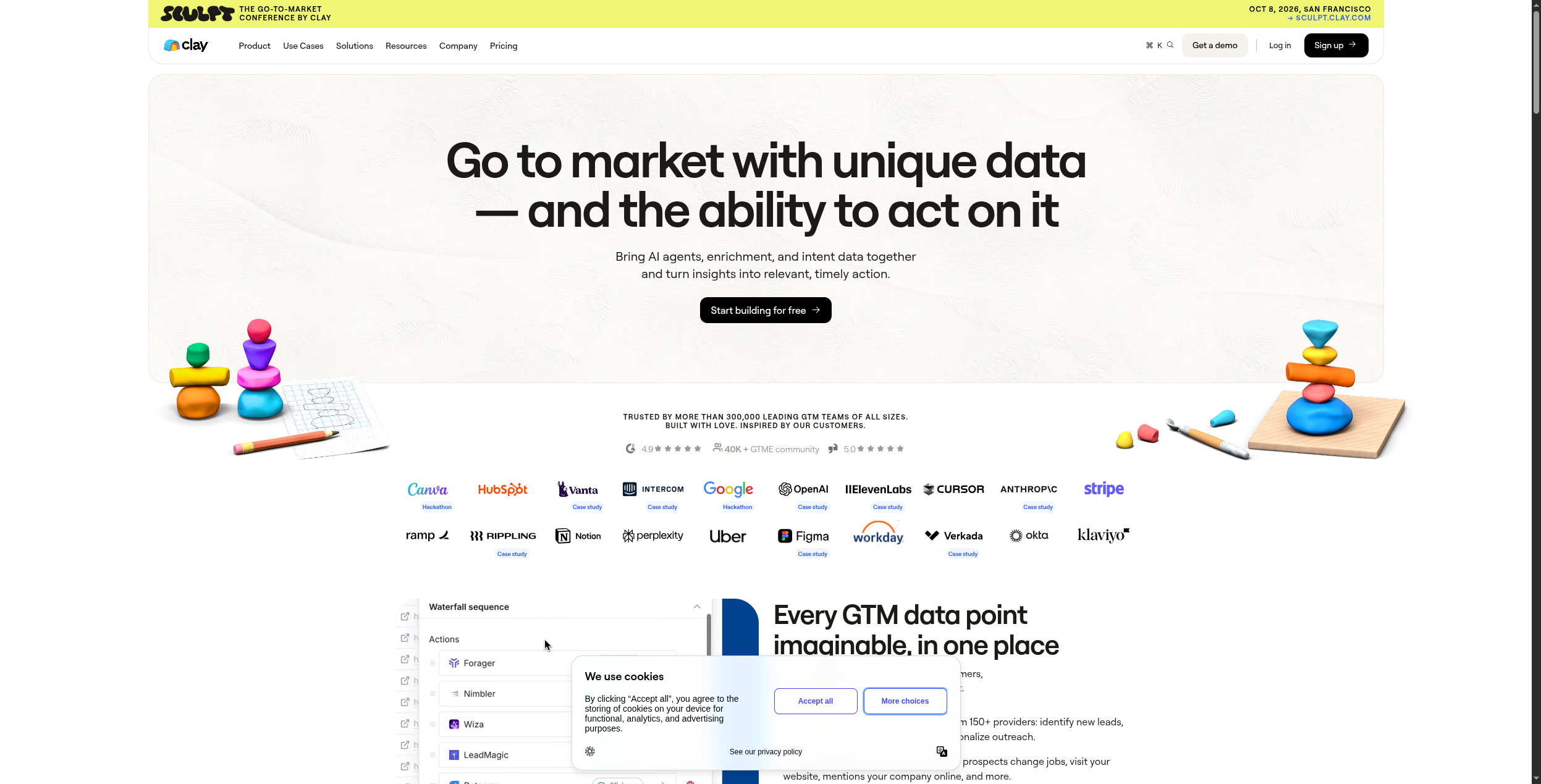
or ZoomInfo for data, Clay
for enrichment, Instantly
for outreach, and FlowHunt
to orchestrate it all automatically.
Quick Comparison: AI Lead Generation Tools
Tool
Best For
Contact Data
Outreach
AI Research
Free Plan
FlowHunt
Custom AI lead gen workflows
Via integrations
Via integrations
Yes
Yes
Apollo
All-in-one prospecting + outreach
275M+ contacts
Yes
Yes
Yes
Clay
Deep enrichment + personalisation
50+ sources
No
Yes
Yes
Instantly
Cold email at scale
No
Yes
Yes
Yes
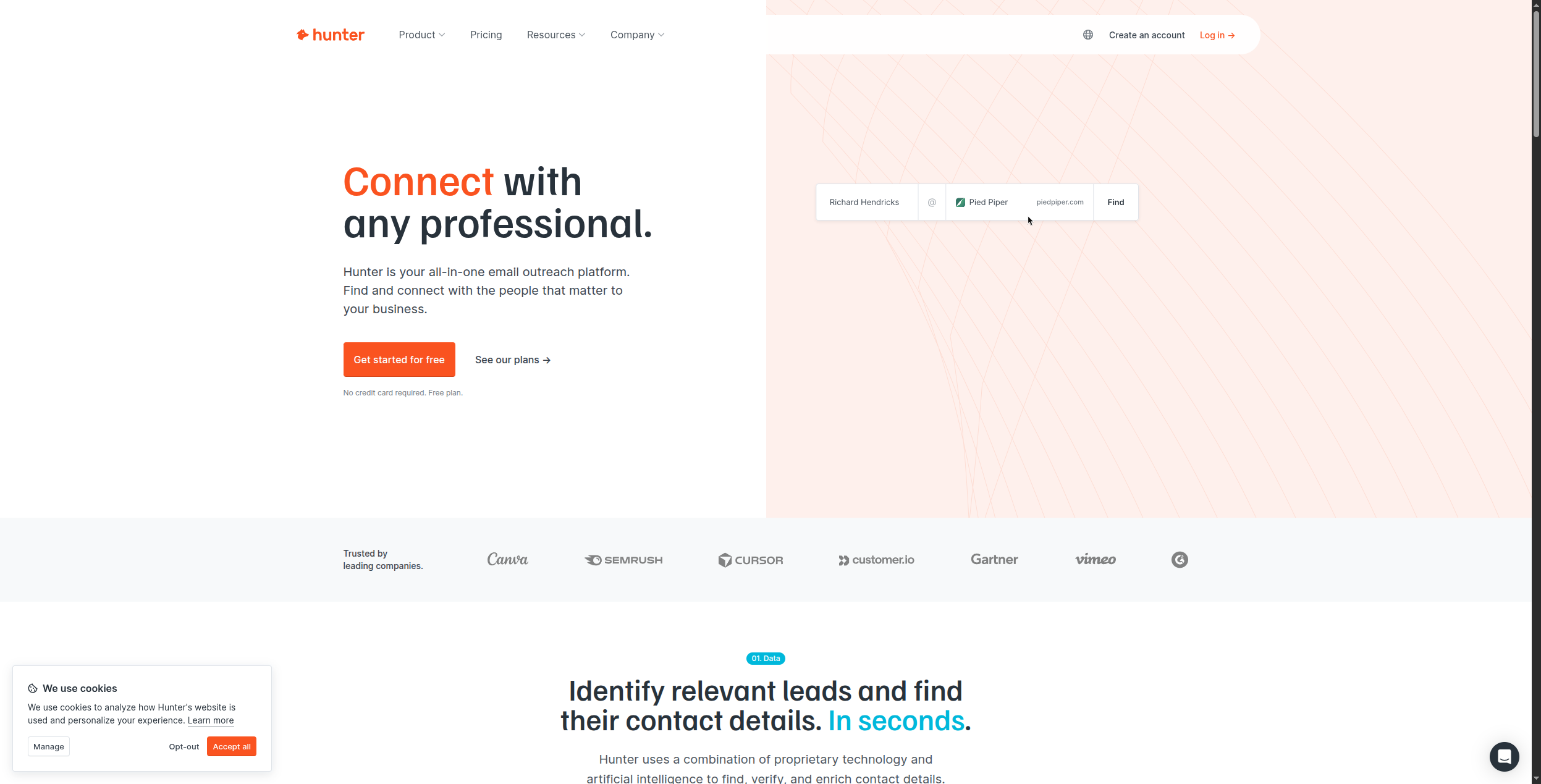
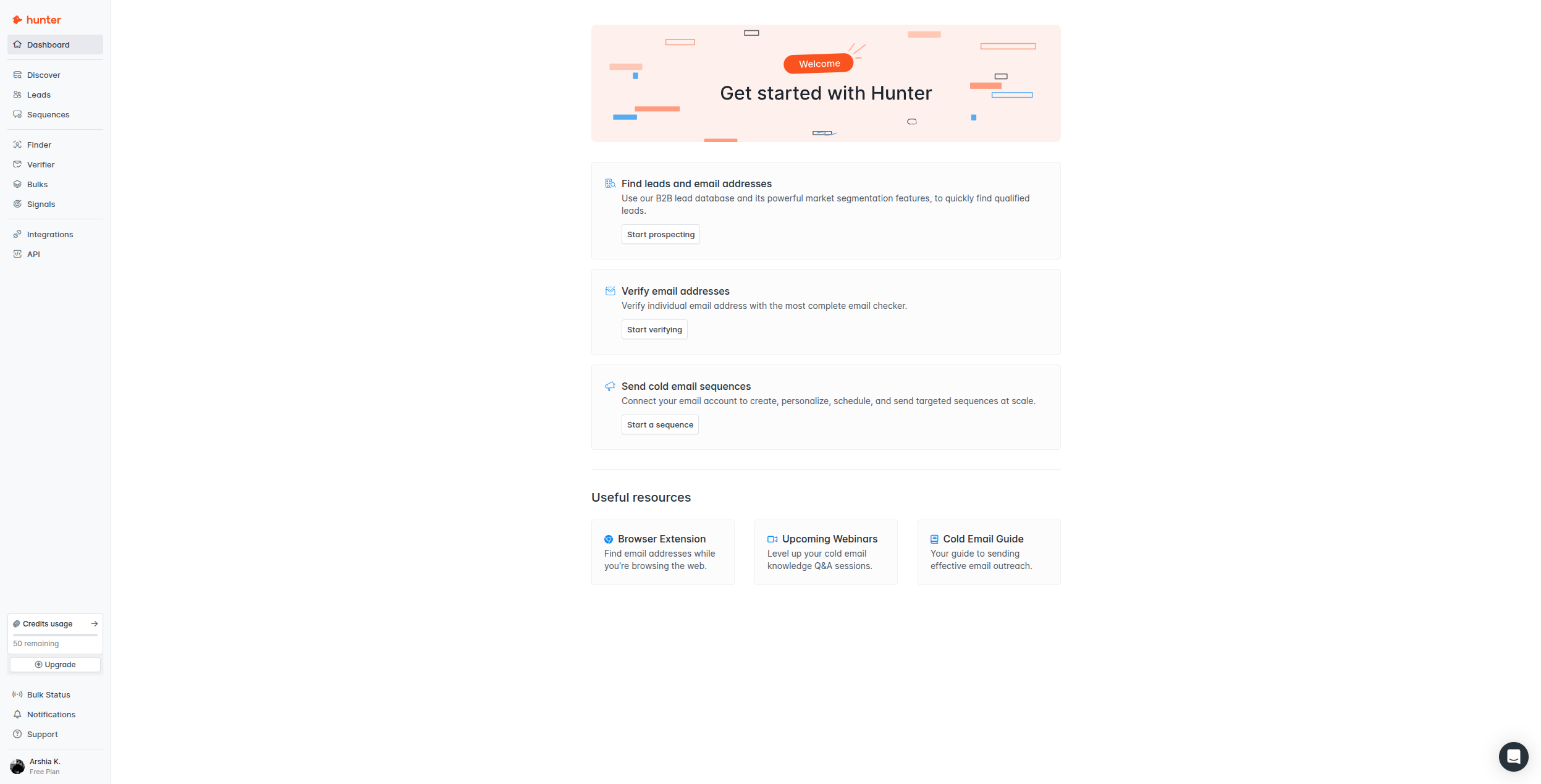
Hunter.io
Email finding and verification
Emails only
Basic
No
Yes
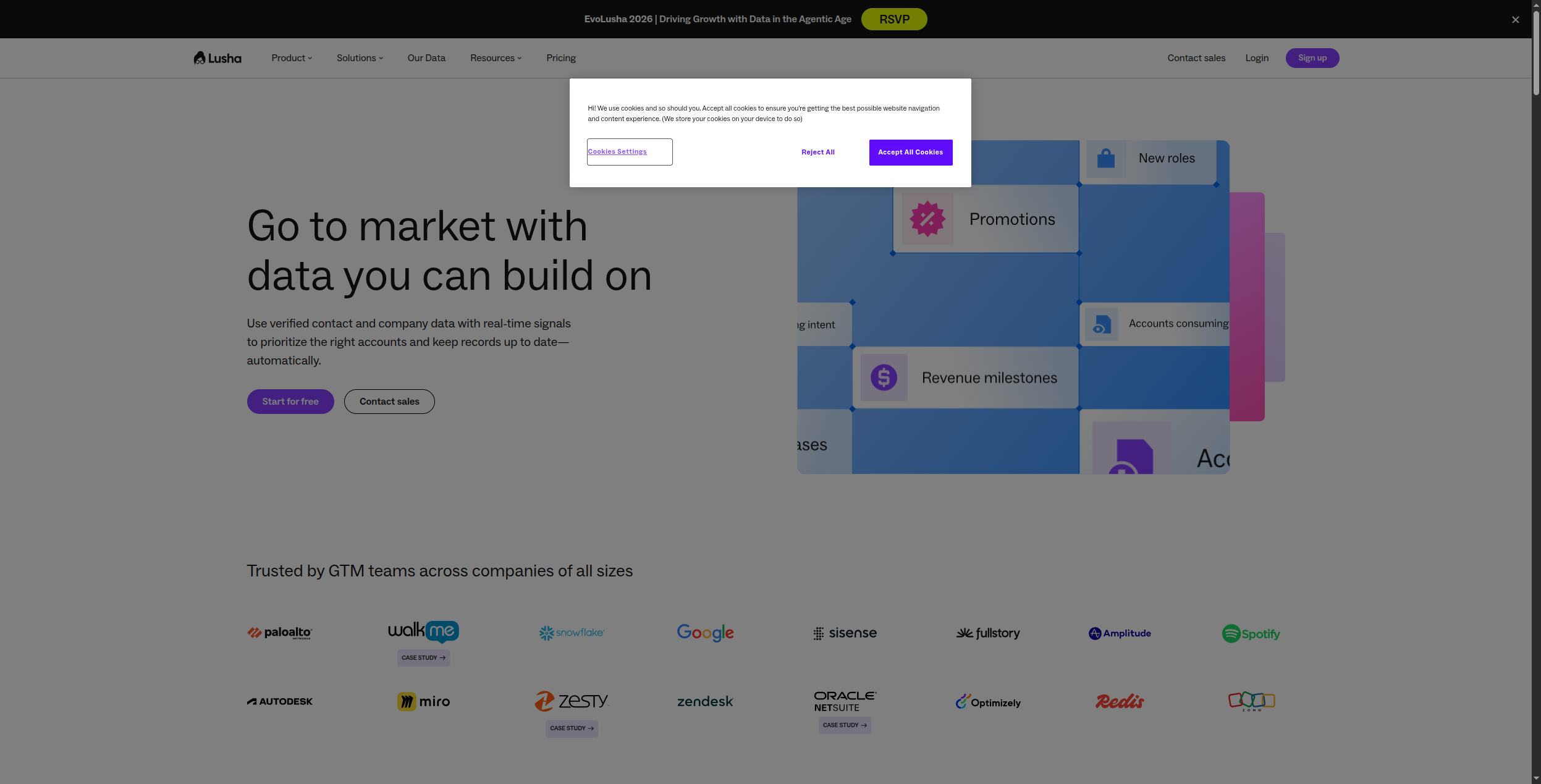
Lusha
Direct dials + intent data
Emails + phones
No
No
Yes
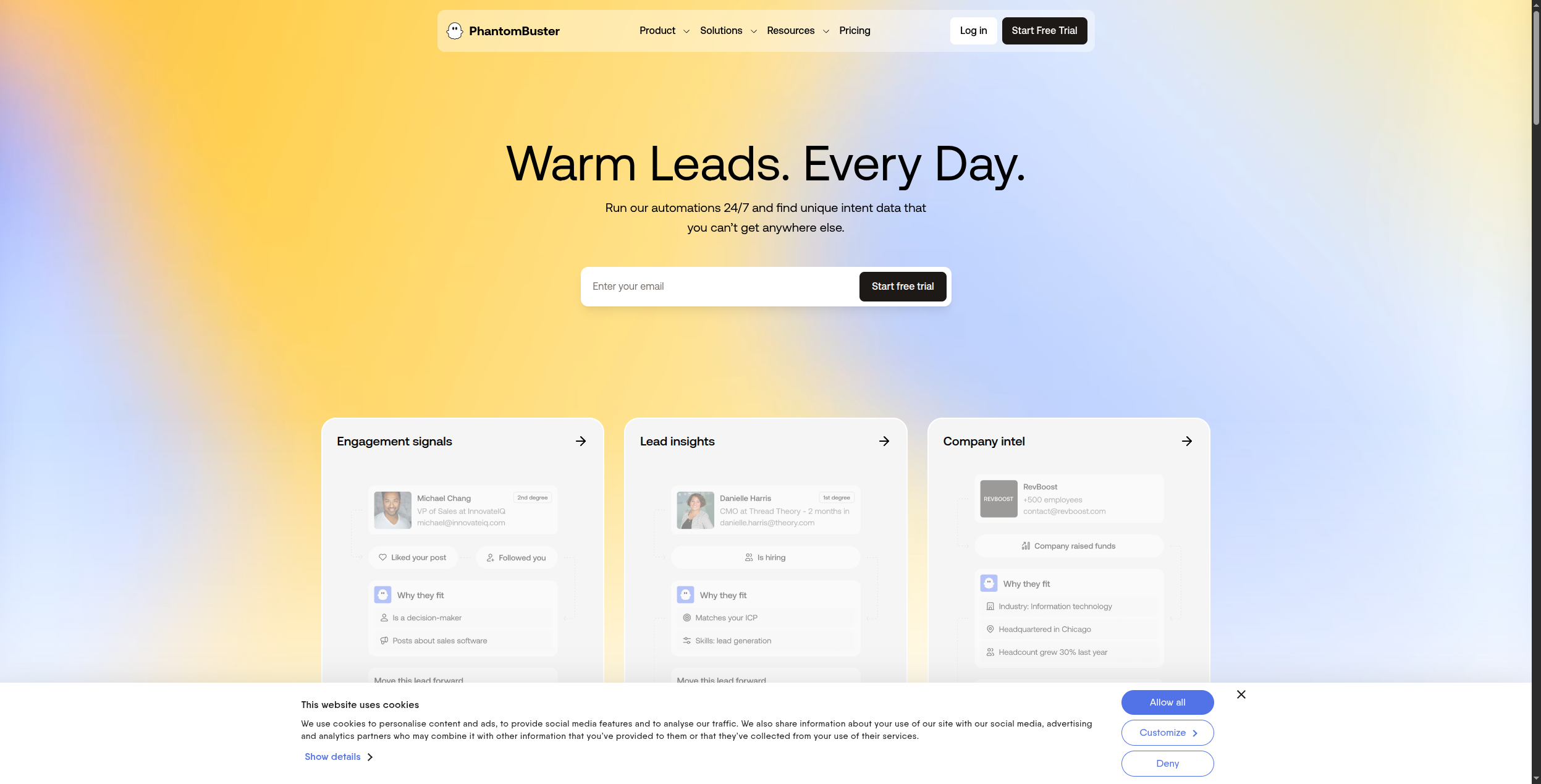
PhantomBuster
LinkedIn automation
LinkedIn only
Via LinkedIn
No
Yes
Seamless.ai
Real-time contact verification
Emails + phones
No
No
Yes
ZoomInfo
Enterprise B2B intelligence
Largest database
Yes
Yes
No
LinkedIn Sales Nav
Decision-maker targeting
LinkedIn only
InMail
Limited
No
1. FlowHunt — Best for Custom AI Lead Generation Workflows
FlowHunt
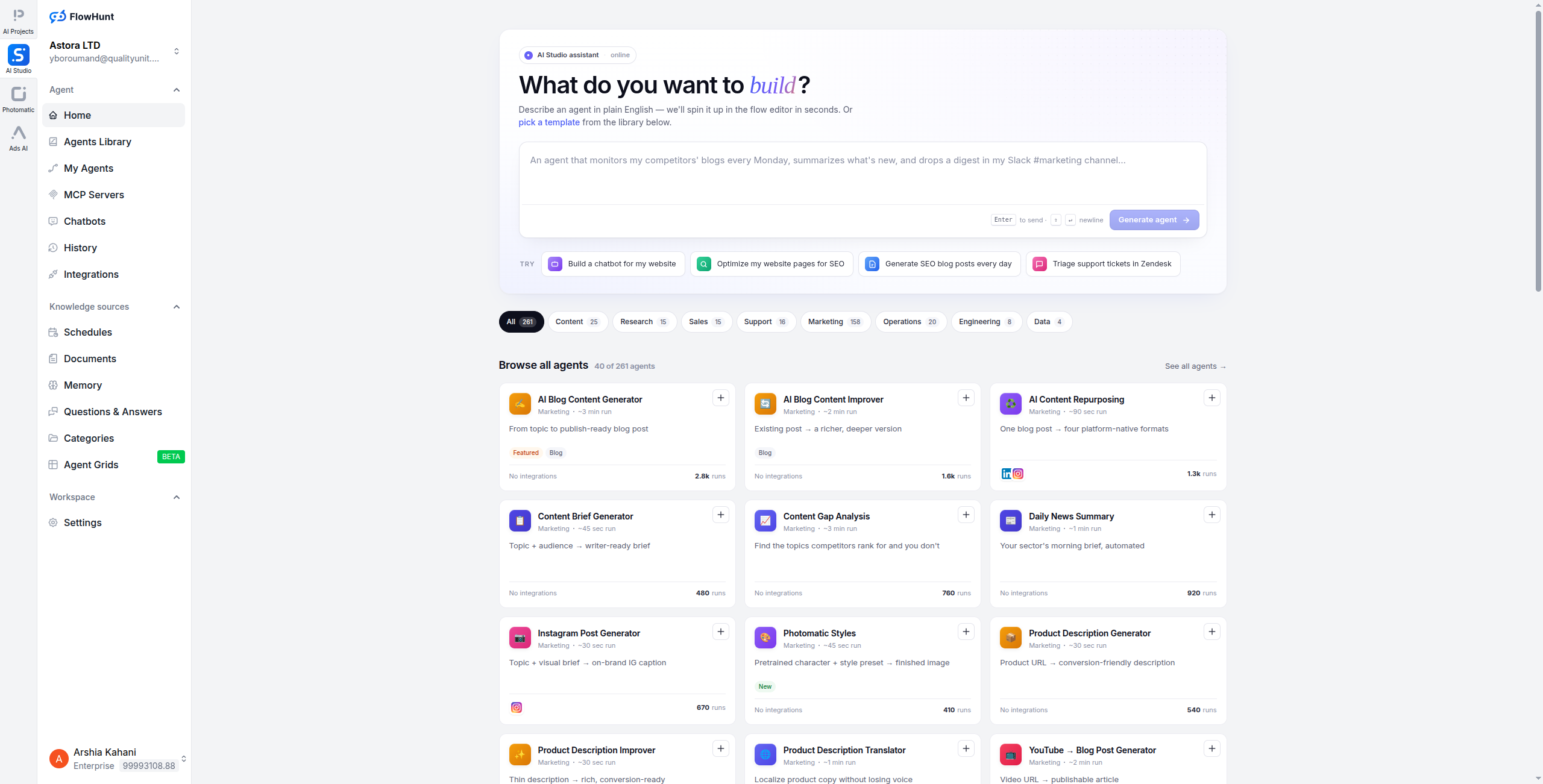
takes a fundamentally different approach to lead generation: instead of being a data tool or an outreach tool, it’s an AI automation platform that lets you build a custom lead generation system that does exactly what your sales process requires.
A typical FlowHunt lead generation workflow might look like: trigger when a new company matches your ICP criteria → AI agent researches the company (website, news, LinkedIn, G2 reviews) → enriches contact data via Apollo or Hunter.io → drafts a hyper-personalised email referencing specific company context → routes to Instantly for send → updates HubSpot with all research context. This entire process runs automatically, at scale, without SDR involvement.
The power of FlowHunt is customisation: every AI lead generation workflow is different, and FlowHunt lets you design the exact workflow your sales team needs rather than forcing you into a pre-built tool’s assumptions.
Build any lead generation workflow — no pre-defined constraints
AI agents research, enrich, and personalise — not just route data
Connects to all major data and outreach tools in one visual flow
Multi-step AI reasoning — agents can make decisions, not just execute steps
Self-hosting available for data-sensitive sales teams
Cons:
Requires workflow configuration — not a pre-built lead generation tool
Best results require connecting external data sources (Apollo, Clay, etc.)
Not a source of contact data itself
Best for: Teams that want a fully custom, end-to-end AI lead generation workflow connecting their existing tools — from prospecting through to CRM update — without being constrained by a pre-built tool’s assumptions.
Ready to grow your business?
Start your free trial today and see results within days.
2. Apollo.io — Best All-in-One Prospecting Platform
Apollo is the most complete single-platform solution for B2B lead generation: 275+ million contacts, built-in email sequencing, AI-powered lead scoring, and enough workflow automation to handle end-to-end outbound campaigns. For sales teams that want one tool rather than a stack, Apollo is the top choice.
Apollo’s AI features include automated prospect scoring, AI email writing, and intent signals that flag companies actively researching solutions in your category. The contact database is regularly refreshed and generally reliable, though data quality varies by industry and geography. Apollo’s sequence builder handles multi-step outreach across email and LinkedIn simultaneously — a major time saver for SDRs who previously juggled multiple tools. AI email generation within Apollo can draft personalized emails referencing the prospect’s job title, company size, and recent company signals.
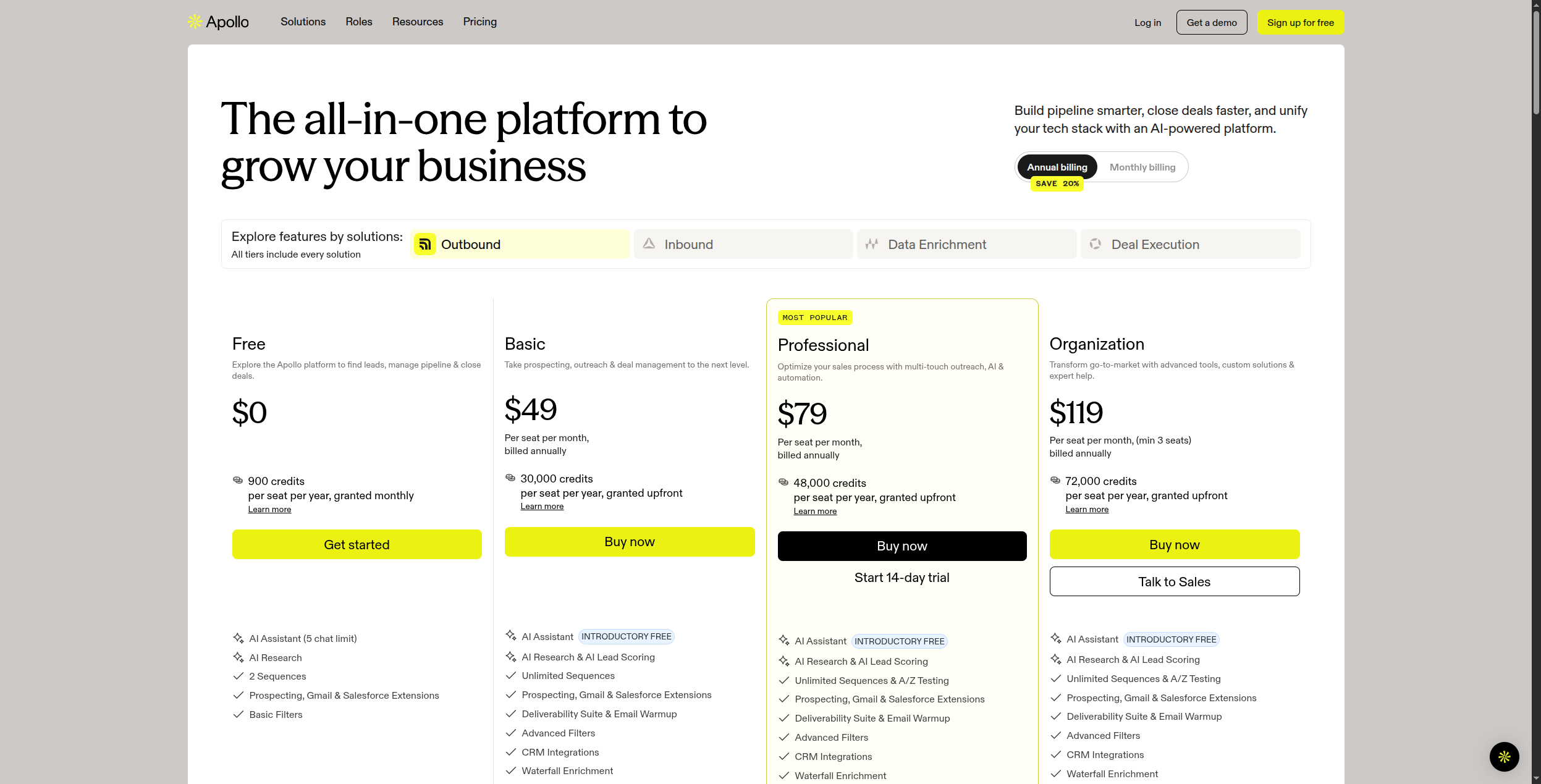
Apollo’s free tier is meaningfully useful: 50 email export credits per month, unlimited searches against the contact database, basic email sequencing, and CRM sync. The paid plans unlock bulk exports, advanced filters, dialer functionality, and conversation intelligence. For early-stage sales teams that need a contact database, sequencing, and CRM integration without a large software budget, Apollo at $49/user/month represents exceptional value compared to the ZoomInfo alternative.
Pricing: Free (50 email exports/month). Basic at $49/user/month. Professional at $79/user/month (advanced filters, AI features, call recordings). Organization at $119/user/month (advanced analytics, SSO, custom reporting).
Pros:
275M+ contacts with email, phone, and LinkedIn data in one database
Built-in email sequencing with LinkedIn steps — no separate tool needed
AI lead scoring and intent signals identify high-priority accounts
Native CRM integration with Salesforce and HubSpot
Genuinely useful free tier for testing and small teams
Cons:
Data quality in some markets (outside US/UK) is inconsistent
Less customisable than building a bespoke workflow in FlowHunt
Intent data accuracy on lower plans is limited
Best for: Sales teams that want a single all-in-one platform combining a large contact database with built-in email sequencing and AI lead scoring — without managing multiple vendors.
Best for: Sales teams that want a single all-in-one platform combining a large contact database with built-in email sequencing and AI lead scoring.
3. Clay — Best for Deep Enrichment and Personalisation at Scale
Clay has become the defining AI lead generation tool of the current era. Its core idea: pull data from 50+ sources (LinkedIn, Apollo, Clearbit, News APIs, company websites, and more), use AI to research and summarise each prospect, and use that research to generate truly personalised outreach at scale.
The result is lead lists with enriched data that goes far beyond “name, email, title” — Clay can tell you what content a prospect has published recently, what tools their company uses (from job listings), and generate a personalised opening line for each lead based on that research. Combined with Instantly or Apollo for sending, Clay-powered outreach consistently outperforms generic sequenced campaigns because every email references something specific and real about the recipient. Claygent, Clay’s AI research agent, can answer questions like “does this company have a dedicated data engineering team?” by autonomously browsing the web and synthesizing what it finds.
Clay’s waterfall enrichment model means you pay only for what you find — if Apollo has the email and Clearbit has the firmographic data, Clay pulls from each and stops searching once the fields are filled. This makes Clay more cost-efficient than paying for full access to a single premium database, especially for international contacts where data quality varies by provider.
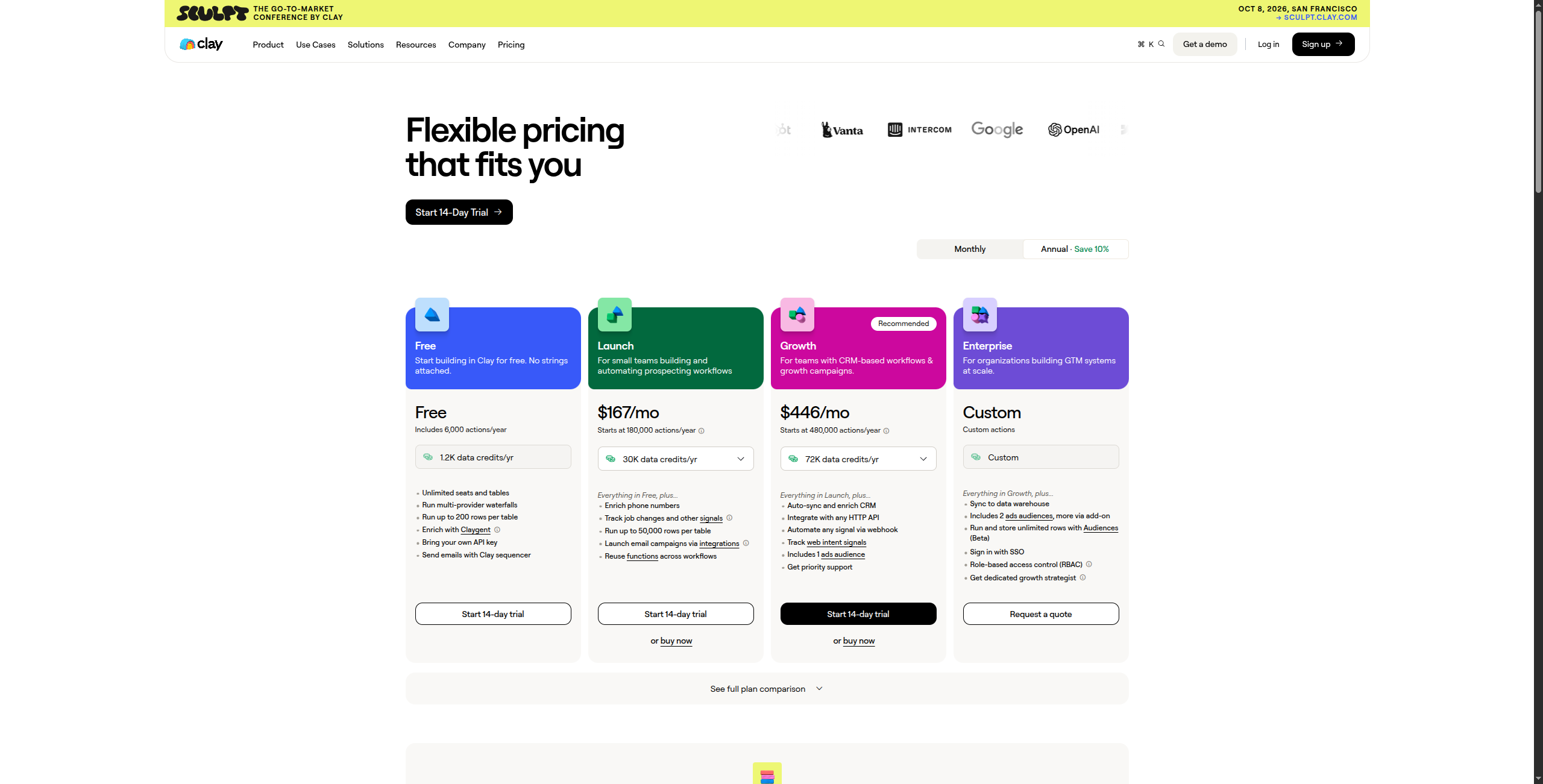
Pricing: Free tier (100 credits/month). Starter at $149/month (2,000 credits). Explorer at $349/month (10,000 credits). Pro at $800/month (50,000 credits). Enterprise custom with dedicated support.
Pros:
75+ integrated data sources for unmatched enrichment depth
Claygent AI agent researches and summarises company context per prospect
Personalisation at scale — unique first lines and context for every lead
Waterfall enrichment uses cheapest source with valid data automatically
Integrates with all major CRMs and outreach platforms
Cons:
Steep learning curve — Clay is powerful but takes time to master
Credit-based pricing can get expensive for large lists with multiple enrichments
Not a source of leads itself — requires importing from Apollo, LinkedIn, or CSV
Enrichment is slower than direct single-source API queries
Best for: Growth teams and SDR teams running personalised outreach at scale — where enrichment depth and hyper-personalisation drive meaningfully higher response rates.
Best for: Growth teams and SDR teams running personalised outreach at scale — where enrichment depth and hyper-personalisation are key to response rates.
Join our newsletter
Get latest tips, trends, and deals for free.
4. Instantly — Best for Cold Email at Scale
Instantly is purpose-built for high-volume cold email outreach, with a unique selling point: unlimited sending accounts on all plans. Where most email tools charge per mailbox, Instantly lets you add as many sending accounts as you need — enabling aggressive sending volume while maintaining deliverability through domain rotation.
Instantly handles inbox warming, bounce management, sequence management, and basic AI personalisation. It’s not a data or enrichment tool — pair it with Clay or Apollo to source and enrich leads before loading them into Instantly sequences. The inbox warming system (Instantly’s Warmup Pool) automatically sends and engages with warm-up emails through a network of real inboxes, building sender reputation before launching cold campaigns. Domain rotation across multiple sending accounts keeps per-domain volumes low enough to maintain inbox placement.
Instantly’s sequence builder supports multi-step conditional workflows: if prospect opens but doesn’t reply, send follow-up A at day 3; if no open at all, send a different subject line at day 5. AI can write personalised opening lines for each lead based on data fields you import, though this is more basic template personalization than Clay’s deep-research approach. The analytics dashboard tracks open rates, reply rates, bounce rates, and conversion by sequence step.
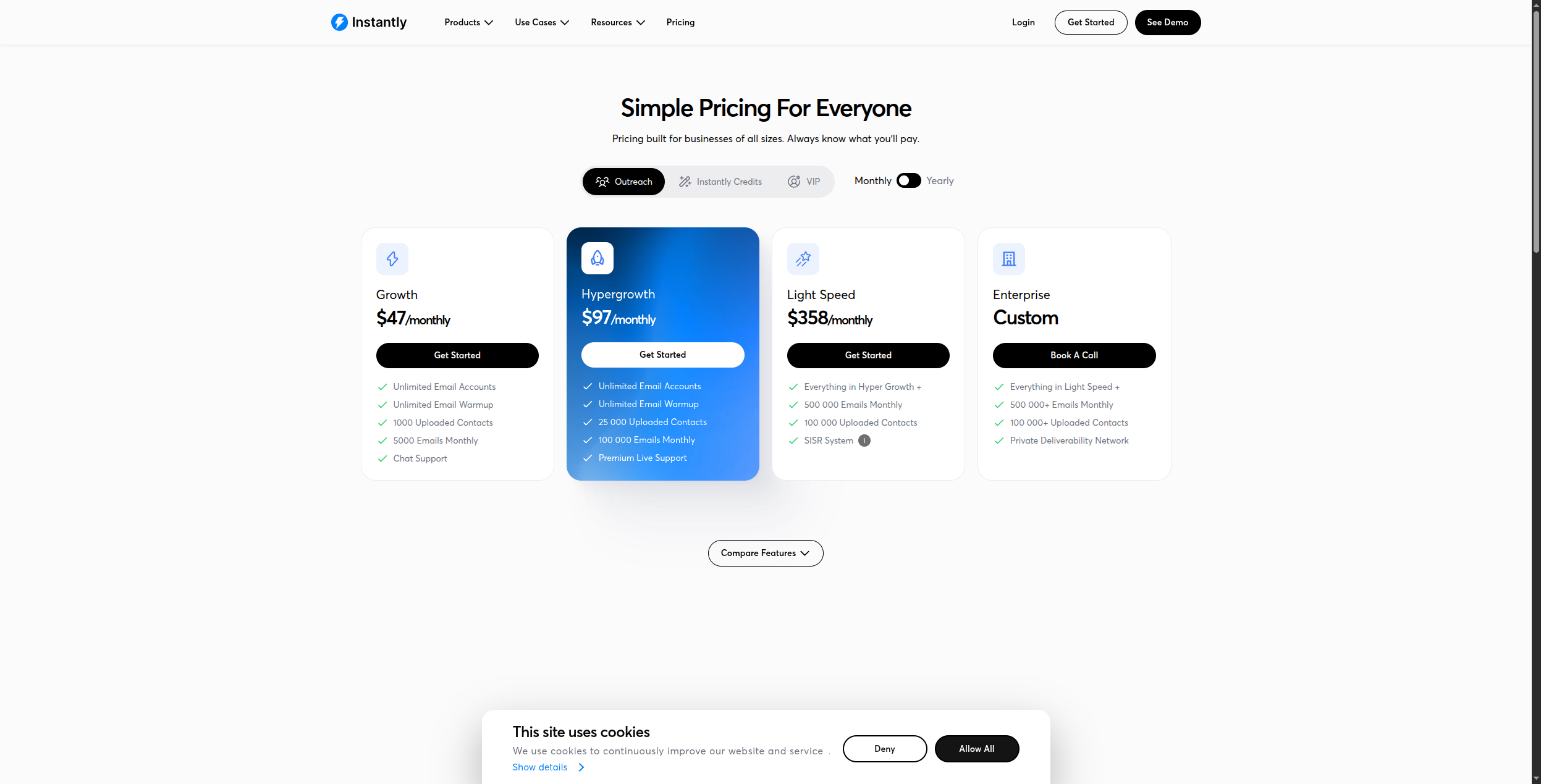
Pricing: Growth at $37/month (unlimited email accounts, 1,000 active leads, basic features). Hypergrowth at $97/month (unlimited active leads, advanced AI features). Light Speed at $358/month (premium deliverability, dedicated IP). Enterprise custom.
Pros:
Unlimited sending accounts on all plans — scale volume without per-mailbox fees
Inbox warming built in through a real-inbox warmup pool
Multi-step conditional sequence logic for sophisticated follow-up flows
AI personalization for opening lines based on imported data
Competitive pricing vs Outreach or Salesloft for comparable send volume
Cons:
No contact data, enrichment, or prospecting — requires a separate data tool
AI personalisation is template-based, not deep-research like Clay’s approach
Reporting is less detailed than enterprise sales engagement platforms
Deliverability still requires careful domain setup and warm-up discipline
Best for: Teams running high-volume cold email campaigns who need to send across multiple domains with unlimited accounts and built-in inbox warming — without paying per mailbox.
Best for: Teams running high-volume cold email campaigns who need to send across multiple domains with built-in inbox warming.
5. Hunter.io — Best for Email Finding and Verification
Hunter.io does one thing exceptionally well: finding and verifying professional email addresses. Give it a domain, and it returns all the email addresses it can find for that company along with confidence scores. It’s the simplest, most affordable entry point into B2B prospecting for early-stage teams.
Hunter’s domain search feature is its core capability: enter a company domain and Hunter returns every email address it has indexed from that domain, the email format pattern (e.g. firstname.lastname@company.com), confidence scores, and the sources where each email was found (website, press releases, LinkedIn). The email verifier checks MX records, SMTP deliverability, and known disposable patterns — giving you a “valid,” “risky,” or “invalid” status before you send. Hunter’s bulk email finder lets you upload a CSV of names and companies and get verified emails returned at scale.
Hunter also offers a simple outreach tool with basic drip email campaigns, which serves early-stage teams that want an all-in-one email finding and outreach solution without paying for Apollo or Instantly separately. The free tier (25 searches/month, 50 verifications/month) is genuinely useful for testing the product and low-volume prospecting.
Pricing: Free (25 searches, 50 verifications/month). Starter at $34/month (500 searches, 1,000 verifications). Growth at $104/month (5,000 searches). Business at $349/month (50,000 searches).
Pros:
Fast, reliable email finding and verification with confidence scores
Domain search surfaces company-wide email patterns and indexed emails
Bulk email finder handles large lists at scale
Integrates with HubSpot, Salesforce, Pipedrive, and other CRMs
Affordable free tier ideal for testing or low-volume prospecting
Cons:
Email-only — no phone numbers, LinkedIn data, or firmographics
Smaller database than Apollo or ZoomInfo for contact breadth
No AI enrichment, intent signals, or personalisation capabilities
Basic outreach features not competitive with Instantly for high-volume sending
Best for: Early-stage teams or freelancers who need affordable, reliable email finding and verification without committing to a large all-in-one database subscription.
Best for: Early-stage teams or freelancers who need affordable, reliable email finding and verification without committing to a large database subscription.
6. Lusha — Best for Direct Dials and Intent Data
Lusha’s differentiation is its data: verified direct phone numbers and mobile dials (not just switchboard numbers) plus intent data that identifies companies actively researching solutions in your category. For sales teams that rely on phone as a primary outreach channel, Lusha’s data quality on direct dials is superior to most alternatives.
Lusha’s database covers 100M+ B2B contacts with an emphasis on verified direct lines and mobile numbers. Unlike many tools that surface switchboard numbers, Lusha specifically verifies direct-dial extensions and mobile numbers — a significant differentiator for outbound sales teams where direct-dial reach rates are 3-5x higher than switchboard connections. The Chrome extension integrates directly with LinkedIn, showing phone numbers and verified emails as you browse profiles without leaving the page. Lusha’s intent data layer identifies companies actively researching topics relevant to your product category, surfacing in-market buyers for prioritised outreach.
Lusha is also GDPR-compliant, which matters specifically for sales teams targeting European prospects. The platform includes contact data sourced in compliance with European data protection regulations, reducing legal risk for EU outbound campaigns. The API allows CRM integration to automatically enrich contact records as they’re created.
Pricing: Free (5 phone credits/month, 50 email credits/month). Pro at $29/user/month (480 phone credits/year). Premium at $51/user/month (960 credits/year). Scale plan custom for high-volume teams.
Pros:
Strong verified direct dial and mobile number coverage — not just switchboard
Intent signals identify in-market buyers researching your category
Clean Chrome extension for real-time LinkedIn contact lookup
GDPR-compliant data sourcing for European outreach
API for automated CRM contact enrichment
Cons:
Smaller overall contact database than Apollo or ZoomInfo
Credit-based pricing can be expensive for high-volume prospecting
No built-in email sequencing or outreach capabilities
International coverage outside US/Europe is thinner
Best for: Sales teams that rely on phone outreach and need verified direct dials — not just switchboard numbers — plus intent data to identify in-market buyers before competitors reach them.
Best for: Sales teams that rely on phone outreach and need verified direct dials — not just switchboard numbers — plus intent data to identify in-market buyers.
7. PhantomBuster — Best for LinkedIn Lead Automation
PhantomBuster automates LinkedIn prospecting at scale: scraping search results, extracting company follower lists, automating connection requests, and managing LinkedIn outreach sequences. It’s the strongest tool for teams whose primary prospecting channel is LinkedIn.
PhantomBuster’s 100+ phantoms cover LinkedIn use cases comprehensively: LinkedIn Search Export extracts everyone matching a search query, Sales Navigator Search Export handles advanced filtered searches, LinkedIn Profile Enricher pulls full profile data including job history and education, and LinkedIn Message Sender automates personalised connection messages with follow-ups. The platform lets you chain phantoms together — for example, export a Sales Navigator search, then enrich each profile, then send connection requests to qualified contacts.
Each phantom has configurable safety settings: daily limits on connection requests (LinkedIn’s algorithm penalizes aggressive automation), time-of-day windows for request sending to mimic human behavior, and session cookie management to maintain account health. These controls make PhantomBuster more responsible than naive automation scripts, though LinkedIn account risk is never fully eliminated for automation tools.
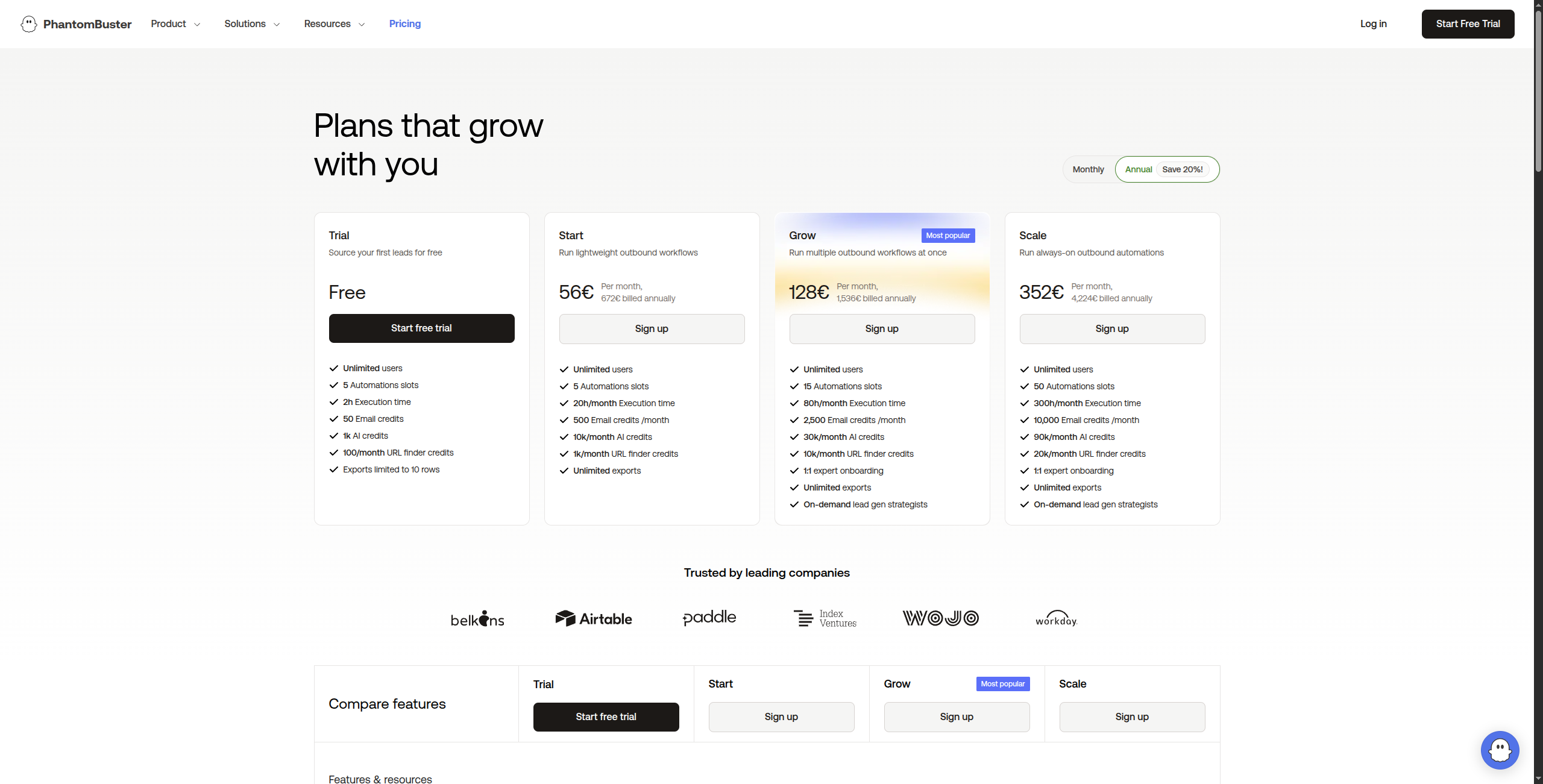
Pricing: Trial (14 days free). Starter at $56/month (20 execution hours, 5 phantom slots). Pro at $128/month (80 hours, 15 slots). Team at $352/month (300 hours, unlimited slots).
Pros:
Best LinkedIn and Sales Navigator automation and data extraction available
100+ pre-built phantoms cover most LinkedIn prospecting scenarios
Automates connection requests, messages, and multi-step follow-ups
Configurable safety limits to reduce LinkedIn account restriction risk
Good Zapier, HubSpot, and Google Sheets integration
Cons:
LinkedIn ToS compliance risk — accounts can be restricted for automation
Limited to LinkedIn and other social platforms (no email or direct data)
Phantom slot model limits concurrent automation at lower price points
Data quality depends entirely on what LinkedIn profiles contain
Best for: Sales teams and marketers whose primary prospecting channel is LinkedIn — running search exports, enriching profiles, and managing connection and message sequences at scale.
Best for: Sales teams and marketers whose primary prospecting channel is LinkedIn — extracting search result lists, automating connection requests, and managing follow-up sequences.
8. Seamless.ai — Best for Real-Time Contact Verification
Seamless.ai differentiates itself with real-time verification: rather than pulling from a static database, it actively crawls and verifies contact data at the moment of search. This makes it particularly valuable for industries with high turnover or recent organisational changes where static databases go stale quickly.
Seamless.ai searches across its own database and multiple public sources simultaneously at the moment of your query — rather than serving pre-indexed, potentially stale records. The result is fresher data, particularly for direct dial numbers and emails at companies with recent organizational changes. The Chrome extension integrates with LinkedIn for real-time contact lookup while prospecting, and the platform connects to Salesforce, HubSpot, and most major CRMs for automatic record enrichment.
Seamless.ai’s unlimited search model (flat monthly fee with no per-result charges) is attractive for teams doing high-volume prospecting who want predictable costs. However, actual data quality results vary considerably by market — US tech industry coverage is stronger than international or traditional industries. The platform’s claims about accuracy have been challenged by some user reviews, so testing against your specific target market before committing to an annual plan is advisable.
Pricing: Free (50 credits). Basic at $147/month (250 credits). Pro at $397/month (unlimited credits and features). Enterprise custom with advanced integrations and team management.
Pros:
Real-time AI-powered contact verification reduces bounce rates vs. static databases
Both email and direct phone number data in one platform
Chrome extension for real-time lookup while browsing LinkedIn
Unlimited search plans provide predictable pricing at scale
Integrates with Salesforce, HubSpot, and other major CRMs
Cons:
Data quality claims disputed — results vary significantly by market and industry
UI is less polished and intuitive than Apollo or ZoomInfo
Aggressive upsell and onboarding tactics reported by multiple users
Unlimited model less cost-effective for low-volume use cases
Best for: Sales teams in fast-moving industries with high staff turnover where static databases go stale quickly and real-time verification is worth the trade-off in database breadth.
Best for: Sales teams in fast-moving industries where contact data goes stale quickly and real-time verification is worth the trade-off in database size.
9. ZoomInfo — Best Enterprise B2B Intelligence Platform
ZoomInfo is the most comprehensive B2B intelligence platform available, with the largest database of company and contact data, the most sophisticated intent signal tracking, and the deepest enterprise integrations. It’s also the most expensive — best suited to mid-market and enterprise sales organisations with large outbound volumes.
Pros:
Largest and most accurate B2B contact database
Intent data (Streaming Intent) identifies buyers before competitors
Deep Salesforce and HubSpot integration
Conversation intelligence and sales engagement built in
Chorus acquisition adds call recording and coaching
Cons:
Enterprise pricing — typically $15,000-$50,000+/year
Long contract terms with limited flexibility
Overkill for startups and SMBs
Best for: Mid-market and enterprise sales organisations that need the most comprehensive B2B contact database with intent signals, conversation intelligence, and deep CRM integration — and have the budget for it.
10. LinkedIn Sales Navigator — Best for Targeting Decision-Makers
LinkedIn Sales Navigator gives you advanced filtering across LinkedIn’s 1 billion+ member database, with lead recommendations, company alerts, and InMail credits for direct outreach. For enterprise sales targeting C-suite and VP-level buyers, Sales Navigator’s targeting precision is unmatched by any external database.
Pros:
Access to LinkedIn’s full network with advanced filtering
Lead recommendations based on your saved leads and accounts
Company alerts for trigger events (funding, leadership changes, hiring)
InMail credits for reaching prospects not in your network
Cons:
$99/month per seat — adds up for larger teams
InMail response rates are often lower than email
Data is LinkedIn-only — no email, phone, or enrichment
Best for: Enterprise sales teams targeting C-suite and VP-level buyers, where LinkedIn targeting precision and relationship context matter more than email volume.
How to Build a Complete AI Lead Generation Stack
The most effective AI lead generation operations combine multiple tools — here’s the stack architecture that consistently outperforms single-tool approaches:
Layer 1 — Prospecting: ZoomInfo, Apollo, or LinkedIn Sales Navigator to find prospects matching your ICP
Layer 2 — Enrichment: Clay to research each prospect deeply and generate personalised context
Layer 3 — Outreach: Instantly for email, PhantomBuster for LinkedIn
Layer 4 — Orchestration: FlowHunt to connect all layers in an automated workflow that runs without manual coordination
This four-layer stack, orchestrated by FlowHunt’s AI agents, handles the entire lead generation process from ICP search to CRM-updated prospect — at a scale and consistency no human SDR team can match. For more on this approach, see our sales automation solutions
.
Bottom Line
The best AI lead generation tool is the one that solves your specific bottleneck:
No contact data → Apollo or ZoomInfo
Low personalisation / generic outreach → Clay
Poor email deliverability → Instantly
LinkedIn-first strategy → PhantomBuster or Sales Navigator
AI lead generation tools use artificial intelligence to automate the process of finding, enriching, qualifying, and engaging potential customers. This includes tools that identify prospects matching your ideal customer profile, verify contact data, personalise outreach messages, score leads by likelihood to convert, and update CRM systems automatically — reducing the manual work traditionally done by SDRs and sales researchers.
For most B2B sales teams, a combination of tools works best: Apollo or ZoomInfo for contact data, Clay for enrichment and personalisation, Instantly for outreach, and FlowHunt to orchestrate the entire workflow automatically. If you want a single platform that handles the full pipeline, FlowHunt lets you build a custom AI lead generation system tailored to your specific ICP and workflow.
Pricing varies widely. Hunter.io starts at $49/month. Apollo starts at $49/user/month. Clay starts at $149/month. ZoomInfo starts at around $15,000/year for enterprise plans. LinkedIn Sales Navigator runs $99/month per seat. FlowHunt offers a free tier for building and testing workflows, with paid plans based on usage. Most tools offer free trials or limited free plans.
AI tools can automate the majority of the lead generation process — finding prospects, verifying contact data, researching company context, personalising messages, and managing follow-up sequences. However, the highest-converting outreach still benefits from human oversight, especially for enterprise deals where relationship nuance matters. The best approach is AI-automated prospecting and initial outreach, with human review for priority accounts.
Lead generation tools focus on finding and qualifying prospects (Apollo, ZoomInfo, Clay, Hunter.io). Sales engagement platforms focus on managing and executing outreach to those prospects (Instantly, Outreach, Salesloft). Many tools now combine both functions. FlowHunt is unique in letting you build a custom workflow that spans both — from prospecting through to CRM update — using AI agents for the steps in between.
Arshia is an AI Workflow Engineer at FlowHunt. With a background in computer science and a passion for AI, he specializes in creating efficient workflows that integrate AI tools into everyday tasks, enhancing productivity and creativity.
Arshia Kahani
AI Workflow Engineer
Build Your Own AI Lead Generation Machine — Try FlowHunt Free
FlowHunt lets you build custom AI lead generation workflows — research prospects, enrich data, personalise outreach, and update your CRM automatically. No code required.
AI Lead Generation Tools Compared: FlowHunt vs Apollo.io vs Lusha
We compared FlowHunt, Apollo.io, Lusha, ZoomInfo, and Cognism on list quality, data freshness, ICP filtering, integrations, and price on their paid plans. Here'...
10 Best Sales Automation Tools in 2026: Ranked and Reviewed
The 10 best sales automation tools in 2026, ranked by outreach capability, AI personalisation, CRM integration, and pricing. Close more deals with less manual e...
10 Best Lead Enrichment Tools in 2026 (Ranked & Reviewed)
The 10 best lead enrichment tools in 2026 — ranked by data quality, coverage, API flexibility, and pricing. From Apollo and Clay to FlowHunt's AI enrichment wor...
14 min read
Lead Enrichment
Sales Tools
+2
Cookie Consent We use cookies to enhance your browsing experience and analyze our traffic. See our privacy policy.