


BuiltWith
Integrate FlowHunt with BuiltWith MCP Server to empower your AI assistants with instant website technology stack detection, deep tech insights, and automated te...
4 min read
AI
BuiltWith
+3

Connect your AI agents to the BuiltWith technology detection API for instant insights into the technology stack of any website. Ideal for audits, competitor research, and developer workflows.
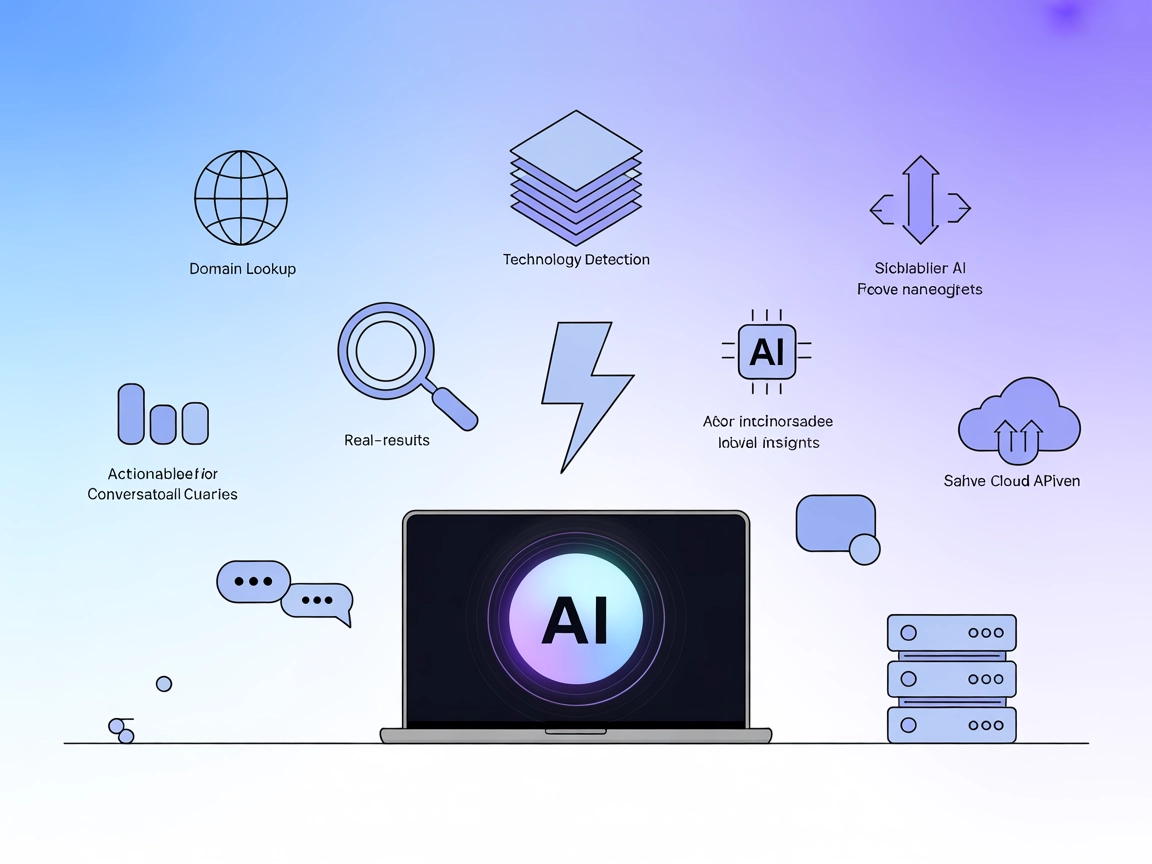
The BuiltWith MCP (Model Context Protocol) Server is a specialized tool designed to connect AI assistants with the BuiltWith technology detection API. Its primary function is to enable AI agents to analyze and identify the technology stack behind any website. By bridging the gap between natural language queries and the BuiltWith API, this MCP server allows developers and AI-powered workflows to obtain detailed insights about frameworks, analytics tools, hosting services, content management systems, and more used on any given domain. This capability enhances development workflows by enabling quick technology audits, competitive analysis, and data-driven decisions through seamless API integration.
No explicit reusable prompt templates are mentioned in the repository.

Start your free trial today and see results within days.
No explicit MCP resources are documented in the repository.
Get latest tips, trends, and deals for free.
git clone https://github.com/builtwith/mcp.git
cd mcp
npm install
{
    "mcpServers": {
        "builtwith": {
            "command": "node",
            "args": ["[PATH-TO]/bw-mcp-v1.js"],
            "env": {
                "BUILTWITH_API_KEY": "[YOUR-API-KEY]"
            }
        }
    }
}
claude_desktop_config.json located at:~/Library/Application Support/Claude/claude_desktop_config.json%APPDATA%\Claude\claude_desktop_config.json{
"mcpServers": {
"builtwith": {
"command": "node",
"args": ["[PATH-TO]/bw-mcp-v1.js"],
"env": {
"BUILTWITH_API_KEY": "[YOUR-API-KEY]"
}
}
}
}
~/Library/Application Support/Code/User/globalStorage/saoudrizwan.claude-dev/settings/cline_mcp_settings.json%APPDATA%\Code\User\globalStorage\saoudrizwan.claude-dev\settings\cline_mcp_settings.json{
"mcpServers": {
"builtwith": {
"command": "node",
"args": ["[PATH-TO]/bw-mcp-v1.js"],
"env": {
"BUILTWITH_API_KEY": "[YOUR-API-KEY]"
}
}
}
}
Securing API Keys:
Always store sensitive API keys using environment variables. For example:
{
    "env": {
        "BUILTWITH_API_KEY": "[YOUR-API-KEY]"
    },
    "inputs": {}
}
To integrate MCP servers into your FlowHunt workflow, start by adding the MCP component to your flow and connecting it to your AI agent:

Click on the MCP component to open the configuration panel. In the system MCP configuration section, insert your MCP server details using this JSON format:
{
  "builtwith": {
    "transport": "streamable_http",
    "url": "https://yourmcpserver.example/pathtothemcp/url"
  }
}
Once configured, the AI agent is now able to use this MCP as a tool with access to all its functions and capabilities. Remember to change “builtwith” to whatever the actual name of your MCP server is and replace the URL with your own MCP server URL.
| Section | Availability | Details/Notes |
|---|---|---|
| Overview | ✅ | Overview of the BuiltWith MCP Server is provided. |
| List of Prompts | ⛔ | No reusable prompt templates are described. |
| List of Resources | ⛔ | No explicit MCP resources listed. |
| List of Tools | ✅ | Domain Lookup tool described. |
| Securing API Keys | ✅ | Environment variable usage documented in setup instructions. |
| Sampling Support (less important in evaluation) | ⛔ | No mention of sampling support. |
Based on the available documentation, the BuiltWith MCP Server offers clear setup instructions and a well-defined use case but lacks advanced MCP features such as resources, prompt templates, roots, or sampling. It is a simple, purpose-built MCP server.
| Has a LICENSE | ✅ (MIT) |
|---|---|
| Has at least one tool | ✅ |
| Number of Forks | 0 |
| Number of Stars | 3 |
Overall, this MCP scores around 4/10: it is functional and well-documented for its single use case, but lacks depth in MCP-specific features such as resources, prompt templates, and sampling support, and has minimal community engagement so far.
Effortlessly analyze website technology stacks and empower your workflow with the BuiltWith MCP integration in FlowHunt.
Integrate FlowHunt with BuiltWith MCP Server to empower your AI assistants with instant website technology stack detection, deep tech insights, and automated te...
The Webflow MCP Server connects AI assistants and automation tools to Webflow's APIs, enabling seamless site discovery, automated management, and contextual dat...

MCP Compass is a discovery and recommendation service for the Model Context Protocol (MCP) ecosystem. It enables AI assistants and developers to find and unders...
Cookie Consent
We use cookies to enhance your browsing experience and analyze our traffic. See our privacy policy.