


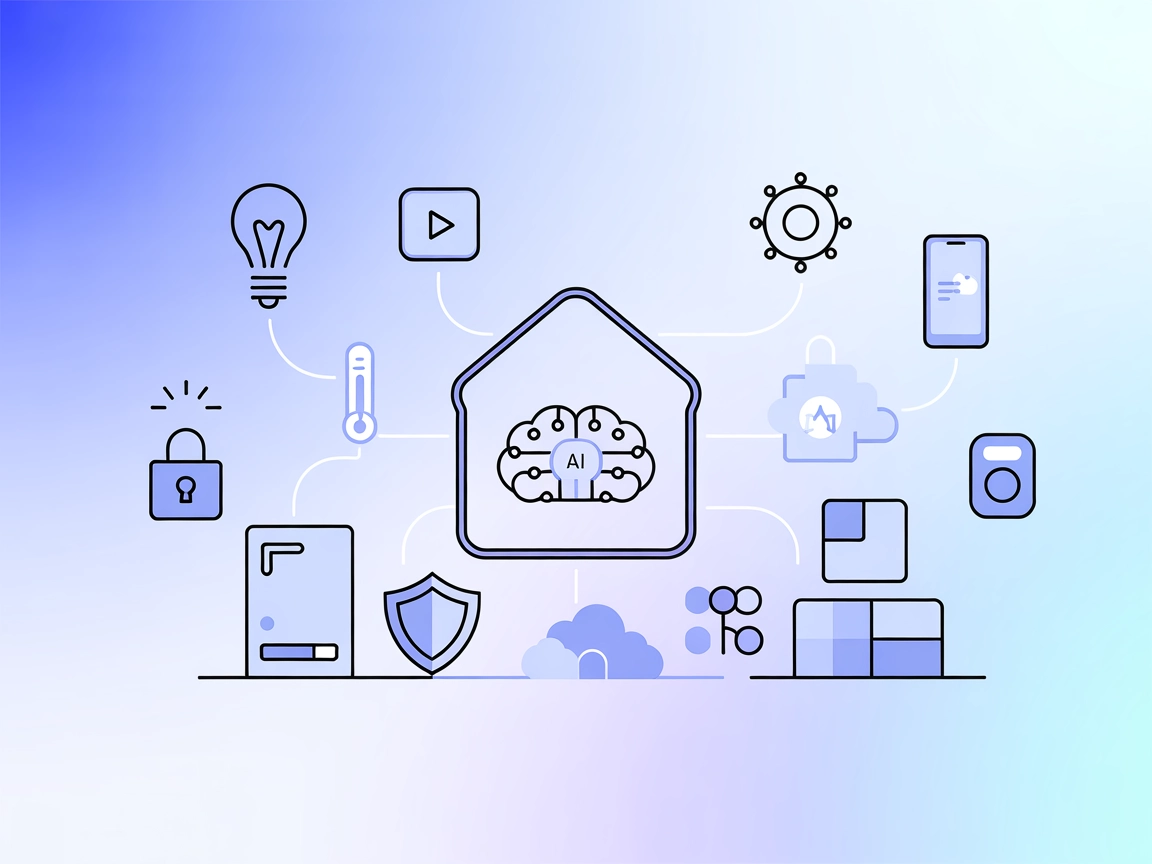
Home Assistant
Integrate FlowHunt with Home Assistant MCP Server to unlock natural language control, automate device management, and monitor your smart home ecosystem using ad...
4 min read
AI
Home Assistant
+4
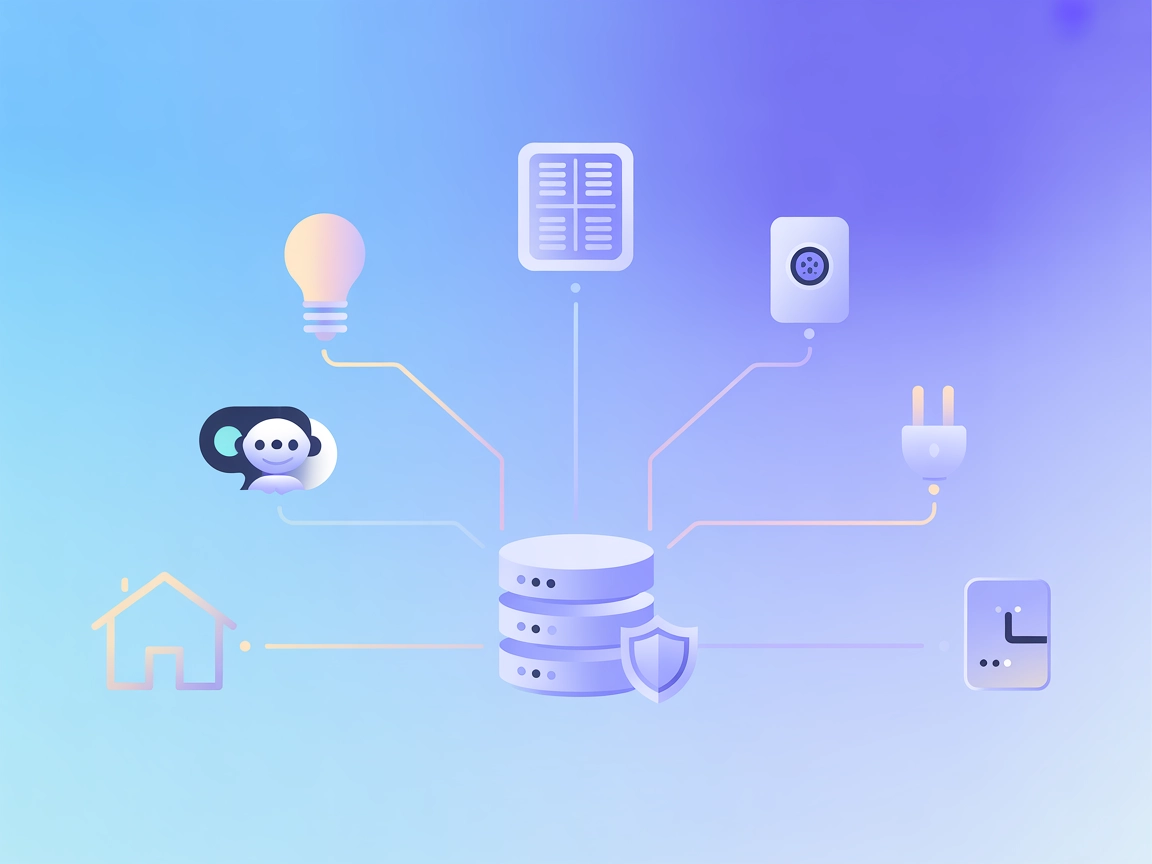
Connect conversational AI to your Home Assistant setup with hass-mcp. Query, control, and monitor your smart home devices and automations directly from large language models.
Home Assistant MCP Server (hass-mcp) is a Model Context Protocol (MCP) server that bridges AI assistants—such as Claude and other LLMs—with your Home Assistant ecosystem. By exposing Home Assistant’s data and functionalities via the MCP standard, it empowers AI agents to interact with, query, and control smart home devices and automations. Typical tasks enabled by hass-mcp include querying device and sensor states, toggling lights or switches, summarizing household status, troubleshooting automations, searching for specific entities, and facilitating guided conversations for common smart home activities. This integration enhances developer and user workflows by making smart home management accessible through conversational AI, automations, and LLM-powered agents.

Start your free trial today and see results within days.
Get latest tips, trends, and deals for free.
.env file (see .env.example).{
"mcpServers": {
"hass-mcp": {
"command": "docker",
"args": ["run", "--env-file=.env", "-p", "8080:8080", "voska/hass-mcp:latest"]
}
}
}
{
  "mcpServers": {
    "hass-mcp": {
      "command": "python",
      "args": ["-m", "app.main"]
    }
  }
}
{
  "mcpServers": {
    "hass-mcp": {
      "command": "python",
      "args": ["-m", "app.main"]
    }
  }
}
{
  "mcpServers": {
    "hass-mcp": {
      "command": "python",
      "args": ["-m", "app.main"]
    }
  }
}
Securing API Keys (All Platforms):
Use environment variables in your configuration to protect sensitive information:
{
  "mcpServers": {
    "hass-mcp": {
      "env": {
        "HASS_TOKEN": "${HASS_TOKEN}"
      },
      "inputs": {
        "hass_url": "http://your-homeassistant.local:8123"
      }
    }
  }
}
Using MCP in FlowHunt
To integrate MCP servers into your FlowHunt workflow, start by adding the MCP component to your flow and connecting it to your AI agent:

Click on the MCP component to open the configuration panel. In the system MCP configuration section, insert your MCP server details using this JSON format:
{
  "hass-mcp": {
    "transport": "streamable_http",
    "url": "https://yourmcpserver.example/pathtothemcp/url"
  }
}
Once configured, the AI agent is now able to use this MCP as a tool with access to all its functions and capabilities. Remember to change “hass-mcp” to whatever the actual name of your MCP server is and replace the URL with your own MCP server URL.
| Section | Availability | Details/Notes |
|---|---|---|
| Overview | ✅ | Summarized from README.md and repo |
| List of Prompts | ⛔ | No explicit prompt templates found |
| List of Resources | ⛔ | No explicit MCP resources found |
| List of Tools | ✅ | Based on README.md description |
| Securing API Keys | ✅ | .env.example and documented in setup |
| Sampling Support (less important in evaluation) | ⛔ | No reference to sampling in repository |
Based on the available documentation and repository content, hass-mcp provides a solid foundation for Home Assistant integration via MCP, with clear tool support and sensible setup/security practices. However, there is a lack of explicit prompt templates, resource definitions, or advanced sampling/roots features in the public documentation. I would rate this MCP server a 6/10: functional and developer-friendly, but lacking in extensibility documentation and advanced MCP features.
| Has a LICENSE | ✅ (MIT) |
|---|---|
| Has at least one tool | ✅ |
| Number of Forks | 16 |
| Number of Stars | 107 |
Empower your AI agents to control and monitor your smart home with hass-mcp. Try the integration in FlowHunt for seamless automation and conversational control.
Integrate FlowHunt with Home Assistant MCP Server to unlock natural language control, automate device management, and monitor your smart home ecosystem using ad...
The Couchbase MCP Server connects AI agents and LLMs directly to Couchbase clusters, enabling seamless natural language database operations, automated managemen...
The JavaFX MCP Server bridges AI assistants and JavaFX-based applications, enabling LLM-powered workflows to interact with JavaFX UI components, automate app st...
Cookie Consent
We use cookies to enhance your browsing experience and analyze our traffic. See our privacy policy.