


Fetch MCP Server
The Fetch MCP Server for FlowHunt enables AI agents to retrieve and transform live web content in multiple formats, including HTML, JSON, plain text, and Markdo...
5 min read
AI
MCP Servers
+4
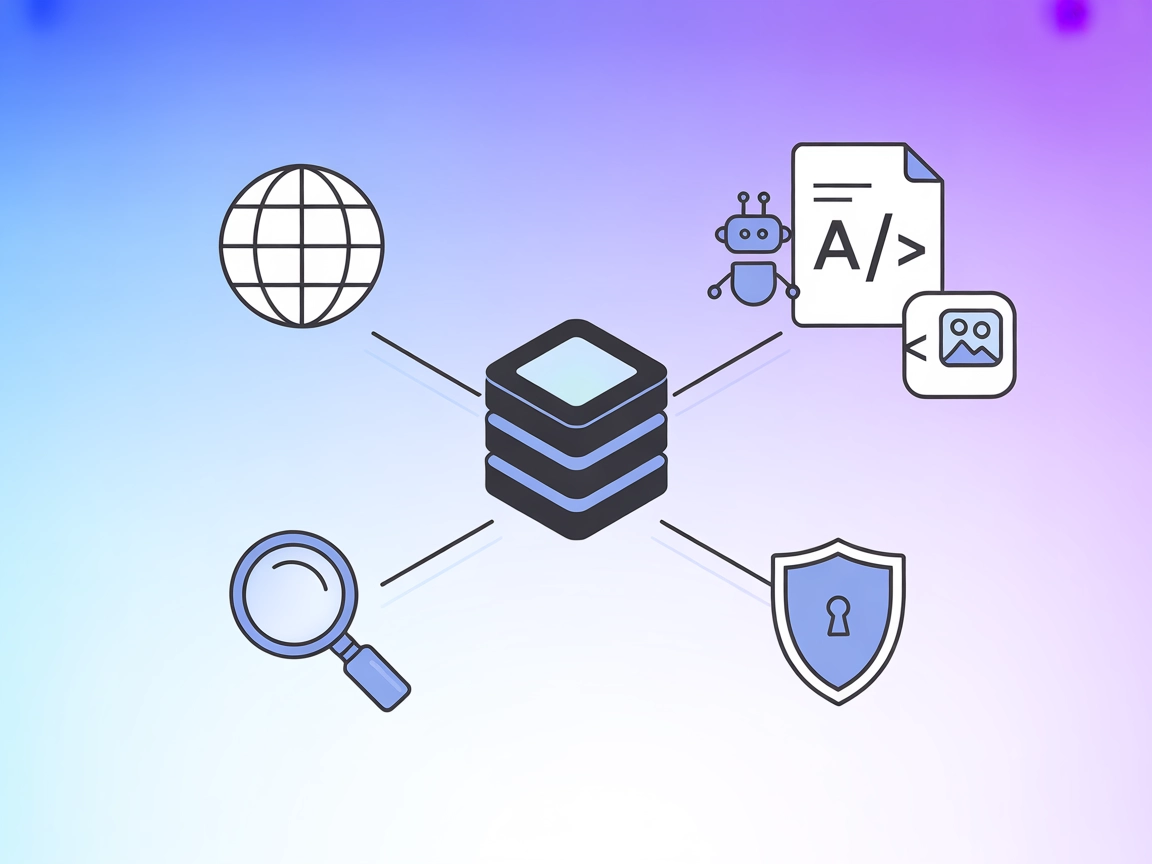
puremd MCP Server enables AI agents to bypass bot protection, extract web content in markdown, and perform integrated, cache-optimized web searches—ideal for knowledge enrichment and LLM workflows.
The puremd MCP (Model Context Protocol) Server is a powerful tool that connects AI assistants and agents with web content by acting as an unblocking, scraping, and search bridge. By leveraging the pure.md
platform, it allows scripts, APIs, apps, and agents to access web pages in markdown format by simply prefixing any URL with pure.md/. This approach bypasses bot detection, renders JavaScript-heavy single-page apps, and converts a wide range of formats (HTML, PDF, images) into markdown. Globally cached responses ensure efficient repeated access to the same resources, reducing load on origin servers. The puremd-mcp server teaches MCP clients (like Cursor, Windsurf, and Claude Desktop) how to use these features, thus unblocking content and enabling advanced web search directly within the AI development workflow.
No prompt templates are explicitly mentioned in the repository or documentation.

Start your free trial today and see results within days.
No specific resources (as defined by MCP) are described in the repository or documentation.
Get latest tips, trends, and deals for free.
./codeium/windsurf/model_config.json.{
"mcpServers": {
"pure.md": {
"command": "npx",
"args": ["-y", "puremd-mcp"],
"env": {
"PUREMD_API_KEY": "<TOKEN>"
}
}
}
}
~/Library/Application Support/Claude/claude_desktop_config.json.{
"mcpServers": {
"pure.md": {
"command": "npx",
"args": ["-y", "puremd-mcp"],
"env": {
"PUREMD_API_KEY": "<TOKEN>"
}
}
}
}
~/.cursor/mcp.json.{
"mcpServers": {
"pure.md": {
"command": "npx",
"args": ["-y", "puremd-mcp"],
"env": {
"PUREMD_API_KEY": "<TOKEN>"
}
}
}
}
No Cline-specific instructions are provided in the repository or documentation.
API keys should be stored securely using the env field in your MCP server configuration:
{
  "mcpServers": {
    "pure.md": {
      "command": "npx",
      "args": ["-y", "puremd-mcp"],
      "env": {
        "PUREMD_API_KEY": "<TOKEN>"
      }
    }
  }
}
Using MCP in FlowHunt
To integrate MCP servers into your FlowHunt workflow, start by adding the MCP component to your flow and connecting it to your AI agent:

Click on the MCP component to open the configuration panel. In the system MCP configuration section, insert your MCP server details using this JSON format:
{
  "MCP-name": {
    "transport": "streamable_http",
    "url": "https://yourmcpserver.example/pathtothemcp/url"
  }
}
Once configured, the AI agent is now able to use this MCP as a tool with access to all its functions and capabilities. Remember to change “MCP-name” to whatever the actual name of your MCP server is (e.g., “github-mcp”, “weather-api”, etc.) and replace the URL with your own MCP server URL.
| Section | Availability | Details/Notes |
|---|---|---|
| Overview | ✅ | |
| List of Prompts | ⛔ | No prompt templates found |
| List of Resources | ⛔ | No resources described |
| List of Tools | ✅ | unblock-url, search-web |
| Securing API Keys | ✅ | Uses env in config |
| Sampling Support (less important in evaluation) | ⛔ | Not mentioned |
Based on the available documentation, puremd-mcp is a focused and practical MCP server with clear utility for web unblocking and search. However, it lacks prompt templates and resource definitions, and there’s no mention of Roots or Sampling support. For general web access and search, it earns a solid score for simplicity and immediate usefulness.
| Has a LICENSE | ⛔ (No LICENSE found) |
|---|---|
| Has at least one tool | ✅ |
| Number of Forks | 2 |
| Number of Stars | 25 |
Unlock web content and enrich your agent workflows with puremd MCP Server—seamless integration, unblocking, and instant markdown conversion for your AI projects.
The Fetch MCP Server for FlowHunt enables AI agents to retrieve and transform live web content in multiple formats, including HTML, JSON, plain text, and Markdo...
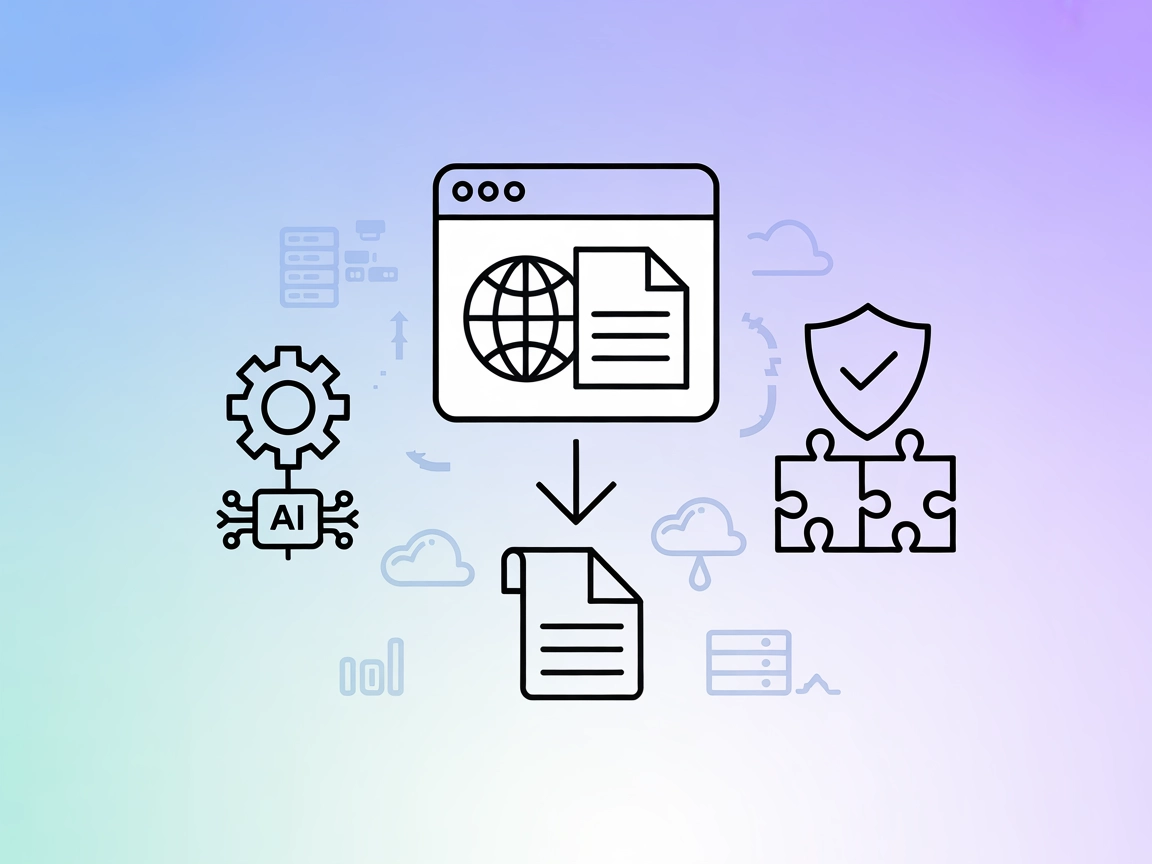
The Puppeteer Vision MCP Server empowers AI assistants to scrape and convert web pages into Markdown, using advanced AI-driven interaction to bypass interactive...
Cookie Consent
We use cookies to enhance your browsing experience and analyze our traffic. See our privacy policy.