Best Lindy AI Alternatives in 2026: 8 Tools That Give You More Control
Looking for Lindy AI alternatives? We ranked 8 tools that beat Lindy for power, flexibility, and price — from AI-native agents to no-code automation platforms.
AI Automation
Lindy AIAlternatives
Workflow Automation
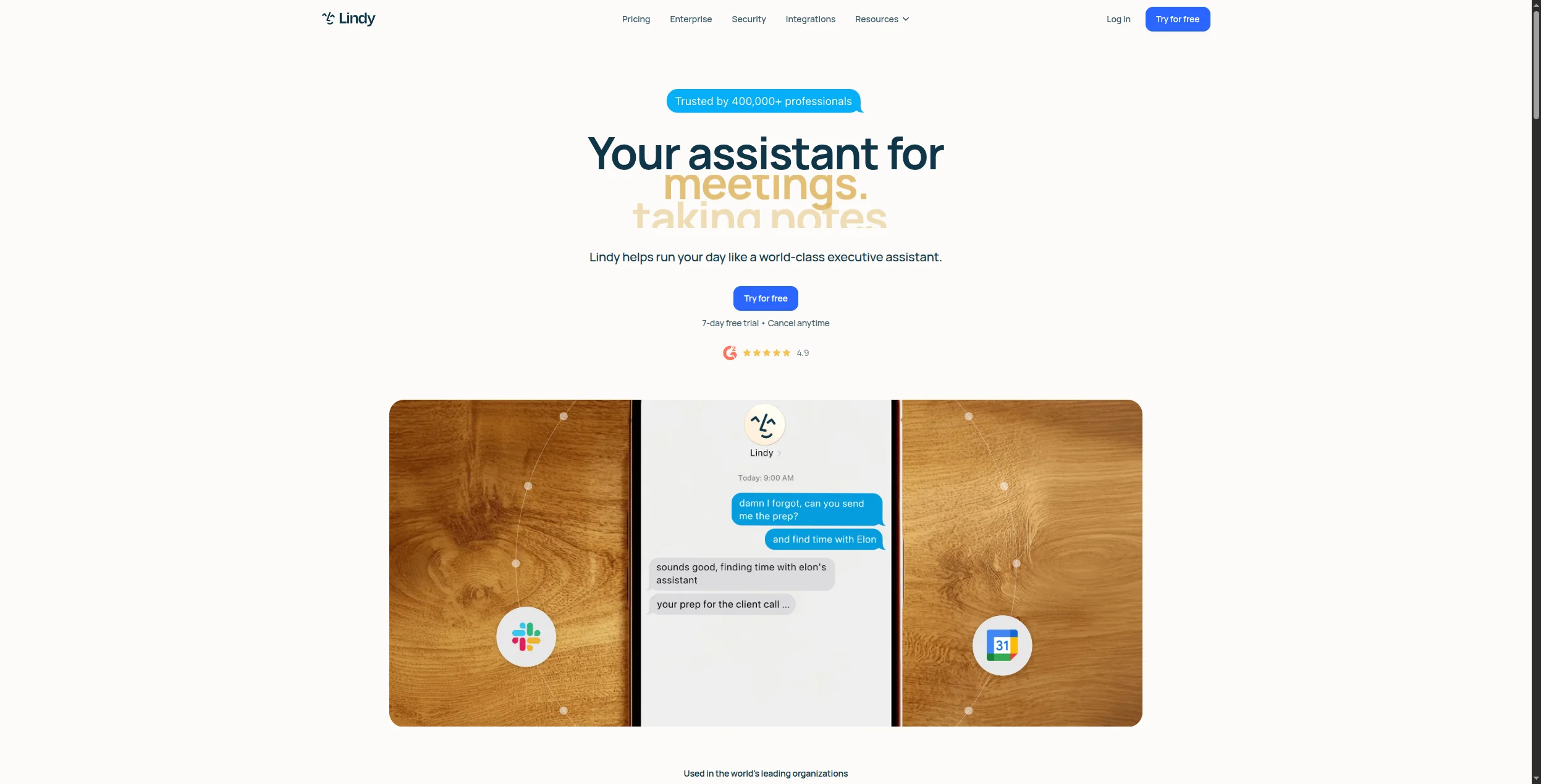
Lindy AI is a polished AI agent platform that makes it easy to spin up personal assistants for email triage, scheduling, and CRM updates. But it has real limitations: a small integration catalog (~70 apps), a black-box conversational interface that makes debugging difficult, and pricing that climbs quickly once you hit agent limits.
If you’re evaluating Lindy AI alternatives — whether because you’ve hit those limits or you’re comparing before committing — this guide covers eight tools that do more, cost less, or give you meaningful advantages in specific areas.
Quick answer:FlowHunt
is the best Lindy AI alternative for teams that need AI-native automation with full visibility. Zapier and Make are better for simple trigger-action workflows. n8n and Activepieces win for teams that want open-source self-hosting.
Quick Comparison: Lindy AI Alternatives
Tool
Best For
AI Agents
Integrations
Free Plan
FlowHunt
AI-native automation, full control
Yes (visual)
1,400+
Yes
Zapier
Simple trigger-action automations
Limited
7,000+
Yes
Make
Complex visual workflows
Limited
1,800+
Yes
n8n
Open-source, self-hosted
Yes
400+
Yes (self-hosted)
Relevance AI
Sales/ops AI agents
Yes
100+
Yes
Bardeen
Browser-based scraping + automation
Yes
100+
Yes
Relay.app
Human-in-the-loop workflows
Limited
300+
Yes
Activepieces
Open-source Zapier alternative
Limited
500+
Yes
Lindy AI
Conversational AI assistants
Yes
~70
Yes
What Is Lindy AI?
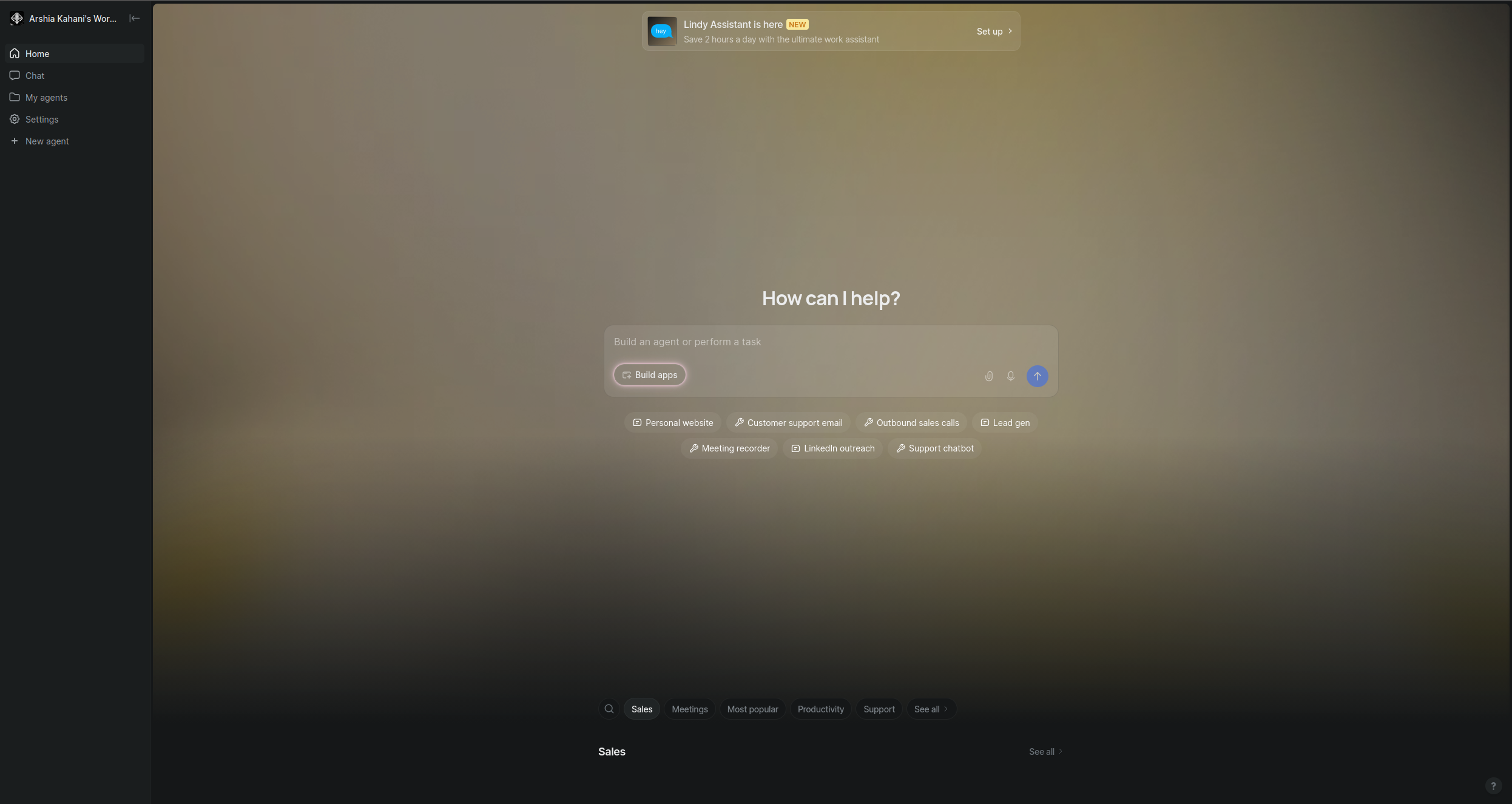
Lindy AI is a conversational AI agent platform founded in 2023. The core idea: instead of configuring automation workflows visually or with code, you instruct AI agents — called “Lindies” — in plain English. Tell Lindy to “monitor my inbox, categorize emails by priority, and update HubSpot when a deal-related email arrives,” and it will do exactly that.
Lindy handles common use cases well: inbox management, meeting scheduling, sales prospecting, customer support triage, and HR onboarding workflows. The interface is genuinely approachable for non-technical users.
Where Lindy falls short:
Limited integrations. With ~70 native integrations, Lindy can’t reach many tools your team likely uses.
Black-box reasoning. You instruct Lindy conversationally, but you can’t see or inspect the logic it’s running — making debugging difficult.
Agent limits. The free plan is restricted, and paid plans charge per-agent or per-execution in ways that add up fast for high-volume use cases.
No self-hosting. Data stays on Lindy’s infrastructure — a blocker for compliance-sensitive teams.
FlowHunt
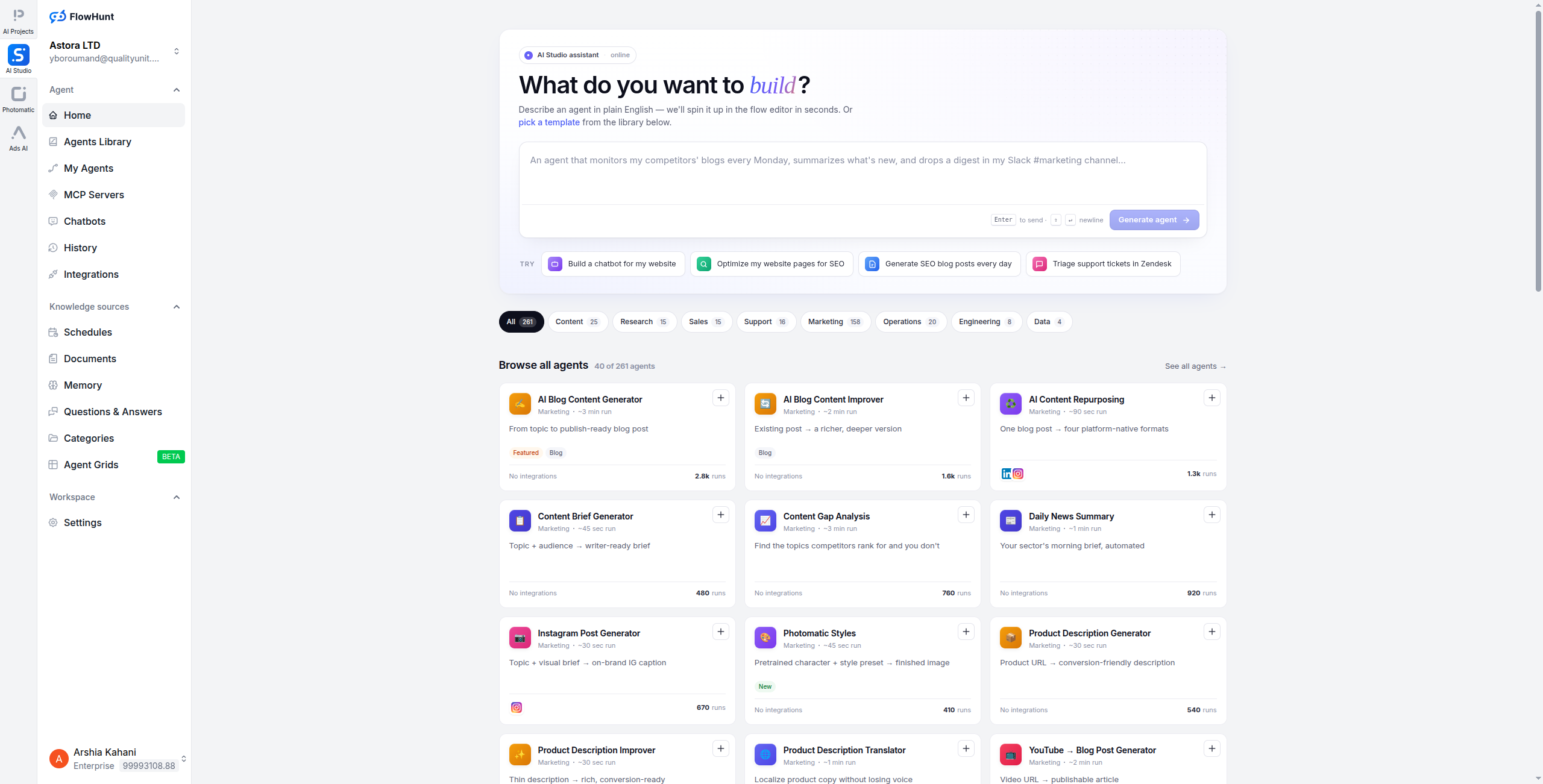
is the strongest Lindy alternative for teams that need AI agents with genuine transparency and control. While Lindy has you describe agent behavior in a chat interface, FlowHunt gives you a visual canvas where every node — every AI decision, every API call, every condition — is visible, editable, and testable.
FlowHunt supports true multi-agent orchestration: you can have one agent research a prospect, pass the result to a second agent that writes a personalised email, and trigger a third that updates your CRM — all in a single visual flow. Lindy doesn’t support this kind of chained, multi-agent pipeline.
What makes FlowHunt better than Lindy for most teams:
1,400+ integrations vs Lindy’s ~70 — connect to virtually any tool your stack uses
Visual workflow canvas — see exactly what your agents are doing at every step
Multi-agent orchestration — chain multiple AI agents in a single flow
Self-hosting available — for teams with data residency requirements
Better debugging — test individual nodes, inspect inputs and outputs, trace failures
AI-native from the ground up — not a wrapper around LLMs, but a purpose-built agent platform
For teams running multi-agent AI systems
, FlowHunt’s visual orchestration is a significant upgrade over Lindy’s single-agent model.
Pricing:
Free — $0/month. Generous free tier to build and test agents, no per-agent fees
Pro — Usage-based. Scales with executions and API calls — no per-agent charge
Self-hosting available for data compliance requirements
Persistent agent memory and conversation history
Pros:
Full visibility into agent logic via visual canvas
1,400+ integrations covering the full modern stack
Multi-agent orchestration with branching and conditional logic
Self-hosting option for compliance requirements
Generous free tier — no per-agent fees
Cons:
Steeper learning curve than Lindy’s conversational interface — visual canvas requires more upfront design
Some pre-built templates still being developed — not yet as extensive as Zapier’s library
Requires more initial configuration for simple use cases that Lindy handles out of the box
Self-hosted deployment requires DevOps resources — cloud version is fully managed
Best for: Teams that need AI-native automation with full visibility — especially when running multi-agent workflows, connecting a broad range of tools, or operating in compliance-sensitive environments that require self-hosting.
Best for: Teams that need AI-native automation with full visibility — especially when running multi-agent workflows, connecting a broad range of tools, or operating in compliance-sensitive environments that require self-hosting.
2. Zapier — Best for Simple Trigger-Action Automation
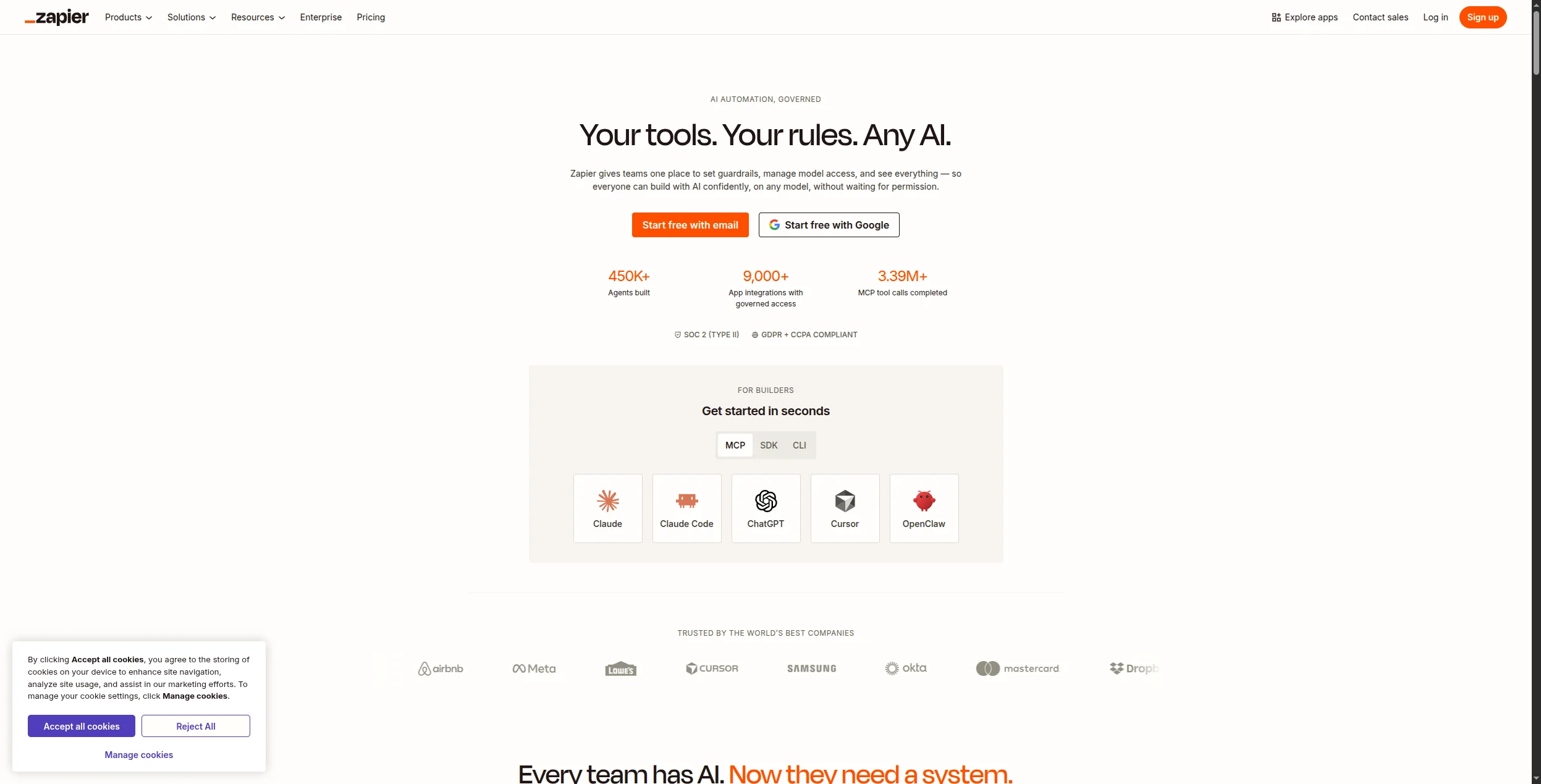
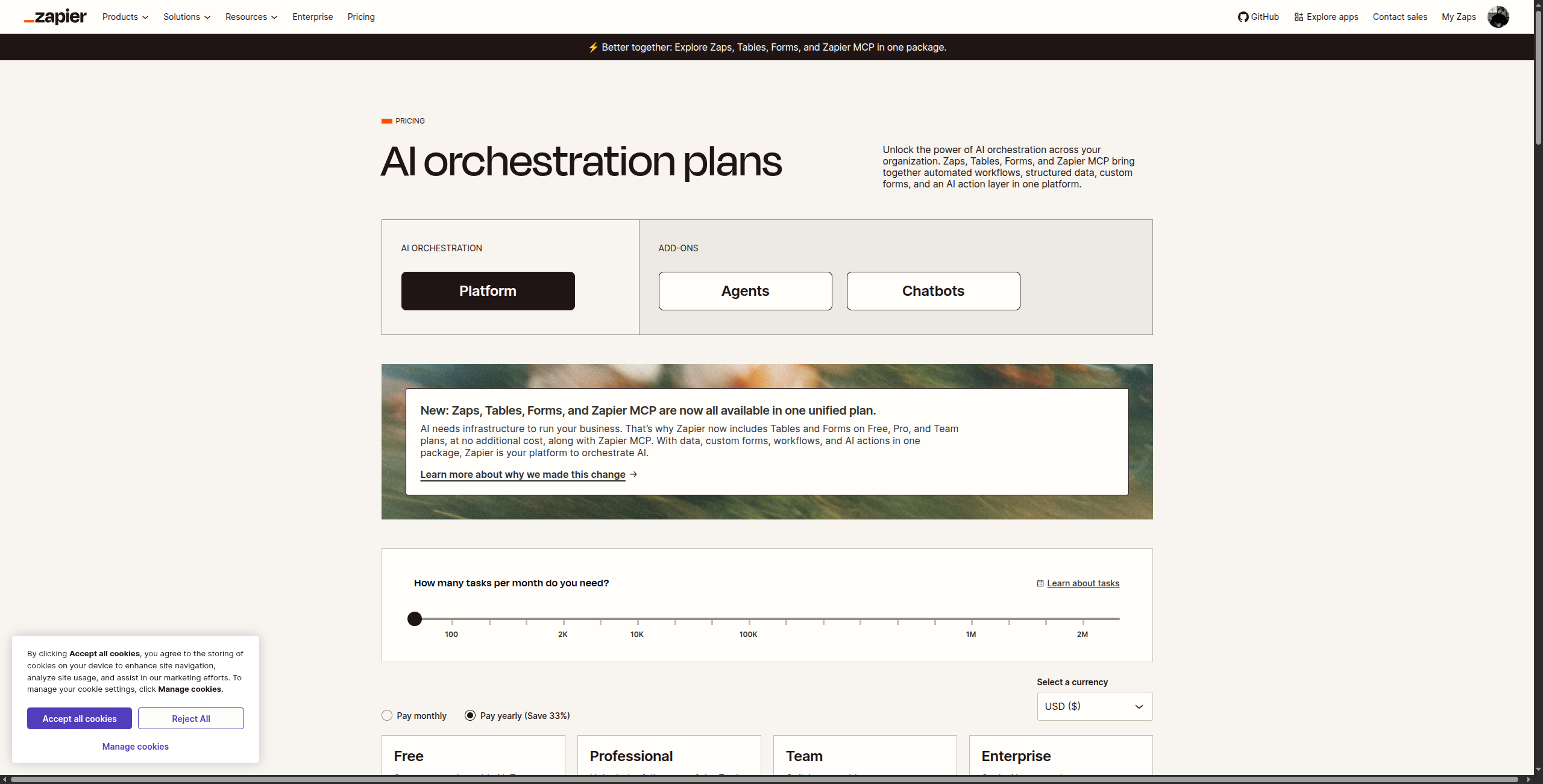
Zapier is the most widely adopted automation platform in the world, with 7,000+ integrations and a massive library of pre-built templates. It’s not an AI agent platform in the same way Lindy or FlowHunt is, but it handles straightforward trigger-action automations reliably and at scale.
7,000+ app integrations — by far the largest catalog in automation
Zap templates library with thousands of pre-built automation recipes
Zapier AI for generating Zap workflows from plain language descriptions
Multi-step Zaps with filters, paths (conditional branching), and formatters
Zapier Tables and Interfaces for lightweight data storage and front-end forms
Zapier Agents (beta) for AI-powered, goal-driven task execution
Pros:
7,000+ app integrations — unmatched breadth across virtually every software category
Huge library of pre-built “Zaps” for common workflows — fastest time-to-automation for standard use cases
Zapier AI can generate basic workflows from plain language descriptions
Reliable and battle-tested for high-volume production use across millions of active Zaps
Very active community for support, templates, and troubleshooting shared workflows
Cons:
Not built for AI agents — limited reasoning capability beyond basic conditional logic
Pricing climbs steeply with task volume — expensive for high-volume automation at scale
Complex conditional logic requires multiple Zaps or premium path features
Task-based pricing is unpredictable for high-volume workflows
Best for: Teams whose primary frustration with Lindy is missing app integrations — Zapier’s 7,000+ catalog solves that immediately.
Best for: Teams whose primary frustration with Lindy is missing app integrations — Zapier’s 7,000+ catalog solves that immediately.
Join our newsletter
Get latest tips, trends, and deals for free.
3. Make — Best Visual Workflow Builder
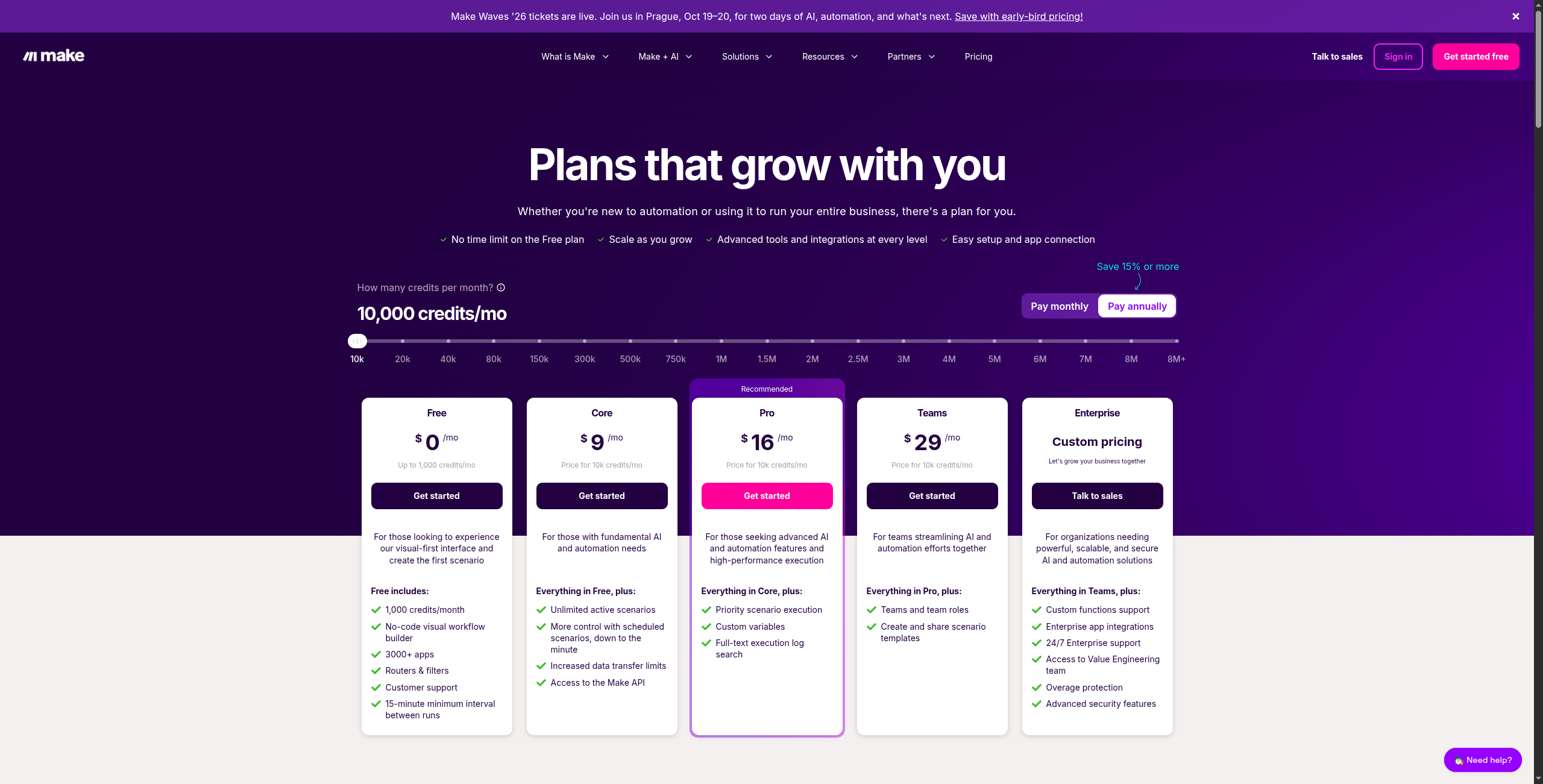
Make (formerly Integromat) offers the most powerful visual workflow editor in the no-code automation space. Its scenario canvas handles complex branching, data transformation, and error handling far better than Zapier — and at a significantly lower price point for equivalent task volumes.
Scenario-based visual builder with routers, aggregators, and iterators
1,800+ app integrations including all major business tools
Advanced data transformation with built-in functions and mapping
Error handling with retry logic, ignore, and break options
Scenario blueprints for sharing and reusing automation templates
AI modules for OpenAI, Anthropic, and other LLM providers
Pros:
Superior visual builder with branching, routers, aggregators, and iterators
1,800+ integrations at competitive pricing — dramatically cheaper than Zapier at equivalent volumes
Strong data transformation tools built in — no external ETL tool needed
Generous free tier (1,000 operations/month) — more usable than Zapier’s 100 tasks
Scenario-based pricing makes high-volume automation cost-effective and predictable
Cons:
Not AI-native — agents require external LLM connections rather than built-in reasoning
Interface is more complex than Lindy or Zapier for beginners — steeper learning curve
AI reasoning capabilities are limited compared to FlowHunt — it’s a router, not an intelligent agent
Operations-based pricing can be unpredictable for workflows iterating over large arrays
Best for: Teams that need complex multi-branch automation logic at lower cost than Zapier — especially for data-heavy workflows.
Best for: Teams that need complex multi-branch automation logic at lower cost than Zapier — especially for data-heavy workflows.
4. n8n — Best Open-Source Alternative
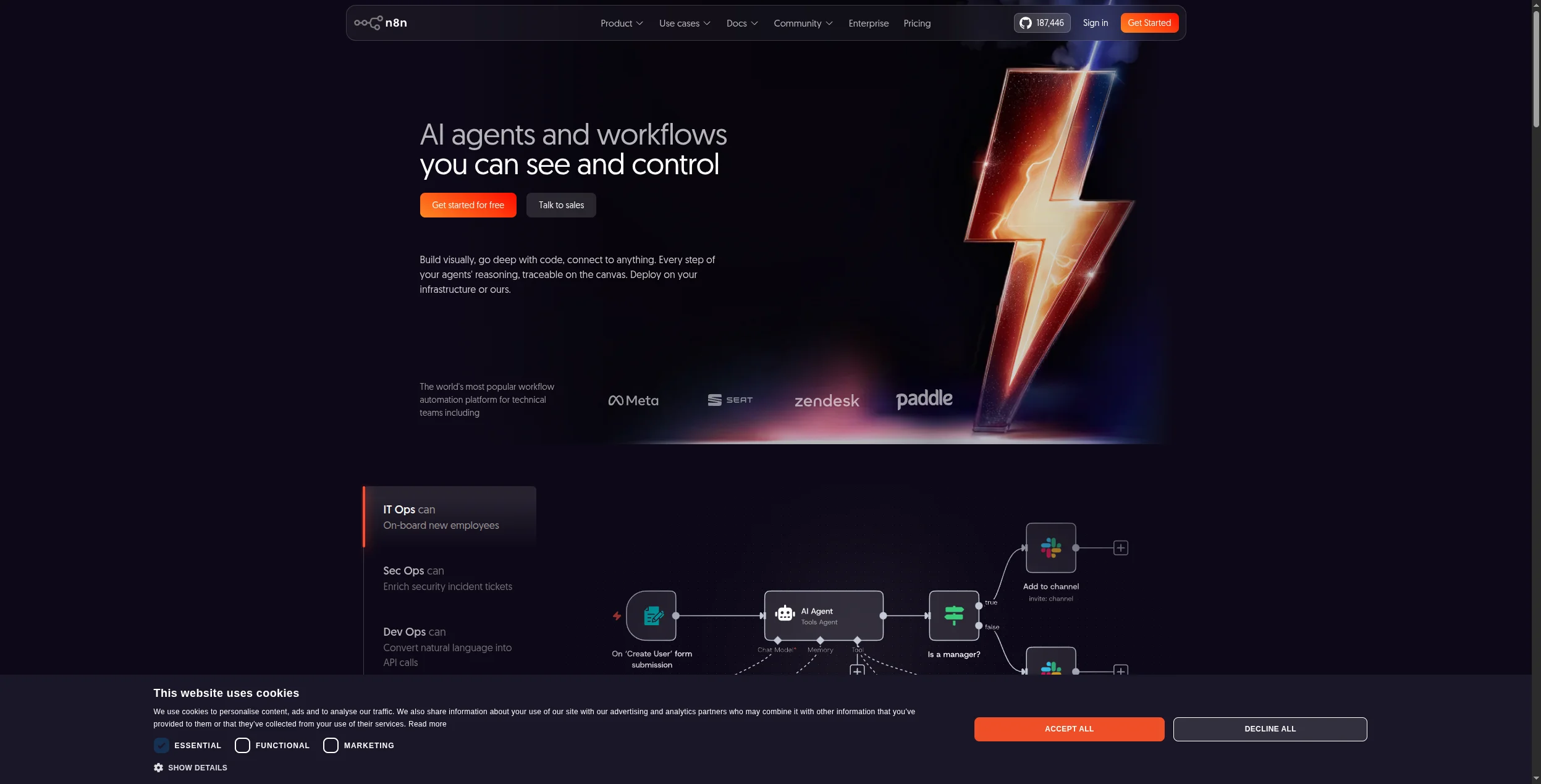
n8n is the open-source workflow automation platform with built-in AI node support and a thriving self-hosted community. For teams that want Lindy-like AI automation but with full data control and no vendor lock-in, n8n is the strongest open-source option.
Pricing:
Community (Self-hosted) — Free forever. Full feature access, unlimited workflows and executions, community support
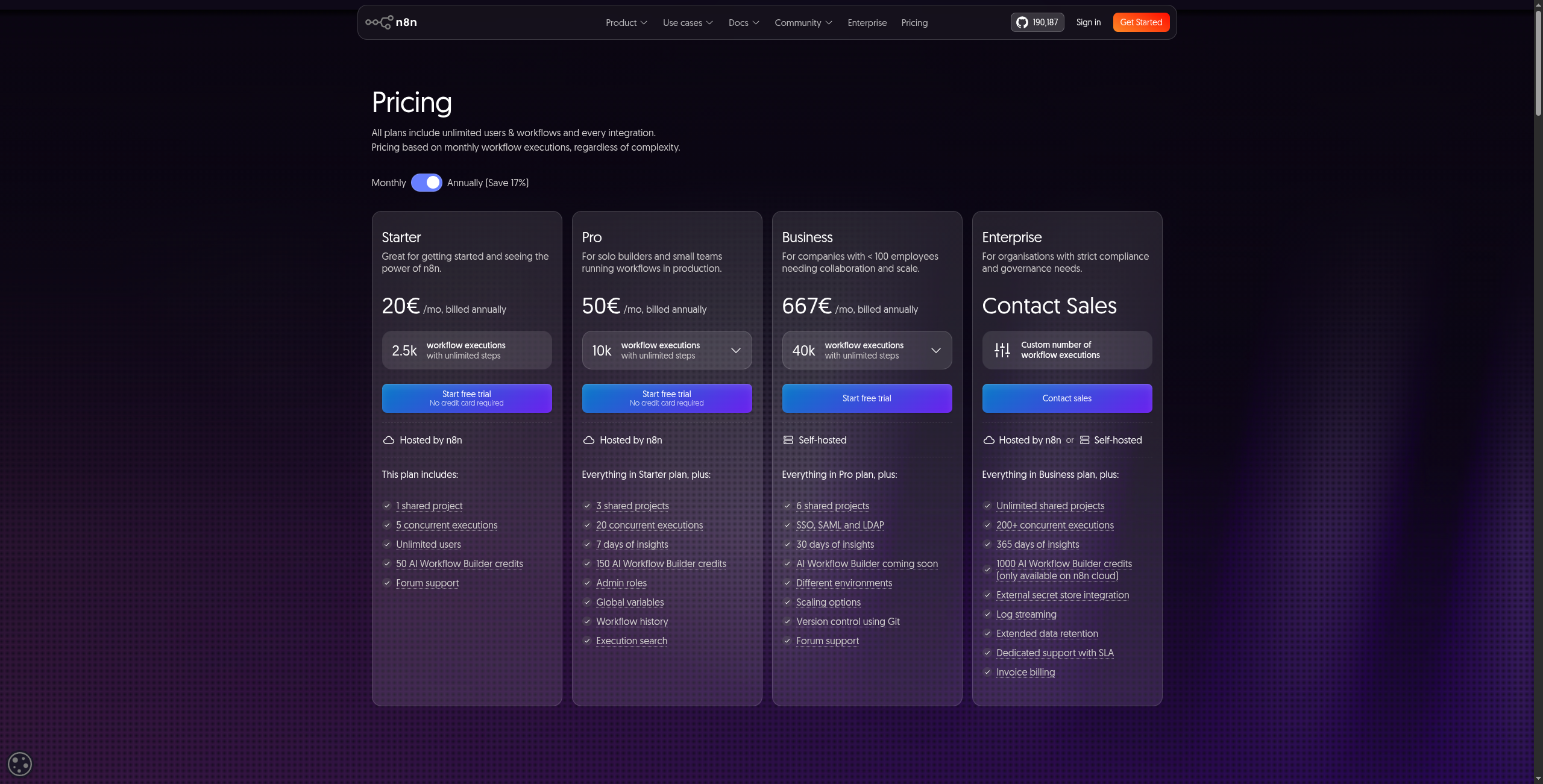
Starter — $20/month (cloud). 2,500 workflow executions/month, 5 active workflows, community support
Pro — $50/month (cloud). 10,000 executions/month, unlimited active workflows, email support, execution history
Fully open-source (fair-code license) with self-hosting via Docker or npm
Native AI nodes: OpenAI, Anthropic, HuggingFace, LangChain integration
400+ community-built integrations including all major business tools
Code nodes for custom JavaScript or Python logic mid-workflow
AI agent builder with tool-calling and memory in the visual interface
Webhook triggers, scheduled runs, and event-based execution
Pros:
Fully open-source — self-host on your own infrastructure with complete data sovereignty
Native AI nodes (OpenAI, Anthropic, Hugging Face, and more) — no external configuration required
400+ community-built integrations, growing rapidly with active contributors
No per-task pricing on self-hosted plans — unlimited automation at infrastructure cost only
Code node for custom JavaScript or Python logic when visual builder reaches its limits
Cons:
Self-hosted deployment requires DevOps effort — Docker or Kubernetes setup and maintenance
Cloud plan pricing is competitive but less generous than Make at equivalent volumes
AI agent capabilities less developed than FlowHunt for complex multi-agent reasoning
Community support only on free tier — paid plans needed for email support
Best for: Technical teams that need self-hosted AI automation with no vendor lock-in and the flexibility to add custom code at any workflow step.
Best for: Technical teams that need self-hosted AI automation with no vendor lock-in and the flexibility to add custom code at any workflow step.
5. Relevance AI — Best for Sales and Operations Teams
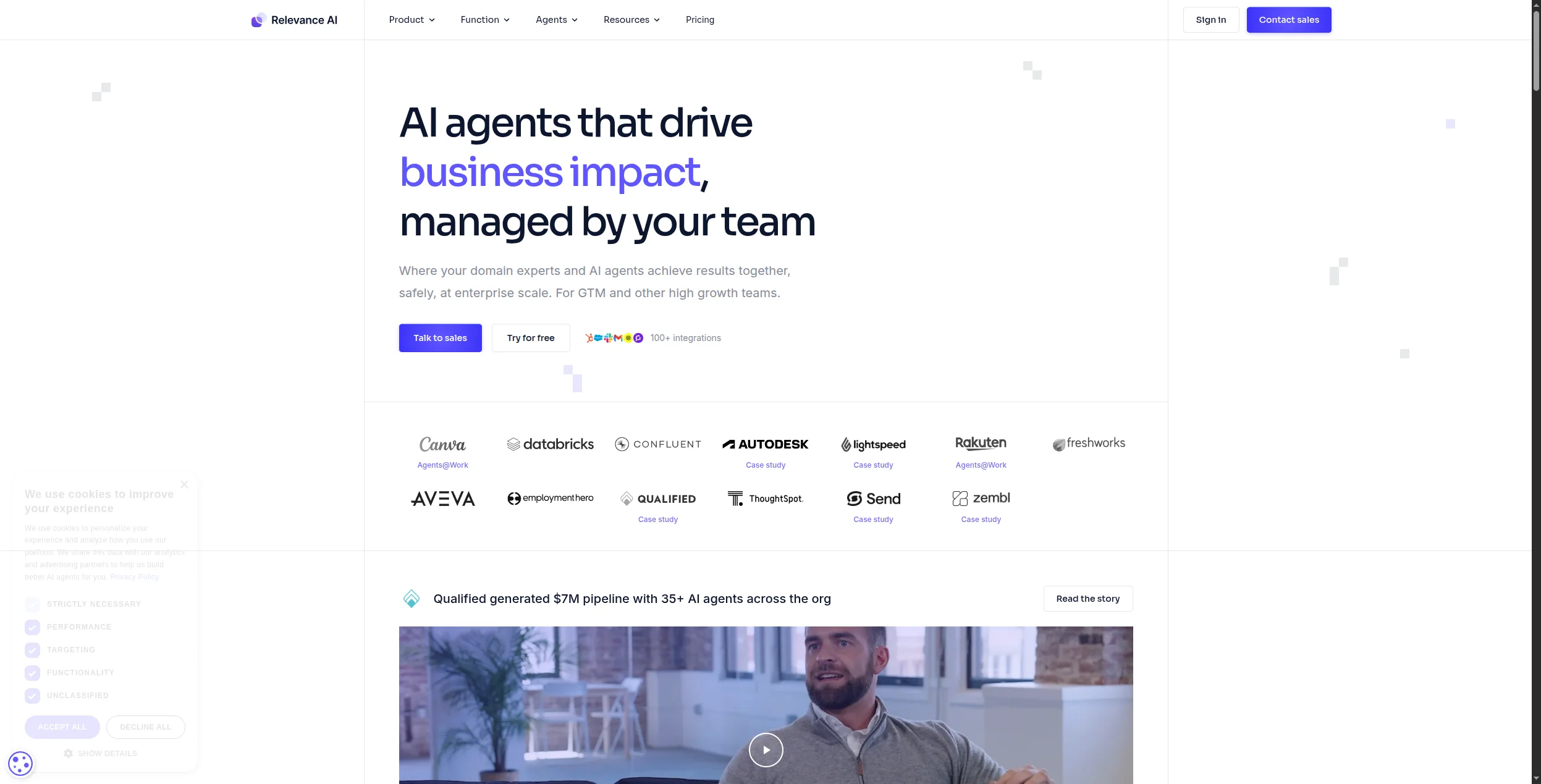
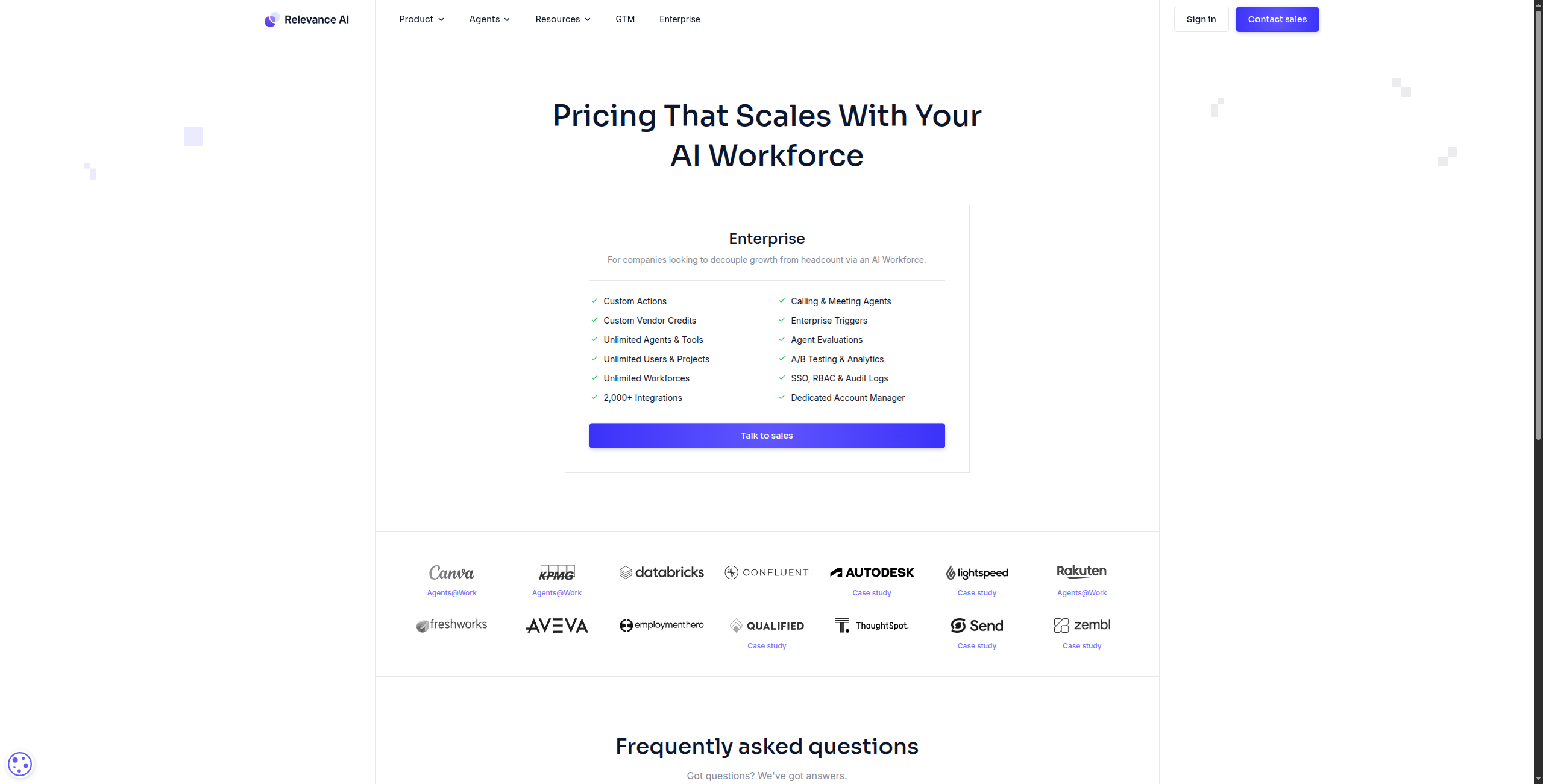
Relevance AI is the closest alternative to Lindy in terms of target audience — it’s designed specifically for non-technical sales and operations teams who want to deploy AI agents without writing code. Like Lindy, it uses a no-code interface, but it exposes more configuration options and supports more complex multi-step agent logic.
Pricing:
Free — $0/month. 100 credits/day, 1 agent, limited tool steps, community support
Starter — $19/month. 1,000 credits/day, 3 agents, full tool library, email support
Professional — $99/month. 10,000 credits/day, 10 agents, priority support, API access
Business — $599/month. 100,000 credits/day, unlimited agents, team collaboration, SSO, dedicated support
No-code AI agent builder with drag-and-drop tool configuration
Pre-built agent templates for sales prospecting, support triage, and data enrichment
Tool library with 50+ built-in connectors (LinkedIn, HubSpot, Salesforce, Gmail, web scraping)
Multi-step agent logic with conditional branching and loops
Agent workforce view for managing and monitoring multiple agents
API and webhook support for embedding agents into existing tools
Pros:
No-code AI agent builder with more configuration options than Lindy’s conversational setup
Purpose-built for sales, support, and operations workflows — strong out-of-box templates
Good template library for common business automations covering prospecting, triage, and enrichment
Native multi-step agent support with conditional branching and loops
Agent workforce view for monitoring and managing multiple agents simultaneously
Cons:
Smaller integration catalog than FlowHunt or Zapier — 50+ vs 1,400+
Higher starting price than most alternatives — $19/month Starter vs free alternatives
Less suitable for technical teams who want full customisation or code-level control
Best for: Sales and operations teams that want Lindy’s simplicity with more powerful agent configuration and a deeper tool library.
Best for: Sales and operations teams that want Lindy’s simplicity with more powerful agent configuration and a deeper tool library.
6. Bardeen — Best for Browser-Based Automation
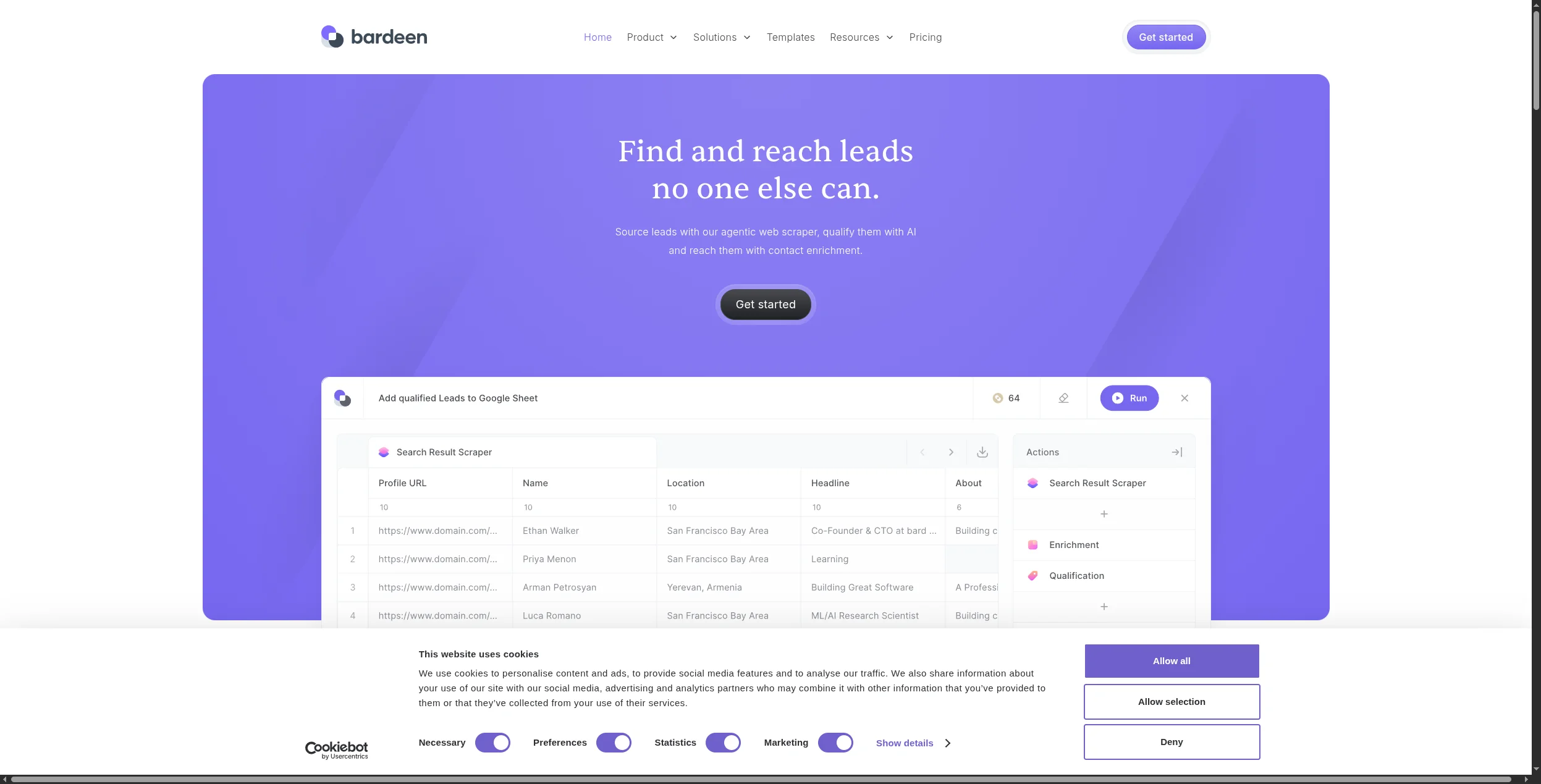
Bardeen operates as a Chrome extension that combines web scraping, AI actions, and app integrations in a browser-native interface. It’s the best choice if your Lindy use cases are browser-centric — scraping prospect data, automating repetitive web tasks, or building research workflows that pull from websites.
Pricing:
Free — $0/month. Unlimited manual runs, 4 credits/month for cloud automations (background runs), community support
Pro — $10/month (billed annually). 500 credits/month, unlimited cloud automations, premium integrations, priority support
Business — $15/month per user (billed annually). Team management, shared playbooks, usage reporting, advanced integrations
Key features:
Chrome extension for browser-native automation without a separate app
AI-powered web scraper that adapts to page structure changes automatically
Playbooks: shareable automation scripts for common sales and research tasks
100+ integrations: HubSpot, Salesforce, LinkedIn, Notion, Airtable, Google Sheets
AI Magic Box for generating automation steps from natural language descriptions
Scheduled automations that run in the cloud without keeping the browser open
Pros:
Browser-native — no separate app to install or manage, works on any site you can browse manually
AI-powered scraping that adapts to page structure changes without manual reconfiguration
Good integration with CRMs and productivity tools — HubSpot, Salesforce, Notion, Airtable
Free plan covers most individual use cases for light automation and research
Playbooks shareable across teams — one rep’s automation can be instantly deployed by the whole team
Cons:
Requires Chrome — no cross-browser support, Firefox and Safari users cannot use it
Not suitable for server-side or background automation at scale
Less suitable for complex multi-step agent workflows requiring reasoning and memory
Credits-based cloud automation limits background runs on free and lower-paid tiers
Best for: Sales reps and researchers who need browser-based automation for prospect research, data collection, and repetitive web tasks.
Best for: Sales reps and researchers who need browser-based automation for prospect research, data collection, and repetitive web tasks.
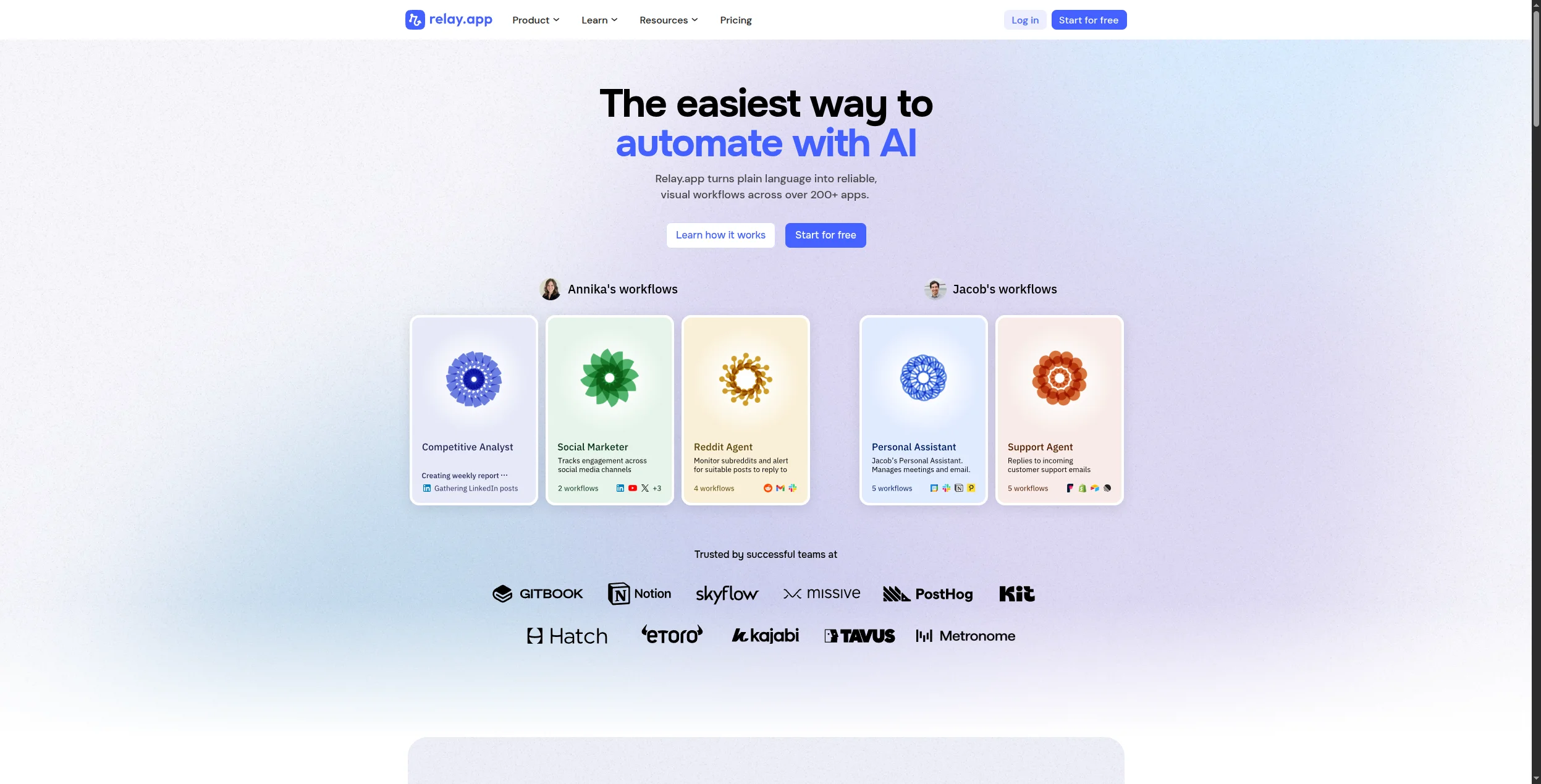
7. Relay.app — Best for Approval-Based Workflows
Relay.app specialises in workflows that need human review before automation continues. If your Lindy agents are handling tasks where occasional human judgment is required — contract approvals, content review, sensitive customer escalations — Relay’s human-in-the-loop design is unmatched.
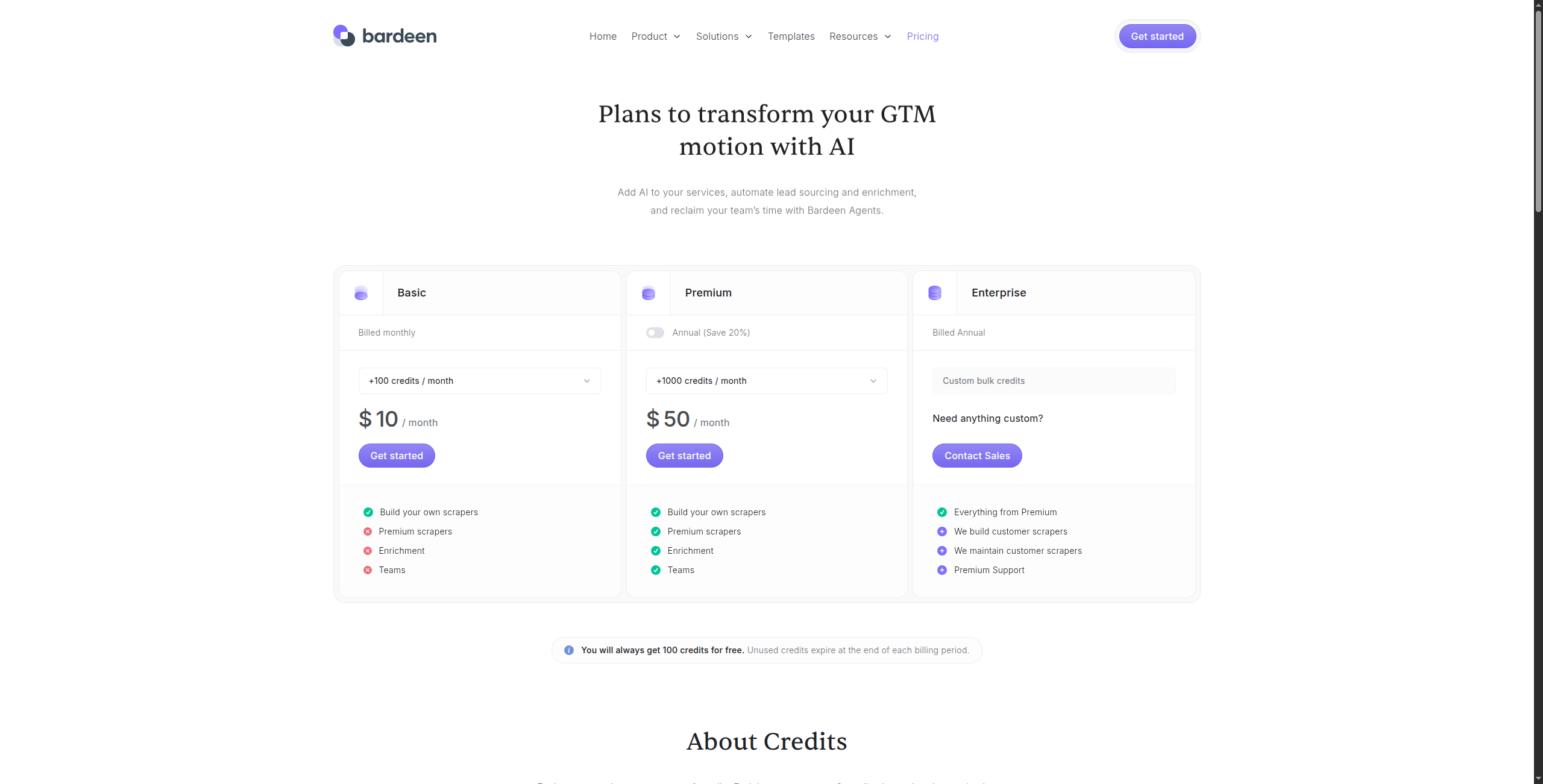
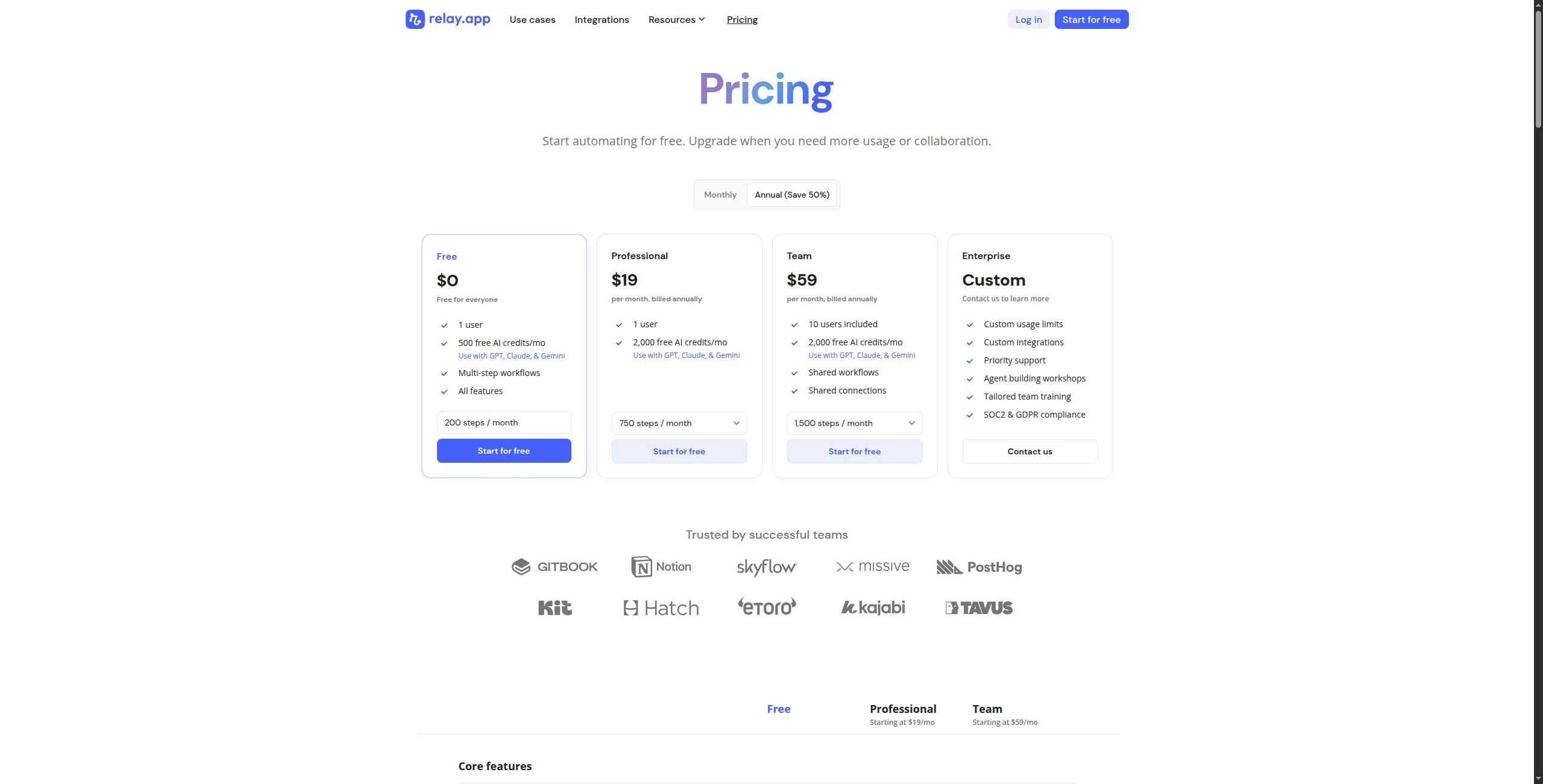
Pricing:
Free — $0/month. 500 workflow runs/month, unlimited workflows, basic integrations, community support
Pro — $9/month per user (billed annually). 5,000 runs/month, all integrations, approval steps, Slack notifications, email support
Business — $39/month per user (billed annually). 25,000 runs/month, advanced human-in-the-loop steps, custom forms, audit logs, priority support
Human-in-the-loop step design with structured approval and review actions
Slack-native approvals — reviewers approve or reject directly from Slack messages
Trigger types: webhook, schedule, manual, form submission, and app events
300+ app integrations including CRM, project management, and communication tools
Conditional logic for routing workflows based on approval decisions
Run history and audit trail for compliance and process documentation
Pros:
Best human-in-the-loop workflow design available — purpose-built for approval-gated automation
Clean interface with Slack-native approvals — reviewers approve or reject without leaving Slack
Affordable pricing for small teams — $9/user/month Pro covers most approval workflow needs
Good CRM and productivity tool integrations covering 300+ apps
Audit trail and run history built in — compliance documentation generated automatically
Cons:
Not designed for fully automated AI agent workflows — requires human steps in the loop
Integration catalog smaller than Zapier or Make (300+ vs 7,000+)
No AI reasoning capabilities beyond basic conditional branching
Best for: Operations and finance teams running approval-heavy workflows where human sign-off is required before automation proceeds.
Best for: Operations and finance teams running approval-heavy workflows where human sign-off is required before automation proceeds.
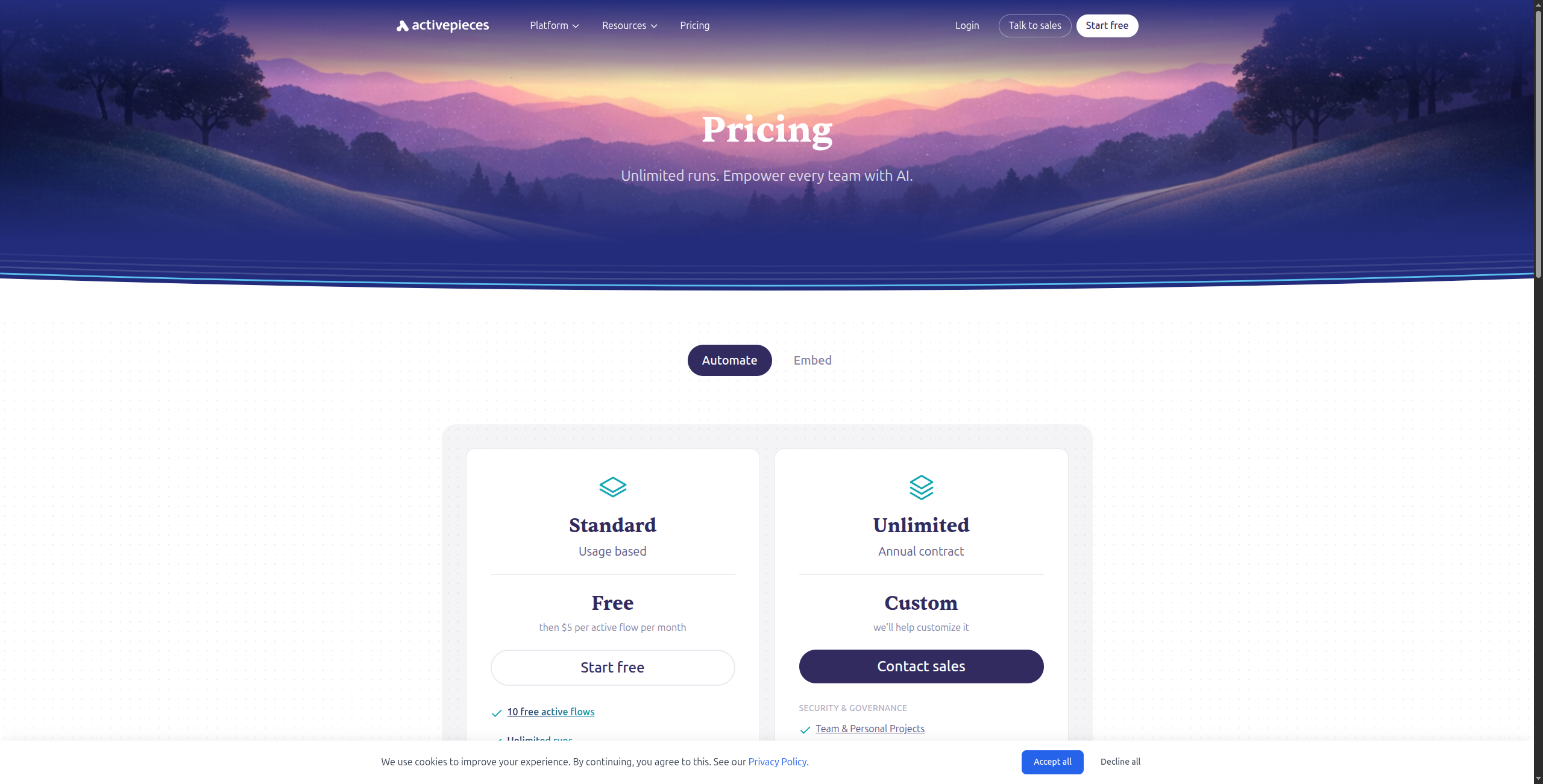
8. Activepieces — Best Open-Source Zapier Alternative
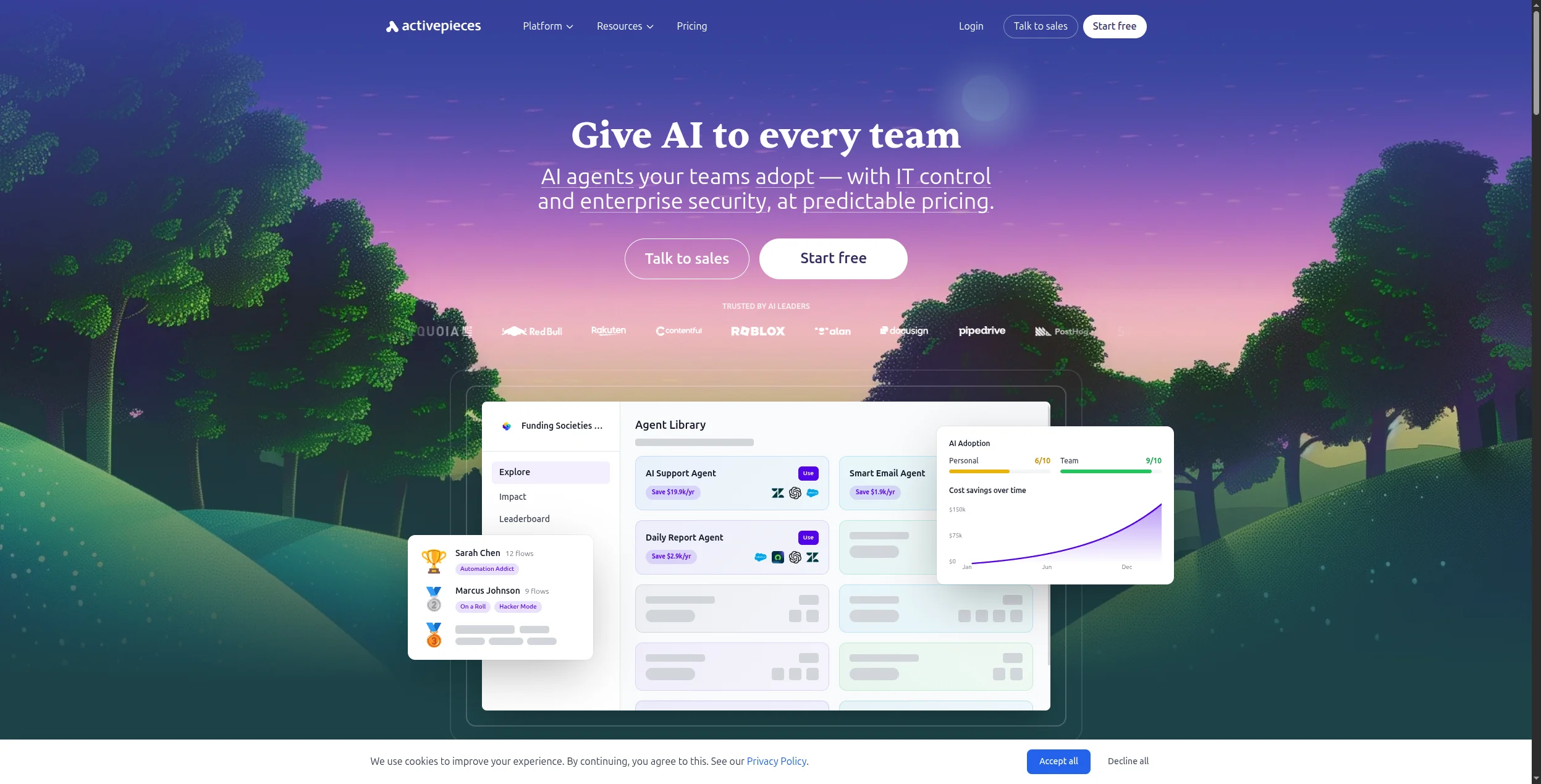
Activepieces is an open-source automation platform that looks and feels like Zapier but adds self-hosting and a growing integration catalog. It’s not an AI agent platform, but for teams whose Lindy use cases are actually simple trigger-action automations (email received → update CRM → send Slack message), it delivers that reliably at lower cost.
Pricing:
Free (Cloud) — $0/month. 1,000 tasks/month, unlimited flows, all integrations, community support
Plus — $6/month (billed annually). 10,000 tasks/month, priority support, advanced flow features
Pro — $20/month (billed annually). 50,000 tasks/month, team collaboration, custom pieces
Self-hosted — Free forever. Run on your own infrastructure, full feature access
Key features:
Open-source (MIT license) with Docker self-hosting support
500+ integration “pieces” covering all major business apps
Clean, Zapier-like interface with minimal learning curve
AI integration pieces for OpenAI, Anthropic, and HuggingFace
Custom pieces framework for building proprietary integrations in TypeScript
Embedded automation builder for SaaS products (Platform plan)
Pros:
Open-source with clean, Zapier-like interface — familiar to any team coming from Zapier
Self-hosting option under MIT license for full data control and no recurring costs
500+ integrations and growing fast with active contributor community
Free for self-hosted deployments — unlimited automation at your own infrastructure cost
Platform plan allows SaaS companies to embed automation as a native product feature
Cons:
Limited AI agent capabilities — more trigger-action automation than intelligent reasoning
Smaller community than Zapier or n8n — fewer tutorials, resources, and third-party support
Enterprise features (SSO, RBAC) require paid Platform tier
Best for: Teams that want a Zapier-like experience at lower cost, with the option to self-host for data compliance — especially smaller teams switching from Lindy’s trigger-action use cases.
Best for: Teams that want a Zapier-like experience at lower cost, with the option to self-host for data compliance — especially smaller teams switching from Lindy’s trigger-action use cases.
How to Choose the Right Lindy AI Alternative
You need AI agents with full visibility → FlowHunt. The visual canvas and multi-agent orchestration make it the strongest upgrade from Lindy for teams running complex workflows.
You want 7,000+ app integrations → Zapier. No platform matches Zapier’s integration breadth. If your main frustration with Lindy is missing integrations, Zapier solves it.
You need complex visual workflows at lower cost → Make. The scenario canvas handles branching logic that neither Lindy nor Zapier manages well.
You need self-hosted AI automation → n8n. The best open-source option with native AI nodes and full infrastructure control.
You’re in sales/ops and want Lindy’s simplicity with more power → Relevance AI. The closest like-for-like Lindy replacement.
Bottom Line
Lindy AI is a good starting point for teams new to AI agents, but it shows its limits quickly: too few integrations, no visibility into agent logic, and pricing that doesn’t scale well. The alternatives above solve these problems in different ways.
For most teams, FlowHunt
is the right upgrade path — it keeps Lindy’s AI-first approach while adding a transparent visual canvas, 20x more integrations, and true multi-agent orchestration. Start on the free tier and build your first agent in under an hour.
FlowHunt is the top Lindy AI alternative for teams that need full visibility and control over their AI agents. Unlike Lindy's conversational interface, FlowHunt gives you a visual workflow canvas where you can see exactly how your agents reason and act. For simpler trigger-action automation, Zapier or Make are solid alternatives.
Lindy AI offers a free plan with limited executions per month. Paid plans start around $49/month. For comparable or greater functionality at lower cost, FlowHunt and Activepieces both offer generous free tiers.
Lindy AI lets you build AI agents — called 'Lindies' — that handle tasks like email management, CRM updates, scheduling, customer support triage, and meeting follow-ups. Agents are configured conversationally rather than through a visual builder.
Both platforms let you build AI agents, but they take opposite approaches. Lindy uses a conversational configuration interface where you instruct agents in plain English. FlowHunt uses a visual node-based canvas where you can see and control every step of the agent's reasoning. FlowHunt supports more complex multi-agent orchestration, has a broader integration catalog (1,400+ vs Lindy's ~70 integrations), and offers self-hosted deployment.
Yes. Most Lindy workflows can be recreated in FlowHunt, Make, or Zapier with some configuration work. FlowHunt is the best migration target if your Lindy agents involve complex reasoning, multiple tools, or custom logic — the visual canvas makes it easy to reproduce and extend what Lindy was doing.
Arshia is an AI Workflow Engineer at FlowHunt. With a background in computer science and a passion for AI, he specializes in creating efficient workflows that integrate AI tools into everyday tasks, enhancing productivity and creativity.
Arshia Kahani
AI Workflow Engineer
The Lindy AI Alternative That Gives You More Control — Try FlowHunt Free
FlowHunt gives you full visual control over your AI agents — no black-box automations. Build, test, and deploy agents that reason across your entire stack.
How to Use Lindy AI: A Beginner's Guide to Building Your First Automation Agent
Learn how to build your first AI automation agent with Lindy AI in minutes—no coding required. This beginner-friendly guide walks you through creating an intell...
Best AI Agent Tools in 2026: 12 Platforms for Building and Running AI Agents
Ranked and reviewed: the 12 best AI agent tools in 2026. From no-code agent builders to open-source frameworks — find the right platform for your team's AI stra...
Best AI Agent Builder in 2026: 12 Tools Ranked and Reviewed
Ranked and reviewed: the 12 best AI agent builders in 2026. Comparison table, pricing, free tiers, and a clear verdict on which platform fits your use case.
30 min read
AI Agents
Automation
+3
Cookie Consent We use cookies to enhance your browsing experience and analyze our traffic. See our privacy policy.