Is your Support Team Is Drowning in Repetitive Tickets? Here's How To Fix It.
80% of support leaders say a fifth or more of their tickets are repetitive. Here’s how AI chatbots reduce support ticket volume and what that frees your team to do instead.
The average support team spends an outsized share of its week answering the same handful of questions. In a survey of North American customer service leaders by DigitalGenius and Canam Research
, 80% said that 20% or more of their team’s tickets are repetitive, yet easy to resolve. Every hour an agent spends on “how do I reset my password” is an hour not spent on the complex problem that actually needed a human’s judgment. Here’s how to reduce support ticket volume with AIby eliminating that repetitive tier, and what it means for your team.
The Ticket Composition Problem: Where Support Time Actually Goes
Most support teams don’t have a visibility problem so much as an attention problem. The tickets that take the least judgment to resolve, such as password resets, “where’s my order,” basic billing questions, plan differences, arrive at the same volume, or higher, as the complex ones. Each one still costs a full context-switch with reading the ticket, recognizing the routine, pulling the same answer from memory or a help article, and responding.
That 80%-of-leaders, 20%-of-tickets figure from the DigitalGenius/Canam survey is a floor, not a ceiling. Plenty of teams report the repetitive share running considerably higher. The problem compounds because it’s invisible in most ticket dashboards.
The 20 Questions That Consume 80% of Support Capacity
Across most SaaS and e-commerce support queues, a small set of categories accounts for the bulk of the “repetitive” tier:
Password resets and account access issues
Order status and shipping timelines
Billing questions and plan or pricing differences
Return and refund policy questions
“How do I do X” questions already covered in the help center
Basic troubleshooting steps that are documented but customers didn’t find
All these categories only need the correct information delivered quickly and consistently, no deeper thought or a human judgement call. That’s exactly what a knowledge-grounded chatbot handles well. It delivers the simple, boring and clear answers consistently and at scale, without investing the same amount of time and effort on context switching, searching or drafting an answer as human would.
Ready to grow your business?
Start your free trial today and see results within days.
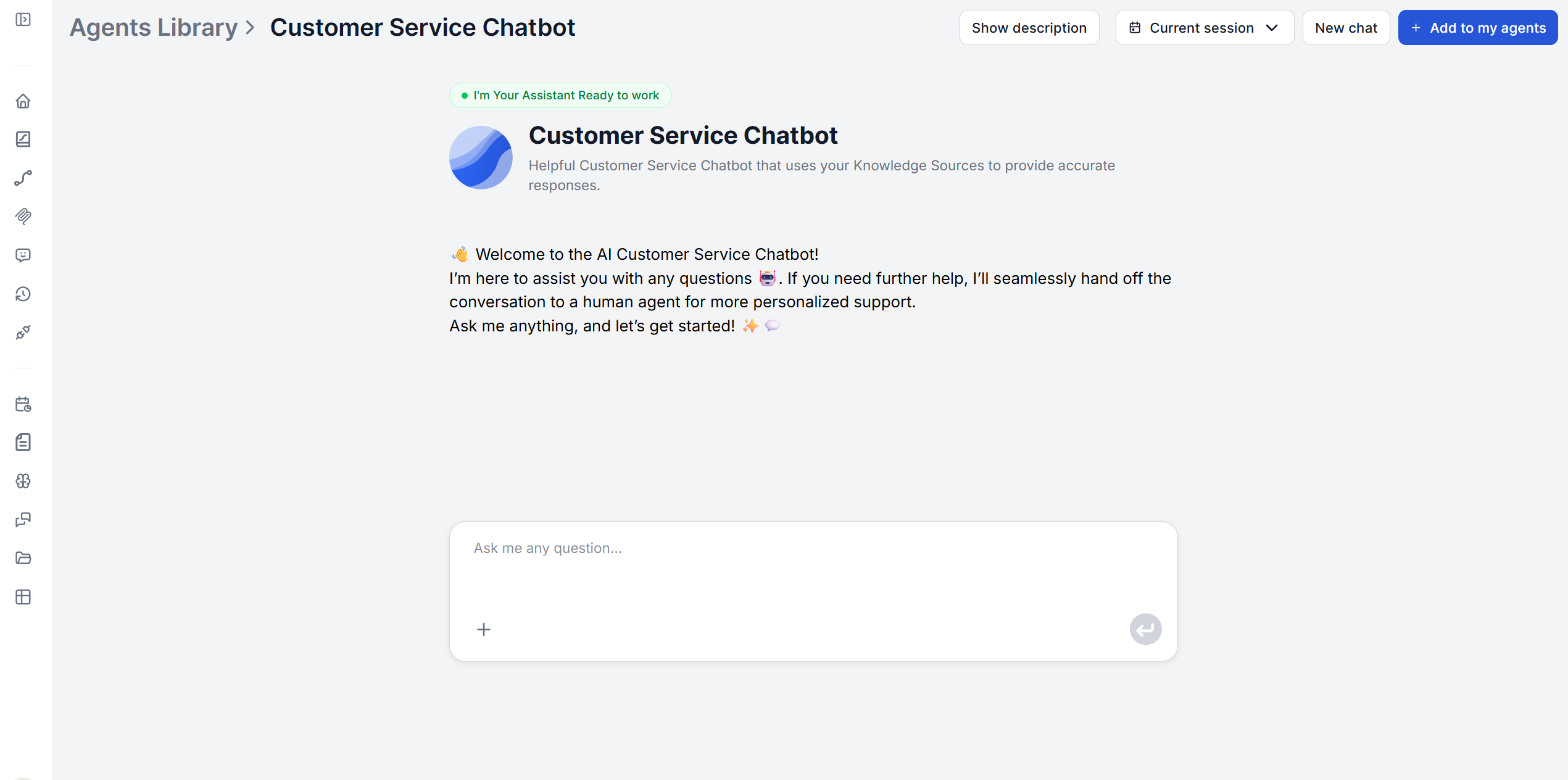
A knowledge-base chatbot follows the same loop on every conversation. It receives the customer’s question in natural language, searches your connected documentation for the relevant answer, keeps the full conversation history so follow-ups are understood in context, and responds with an answer grounded in your content. When a question falls outside what the knowledge base covers, it escalates to a human rather than guessing.
What Happens to Support Quality When AI Takes the Tier-1 Load
It really depends what “quality” is measured on. For the repetitive tier itself, quality tends to improve, since the chatbot gives the same accurate answer every time rather than a slightly different one depending on which agent picked up the ticket or how tired they were by ticket 40 of the day.
For the tickets that remain human-handled
, quality has room to improve too, precisely because there are fewer of them competing for the same attention. There’s also the retention angle worth taking seriously. Contact center turnover data reported by Insignia Resources
puts annual turnover at 40-45%, with roughly $10,000-$20,000 to replace a single agent. Repetitive, monotonous ticket work is a well-documented driver of that churn. None of this requires cutting headcount. IBM’s 2025 research across 412 enterprises
specifically found the cost savings from AI in tier-1 support came from deflected ticket volume, not from reducing agent count.
Join our newsletter
Get latest tips, trends, and deals for free.
Calculating the ROI of Support Automation
Gartner’s 2025 data
puts the cost of an AI-resolved ticket at roughly $0.50 to $1.05, factoring in infrastructure and licensing. Forrester’s 2025 estimate
for a human-handled ticket runs $8 to $12, once agent salary, benefits, training, and overhead are included. This is a 12x to 24x cost differential per ticket at the repetitive-question end of the spectrum, that doesn’t require human contact or complex judgement.
McKinsey’s 2025 research
on the top-quartile performers found they reached 53% cost reductions, all coming down to operational discipline. Weekly knowledge base updates, routing AI to handle deflection rather than demanding full autonomous resolution on everything, and a dedicated internal owner for the AI’s performance.
On the pricing side, a flat-rate tool removes another variable from the calculation entirely. FlowHunt’s Pro plan runs a fixed €120/month regardless of how many of those repetitive tickets get deflected, rather than a per-resolution fee that scales with volume.
Implementation: Deploying in Small, Testable Steps
Getting from nothing to a deployed chatbot doesn’t require a multi-month rollout, but it’s also not a “connect it and walk away for two days” process. Break it into small steps and test after each one that changes what the bot can actually do — not just once at the very end.
1. Connect your highest-traffic content first
. Start with crawling schedules for your top FAQs and most-viewed help articles rather than uploading your entire documentation library at once. This is where the repetitive tier concentrates, and it gives you something to test against almost immediately.
2. Run a first testing pass right away. Ask the bot a handful of real historical questions as soon as that first batch of content is in, before you configure anything else. This confirms retrieval actually works before you build more on top of it.
3. Configure the prompt, persona, and welcome message. Set the tone to match how your team actually talks to customers. Getting the welcome message right
matters more than it seems — it’s the first signal to a customer that they’re talking to something that actually knows the product.
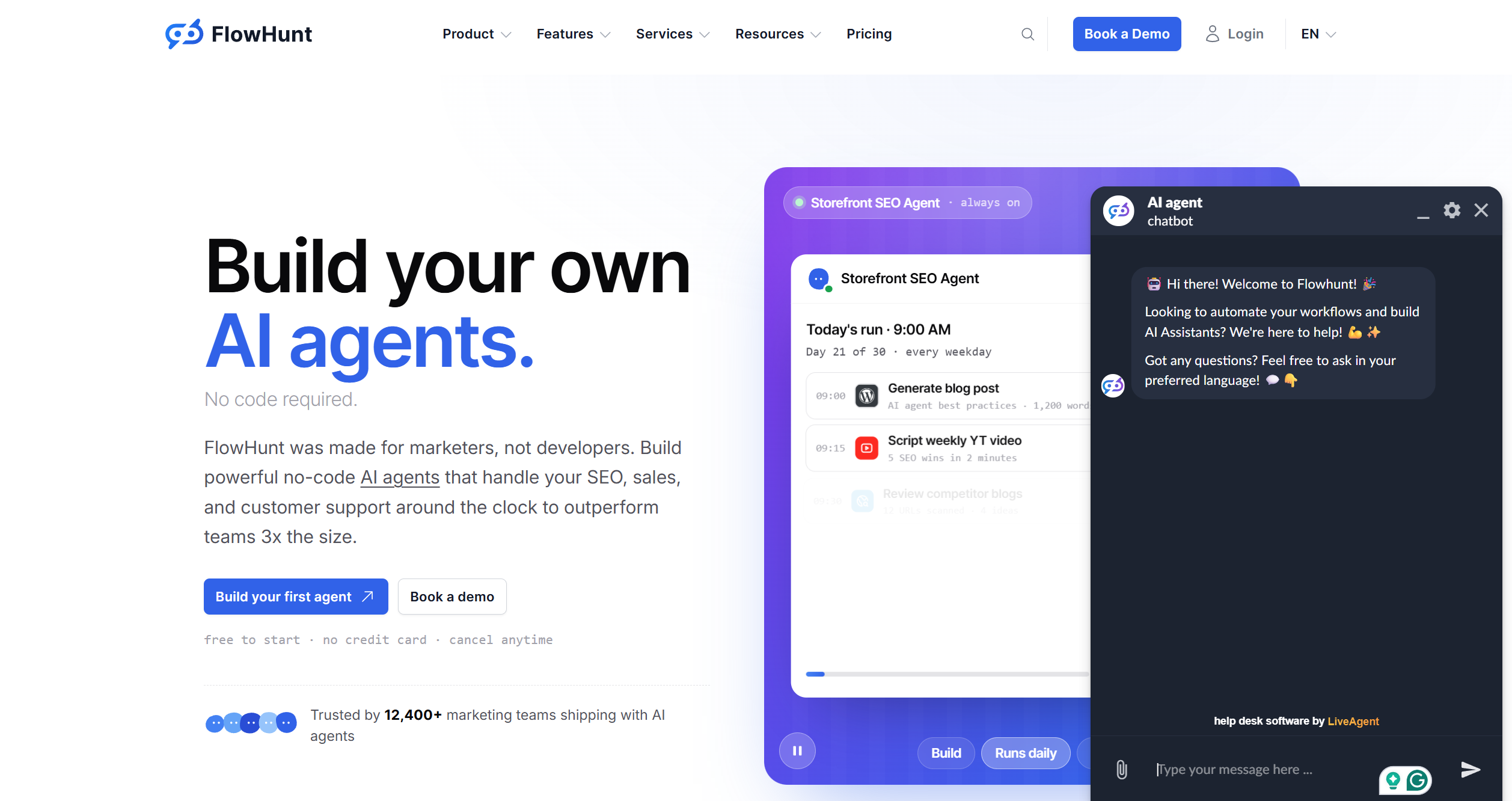
4. Configure human handoff and fallback. This is the step it’s tempting to skip, and the most expensive one to skip. Decide where an escalated conversation should land, then wire it up: FlowHunt’s LiveAgent integration
automatically hands a conversation to a human agent when the AI detects an unanswered question or negative sentiment, and the same pattern extends to Intercom
, Slack
, or whatever else your team runs via the integrations library
. If you’re not ready to wire up a live handoff yet, sharing a support email or ticket link directly in the chat is a legitimate starting point — just treat it as a placeholder to upgrade, not the permanent plan.
5. Test the escalation path specifically. Ask something you know isn’t covered and confirm the handoff actually fires and lands where you expect. This is a different test from step 2 — knowing the bot answers correctly tells you nothing about what happens when it can’t.
6. Connect additional sources. Once the core FAQ tier is tested and escalation works, expand with secondary documentation, product guides, policy pages, or a Schedules-based crawl
for content that updates on its own. Re-test after each meaningful addition instead of bulk-loading everything at once.
7. Deploy, then monitor what gets escalated. Go live on your website or support portal. What escalates afterward is a direct map of what your knowledge base is still missing — treat it as a prioritized to-do list, not just a log.
For a broader look at the build-vs-buy landscape beyond this one workflow, see building custom AI chatbots for support teams
. Shipping the first version doesn’t end the process, either — the teams reaching McKinsey’s top-quartile results treat the knowledge base as something they update weekly, not something they set up once and leave alone.
Conclusion
The repetitive tier of support tickets isn’t a staffing problem, it’s a routing problem. The same 20 questions don’t need a bigger team answering them faster; they need to stop reaching a human in the first place. A knowledge-grounded chatbot, rolled out in small, tested steps rather than one big deployment, does exactly that: it absorbs the repetitive volume, escalates honestly to a real channel when it can’t help, and gets more accurate every time you add to what it’s connected to. Whether you look at the math through cost per ticket, agent turnover, or the hours it frees up for the tickets that actually need a human’s judgment, it points the same direction.
A knowledge-base chatbot can go live the same day. After you connect it to your documents, configuring the prompt and welcome message, and deploy it, the widget doesn't require any additional development work. [McKinsey's research on high-performing AI support deployments](https://thestacc.com/blog/ai-customer-service-cost-savings/) found the top-quartile teams treat it as an ongoing practice rather than a one-time project, layering in weekly knowledge base updates and dedicated ownership after that first deployment.
[Salesforce's State of Service report](https://www.salesforce.com/news/stories/state-of-service-report-announcement-2025/) found AI already resolves 30% of service cases industry-wide, with a projected rise to 50% by 2027. At the same time, [IBM's 2025 Cost of a Customer Service Interaction report](https://thestacc.com/blog/ai-customer-service-cost-savings/) (412 enterprises) found companies deploying AI for tier-1 support cut support costs by 30% on average, driven by deflected tickets rather than headcount cuts. Treat any single fixed percentage with skepticism, as actual deflection depends heavily on how much of your ticket volume is genuinely repetitive and how complete your knowledge base is.
Generally fine, as long as the bot is upfront about it and actually answers correctly. Most customers are already used to chatbots handling routine questions like the ones in this article. Trying to disguise the bot as a human is the bigger reputational risk if customers figure it out on their own. It also helps that being transparent works in your favor when something does go wrong, as studies fing customers forgive a disclosed chatbot's mistake more readily than a human agent's.
Design the escalation path deliberately rather than leaving it implicit. A well-built prompt is instructed to recognize when a question falls outside the connected knowledge base and hand off to a human agent rather than guess. The fallback should be the default behavior, not something bolted on after a bad answer ships to a customer.
Likely positive, and there's a real cost angle behind it. [Contact center turnover data reported by Insignia Resources](https://www.givainc.com/blog/call-center-turnover/) puts annual turnover at 40-45%, with roughly $10,000-$20,000 to replace one agent once everything is accounted for. And the monotonous ticket work is a consistently cited driver of that turnover. Yet, removing the repetitive tasks doesn't have to mean headcount reduction. [IBM's research](https://thestacc.com/blog/ai-customer-service-cost-savings/) specifically found cost savings came from deflected ticket volume, not from cutting agents.
Maria is a copywriter at FlowHunt. A language nerd active in literary communities, she's fully aware that AI is transforming the way we write. Rather than resisting, she seeks to help define the perfect balance between AI workflows and the irreplaceable value of human creativity.
Maria Stasová
Copywriter & Content Strategist
Stop Answering the Same Ticket for the Thousandth Time
FlowHunt's Customer Service Chatbot connects to your existing documentation and handles the repetitive tier of support automatically, at a flat monthly rate, so your team can focus on the tickets that actually need a human.
5 Customer Service Scenarios Where AI Chatbots Outperform Human Agents
Five specific customer service scenarios, from repetitive FAQs to after-hours coverage, where AI chatbot customer service use cases consistently beat human agen...
AI-Powered 24/7 Customer Service: Transforming Support Ticket Resolution
Discover how AI chatbots, intelligent routing, and automated resolution systems enable businesses to provide round-the-clock customer support while reducing cos...
How to Build a Customer Service Chatbot from Your Existing Knowledge Base
Learn how to use an AI customer service chatbot builder to turn your FAQs, help docs, and product guides into a 24/7 support bot. Simply connect, configure, tes...
8 min read
AI
Chatbot
+5
Cookie Consent We use cookies to enhance your browsing experience and analyze our traffic. See our privacy policy.