


MSSQL MCP Server
The MSSQL MCP Server connects AI assistants with Microsoft SQL Server databases, enabling advanced data operations, business intelligence, and workflow automati...
5 min read
AI
Database
+4
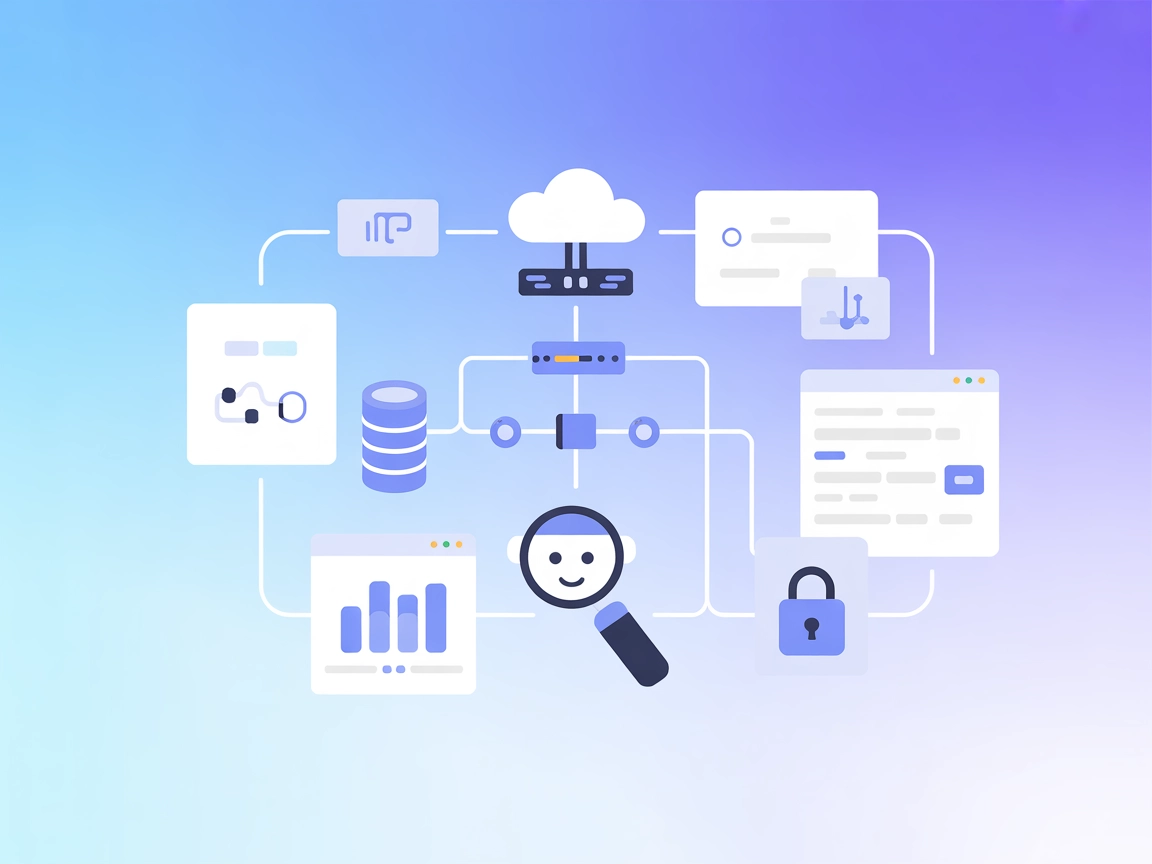
Connect your AI agents to Axiom for real-time data querying and automated analytics. The Axiom MCP Server bridges FlowHunt with powerful data-driven insights, enabling interactive and informed AI conversations.
The Axiom MCP (Model Context Protocol) Server is an implementation that allows AI assistants to interface directly with the Axiom data platform using the Model Context Protocol. It enables AI agents to execute Axiom Processing Language (APL) queries and list available datasets, effectively bridging conversational AI with real-time data analytics. This integration helps developers and AI systems enhance their workflows by making it possible to directly query structured data, retrieve analytics, and automate insights from Axiom datasets within AI-driven environments. With the Axiom MCP Server, tasks like database querying and data exploration become accessible to AI clients, leading to more informed and context-aware AI interactions.
No support for MCP prompts is currently available in this server.

Start your free trial today and see results within days.
No support for MCP resources is currently available in this server.
Get latest tips, trends, and deals for free.
go install github.com/axiomhq/axiom-mcp@latest).config.txt) with your Axiom credentials.mcpServers object:{
"axiom": {
"command": "/path/to/your/axiom-mcp-binary",
"args": ["--config", "/path/to/your/config.txt"],
"env": {
"AXIOM_TOKEN": "xaat-your-token",
"AXIOM_URL": "https://api.axiom.co",
"AXIOM_ORG_ID": "your-org-id"
}
}
}
config.txt) with your Axiom API token and other parameters.~/Library/Application Support/Claude/claude_desktop_config.json.{
"mcpServers": {
"axiom": {
"command": "/path/to/your/axiom-mcp-binary",
"args": ["--config", "/path/to/your/config.txt"],
"env": {
"AXIOM_TOKEN": "xaat-your-token",
"AXIOM_URL": "https://api.axiom.co",
"AXIOM_ORG_ID": "your-org-id"
}
}
}
}
{
  "mcpServers": {
    "axiom": {
      "command": "/path/to/your/axiom-mcp-binary",
      "args": ["--config", "/path/to/your/config.txt"],
      "env": {
        "AXIOM_TOKEN": "xaat-your-token",
        "AXIOM_URL": "https://api.axiom.co",
        "AXIOM_ORG_ID": "your-org-id"
      }
    }
  }
}
config.txt with the necessary settings.{
"mcpServers": {
"axiom": {
"command": "/path/to/your/axiom-mcp-binary",
"args": ["--config", "/path/to/your/config.txt"],
"env": {
  "AXIOM_TOKEN": "xaat-your-token",
  "AXIOM_URL": "https://api.axiom.co",
  "AXIOM_ORG_ID": "your-org-id"
}
}
}
}
Securing API Keys
Always store sensitive information such as API keys in environment variables, not directly in configuration files. Example:
"env": {
"AXIOM_TOKEN": "xaat-your-token",
"AXIOM_URL": "https://api.axiom.co",
"AXIOM_ORG_ID": "your-org-id"
}
Using MCP in FlowHunt
To integrate MCP servers into your FlowHunt workflow, start by adding the MCP component to your flow and connecting it to your AI agent:

Click on the MCP component to open the configuration panel. In the system MCP configuration section, insert your MCP server details using this JSON format:
{
  "axiom": {
    "transport": "streamable_http",
    "url": "https://yourmcpserver.example/pathtothemcp/url"
  }
}
Once configured, the AI agent is now able to use this MCP as a tool with access to all its functions and capabilities. Remember to change “axiom” to whatever the actual name of your MCP server is and replace the URL with your own MCP server URL.
| Section | Availability | Details/Notes |
|---|---|---|
| Overview | ✅ | Overview and functionality explained |
| List of Prompts | ⛔ | No prompt support |
| List of Resources | ⛔ | No resource support |
| List of Tools | ✅ | queryApl, listDatasets |
| Securing API Keys | ✅ | Via env variables in config |
| Sampling Support (less important in evaluation) | ⛔ | Not mentioned |
Roots support not mentioned
Between the two tables, I would rate this MCP as a 5/10. It provides essential tools and clear setup instructions, but lacks advanced MCP features like resources, prompts, and sampling support, which limits its extensibility and integration depth.
| Has a LICENSE | ✅ (MIT) |
|---|---|
| Has at least one tool | ✅ |
| Number of Forks | 8 |
| Number of Stars | 49 |
Empower your AI agents with direct access to Axiom datasets and real-time analytics. Try the Axiom MCP Server on FlowHunt today.
The MSSQL MCP Server connects AI assistants with Microsoft SQL Server databases, enabling advanced data operations, business intelligence, and workflow automati...

The Azure Data Explorer (ADX) MCP Server enables AI assistants and agents to connect seamlessly with Azure Data Explorer clusters, execute KQL queries, explore ...
The MySQL MCP Server provides a secure bridge between AI assistants and MySQL databases. It enables structured database exploration, querying, and data analysis...
Cookie Consent
We use cookies to enhance your browsing experience and analyze our traffic. See our privacy policy.