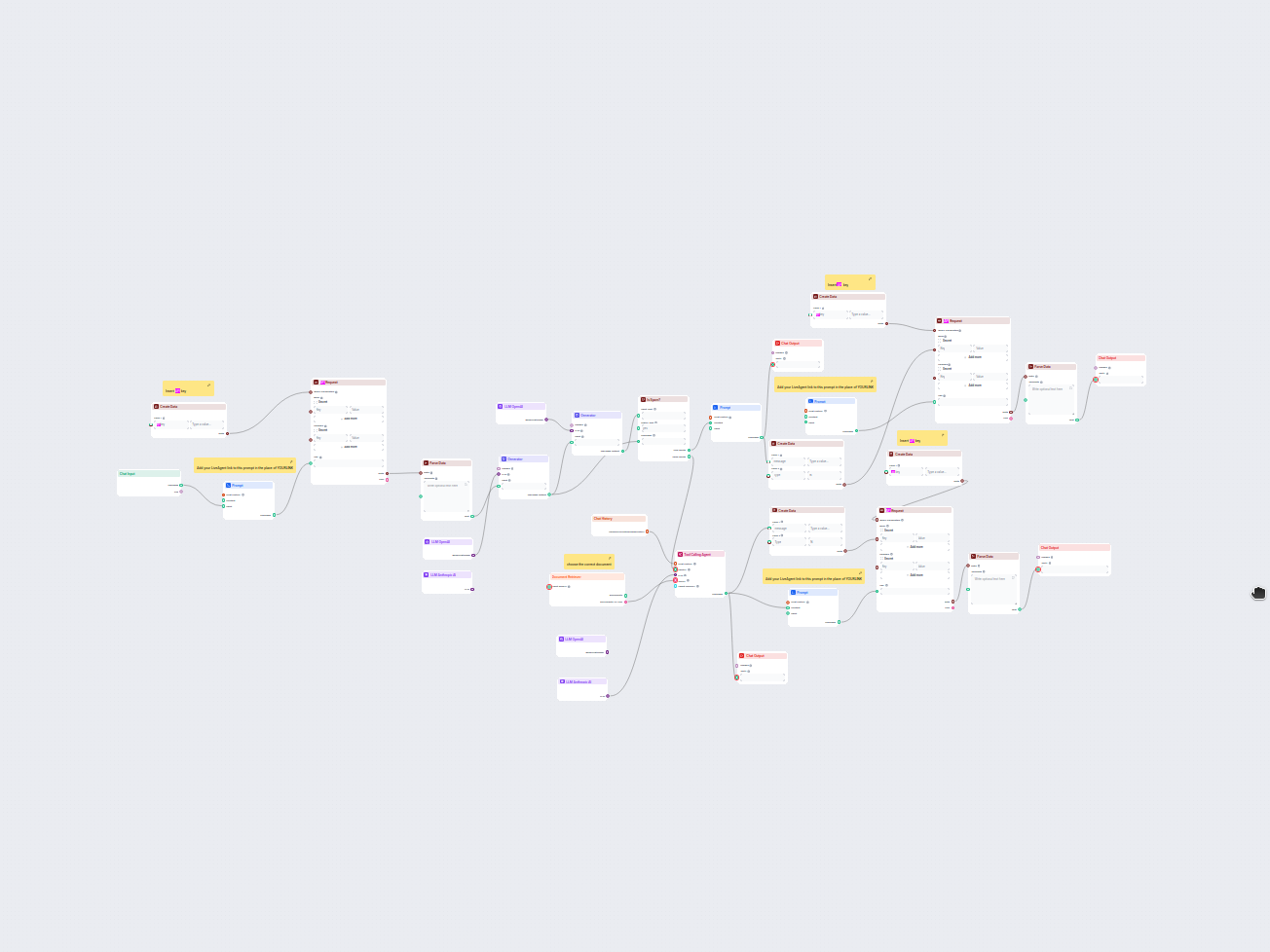
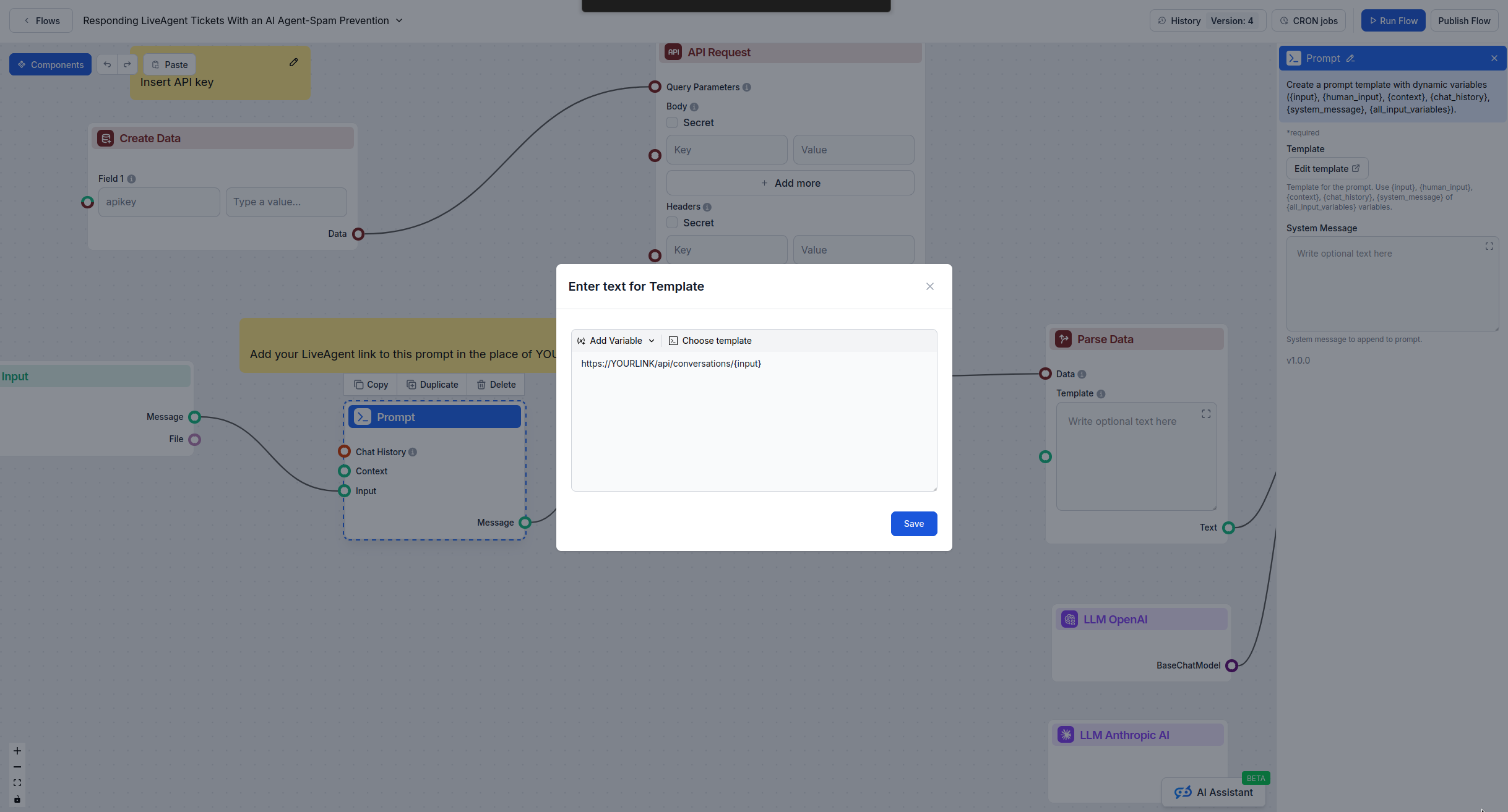
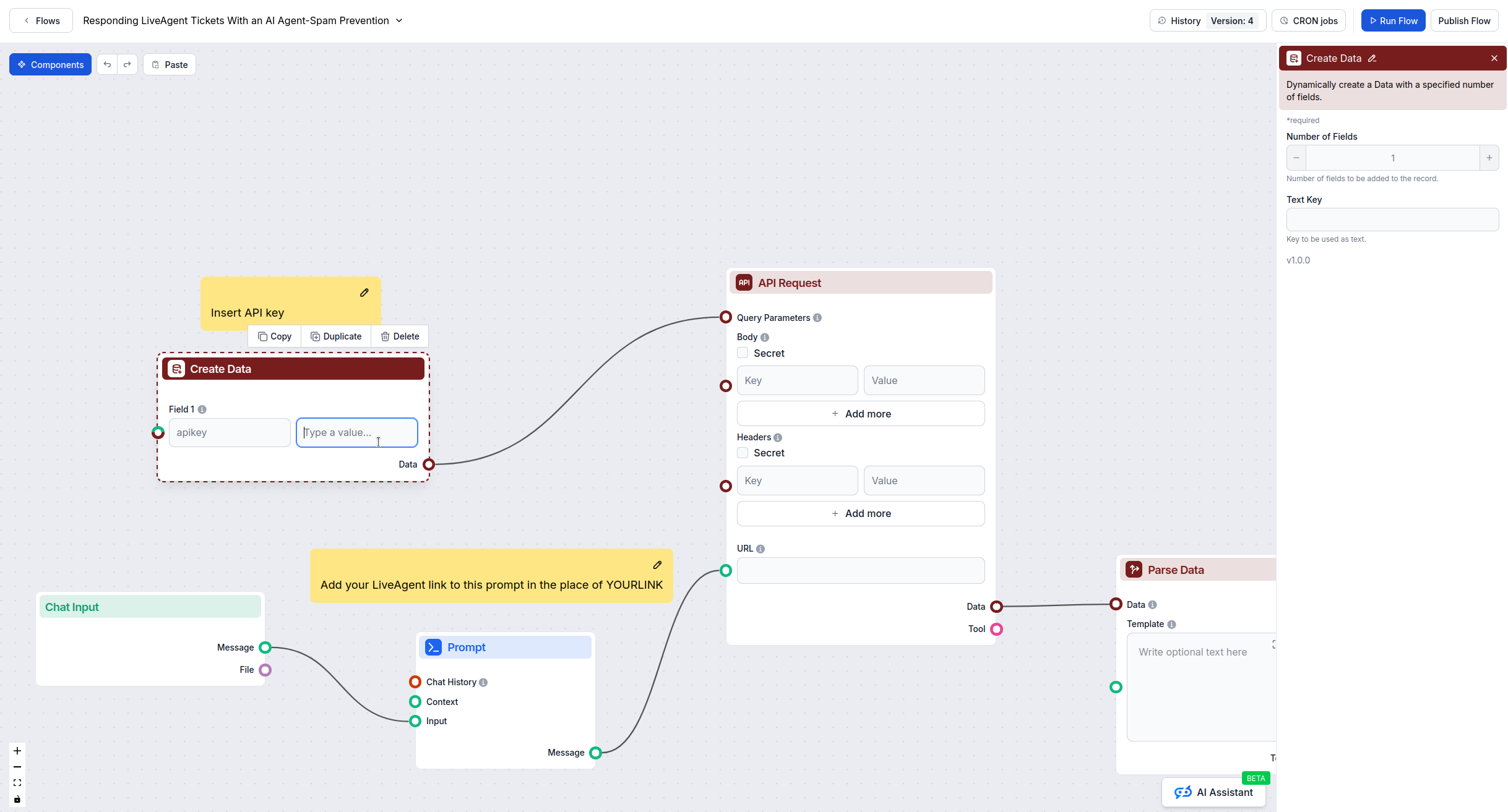
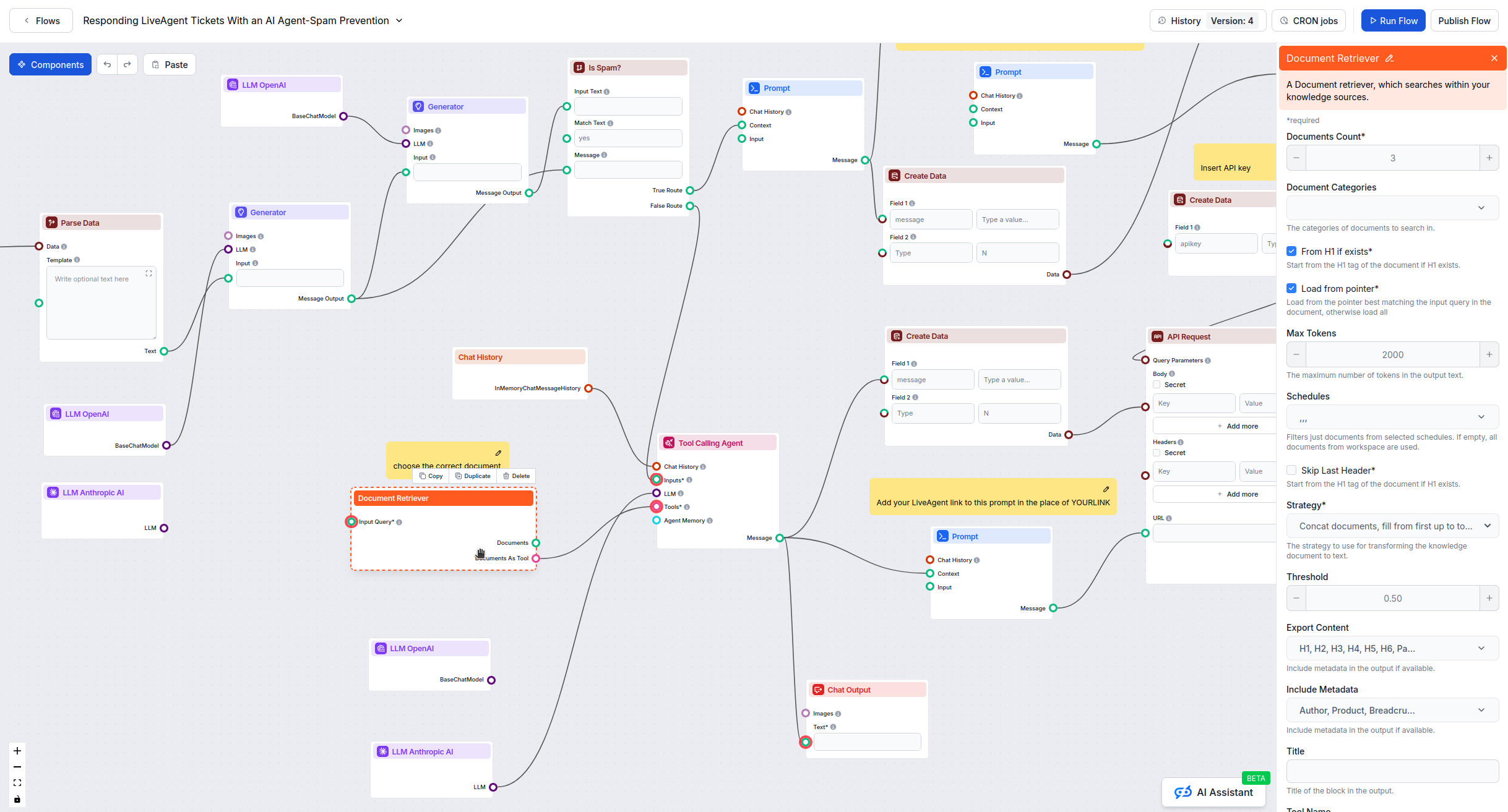
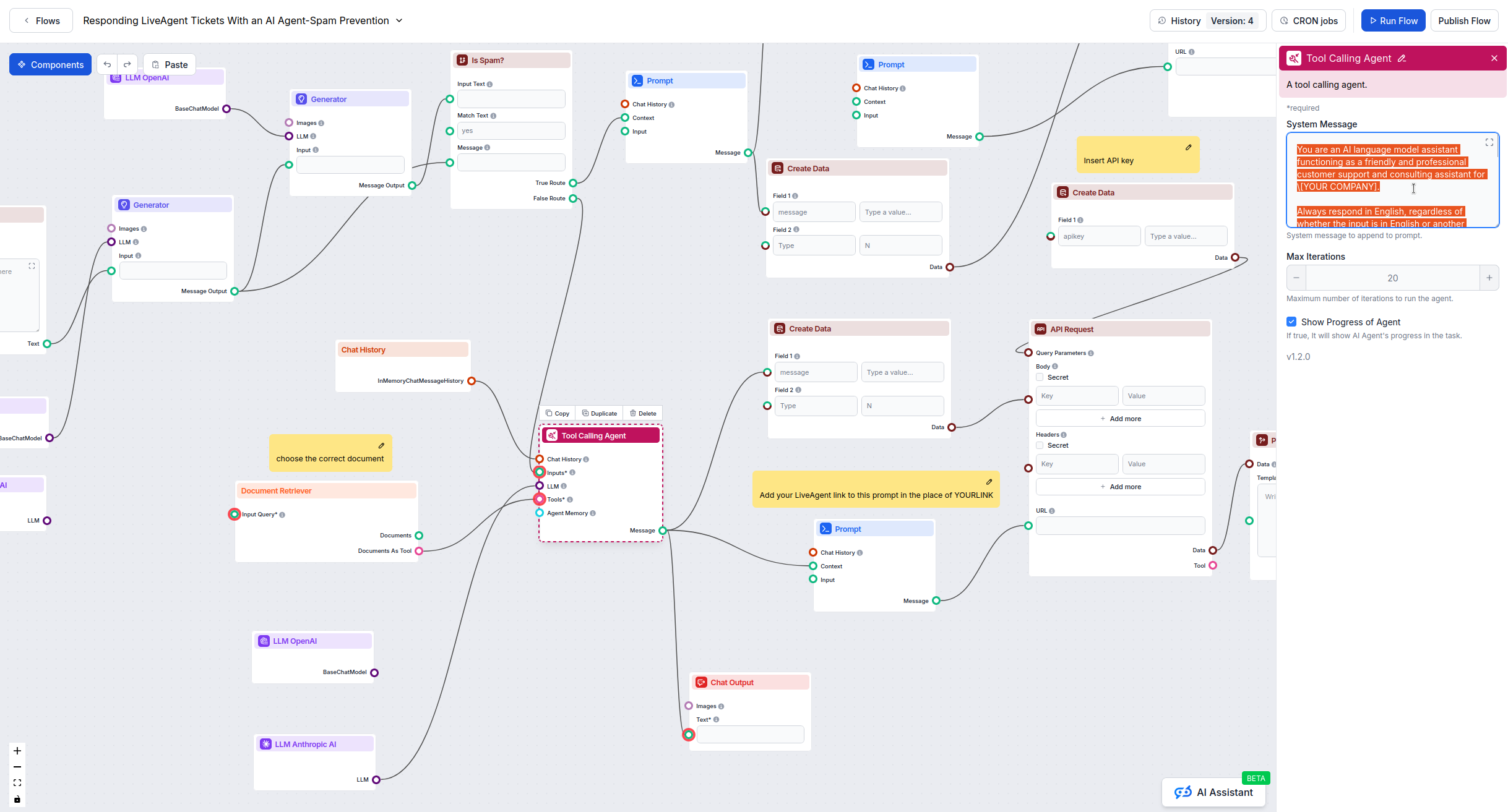
The Email & Chat Automation Flow comes pre-built with the core logic and structure already configured. However, to make it work for your specific business, you need to customize several key components: API credentials, URLs, knowledge base connections, and response policies. This guide walks you through exactly what needs to be changed and where to find each setting.
Required Changes Checklist
Before you start, gather these items:
✅ LiveAgent API key and workspace URL (if integrating)
✅ Your knowledge base documents uploaded to FlowHunt
✅ Your brand voice and support policy guidelines
Ready to grow your business?
Start your free trial today and see results within days.
By completing these configuration steps, your email and chat automation flow will be customized for your business and ready to handle customer interactions automatically.
Frequently asked questions
You need your OpenAI API key, Anthropic API key, LiveAgent API credentials (if using), your LiveAgent workspace URL, and access to your knowledge base documents in FlowHunt.
Look for 'YOURLINK' in API Request nodes, placeholder API keys in headers sections, and default system messages in the Tool Calling Agent. These all need to be customized for your setup.
Yes, both components require configuration. The spam detection needs API setup (if using LiveAgent) and model credentials, while the AI agent needs your knowledge base connected and system message customized.
Yes, you can remove or disable the LiveAgent API Request nodes if you're not using LiveAgent. The spam detection and AI agent will still function for direct chat interactions.
How to Automate Ticket Answering in LiveAgent with FlowHunt
Learn how to integrate FlowHunt AI flows with LiveAgent to automatically respond to customer tickets using intelligent automation rules and API integration.
Advanced FlowHunt–LiveAgent Integration: Language Control, Spam Filtering, API Selection, and Automation Best Practices
A technical guide to mastering advanced FlowHunt integration with LiveAgent, covering language targeting, markdown suppression, spam filtering, API versioning, ...
Building an Automatic AI Ticket Responder with Spam Detection
Learn how to build a fully automated customer support system with AI-powered ticket responses and intelligent spam detection using FlowHunt and LiveAgent integr...